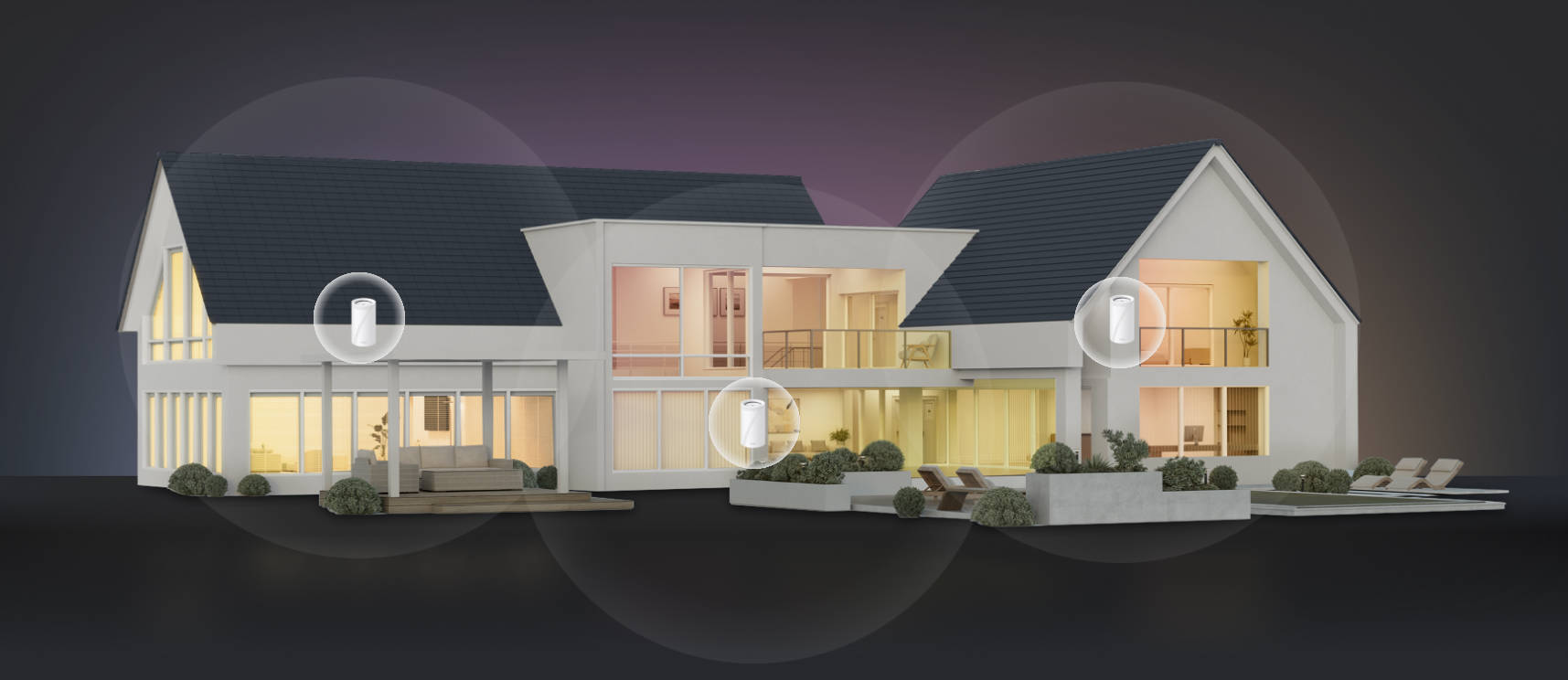
What Is a Dual-Band Router? (And Do You Need One?)
A dual-band router broadcasts two separate Wi-Fi signals at the same time, one on the 2.4 GHz band and one on the 5 GHz band. Each frequency behaves differently, which means your devices can connect to whichever band suits them best. Your home network becomes less congested and more reliable, especially as your number of connected devices grows.
If you've ever noticed your Wi-Fi slowing down when everyone in the house is online, a dual-band router is part of the answer.
Key Takeaways
- A dual-band router broadcasts two Wi-Fi signals at the same time: one on 2.4 GHz and one on 5 GHz. Each frequency behaves differently, and having both means your devices can connect to the band they’re best suited for.
- The 2.4 GHz band covers a longer range and passes through walls better, but it's slower and more prone to interference. It's the right fit for smart home devices, older hardware, and anything far from your router.
- The 5 GHz band delivers faster speeds with less interference, but its range is shorter. It's best for laptops, smart TVs, gaming consoles, and anything close to the router that needs a fast, reliable connection.
- Dual-band is the standard for home networking today across Wi-Fi 5, Wi-Fi 6, and Wi-Fi 7. It's not a premium feature. It's the baseline you should expect from any modern router.
- Most households benefit from dual-band. Spreading devices across two frequencies reduces congestion and makes the whole network more consistent, especially as your device count grows.
- For higher demand, tri-band adds a dedicated 6GHz band. If you have a high device count or heavy simultaneous use, a tri-band router is worth looking into.
What Is a Dual-Band Router
Think of frequency like a radio station. Just as different stations broadcast on different frequencies without interfering with each other, a dual-band router broadcasts two signals that your devices can tune into independently. Each band has its own strengths, and the two work together to provide your entire home with better coverage and less congestion.
Most modern routers are dual-band. It's the baseline standard, not a premium add-on.
Single Band vs. Dual Band
A single-band router broadcasts on only one frequency, typically 2.4 GHz. That means every device in your home (your laptop, your phone, your smart TV, and your smart plugs) all compete for the same signal at the same time.
As you add more devices, that shared signal gets more crowded. You've probably felt it: Wi-Fi slows to a crawl when a few people are online at once, or streaming starts to buffer at peak hours.
Dual-band routing is the natural solution to this problem, and it's now the standard across home routers. Having two separate bands means devices can be spread across both frequencies, reducing congestion and keeping your network running smoothly.
The Two Bands Explained: 2.4 GHz vs. 5 GHz
These two bands aren't interchangeable. Each one has a distinct strength and a real trade-off. Understanding both helps you get the most out of a dual-band router.
The 2.4 GHz Band
The 2.4 GHz band has a longer range and travels through walls and floors more effectively than the 5 GHz band. It’s best for smart home devices, older devices, and anything located far from your router. Things like sensors in the garage, smart plugs in the bedroom, or a thermostat on another floor all connect reliably on this band. Older Wi-Fi devices that don't support 5 GHz also default to 2.4 GHz.
The trade-off is speed and interference. The 2.4 GHz band is slower than 5 GHz, and because it's been around for decades, it's a crowded frequency. Neighboring Wi-Fi networks, Bluetooth devices, and even some microwaves all compete on 2.4 GHz. If too many devices pile onto this band, it can get congested quickly.
The 5 GHz Band
The 5 GHz band is significantly faster and less congested than the 2.4 GHz band. It has more available channels, which means less interference from neighboring networks and devices. It’s best for laptops, smartphones, smart TVs, streaming 4K video, video calls, gaming consoles, and anything close to the router that needs fast, reliable speeds.
The trade-off is range. The 5 GHz signal doesn't travel as far as the 2.4 GHz signal, and it struggles more with walls and other physical obstacles. A device on the other side of the house may get a weak or unreliable 5 GHz connection, which is where 2.4 GHz's range advantage matters.
Comparison Table: 2.4 GHz vs. 5 GHz
|
Feature |
2.4 GHz |
5 GHz |
|
Range |
Longer |
Shorter |
|
Speed |
Slower |
Faster |
|
Interference |
Higher (more crowded) |
Lower (less crowded) |
|
Wall penetration |
Better |
Weaker |
|
Best-fit devices |
Smart home devices, older devices, far-away devices |
Laptops, TVs, gaming consoles, phones near the router |
What Dual Band Means for Your Home Network
Dual band is built into nearly every modern router across Wi-Fi 5, Wi-Fi 6, and Wi-Fi 7. Most routers sold in the past several years broadcast on both 2.4 GHz and 5 GHz simultaneously. Understanding what that means for your setup helps you get more out of it.
How the Two Bands Work Together
In a dual-band setup, your router broadcasts both signals at the same time. Each device in your home connects to whichever band serves it best. This can happen manually (you choose which network name to connect to) or automatically, using a band-steering feature that many modern routers include.
With band steering, your router automatically assigns each device to the most appropriate band based on its location and activity. You see a single network name in your device's Wi-Fi list, and the router handles the rest in the background. It's a convenient option for households that don't want to manage two separate network names.
Having both bands available means less competition for the signal. Devices that need fast speeds, like laptops and smart TVs, connect to 5 GHz for faster, more reliable performance. Smart home devices and anything in a far corner of the house stay reliably connected on the longer-range band. The whole network runs more smoothly as a result.
Putting It Into Practice
Here's how a typical household might spread devices across the two bands:
- A laptop streaming video in the living room connects to 5 GHz for fast, stable performance.
- A gaming console in the same room also connects to 5 GHz for a more responsive connection.
- A smart bulb in the bedroom connects to 2.4 GHz, because it only needs a basic, reliable connection.
- A phone on a video call near the router connects to 5 GHz. The same phone in a back bedroom may shift to 2.4 GHz to maintain a stable connection.
- Smart plugs and sensors throughout the house stay on 2.4 GHz, where they connect reliably from anywhere.
With a single-band router, all of these devices would compete for the same signal. Dual-band separation reduces congestion and makes the network feel faster and more consistent for everyone.
Dual Band and the Bigger Picture: Wi-Fi Standards Today
Dual band isn't tied to a single Wi-Fi generation. It spans Wi-Fi 5, Wi-Fi 6, and Wi-Fi 7. What changes with each generation is how efficiently the router manages traffic on those bands. Dual band covers most households comfortably and costs less. If you have a high device count or heavy simultaneous use, tri-band's additional 6GHz band is worth the investment.
Wi-Fi 6 (802.11ax) made a meaningful improvement here by introducing Orthogonal Frequency Division Multiple Access, or OFDMA. In plain language, OFDMA lets a router send data to multiple devices on the same band at the same time, rather than serving them one at a time. This made dual-band routers significantly better at handling many connected devices without slowing down.
Wi-Fi 7 takes this further by introducing tri-band as the new high-end standard. A tri-band router adds a third band (a second 5 GHz or a 6 GHz band) alongside the two standard dual-band frequencies. This creates even more capacity for very large homes or households with many high-demand devices all running at once.
For most homes, a dual-band router running Wi-Fi 6 or Wi-Fi 7 handles everyday streaming, gaming, video calls, and smart home devices without congestion, and at a lower price point than tri-band hardware. Tri-band is worth considering if you have a high device count or multiple people gaming, streaming, or video conferencing simultaneously. The additional 6GHz band creates extra capacity, but if your usage is moderate, dual band covers it without the added cost. If coverage is the bigger issue, a mesh Wi-Fi system may be worth exploring instead.
TP-Link Routers: Dual Band and Tri-Band Options
TP-Link offers dual-band routers across Wi-Fi 5, Wi-Fi 6, and Wi-Fi 7, with options designed for homes of every size and budget. If you're on older hardware and noticing slowdowns when everyone is online at once, a Wi-Fi 6 dual-band router is a practical upgrade; it handles more devices simultaneously and manages congestion more efficiently than Wi-Fi 5.
For households with higher demands, Wi-Fi 7 takes that further with faster speeds, more efficient use of both bands, and greater capacity for high device counts. And if coverage is the bigger issue rather than speed, a Deco mesh system extends dual-band performance across every room instead of relying on a single access point.
Archer BE230: Dual-Band Wi-Fi 7
The Archer BE230 is a strong choice for households that want Wi-Fi 7 performance without overbuilding for their needs. It delivers up to 3.6 Gbps across two bands, which is more than enough for 4K streaming, video calls, and gaming running simultaneously. Multi-Link Operation keeps latency low and connections stable even when multiple devices are active at once.
Two 2.5G ports mean the router won't bottleneck faster wired connections, and a USB 3.0 port lets you share files or set up personal cloud storage across your network. Setup is handled through the Tether app in a few straightforward steps, and it's EasyMesh-compatible if you want to extend coverage to other rooms later.
Archer BE600: Tri-Band Wi-Fi 7
The Archer BE600 is built for households where demand is consistently high. It adds a dedicated 6GHz band to the standard 2.4GHz and 5GHz setup, delivering up to 9.7 Gbps of combined tri-band speed. That third band creates meaningful extra capacity, so heavy use cases like simultaneous 4K and 8K streaming, competitive gaming, and video conferencing don't compete for the same bandwidth.
A 10 Gbps wired port supports multi-gigabit Internet connections, and six high-performance antennas with Beamforming concentrate signals toward devices rather than broadcasting evenly in all directions. Like the BE230, it's EasyMesh-compatible, so it can serve as the foundation of a whole-home mesh system if coverage becomes a priority.
Explore TP-Link's Wi-Fi 7 lineup to compare both models and find the right fit for your home.
Understanding Dual Band Is the First Step
A dual-band router gives your home network two frequencies to work with: 2.4 GHz for range and compatibility, and 5 GHz for speed. Devices spread across both bands instead of competing for one signal, which reduces congestion and makes the whole network more reliable.
Dual band is the standard in home networking today, across every Wi-Fi generation from Wi-Fi 5 through Wi-Fi 7. And as more devices find their way into your home, that built-in flexibility matters more than ever.
Wi-Fi technology continues to evolve, with Wi-Fi 7 now widely available and Wi-Fi 8 on the horizon, each generation building on the dual-band foundation. For now, a solid dual-band router running the latest Wi-Fi standard is the practical choice for most households.
When you're ready to find the right fit, learn how to improve your home Wi-Fi or browse TP-Link's Wi-Fi router lineup to get started.
Frequently Asked Questions
What is the difference between 2.4 GHz and 5 GHz Wi-Fi?
The 2.4 GHz band has a longer range and passes through walls more easily, but it's slower and more prone to interference from other devices and networks. The 5 GHz band offers faster speeds and less congestion, but it has a shorter range and is more affected by physical obstacles. Most modern routers broadcast both simultaneously, so your devices can connect to whichever suits them best.
Is a dual-band router better than a single-band router?
For most homes, yes. Single-band routers put all your devices on one frequency, while dual-band Wi-Fi gives you two to spread devices across, reducing interference and improving performance throughout the household. Dual-band is the standard for home networking today.
Which devices should connect to 2.4 GHz vs. 5 GHz?
Devices that need reliable range but don't demand high speeds (like smart plugs, sensors, and smart bulbs) connect well on 2.4 GHz. Devices that need speed and are located near the router (like laptops, smart TVs, and gaming consoles) perform better on 5 GHz. Many modern routers can handle this automatically, assigning each device to the right band without any manual setup.
What is the difference between a dual-band and tri-band router?
A dual-band router broadcasts on two frequencies: 2.4 GHz and 5 GHz. A tri-band router adds a third band, typically a second 5 GHz channel or a 6 GHz band, which creates more capacity for larger homes and higher device counts. Tri-band is becoming more common with Wi-Fi 6E and Wi-Fi 7, and it's worth considering if you have many high-demand devices running simultaneously.
Do I need a dual-band router for my home?
Most homes benefit from a dual-band router. If you have more than a handful of connected devices, or if you've noticed slowdowns when multiple people are online at once, dual-band helps by spreading devices across two frequencies instead of one. If your home is large or your device count is very high, a tri-band router or a mesh Wi-Fi system may be worth exploring as well.