6 Ways to Extend Your Wi-Fi Range to Every Room, Floor, and Structure
A Wi-Fi range extender, a mesh system, a powerline adapter, a second router, an outdoor unit, or a wireless bridge can each extend your Wi-Fi range, depending on the space you need to cover.
Before picking one, it helps to know which problem you actually have. If a room your router already covers has spotty or inconsistent signal, that's usually a dead zone, caused by placement, interference, or channel congestion. If a space gets no signal at all, no matter what you try, it's outside your router's current reach.
That second scenario is the one this guide covers: expanding your Wi-Fi coverage into a space your network doesn't reach at all, like a finished basement, a converted garage, an added unit, or a backyard.
Matching the right fix to that specific space is what solves the problem. Here's how to extend your Wi-Fi range for six common scenarios, from one nearby room to a separate building.
Key Takeaways
- A Wi-Fi range extender covers one nearby room. It's the simplest fix for a space just outside your router's reach, like a home office.
- Mesh systems cover whole homes with multiple floors or rooms. Several nodes work together under a single network name rather than a single router handling all the work.
- Powerline adapters send your network through electrical wiring. This helps in finished basements or rooms where thick walls block a wireless signal.
- A second router in access point mode uses an existing Ethernet run. A wired connection doesn't lose strength over distance the way Wi-Fi does.
- Outdoor units and wireless bridges reach backyards and separate buildings. The right choice depends on whether the space is nearby or too far for standard equipment.
Quick Wins Before You Add New Hardware
A few adjustments can help your current router perform closer to its full potential. These steps won't extend coverage into a new or separate space, but they're worth ruling out first.
- Move the router to a central location in your home.
- Elevate it off the floor.
- Adjust the antenna angle.
- Reduce interference from other electronics nearby.
- Switch to a less congested Wi-Fi channel.
- Update the router's firmware.
6 Ways to Extend Your Wi-Fi Range
Once your current setup is optimized, these six methods extend coverage into a new or changed space. A range extender or mesh system might be all you need indoors, while a powerline adapter, second router, outdoor unit, or wireless bridge can reach spaces standard Wi-Fi can't.
1. Add a Wi-Fi Range Extender
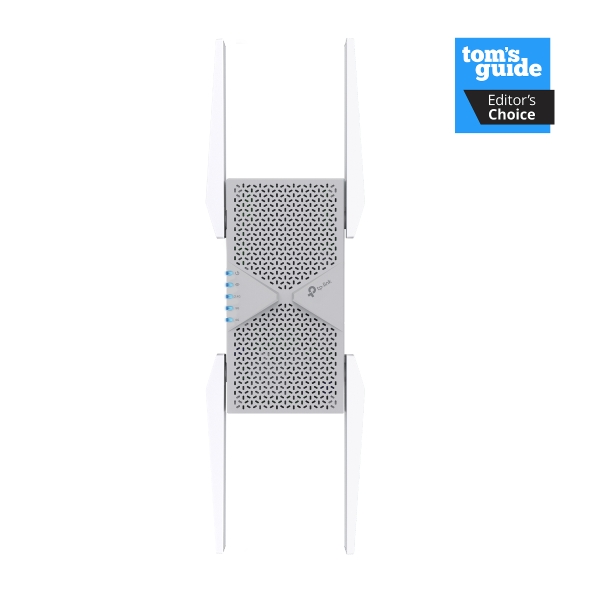
A Wi-Fi range extender picks up your router's existing signal and rebroadcasts it further into your home. It's the right fit for a single room, like a home office that falls just outside your main signal.
Extenders are simple and affordable, but coverage and speed can drop off the farther one sits from the main router. Choose an extender with EasyMesh compatibility, and confirm your router supports it too, so they can share the same network name instead of creating a second Wi-Fi network you have to switch between manually.
Explore TP-Link's Wi-Fi range extenders to find a single-room option.
2. Upgrade to a Mesh System
A mesh system uses multiple nodes that work together under a single network name, rather than a single router covering everything. It's built for a bigger home, multiple floors, or several dead spots at once.
Unlike a single extender, mesh nodes hand off your connection to one another as you move through the house, so your devices stay on the strongest available signal. This makes it the right upgrade for a home that has outgrown its router, like a family moving from an apartment into a two-story house.
Learn more about mesh Wi-Fi and explore TP-Link's Deco mesh systems to find a fit for your home's layout.
3. Use a Powerline Adapter with Wi-Fi
A powerline adapter sends network data through your home's existing electrical wiring. It's a strong option for a finished basement or a room with thick walls, where wireless signal struggles but electrical outlets are already in place.
Look for a powerline kit with a built-in Wi-Fi access point, not just a wired adapter pair. That's the version that extends your wireless network into the new space, rather than adding only a wired Ethernet jack.
Performance is best when both units sit on the same electrical circuit or panel, and older home wiring, surge protectors, and split-phase panels can all reduce speed and reliability.
Browse TP-Link's powerline adapters to see options with built-in Wi-Fi.
4. Connect a Second Router as an Access Point
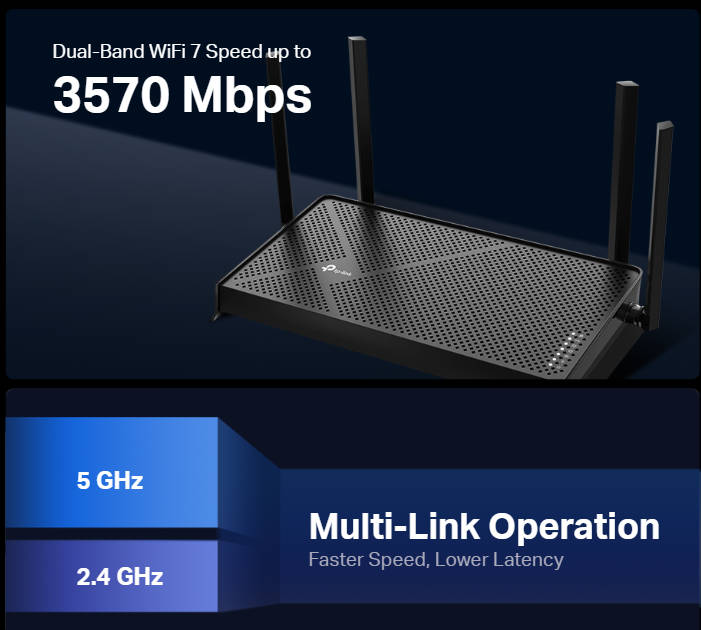
If you're wondering how to extend your Wi-Fi range in your house with another router, this method connects a second router to your main router via an Ethernet cable, then configures it in access point mode instead of relying on a wireless signal. A wired connection isn't affected by walls, floors, or thick construction the way Wi-Fi can be, so it works well for a finished basement or a large property that a wireless signal alone can't reliably cover. For example, if you wired an attic or basement office during a renovation, that Ethernet run is already doing the hard part. All that's left is plugging in a second router and switching it to access point mode.
This method only works if you have an existing Ethernet run, or a practical way to add one. Keep in mind that Ethernet cable can only run so far before signal quality drops, so if the new space is far from your main router, a cable run may not be realistic. If there's no cable path to the new space, a different method on this list will serve you better.
Explore TP-Link's Wi-Fi routers if you need a second unit for your setup.
5. Add an Outdoor Extender or Mesh Node for Backyards and Detached Spaces
A backyard, patio, or detached garage often sits outside the range of standard indoor equipment. Two outdoor options can help.
An outdoor-rated Wi-Fi extender is a standalone device that works with any router, which is useful if you don't already have a mesh system.
An outdoor mesh node typically joins an existing mesh network under one network name, though many outdoor mesh units can also run on their own as a standalone router or access point.
Both options help with general network expansion, not just outdoor spaces. Either device extends coverage anywhere your current network doesn't reach, indoors or out.
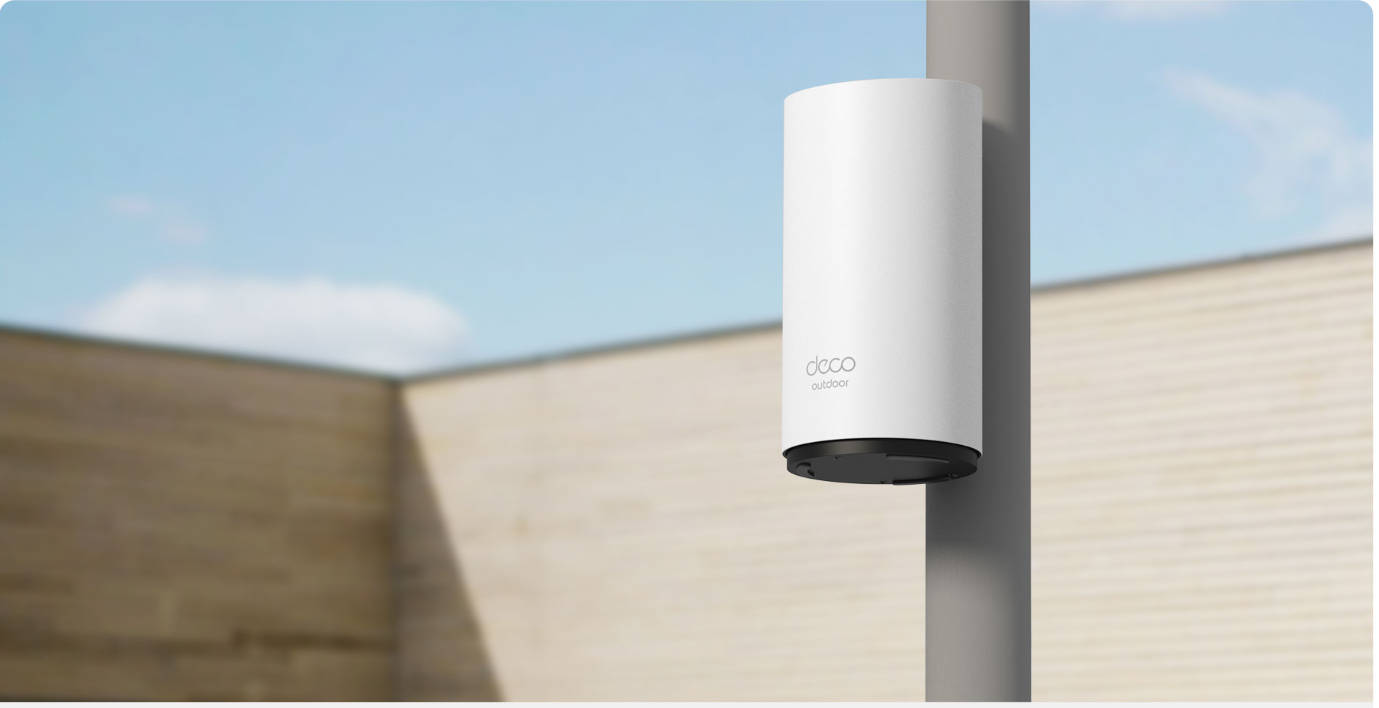
Consider a detached garage that's been converted into a home gym: the workouts moved in, but the Wi-Fi didn't follow. The Deco BE25-Outdoor is designed to close that gap from outside the structure. Its IP65 rating protects it against dust and water, and it mounts on an exterior wall, a pole, or a tabletop, depending on where coverage is needed. It connects to your existing Deco mesh network under one unified network name, so there's no separate Wi-Fi network to manage in the garage, and your phone connects the same way it does inside. It also supports Power over Ethernet, meaning a single cable can carry both power and data, even in outdoor locations without a nearby outlet.
6. Use a Point-to-Point Wireless Bridge for a Separate Building
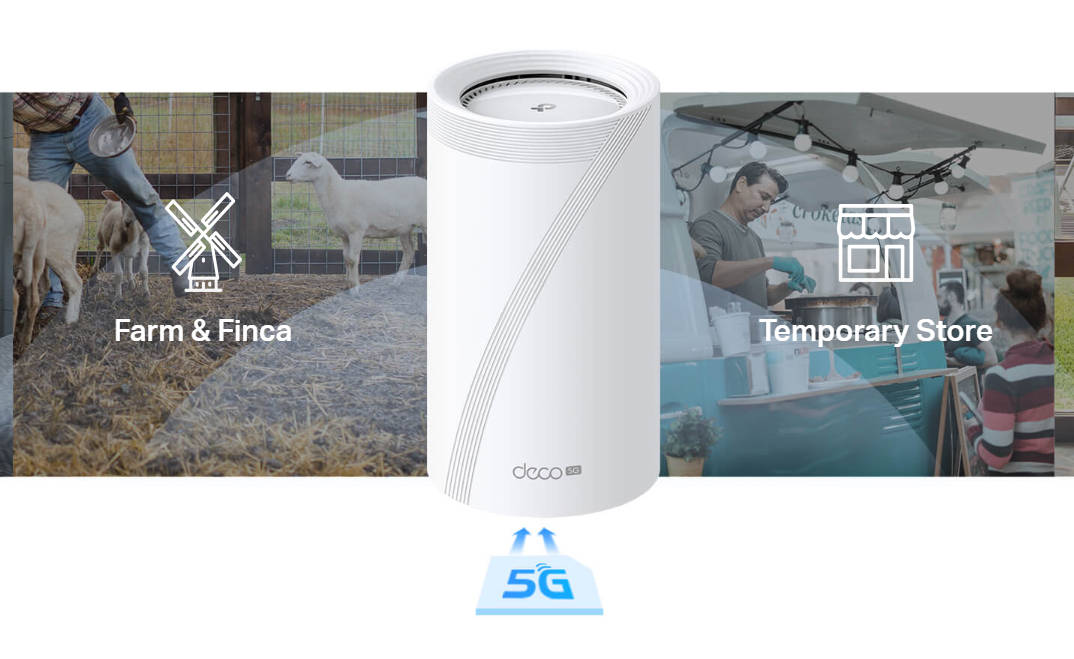
If you need to extend your Wi-Fi range outside to a separate structure, a point-to-point wireless bridge uses two paired units to create a dedicated wireless link between the two, with no cabling required. It's the right fit for a separate building too far for an outdoor mesh unit to reach, like a barn or guest house, especially when running a cable isn't practical.
This differs from mesh, which extends the same network outward node by node. A bridge instead builds one dedicated link designed for longer distances between buildings. It also differs from a powerline adapter, since powerline needs shared electrical wiring between two points, while a bridge only needs a clear wireless line of sight.
Find the Right Fix for Your Space
Extending your Wi-Fi range isn't a one-size-fits-all fix. A finished basement, a detached garage, and a separate guest house each call for a different solution, even though they all start with the same problem: your Wi-Fi works, it just doesn't reach far enough anymore.
Start with the space you're trying to cover, then match it to the method best suited to that scenario. Explore TP-Link’s full network expansion lineup to find the setup that fits your needs.
FAQs
How do I extend my Wi-Fi range without buying new equipment?
Start by moving your router to a central, elevated spot, adjusting its antennas, and switching to a less congested Wi-Fi channel. These steps help your current setup perform closer to its full potential, though they usually won't cover a brand-new or separate space.
What's the best way to extend Wi-Fi to a garage or detached building?
For a garage near the house, an outdoor Wi-Fi extender or an outdoor mesh node usually works well. For a separate building too far away, like a barn or guest house, a point-to-point wireless bridge creates a dedicated link without needing any cabling.
Do I need a range extender or a mesh system?
A range extender is the simpler choice for one nearby room that falls just outside your router's reach. A mesh system makes more sense for a bigger home, multiple floors, or several weak spots at once, since its nodes work together under a single network name.
Can powerline adapters extend Wi-Fi to a different floor?
Yes, as long as a powerline adapter with a built-in Wi-Fi access point is used, and both units are on the same electrical circuit or panel. Older wiring, surge protectors, and split-phase panels can all reduce performance.
_US_1.0_F_normal_20231213092414n.png)