
OneMesh only works between a OneMesh router and OneMesh Wi-Fi Extenders/Powerlines.
The following models including their subsequent versions are compatible with OneMesh.
- CATEGORY
- WiFi Routers
- Range Extenders
- Powerline
WiFi Routers
-

Archer BE3600 Pro
BE3600 Dual-Band Wi-Fi 7 Router
-

Archer BE550
BE9300 Tri-Band Wi-Fi 7 Router
-

Archer BE800
BE19000 Tri-Band Wi-Fi 7 Router
-

Archer BE230
BE3600 Dual-Band Wi-Fi 7 Router
-

Archer AXE5400
AXE5400 Tri-Band 6-Stream Wi-Fi 6E Router
-
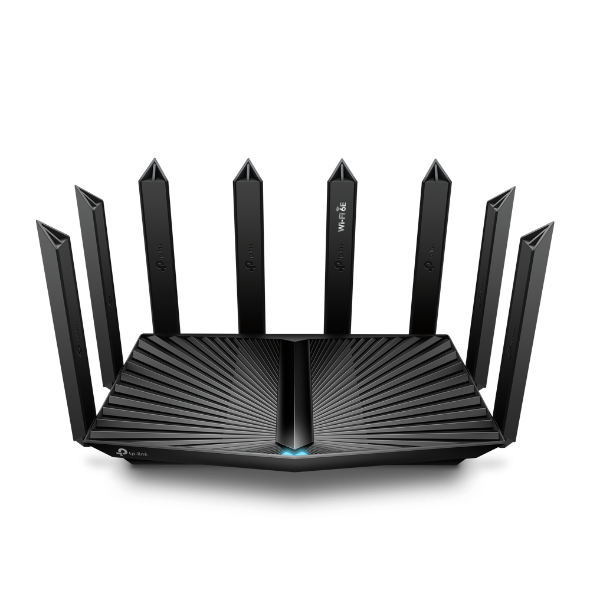
Archer AXE95
AXE7800 Tri-Band Wi-Fi 6E Router
-

Archer AXE300
AXE16000 Quad-Band 16-Stream Wi-Fi 6E Router with Two 10G Ports
-

Archer AXE75
AXE5400 Tri-Band Gigabit Wi-Fi 6E Router
-

Archer AX55
AX3000 Dual Band Gigabit Wi-Fi 6 Router
-

Archer AX11000
AX11000 Next-Gen Tri-Band Gaming Router
-

Archer GX90
AX6600 Tri-Band Wi-Fi 6 Gaming Router
-
Archer AX10000
AX10000 Next-Gen Tri-Band Gaming Router
-

Archer BE900
BE24000 Quad-Band Wi-Fi 7 Router
-

Archer BE3600
BE3600 Dual-Band Wi-Fi 7 Router
-

Archer BE4800
BE4800 Dual-Band Wi-Fi 7 Router
-

Archer BE5000
BE5000 Dual-Band Wi-Fi 7 Router
-

Archer BE260
BE5000 Dual-Band Wi-Fi 7 Router
-

Archer AX6000
AX6000 Next-Gen Wi-Fi Router
-

Archer AX10
AX1500 Wi-Fi 6 Router
-

Archer AX1500
AX1500 Wi-Fi 6 Router
-

Archer AX21 V3
AX1800 Dual-Band Wi-Fi 6 Router
-

Archer AX3200
AX3200 Tri-Band Wi-Fi 6 Router
-

Archer A8
AC1900 Wireless MU-MIMO WiFi Router
-

Archer A6 V4
AC1200 Wireless MU-MIMO Gigabit Router
-

Archer Air R5
AX3000 Dual-Band Wi-Fi 6 Air Router
-

Archer AX80
AX6000 8-Stream Wi-Fi 6 Router with 2.5G Port
-

Archer AX90
AX6600 Tri-Band Wi-Fi 6 Router
-

Archer AX75
AX5400 Tri-Band Wi-Fi 6 Router
-

Archer AX5400 Pro
AX5400 Pro 6-Stream Gigabit WiFi 6 Router
-

Archer AX73
AX5400 Dual-Band Gigabit Wi-Fi 6 Router
-

Archer AX72 Pro
AX5400 Multi-Gigabit WiFi 6 Router
-

Archer AX55 Pro
AX3000 Multi-Gigabit Wi-Fi 6 Router with Two 2.5G Ports
-

Archer AX4400
AX4400 Dual-Band Gigabit Wi-Fi 6 Router
-

Archer AX20 V4
AX1800 Dual-Band Wi-Fi 6 Router
-
Archer AX1800
AX1800 Dual-Band Wi-Fi 6 Router
-

Archer AX3000 Pro
AX3000 Gigabit Wi-Fi 6 Router
-

Archer C80
AC1900 Wireless MU-MIMO Wi-Fi 5 Router
-

Archer AC1900
AC1900 Wireless MU-MIMO Wi-Fi 5 Router
-

Archer A7 V5
AC1750 Wireless Dual Band Gigabit Router
-

Archer C6 V2
AC1200 Wireless MU-MIMO Gigabit Router
-

Archer C7 V5
AC1750 Wireless Dual Band Gigabit Router
Show All 41 WiFi Routers
Range Extenders
-

RE220
AC750 WiFi Range Extender
-

RE700X
AX3000 Mesh WiFi 6 Extender
-

RE815XE
AXE5400 Mesh Wi-Fi 6E Range Extender
-

RE500X
AX1500 Wi-Fi 6 Range Extender
-

RE505X
AX1500 Wi-Fi 6 Range Extender
-

RE655BE
BE11000 Tri-Band Wi-Fi 7 Range Extender
-
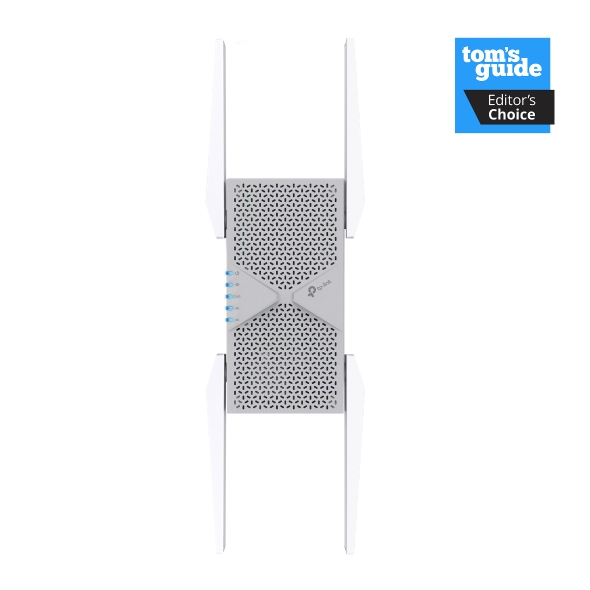
RE653BE
BE10000 Tri-Band Wi-Fi 7 Range Extender
-
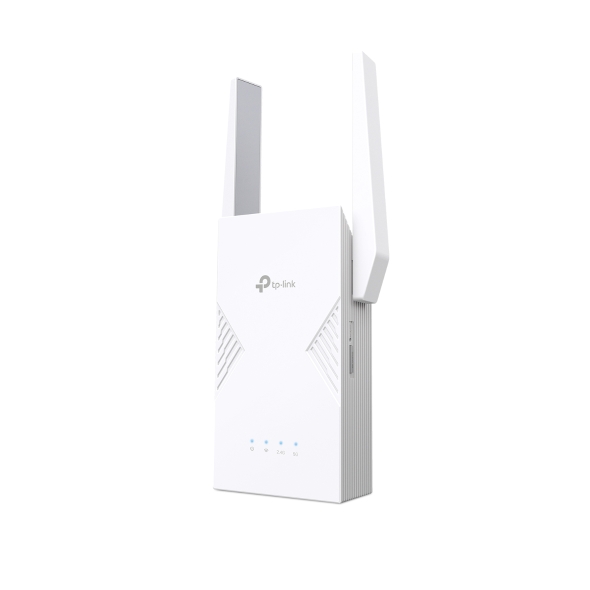
RE235BE
BE3600 Dual-Band Wi-Fi 7 Range Extender
-

RE815X
AX5400 Tri-Band Wi-Fi 6 Range Extender
-

RE813XE
AXE5400 Mesh Wi-Fi 6E Range Extender
-

Archer Air E5
AX3000 Dual-Band Wi-Fi 6 Air Range Extender
-

RE603X
AX1750 Wi-Fi Range Extender
-

RE705X
AX3000 Mesh WiFi 6 Extender
-

RE2700X V2
AX2700 Wi-Fi Range Extender
-

RE615X
AX1800 Wi-Fi Range Extender
-

RE715X
AX3000 Mesh WiFi 6 Extender
-

RE1750X
AX1750 Wi-Fi Range Extender
-

RE1500X V2
AX1500 Wi-Fi Range Extender
-

RE550
AC1900 Wi-Fi Range Extender
-

RE315
AC1200 Mesh Wi-Fi Range Extender
-

RE750C V4
AC750 Wi-Fi Range Extender
-

RE330
AC1200 Mesh Wi-Fi Extender
-

RE450 V4
AC1750 Wi-Fi Range Extender
-

RE215
AC750 OneMesh Wi-Fi Range Extender
-

RE300
AC1200 Mesh WiFi Range Extender
-

RE200 V5
AC750 Mesh Wi-Fi Range Extender
-

RE230
AC750 Wi-Fi Range Extender
-

RE205 V2
AC750 Wi-Fi Range Extender
Show All 28 Range Extenders
Powerline
-

TL-WPA8631P KIT V3
AV1300 Gigabit Passthrough Powerline ac Wi-Fi Kit
-

TL-WPA7617 KIT
AV1000 Gigabit Passthrough Powerline ac Wi-Fi Kit
-

TL-WPA7517 KIT
AV1000 Gigabit Powerline ac Wi-Fi Kit
-

TL-WPA7817 KIT
AV1000 Gigabit Powerline AX1500 Wi-Fi 6 Kit
One Wi-Fi Name Across Your Devices
TP-Link OneMesh™ means never losing signal on your way to the upstairs office, the garage, or the backyard. Compatible devices connect under one Wi-Fi name, so you get a stronger connection where you need it, without juggling separate networks.
Why Choose OneMesh™ Devices?
- No More Dead Zones: Together, OneMesh™-compatible routers and extenders bring steady coverage to the rooms your router can't reach on its own, like a back bedroom, a home office, or a room two floors down. Once you pair them, the extender picks up where your router's signal drops off.
- One Network Name: Your router and extenders share a single Wi-Fi name, so your phone or laptop switches between them automatically. You won't need to reconnect to a new network or lose signal as you move through your home.
- Centralized Control: Manage your OneMesh™ router and extenders from the Tether app. Adjust settings for every connected device in one place, instead of logging into each device separately.
- A Flexible Way to Expand: Add a OneMesh™ extender to a compatible router, without committing to an entirely new system. It's an easy next step if one device doesn't reach every part of your home.
Browse Compatible Devices by Category
Building your OneMesh™ network is flexible by design: check the TP-Link OneMesh™ compatible routers list or choose a device from the categories below to start expanding your coverage.
- Wi-Fi Routers: Anchor your network with the Archer AX1800, a TP-Link OneMesh™ router built for Wi-Fi 6, so you can add extenders later for broader coverage without losing performance.
- Range Extenders: Close coverage gaps in hard-to-reach rooms with the RE200, a TP-Link OneMesh™ extender that pairs with a compatible router for a single, unified Wi-Fi network.
- Powerline Kits: The TL-WPA7817 KIT sends your connection through your home's existing electrical wiring, bringing wired and wireless coverage to rooms where Wi-Fi struggles to reach.
Expand Your Network, the Easy Way
Whether you add a compatible router, extender, or powerline kit, building your OneMesh™ network is as simple as pairing devices designed to work together for reliable coverage in every room.