

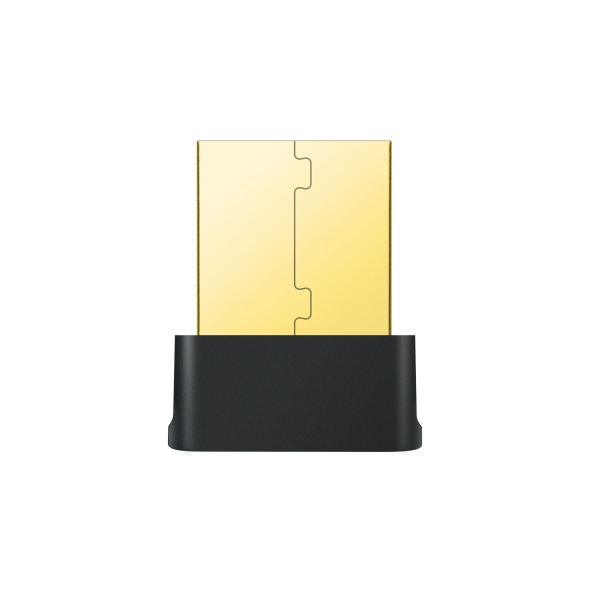
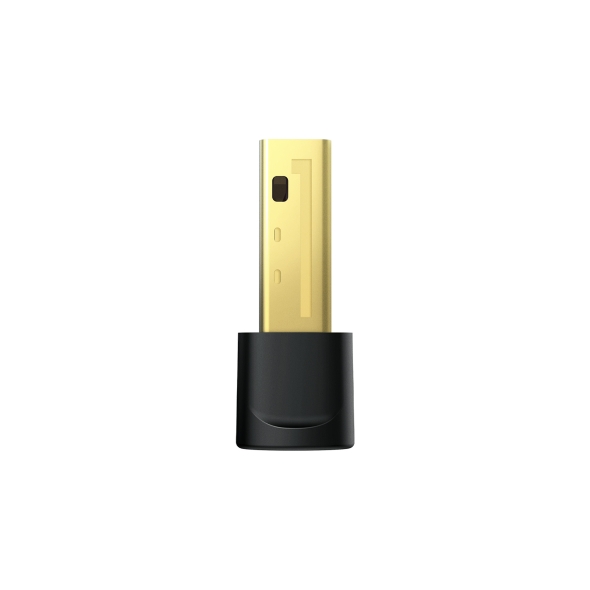
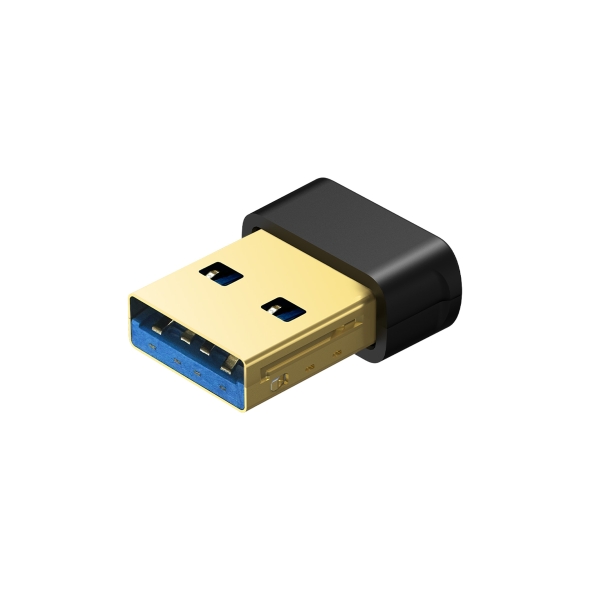
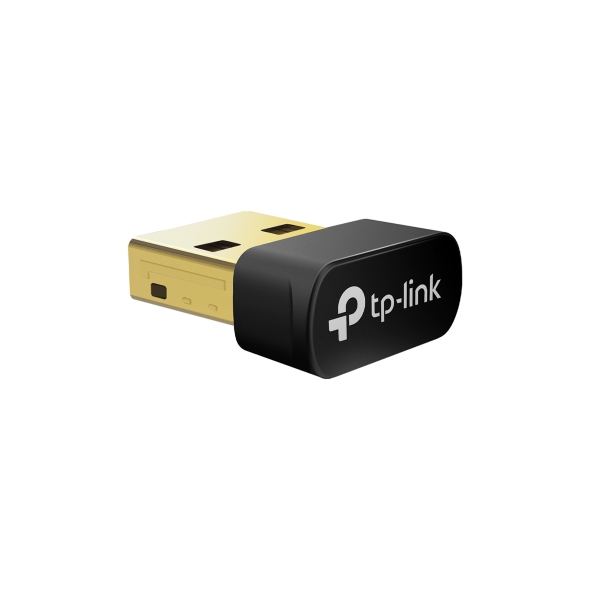




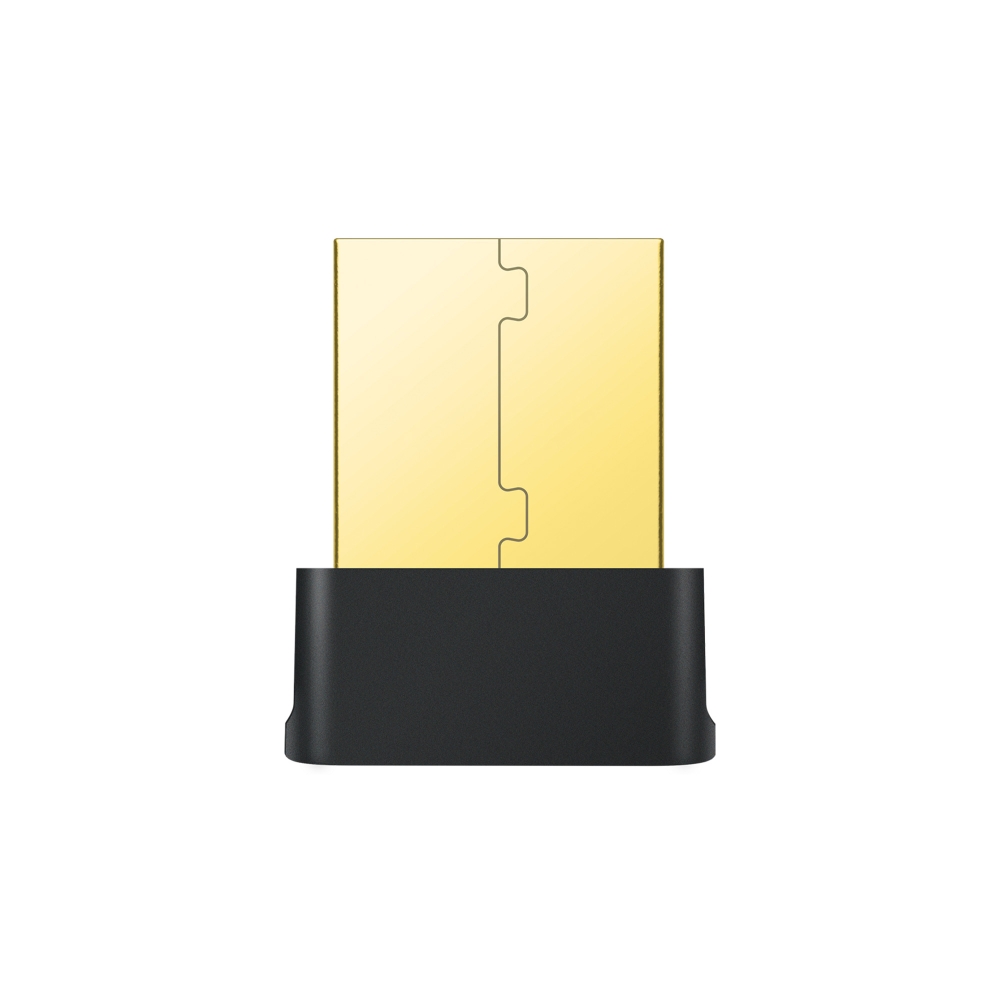
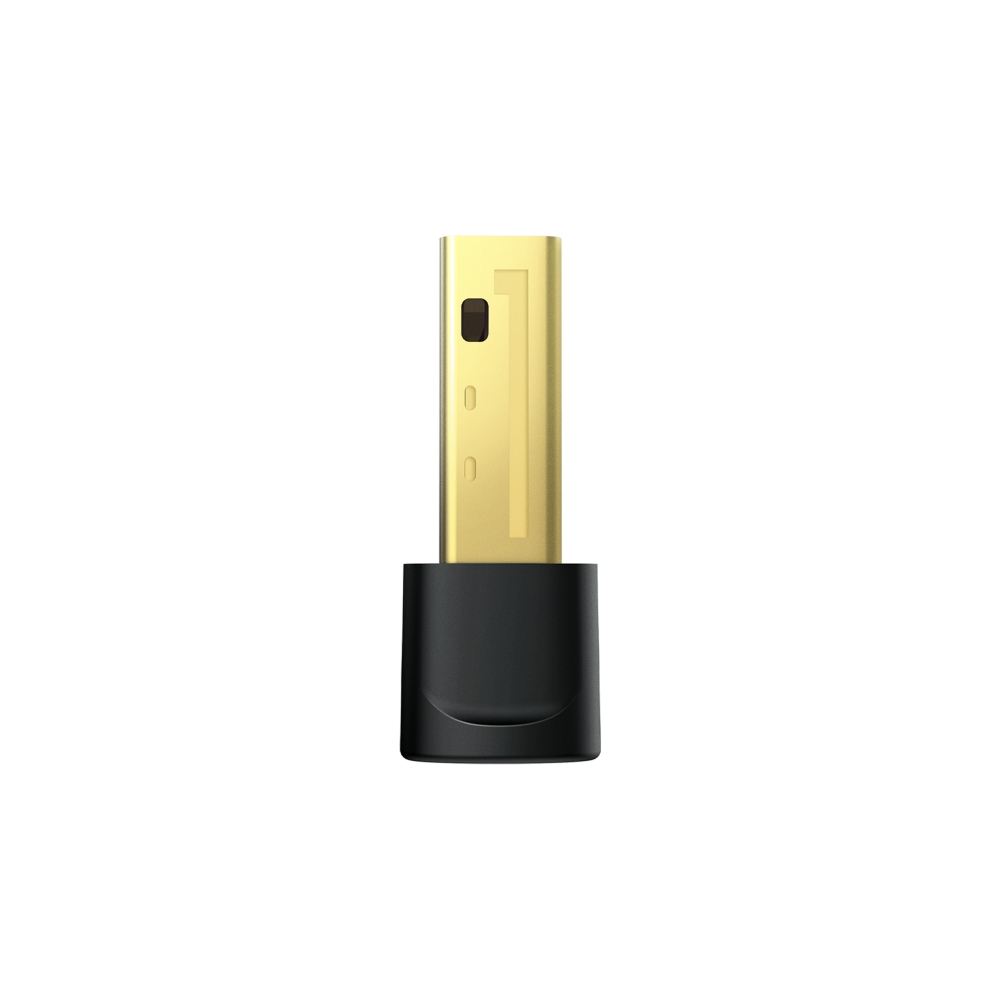
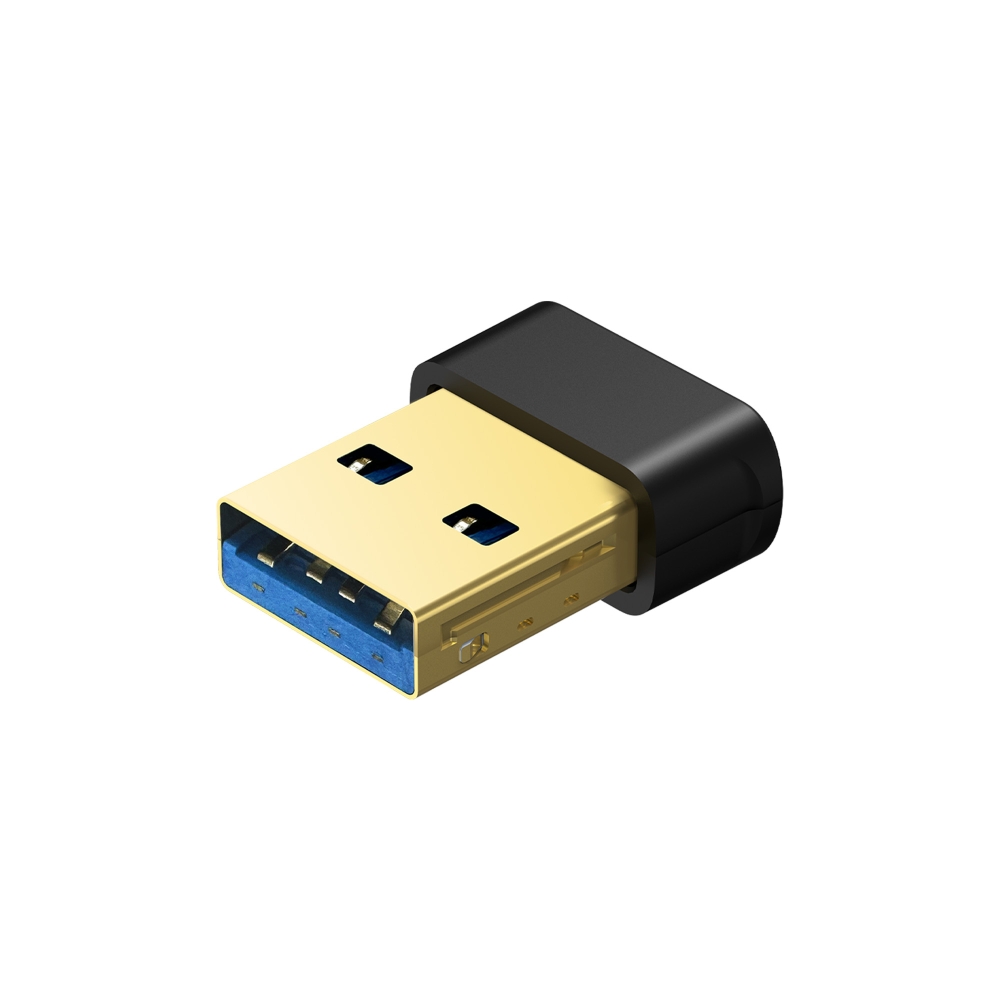
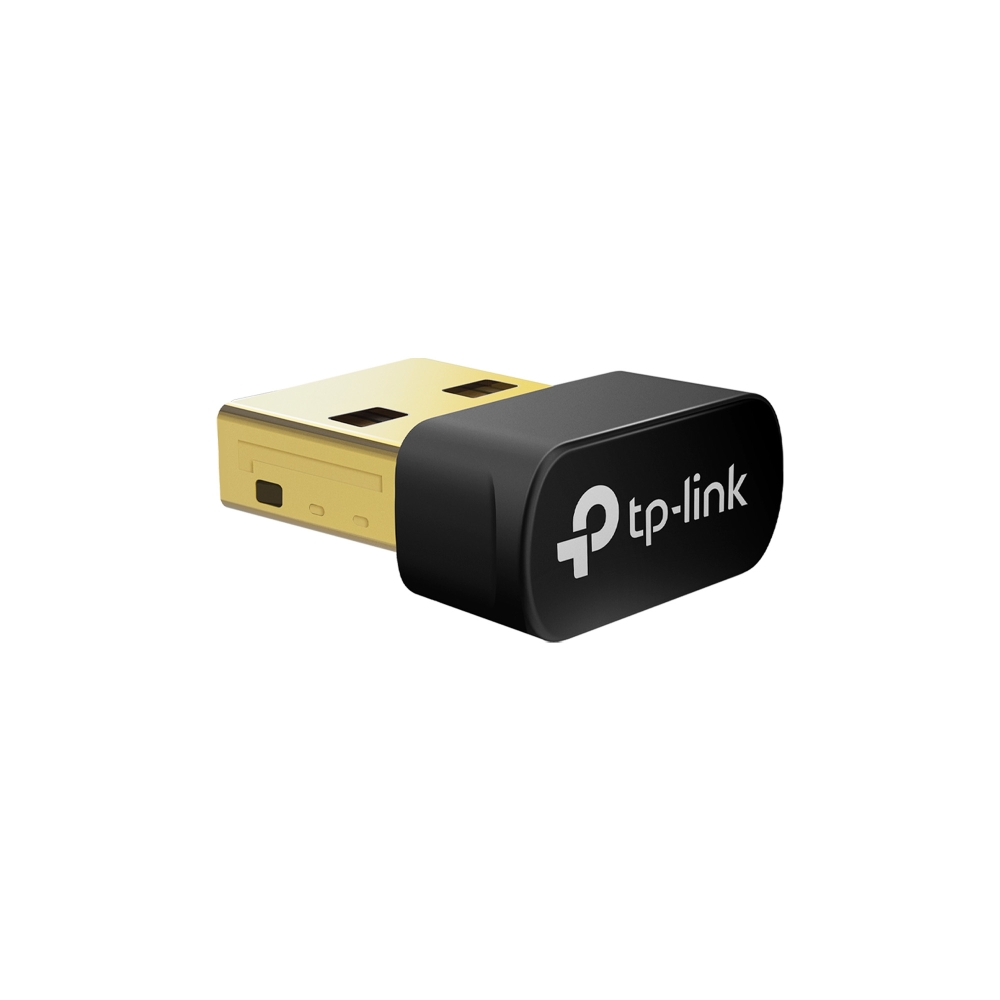



AC650 Nano Wireless USB Adapter
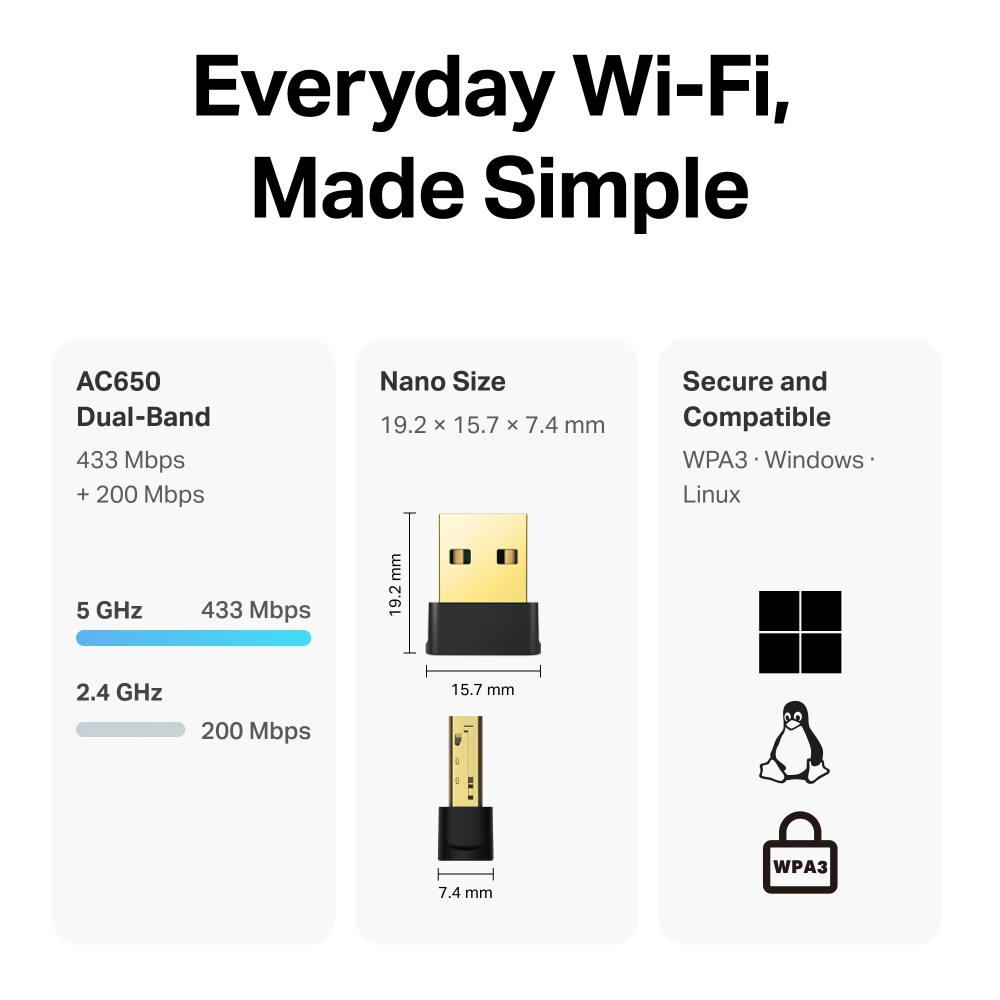
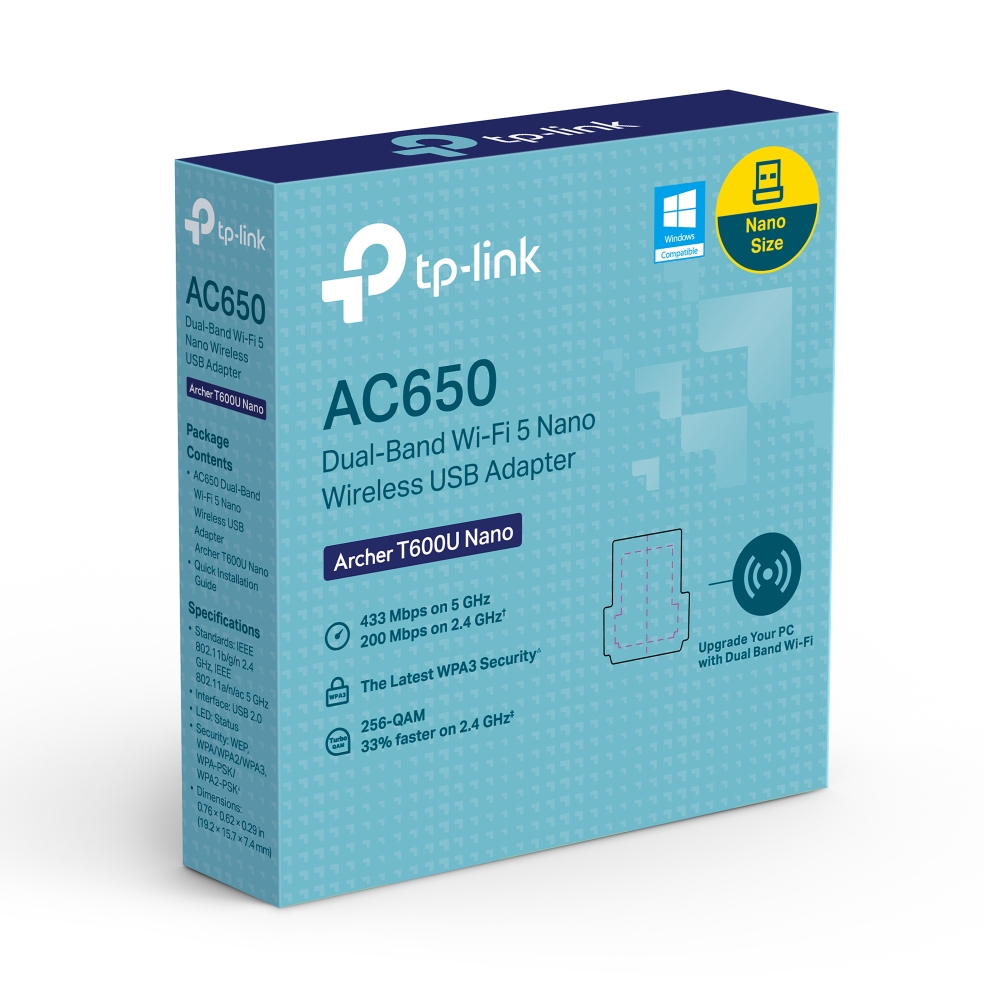
- High Speed WiFi: Up to 650Mbps speeds with 200Mbps on 2.4GHz and 433 Mbps on 5GHz, upgrades your devices to higher AC WiFi speeds.†
- Dual Band Wireless: 2.4GHz and 5GHz band for flexible connectivity, upgrades your devices to work with the latest dual-band WiFi router for faster speed and extended range.‡
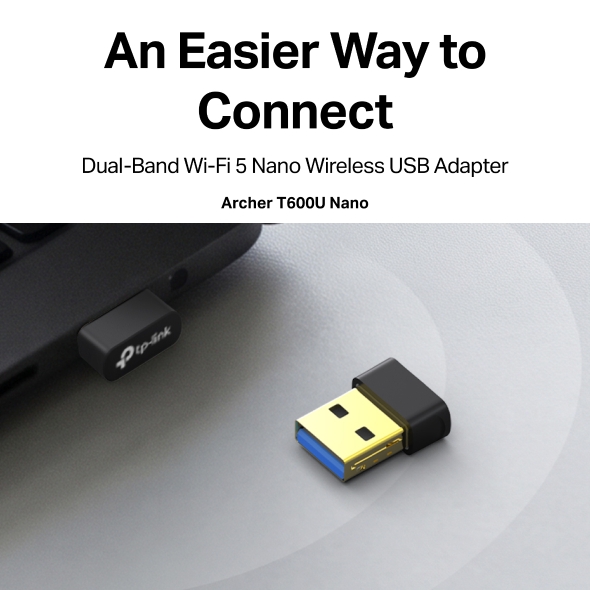
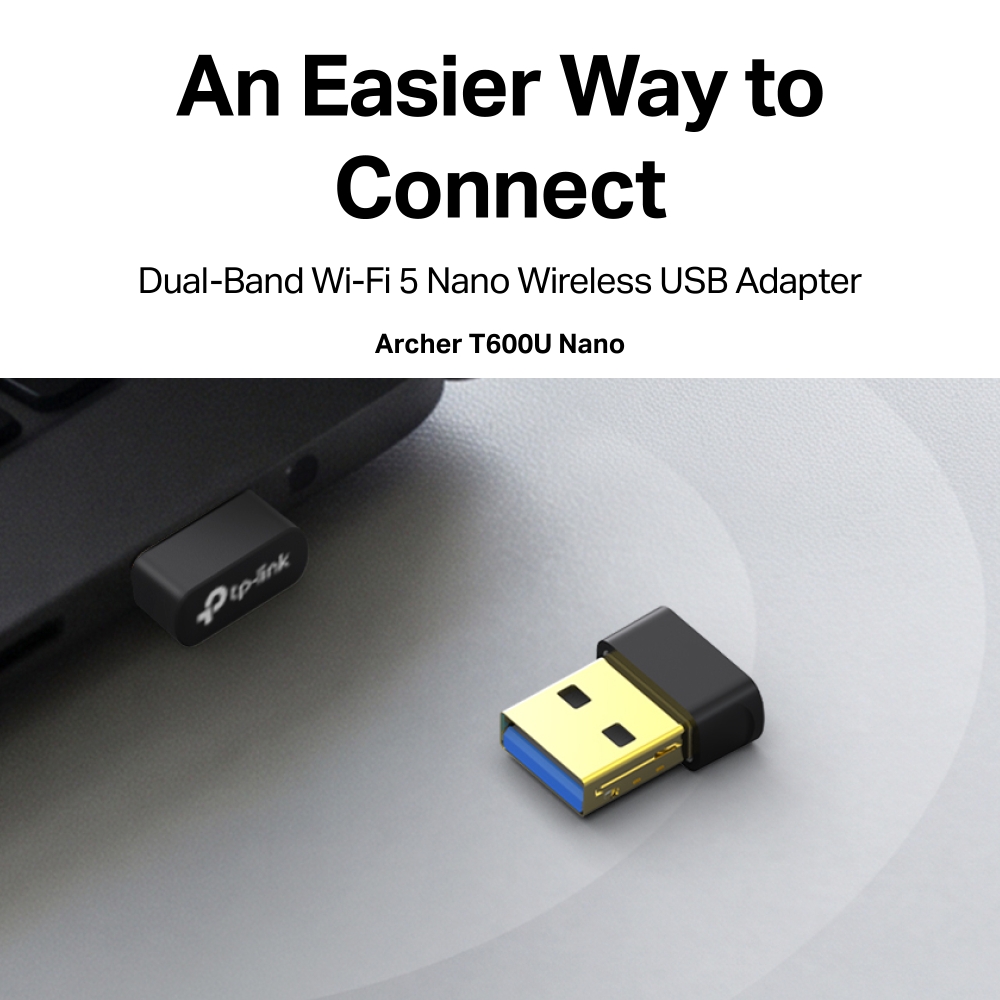
- Nano Design: Small, unobtrusive design allows you to plug it in and forget it is even there.
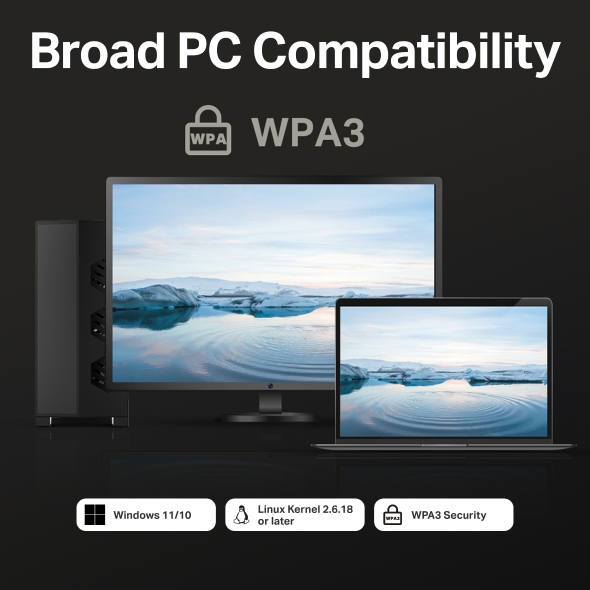
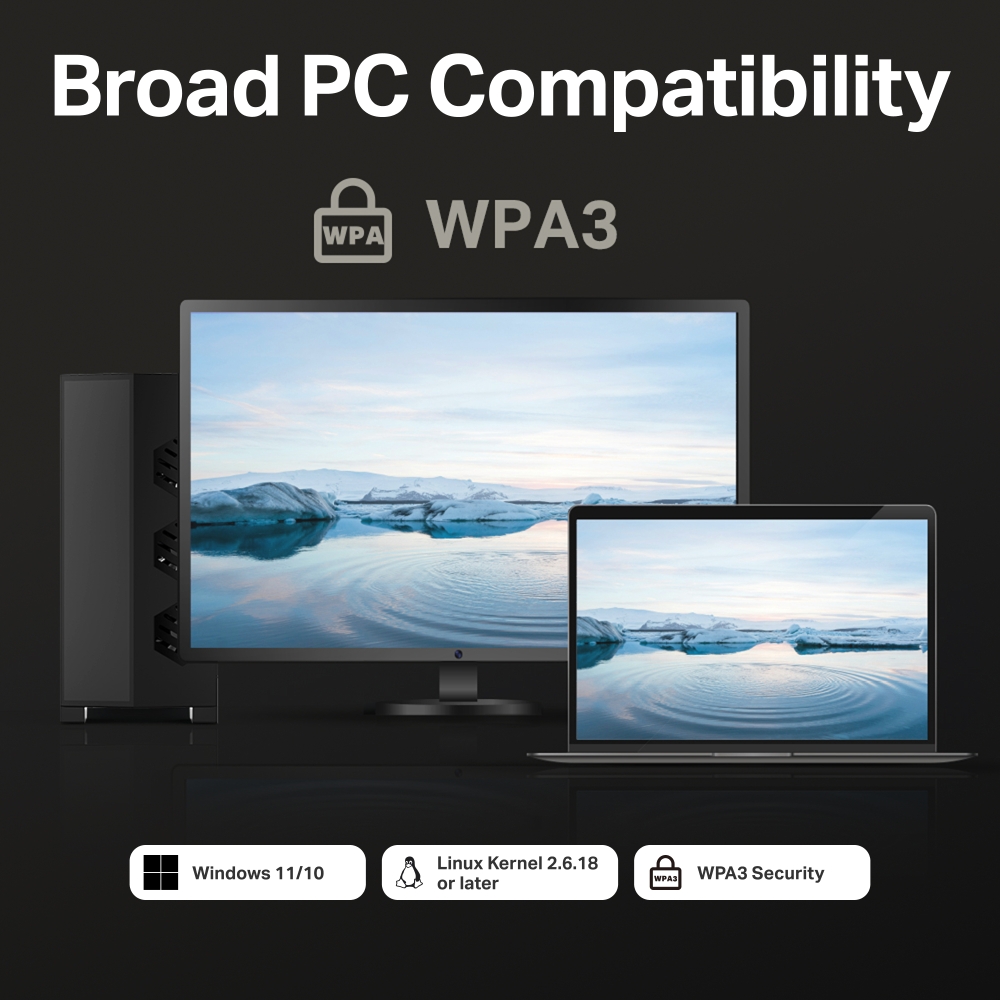
- Operating System: Supports Windows 11/10 and Linux kernel 2.6.18 or later.§
- Advanced Security: Supports 64/128-bit WEP, WPA/WPA2/WPA3, and WPA-PSK/WPA2-PSK encryption standards.△
- Plug & Play Simplicity: CD-Free installation for Win 11/10, ensuring effortless setup.

An Easier Way to Connect
Dual-Band Wi-Fi 5 Nano Wireless USB Adapter
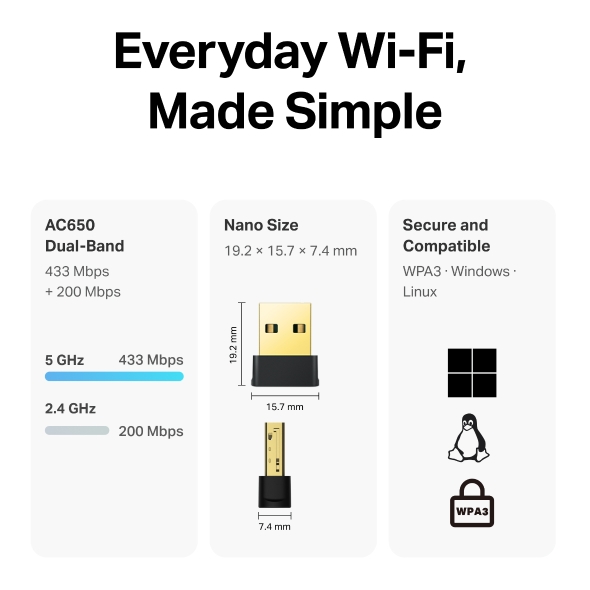
 AC650 Dual-Band

Faster Wi-Fi for Everyday Use
Reliable performance for browsing, streaming, and everyday tasks.
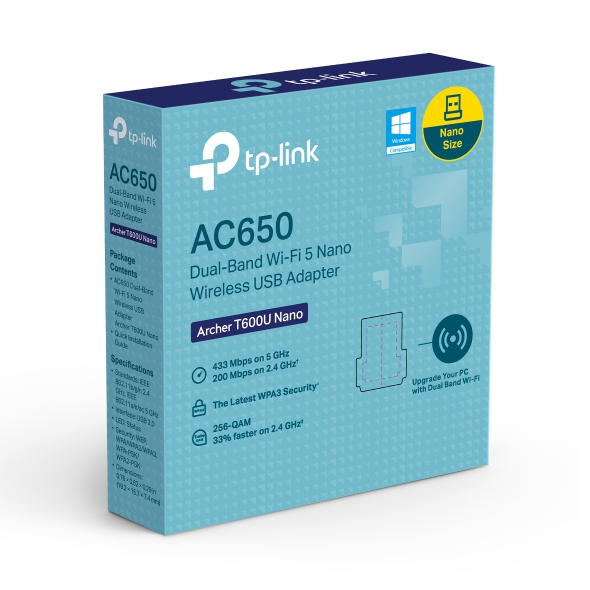
AC650
Dual-Band Wi-Fi 5
 256-QAM
Compact Nano Design
The nano design stays connected without getting in the way.
Nano Size
19.2 × 15.7 × 7.4 mm
 19.2 mm15.7 mm
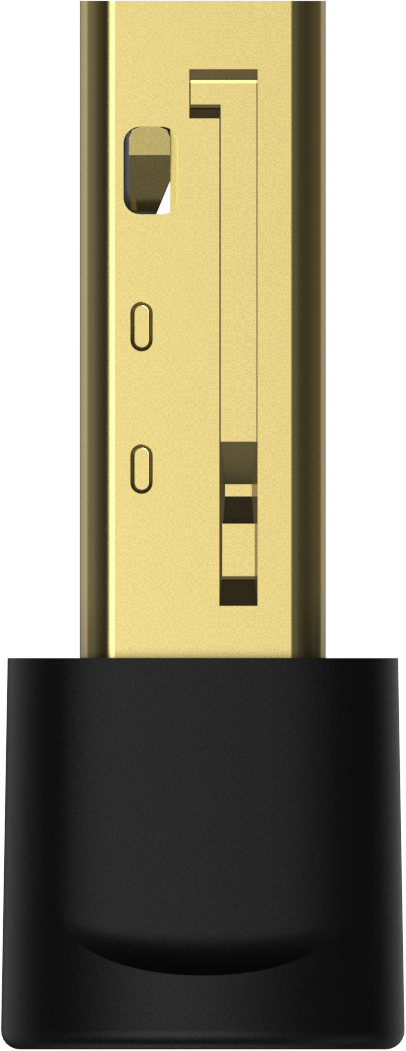 7.4 mm
Simpler & More Secure PC Connectivity
Get connected with broad PC compatibility and stronger wireless security.

WPA3
Latest wireless security


Windows 11/10 & Linux
Broad OS compatibility
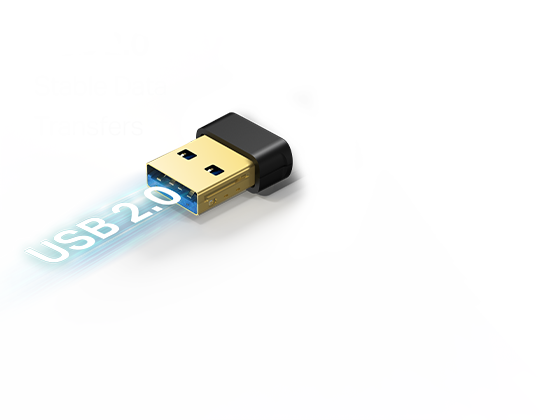
USB 2.0
Simple PC connection
Two Bands for Everyday Wi-Fi
Connect to the 5 GHz band for smoother streaming, downloads, and video calls, or use 2.4 GHz for everyday browsing and broader compatibility.


Plug It In and Leave It In
The ultra-small nano design fits neatly into a laptop or desktop USB port without getting in the way.
Plug it in and leave it there at home, work, school, or on the go.

 19.2 mm15.7 mm
 19.2 mm7.4 mm
A Plug-and-Play Wi-Fi Upgrade for Your PC
Use one USB adapter to add, refresh, or restore Wi-Fi connectivity.
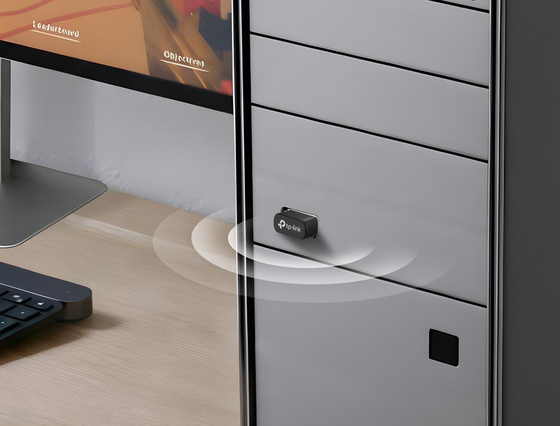
Desktop PC
Add Wi-Fi when built-in wireless isn’t available.
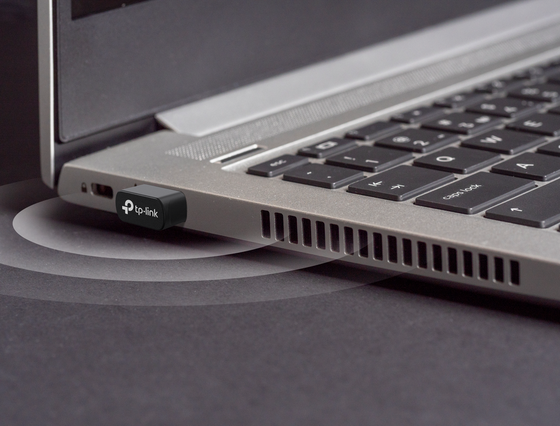
Older Laptop
Refresh an older or unreliable Wi-Fi connection.

Wi-Fi Replacement
Restore connectivity quickly via USB.
Ready for Your Windows PC
A straightforward way to add Wi-Fi with added wireless protection.
 Windows 11/10
 Linux Kernel 2.6.18 or later
 WPA3 Security

| Interface | USB 2.0 |
|---|---|
| Dimensions ( W x D x H ) | 19.2*15.7*7.4mm |
| Antenna | Internal Antennas |
| Wireless Standards | IEEE 802.11b/g/n 2.4 GHz, IEEE 802.11a/n/ac 5 GHz |
|---|---|
| Frequency | 5GHz2.4GHz |
| Signal Rate | 5 GHz:11ac: Up to 433 Mbps(dynamic)11n: Up to 150 Mbps(dynamic)11a: Up to 54 Mbps(dynamic)2.4 GHz:11n: Up to 200 Mbps(dynamic)11g: Up to 54 Mbps(dynamic)11b: Up to 11 Mbps(dynamic) |
| Reception Sensitivity | 5 GHz:11ac VHT20 MCS0: -90dBm11ac VHT80 MCS9: -61dBm2.4 GHz:11n HT20 MCS0: -91dBm11n HT40 MCS7: -69dBm |
| Wireless Modes | Infrastructure mode |
| Wireless Security | WEP, WPA/WPA2/WPA3, WPA-PSK/ WPA2-PSK |
| Modulation Technology | DBPSK, DQPSK, CCK, OFDM, 16-QAM, 64-QAM, 256-QAM |
| Transmission Power | 5 GHz: 18dBm (FCC) (EIRP)/ 22dBm(CE) (EIRP)2.4 GHz: 17dBm(FCC) (EIRP)/ 19dBm(CE) (EIRP) |
| Certification | CE |
|---|---|
| Package Content | AC650 Dual-Band Wi-Fi 5 Nano Wireless USB Adapter Archer T600U NanoQuick Installation Guide |
| System Requirements | Windows 11/10 and Linux kernel 2.6.18 or later. |
| Environment | Operating Temperature: 0℃~40℃ (32℉~104℉)Operating Humidity: 10%~90% non-condensingStorage Humidity: 5%~90% non-condensing |
†Maximum wireless signal rates are the physical rates derived from IEEE Standard 802.11 specifications. Actual wireless data throughput and wireless coverage, and quantity of connected devices are not guaranteed and will vary as a result of network conditions, AP limitations, and environmental factors, including building materials, obstacles, volume and density of traffic, and AP location.
‡Use of 256-QAM requires AP to also support 256-QAM.
§To ensure compatibility, you may need to update the adapter's drivers after an OS update. You can find our latest drivers in the download center at tp-link.com/download-center. Archer T600U Nano supports Plug and Play on Windows 11/10. However, for Linux kernel 2.6.18 or later, users are required to download and install the drivers.
△Use of WPA3 requires AP to also support the corresponding feature.