TP-Link's Best USB Wi-Fi Adapters: The Complete Buying Guide
TP-Link makes a full range of USB Wi-Fi adapters, from Wi-Fi 6 to Wi-Fi 7. Finding the best USB Wi-Fi adapter for your setup comes down to a few factors: your router's generation, your computer's ports, and how you use your connection. This guide compares the current lineup side by side, so you can find the right Wi-Fi adapter for PC or laptop without decoding every specinstead of guessing from a spec sheet. All models in this guide Windows-only and none support macOS. support Windows 10 and 11.
Comparison Table
The table below compares TP-Link’s current Wi-Fi 6, Wi-Fi 6E, and Wi-Fi 7 USB adapters by generation. Each generation is broken down in full detail, including individual specs per model, in the "TP-Link USB Wi-Fi Adapters" section below.
|
Wi-Fi Generation |
Models |
|
Wi-Fi 6 |
Archer TX50U, Archer TX30U Plus, Archer TX21UH, Archer TX20UH, Archer TX20U Plus, Archer TX20U Nano, Archer TX1800U Nano, Archer TX1750U Nano, Archer TX10UB Nano |
|
Wi-Fi 6E |
Archer TXE5400UH, Archer TXE70UH, Archer TXE5100UH, Archer TXE50UH |
|
Wi-Fi 7 |
Archer TBE6500U, Archer TBE6500UH, Archer TBE400U, Archer TBE400U Plus, Archer TBE401UH, Archer TBE3600U, Archer TBE230U |
Why Shop TP-Link USB Wi-Fi Adapters
TP-Link's USB adapter lineup runs from compact, budget-friendly nano sticks to flagship tri-band models. The current-generation models covered in this guide span Wi-Fi 6, Wi-Fi 6E, and Wi-Fi 7. That range covers a straightforward USB Wi-Fi adapter for PC or laptop, right up to a demanding, multi-device home office, without forcing you into one option that fits neither.
Setup is consistent across the lineup, too. Many current models include a preloaded driver installer, reducing the need to download software separately. TP-Link is also looking ahead to the next generation, Wi-Fi 8, so the lineup won't leave you behind when the standard moves forward.
How to Choose a USB Wi-Fi Adapter: Key Factors
No single spec decides which adapter is right for you. Generation, band count, antenna design, and USB port version all carry real weight, and the right adapter balances them against your router and how you use your connection.
Wi-Fi Generation: 6, 6E, or 7
Wi-Fi 6 runs on the 2.4 GHz and 5 GHz bands, built for everyday speed and broad device compatibility. Wi-Fi 6E adds a third, less congested band. Wi-Fi 7 pushes throughput and efficiency further with faster modulation and multi-link connections.
Upgrading the adapter alone doesn't automatically enable every feature of a newer standard. Your router, your computer's drivers, your operating system, and band availability must all support the same features first. Only then do you see the benefit. Wi-Fi generation support is built into the adapter's hardware, so you can't add it later through a software update.
Matching the adapter's generation to your router's generation matters more than reaching for the biggest number on the box. A newer adapter still connects to an older, compatible router, but its newer features only activate when both sides of the connection support them.
Band Count: Dual-Band vs. Tri-Band
An extra band mainly reduces congestion rather than raising your top speed. Marketing sometimes labels this "faster" when the real benefit is a cleaner, less crowded connection instead: a bigger number on the box doesn't always mean a bigger real-world gain. Adding the 6 GHz band, as Wi-Fi 6E and Wi-Fi 7 tri-band models do, opens up additional spectrum and wider, cleaner channels. Under the right conditions, that can also support higher throughput.
Antenna Design and Range
TP-Link's USB adapters come in two basic shapes: compact or nano models with internal antennas, and high-gain models with external, often adjustable antennas. External, high-gain antennas can improve reception and give you more flexibility in where you place the adapter. Real-world performance still depends on other factors, though: your router's band, the distance between devices, the walls in between, and your overall environment.
USB Port Version
Most current models use USB 3.0; a handful of nano models step down to USB 2.0. USB 2.0 can become a throughput bottleneck on faster adapters, although the real-world impact depends on the wireless link rate, protocol overhead, signal quality, and network conditions.
Types of USB Wi-Fi Adapters
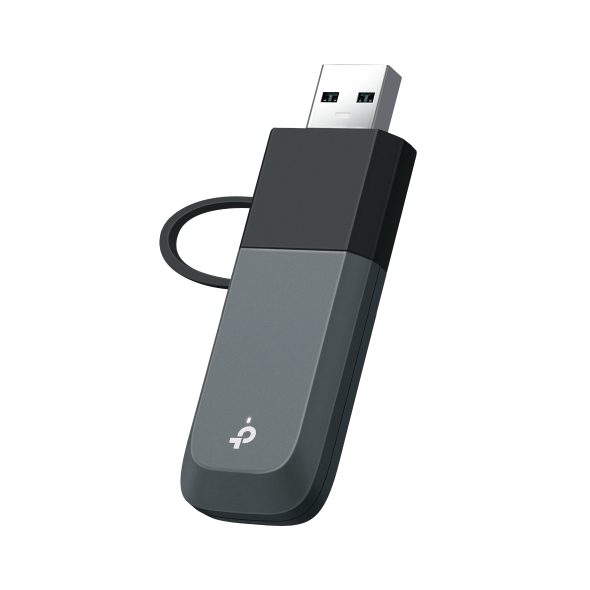
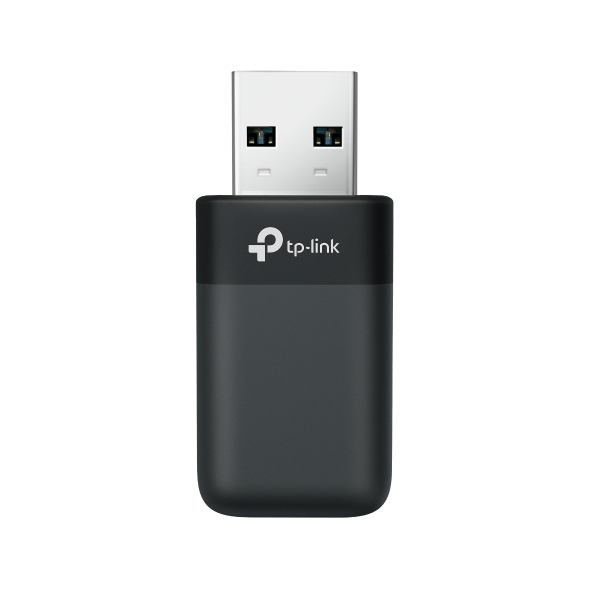
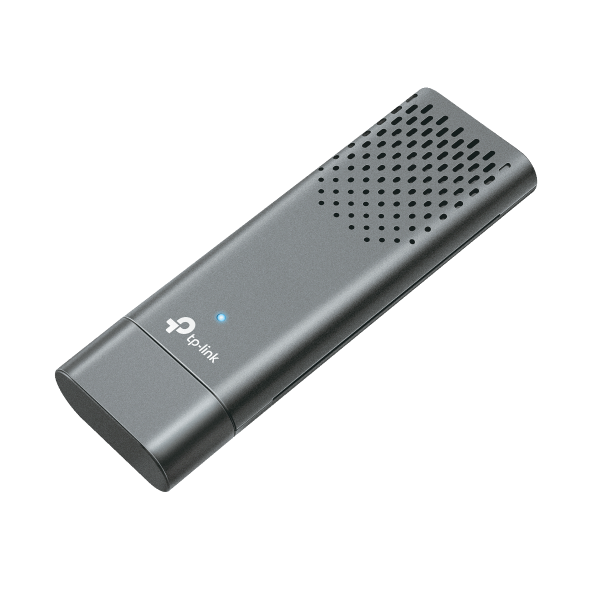
A USB Wi-Fi adapter, sometimes called a Wi-Fi dongle, comes in two common form factors. Compact or nano adapters plug flush into a port, which makes them a solid Wi-Fi adapter for laptop use. High-gain adapters use external antennas, which makes them a better Wi-Fi adapter for desktop use when the router sits farther away.
Nano and compact designs prioritize portability and a low profile. High-gain adapters trade some of that portability for stronger reception and placement flexibility.
What Drives USB Adapter Cost
TP-Link's USB Wi-Fi adapter lineup spans three tiers: entry-level, mid-tier, and flagship. What separates them isn't a single spec but a combination of Wi-Fi generation, band count, USB interface, and antenna design.
An entry-level model typically runs on an earlier generation, a single-interface version, and a compact antenna. A flagship model adds a newer generation, tri-band support, a faster USB interface, and often a high-gain antenna. Where you land on that scale should follow from how you use your connection, not from chasing the highest number available.
Mistakes to Avoid
- Buying based on the top-line speed number alone, without checking real-world range and antenna gain
- Pairing a high-generation adapter with an older router that can't take advantage of it. The adapter's generation only helps when the router matches.
- Overlooking the USB port version. A USB 2.0 port limits throughput regardless of the adapter's own rated speed.
- Assuming a faster USB wireless adapter will reduce gaming latency on its own. Wi-Fi conditions, router features, signal quality, network congestion, and a wired versus wireless connection can all affect latency.
- Choosing by price alone without matching the adapter to what your router can support
TP-Link USB Wi-Fi Adapters
The three tables below line up every model by speed, form factor, and best-fit use case, so you can match a Wi-Fi USB adapter to your setup. Use them to check a specific model you're considering, or to find the best USB Wi-Fi adapter for PC use once you've settled on a generation.
Wi-Fi 6 USB Adapters
Wi-Fi 6 USB adapters typically offer dual-band connectivity, solid everyday speeds, and wide device compatibility, making this generation a good fit for browsing, streaming, and general upgrades from an older standard.
|
Model Name |
Specs (Band/Speed) |
Form Factor |
Best For |
|
AX3000: 2402 Mbps (5 GHz) + 574 Mbps (2.4 GHz) |
Compact stick, USB 3.0 |
Anyone who wants the fastest Wi-Fi 6 speeds available |
|
|
AX1800: 1201 Mbps (5 GHz) + 574 Mbps (2.4 GHz) |
Desktop stand, adjustable high-gain antennas |
Desktops that need stronger reception at a distance |
|
|
AX1800: 1201 Mbps (5 GHz) + 574 Mbps (2.4 GHz) |
High-gain, USB 3.0 cradle |
General upgrades needing extra range |
|
|
AX1800: 1201 Mbps (5 GHz) + 574 Mbps (2.4 GHz) |
High-gain, USB 3.0 cradle |
An affordable high-gain alternative |
|
|
AX1800: 1201 Mbps (5 GHz) + 574 Mbps (2.4 GHz) |
Desktop stand, adjustable high-gain antennas |
Desktop setups wanting a stand-based design |
|
|
AX1800: 1201 Mbps (5 GHz) + 574 Mbps (2.4 GHz) |
Nano, USB 2.0 |
A low-cost, low-profile first upgrade |
|
|
AX1800: 1201 Mbps (5 GHz) + 574 Mbps (2.4 GHz) |
Nano, USB 2.0 |
Travel or tight-space setups |
|
|
AX1750: 1201 Mbps (5 GHz) + 574 Mbps (2.4 GHz) |
Nano, USB 2.0 |
A compact, budget-friendly nano option |
|
|
AX900: 600 Mbps (5 GHz) + 287 Mbps (2.4 GHz), Bluetooth 5.3 |
Nano, USB 2.0 |
People who also want Bluetooth in one adapter |
Wi-Fi 6E USB Adapters
What sets Wi-Fi 6E apart is access to the 6 GHz band, which trades some coverage distance and wall penetration for a cleaner spectrum, more available channels, and less network congestion. It suits households that already have a 6E router, or anyone wanting extra headroom in a crowded Wi-Fi environment.
|
Model Name |
Specs (Band/Speed) |
Form Factor |
Best For |
|
AXE5400: 2402 Mbps (6 GHz) + 2402 Mbps (5 GHz) + 574 Mbps (2.4 GHz) |
High-gain, USB 3.0 cradle |
Weak signal or long-range coverage needs |
|
|
AXE5400: 2402 Mbps (6 GHz) + 2402 Mbps (5 GHz) + 574 Mbps (2.4 GHz) |
High-gain, USB 3.0 cradle |
An alternative flagship 6E option |
|
|
AXE5100: 2402 Mbps (6 GHz) + 2402 Mbps (5 GHz) + 287 Mbps (2.4 GHz) |
High-gain, USB 3.0 cradle |
6E access with a lighter 2.4 GHz need |
|
|
AXE3000: 1201 Mbps (6 GHz) + 1201 Mbps (5 GHz) + 574 Mbps (2.4 GHz) |
High-gain, USB 3.0 cradle |
An accessible entry point into Wi-Fi 6E |
Wi-Fi 7 USB Adapters
Wi-Fi 7 models in this lineup are commonly tri-band, built with higher throughput ceilings for newer routers. This generation suits you if you have a Wi-Fi 7 router and want to fully use its speed and capacity. It also suits anyone setting up a new system who will upgrade to a Wi-Fi 7 router down the line.
Not every Wi-Fi 7 adapter here is tri-band; band support is model-specific. Newer-standard support also depends on your operating system, not just your router and adapter, so confirm OS compatibility alongside generation and band.
|
Model Name |
Specs (Band/Speed) |
Form Factor |
Best For |
|
BE6500: 2882 Mbps (6 GHz) + 2882 Mbps (5 GHz) + 688 Mbps (2.4 GHz) |
Compact stick, USB 3.0, tri-band, internal antennas |
Anyone who wants the top of TP-Link's current lineup |
|
|
BE6500: 2882 Mbps (6 GHz) + 2882 Mbps (5 GHz) + 688 Mbps (2.4 GHz) |
High-gain, USB 3.0 cradle, tri-band |
Demanding, high-bandwidth multitasking |
|
|
BE6500: 2882 Mbps (6 GHz) + 2882 Mbps (5 GHz) + 688 Mbps (2.4 GHz) |
Mini, dual USB-C/USB-A ports, tri-band |
Newer Wi-Fi 7 speed without a bulky footprint |
|
|
BE6500: 2882 Mbps (6 GHz) + 2882 Mbps (5 GHz) + 688 Mbps (2.4 GHz) |
High-gain, adjustable antenna, tri-band |
High-gain reception in a compact tri-band model |
|
|
BE6200: 2882 Mbps (6 GHz) + 2594 Mbps (5 GHz) + 688 Mbps (2.4 GHz) |
High-gain, USB 3.0 cradle, tri-band |
Gamers and high-demand internet users |
|
|
BE3600: 2882 Mbps (5 GHz) + 688 Mbps (2.4 GHz), dual-band |
Compact stick, USB 3.0, internal antennas |
Wi-Fi 7 speed without needing the 6 GHz band |
|
|
BE3600: 2882 Mbps (5 GHz) + 688 Mbps (2.4 GHz), dual-band |
Mini, dual USB-C/USB-A ports |
Compact setups on a newer Wi-Fi 7 router |
Best TP-Link USB Wi-Fi Adapters
These picks match TP-Link's top models to the situations they handle best, from everyday upgrades to demanding, multi-device setups. If you already know what you're using it for, jump straight to the pick that fits.
Best Wi-Fi 6 USB Adapter
Archer TX50U is the highest-throughput option in TP-Link's Wi-Fi 6 lineup, rated for AX3000 speeds up to 2402 Mbps on the 5 GHz band plus 574 Mbps on 2.4 GHz. It's the pick for the fastest Wi-Fi 6 USB adapter for PC before stepping up to Wi-Fi 6E or 7.
Best Wi-Fi 6E USB Adapter
Archer TXE5400UH is the flagship 6E pick in this lineup: a high-gain model rated for 2402 Mbps on both the 6 GHz and 5 GHz bands, plus 574 Mbps on 2.4 GHz. It's a good fit for fully using a Wi-Fi 6E router's extra spectrum, especially over longer distances.
Best Wi-Fi 7 USB Adapter
Archer TBE6500U is the tri-band Wi-Fi 7 flagship in TP-Link's current lineup, rated for BE6500-class speeds up to 2882 Mbps on both 6 GHz and 5 GHz plus 688 Mbps on 2.4 GHz. It's the pick if you’re ready for the fastest connection TP-Link currently offers.
Best Compact USB Adapter
Archer TBE400U packs Wi-Fi 7 tri-band speed into a mini, dual-port design that switches between USB-C and USB-A, so it fits a newer laptop's USB-C port or an older desktop's USB-A port without a separate dongle. It's ideal for current-generation speed without a bulky footprint.
Best Budget USB Adapter
Archer TX20U Nano is a low-cost, nano-form-factor entry point rated for AX1800 speeds, up to 1201 Mbps on 5 GHz and 574 Mbps on 2.4 GHz. It's a straightforward, affordable way to add Wi-Fi 6 to a desktop or older laptop.
Best High-Gain USB Adapter
Archer TBE400U Plus pairs Wi-Fi 7 tri-band speed with a high-gain, adjustable antenna, giving you stronger reception than the compact stick models without the size of a full cradle-style adapter. It's a strong fit if you want both current-generation speed and stronger range.
Best Entry-Level USB Adapter
Archer TXE50UH is the accessible starting point within TP-Link's Wi-Fi 6E lineup, rated for 1201 Mbps on both 6 GHz and 5 GHz plus 574 Mbps on 2.4 GHz. It gives you access to the 6E band without paying flagship pricing.
Best Performance USB Adapter
Archer TBE6500UH pairs Wi-Fi 7 tri-band speed with a high-gain antenna and USB 3.0 cradle, built for demanding, high-bandwidth use. It delivers strong throughput and stability for heavy multitasking, video calls, and streaming, all running at once on the same connection.
Which USB Wi-Fi Adapter Is Right for You?
Match your situation to a starting recommendation, then check that model's specs in the tables above.
|
Situation |
Recommended Generation |
Recommended Model |
|
Desktop with no built-in Wi-Fi, general use |
Wi-Fi 6 |
Archer TX20U Nano |
|
Laptop with a failing or outdated Wi-Fi card |
Wi-Fi 7 |
Archer TBE400U Plus |
|
Budget-conscious, first USB adapter |
Wi-Fi 6 |
Archer TX20U Nano |
|
Streaming or general upgrade on a Wi-Fi 6E router |
Wi-Fi 6E |
Archer TXE50UH |
|
Weak signal or long-range coverage needs |
Wi-Fi 6E |
Archer TXE5400UH |
|
Frequent video calls while others stream or game on the same network |
Wi-Fi 7 |
Archer TBE6500U |
|
Home office with multiple devices competing for bandwidth |
Wi-Fi 7 |
Archer TBE6500U |
|
Compact setup, newer Wi-Fi 7 router |
Wi-Fi 7 |
Archer TBE400U |
|
Gaming setup wanting reliable bandwidth for competitive play |
Wi-Fi 7 |
Archer TBE6500U |
Match the Generation to Your Setup, Not Just the Speed Number
The generation your router and computer can take advantage of matters more than chasing the highest potential speed. Form factor matters too: a compact or nano adapter suits a laptop or tight desktop space, while a high-gain model suits a setup that needs stronger reception at a distance. Once you've matched generation and form factor to your own setup, browse TP-Link's full USB adapter collection to see every model side by side.
Frequently Asked Questions
Do USB Wi-Fi adapters actually work?
Yes. A USB Wi-Fi adapter gives a desktop or laptop wireless connectivity through a standard USB port, the same way a built-in Wi-Fi card would. It's a genuine alternative for a desktop with no wireless hardware at all, or for a laptop whose built-in card has stopped working reliably. Performance still depends on the adapter's generation, band support, and antenna design, along with your router and the distance between them.
Is a USB Wi-Fi adapter worth it?
For a desktop with no built-in Wi-Fi, or a laptop with a failing wireless card, yes. It's a lower-cost way to add or restore wireless connectivity than replacing the whole machine. For a laptop with a working Wi-Fi card already, a USB adapter is worth it mainly if you need a newer generation or stronger antenna than what's built in.
Should I get a Wi-Fi 6, Wi-Fi 6E, or Wi-Fi 7 USB adapter?
Match the adapter's generation to your router's generation first. Wi-Fi 6 covers everyday browsing and streaming well. Wi-Fi 6E adds a less congested 6 GHz band if your router supports it. Wi-Fi 7 suits compatible routers and heavier multitasking, like gaming and streaming happening at once on the same network.
What is the fastest USB Wi-Fi adapter?
Among TP-Link's current lineup, Archer TBE6500U is the fastest, rated for BE6500-class Wi-Fi 7 speeds up to 2882 Mbps each on the 6 GHz and 5 GHz bands. Reaching that rated speed in practice still depends on your router supporting the same Wi-Fi 7 features and bands.
What is the best USB port for a Wi-Fi adapter?
A USB 3.0 port is the safer choice when your adapter and computer both support it, since it rules out the port as a bottleneck entirely. A USB 2.0 port isn't automatically a problem, though. Actual throughput depends on both the USB interface rate and the adapter's real-world wireless performance, not the port version alone.