Best USB Wi-Fi Adapter for Gaming: What to Look for and TP-Link's Top Picks
Lag and dropped connections during online gaming often come down to one thing: a weak or outdated wireless connection. The best USB Wi-Fi adapter for gaming replaces that hardware with something faster, without the cost or hassle of running an Ethernet cable across the house. It plugs into a spare USB port and pairs with your existing router in minutes.
This guide covers what to prioritize in a gaming-focused adapter, including Wi-Fi generation, latency, and range, then walks through TP-Link's top picks by need and budget.
Key Takeaways
- A USB Wi-Fi adapter fixes lag from weak or outdated wireless hardware, but it can't fix problems from your Internet provider or router.
- Match the adapter's Wi-Fi generation to your router's generation, since a Wi-Fi 7 adapter on an older router only runs at the router's speed.
- For gaming, low latency matters as much as top speed, since a fast connection with high latency can still cause noticeable lag.
- Placement matters more with 6 GHz since it has shorter effective range and loses more signal passing through walls and obstacles.
- Placement matters more with 6 GHz since it has shorter effective range and greater attenuation through obstacles.
- TP-Link's Wi-Fi 7 adapters use Multi-Link Operation to switch between bands automatically, lowering latency and helping keep online games from lagging.
How a USB Wi-Fi Adapter Can Improve Gaming
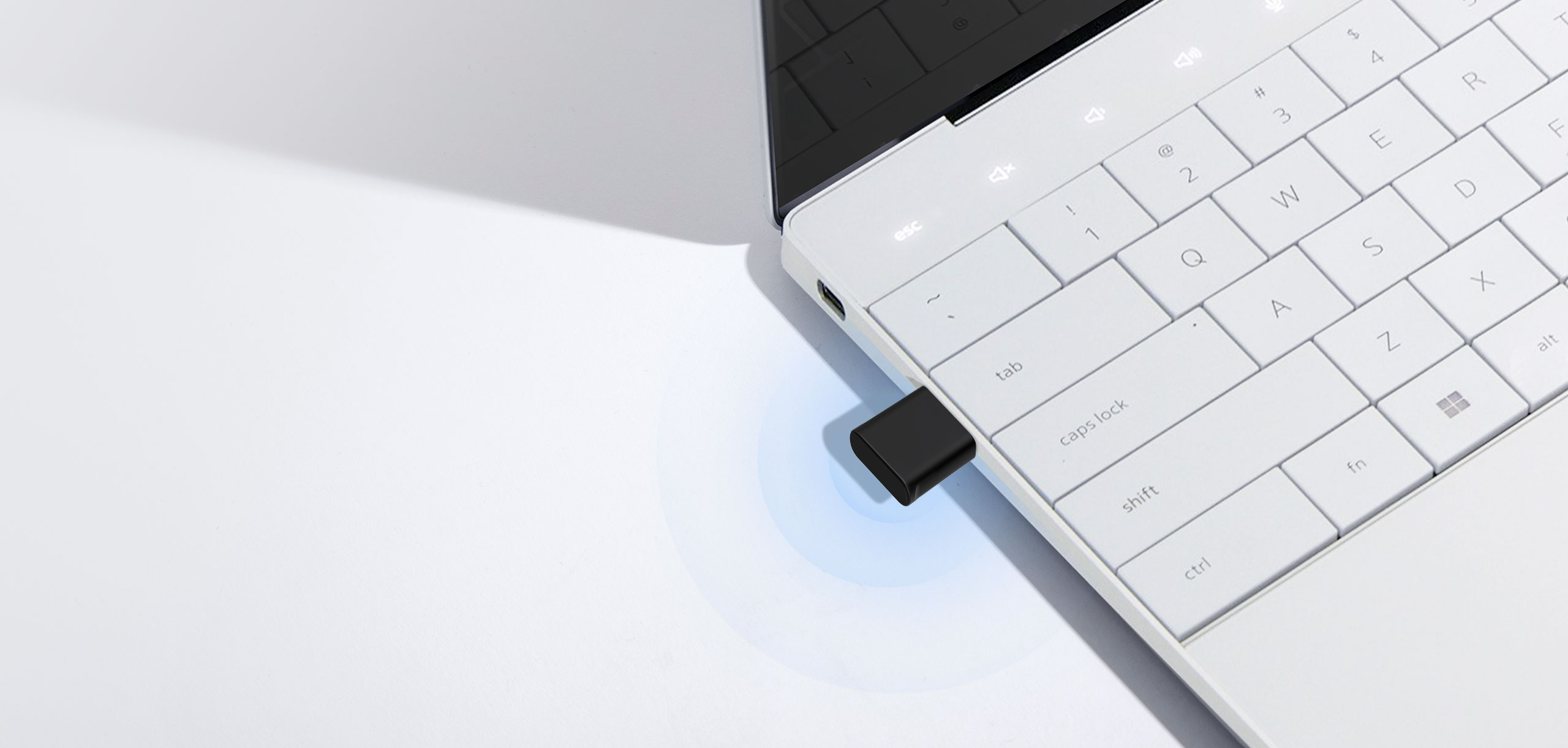
A USB Wi-Fi adapter swaps your PC's built-in wireless chip for a newer, stronger radio, which can mean faster speeds and access to less crowded Wi-Fi bands. That's the same gaming network technology behind a steadier connection during long sessions, not just a bigger number on the box.
So, is a USB Wi-Fi adapter good for gaming? It helps most when your PC's wireless hardware is the bottleneck, such as an older chip struggling to keep up or a signal drowned out on the 2.4 GHz band. A newer adapter with 5 GHz or 6 GHz support gives your PC a cleaner, faster path to the router.
It won't fix every connection problem, though. If lag comes from your Internet provider, the game server, or router-side congestion, a new adapter can't solve that. For competitive play, a wired Ethernet connection is still the more reliable option.
What to Look for in a USB Wi-Fi Adapter for Gaming
Wi-Fi generation, speed and latency, range, and compatibility each shape whether an adapter actually fixes your lag. Here's what to check before you compare specific models.
Quick features checklist:
- Wi-Fi generation should match or exceed your router's generation.
- Lower latency matters as much as top speed for online games.
- High-gain antennas and beamforming extend range and keep the connection stable.
- USB 3.0 supports faster data transfer than USB 2.0.
- Windows compatibility should be confirmed before you buy.
Wi-Fi Generation (Wi-Fi 6, 6E, or 7)
Each new Wi-Fi generation adds more bandwidth and lower latency than the last. Wi-Fi 6 improved how routers handle multiple devices at once, while Wi-Fi 6E added a new, less crowded 6 GHz band. Wi-Fi 7 goes further with wider channels and Multi-Link Operation (MLO), which lets a device switch bands automatically to keep the connection steady. See how Wi-Fi 7 compares to Wi-Fi 6 for a full explanation of what changed between the two standards.
An adapter only delivers its full benefit when it matches your router's generation, so check that before you shop for a Wi-Fi adapter for a gaming PC. A Wi-Fi 7 adapter paired with an older router runs at the router's speed, not the adapter's top rating.
Speed and Latency
Raw speed gets most of the attention, but latency (how quickly data travels back and forth) matters just as much for gaming. A connection can post a high Mbps number and still feel laggy if latency is high. Look for a gaming Wi-Fi adapter that highlights features built to cut latency, like OFDMA and MU-MIMO, which help it communicate more efficiently when other devices share the network.
Connection Type and Range
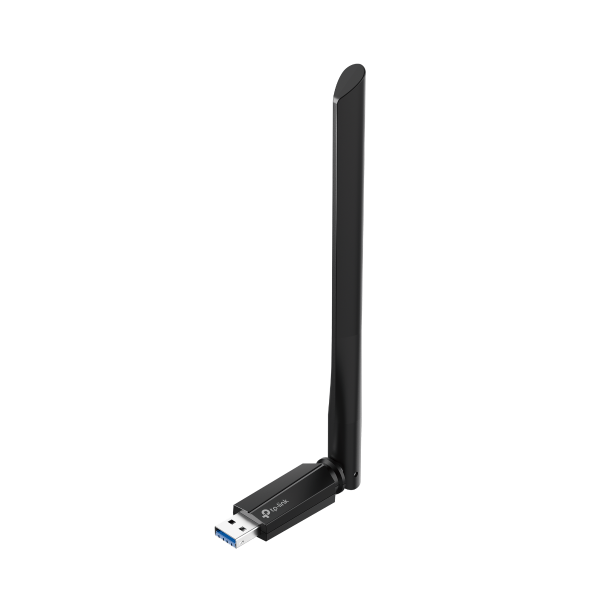
Range depends heavily on antenna design. High-gain external antennas, often on a small stand or cradle, generally pull in a stronger signal than antennas built into the adapter's body. Beamforming helps too, by focusing the signal toward your PC instead of broadcasting it evenly. A USB Wi-Fi adapter for gaming with either feature holds a steadier connection through a long session.
USB and PC Compatibility
USB 2.0 can bottleneck a high-speed adapter, capping its speed no matter how fast the adapter itself is. USB 3.0 can move up to about 5 Gbps between the adapter and your PC, making it the better choice for current Wi-Fi 6E and Wi-Fi 7 models.
TP-Link's USB Wi-Fi adapters for PC gaming work with Windows only, so confirm your operating system before buying. Desktops and laptops are both compatible with a USB adapter, though a laptop's built-in Wi-Fi may already be recent enough that an upgrade makes less difference.
How to Choose the Right USB Wi-Fi Adapter for Your Gaming Needs
The most common mistake is buying an adapter before checking the router. A top-tier adapter can't outrun an older router, so that match has to come first; placement and budget matter, but only after that's settled.
Tri-band adapters add a 6 GHz radio. That band only helps if your router broadcasts 6 GHz, too. 6 GHz has a shorter effective range than 5 GHz and loses more signal passing through walls and obstacles, so placement matters more here. A dual-band adapter, like the Archer TX50U, is still a capable choice for a Wi-Fi 6 router without a 6 GHz radio.
From there, favor USB 3.0 over USB 2.0 and match the pick to the situation: a casual gamer on a tight budget; a competitive player who needs the lowest latency possible; or someone replacing old Wi-Fi hardware with the biggest generational leap available. The picks below map to each of those situations.
TP-Link's Best USB Wi-Fi Adapters for Gaming
Matching those priorities to real products makes the choice easier. Here's how TP-Link's best Wi-Fi adapters for PC gaming stack up.
|
Adapter |
Wi-Fi Generation |
Speed |
Best For |
Compatibility |
|
Archer TXE5400UH |
Wi-Fi 6E |
2402 + 2402 + 574 Mbps |
Regular online gaming |
Windows only |
|
Archer TBE6500UH |
Wi-Fi 7 |
2882 + 2882 + 688 Mbps |
Competitive, latency-sensitive gaming |
Windows only |
|
Archer TBE400U Plus |
Wi-Fi 7 |
2882 + 2882 + 688 Mbps |
Best overall value |
Windows only |
Best Wi-Fi 6E Adapter for Gaming
The Archer TXE5400UH is TP-Link's best Wi-Fi USB adapter for PC gaming among shoppers who want strong performance without paying for the newest standard. Its AXE5400 rating covers 2.4 GHz, 5 GHz, and 6 GHz bands, with speeds up to 2402 Mbps on the 6 GHz and 5 GHz bands and 574 Mbps on 2.4 GHz. OFDMA and MU-MIMO keep the connection efficient with other devices on the network.
This adapter connects over USB 3.0, with up to 5.0 Gbps of transfer bandwidth, and works with Windows only. For most people gaming a few nights a week, Wi-Fi 6E covers the gap that prompted the upgrade.
Best Wi-Fi 7 Adapter for Gaming
The Archer TBE6500UH is TP-Link's best Wi-Fi USB adapter for gaming among players who want the newest standard and the lowest latency available. Its BE6500 rating delivers up to 2882 Mbps on both the 6 GHz and 5 GHz bands, plus 688 Mbps on 2.4 GHz. MLO can use multiple wireless links with a compatible router, switching between them automatically to improve throughput, latency, and connection reliability. This requires Windows 11 24H2 or later. OFDMA, MU-MIMO, and Multi-RU keep the connection efficient under load, when other devices on the network are streaming, gaming, or downloading data at the same time.
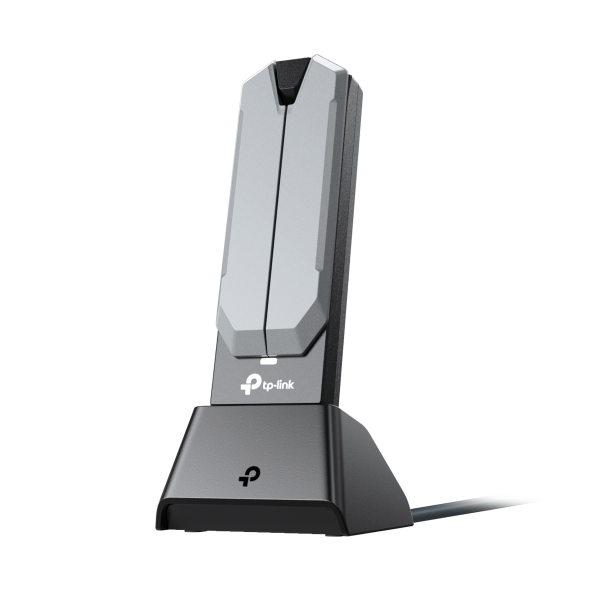
Two high-gain antennas on a detachable cradle extend range, and the adapter connects over USB 3.0 at speeds up to 4.8 Gbps. It works with Windows only, and it's the pick for anyone building a setup where every bit of latency counts.
Best Overall Adapter for Gaming
The Archer TBE400U Plus is TP-Link's best overall Wi-Fi adapter for gaming, pairing full Wi-Fi 7 performance with a more accessible price point. It shares the flagship's BE6500 speed rating, up to 2882 Mbps on the 6 GHz and 5 GHz bands and 688 Mbps on 2.4 GHz, along with MLO for reduced latency during gaming and streaming. MLO needs Windows 11 24H2 or later to run.
A single adjustable, multi-directional antenna handles reception, and the adapter connects over USB 3.0 at speeds up to 10 times faster than USB 2.0. It's compatible with Windows 10 and 11 (64-bit) and installs without a driver CD, making it a great starting point for most gamers who want Wi-Fi 7 without flagship pricing.
Find Your Match and Get Back in the Game
Choosing between these adapters comes down to matching your router's Wi-Fi generation, how much latency affects your games, and your budget. A casual player who games a few nights a week gets real value from Wi-Fi 6E, while someone running competitive titles benefits more from Wi-Fi 7's lower latency and MLO.
None of that matters, though, if the adapter's generation outpaces the router it's paired with. Confirm your router's Wi-Fi standard before you buy, since that's the ceiling every adapter on this list eventually hits.
TP-Link's USB Wi-Fi adapter lineup has the full spec sheet for more options when you’re ready to compare.
Frequently Asked Questions
Is a USB Wi-Fi adapter good for gaming?
Yes, when your PC's wireless hardware is holding back an otherwise solid connection. A new adapter can get you onto faster, less congested bands and cut the odds of a stalled connection mid-match. It can't fix a slow connection from your Internet plan, lag on the game's servers, or a router already stretched thin across your whole network.
What is the best USB Wi-Fi for gaming?
It depends on what you need. TP-Link’s Archer TXE5400UH is a strong, balanced Wi-Fi 6E pick for regular online gaming. The Archer TBE6500UH covers competitive, latency-sensitive play with Wi-Fi 7 and Multi-Link Operation (MLO). The Archer TBE400U Plus offers that same Wi-Fi 7 performance at a more accessible price.
What is the fastest USB Wi-Fi adapter?
The TBE6500UH and TBE400U Plus are among TP-Link’s highest-rated USB adapters here, both carrying a BE6500 rating. That rating covers combined speeds of up to 2882 Mbps on the 6 GHz band, 2882 Mbps on 5 GHz, and 688 Mbps on 2.4 GHz. Those are theoretical maximums split across three bands, not one single connection speed.
Do USB Wi-Fi adapters make Wi-Fi faster?
They can help you access faster Wi-Fi, but only if your computer's own wireless chip is the weak link. A newer adapter reaches faster standards and quieter bands than an aging built-in chip supports. It can't speed up what your Internet plan delivers to the router; that ceiling stays the same no matter which adapter you plug in.
How to improve Wi-Fi for PC gaming?
Start with your router's Wi-Fi generation and placement, since those set the ceiling for everything else. A matching USB Wi-Fi adapter can then close the gap on your PC's side, especially if your current wireless hardware is a few years old. For the lowest possible latency, a wired Ethernet connection still beats Wi-Fi.