


Easily Control the Whole Network Across Different Sites
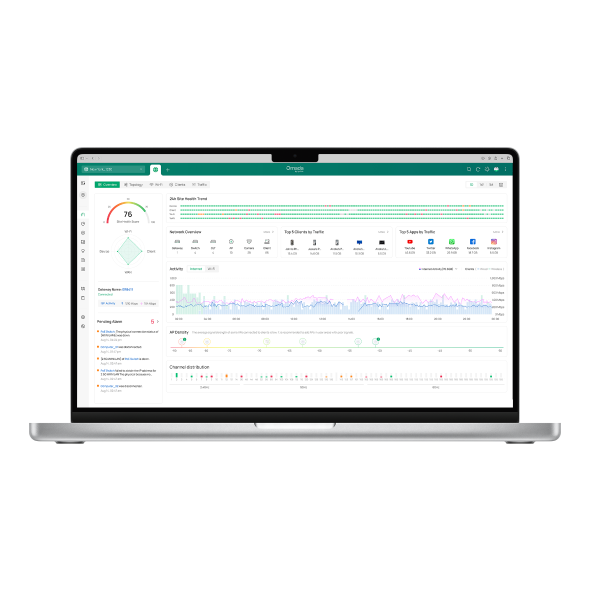
Try the EmulatorOmada software-defined networking (SDN) controllers give IT managers and service providers a single interface to configure, monitor, and troubleshoot their entire network across one location or dozens. Whether you prefer cloud-based management, on-premises hardware, or software installed on a local server, Omada by TP-Link provides a controller option that fits your business.
Flexible Controller Options Increase Business Agility
All Products
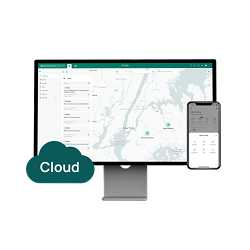
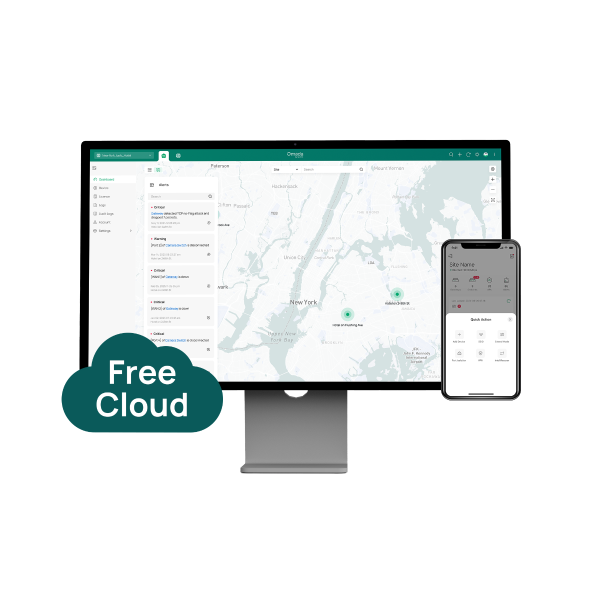
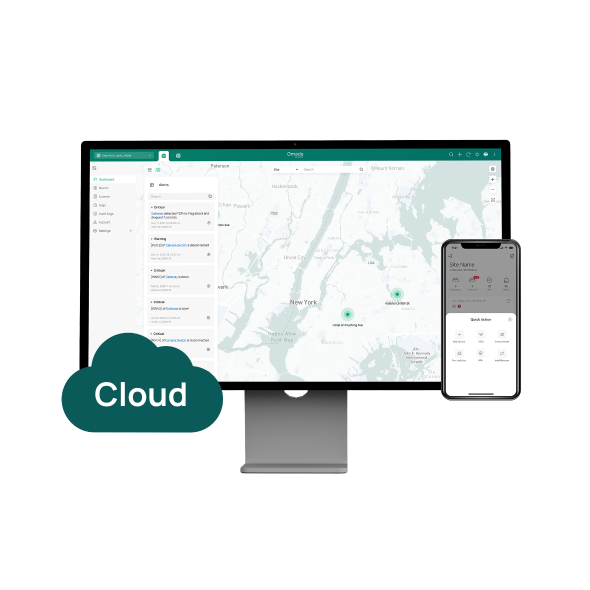
Cloud-Based
Unlimited management scale with zero-touch provisioning
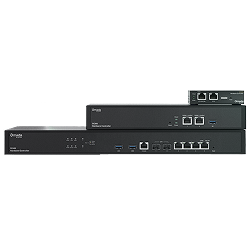
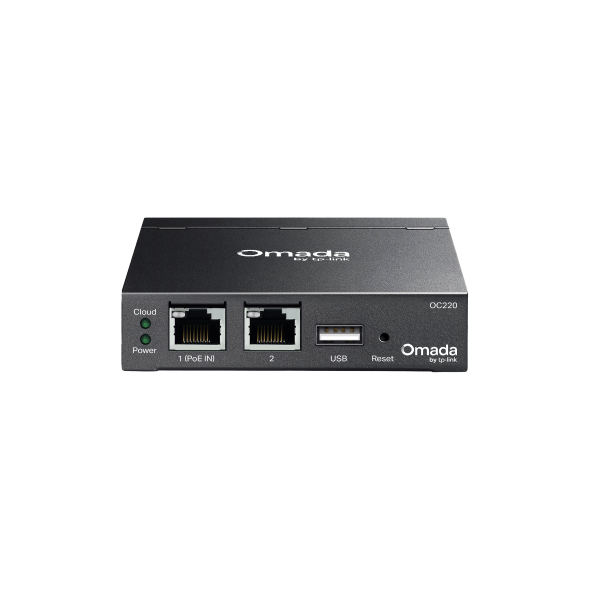
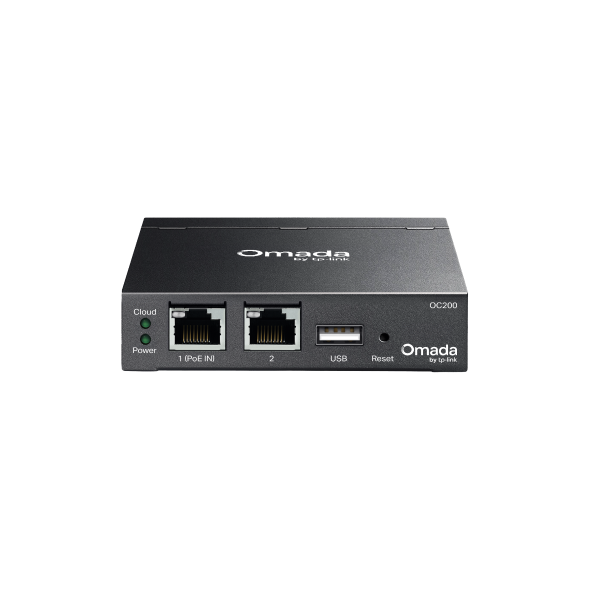
Hardware
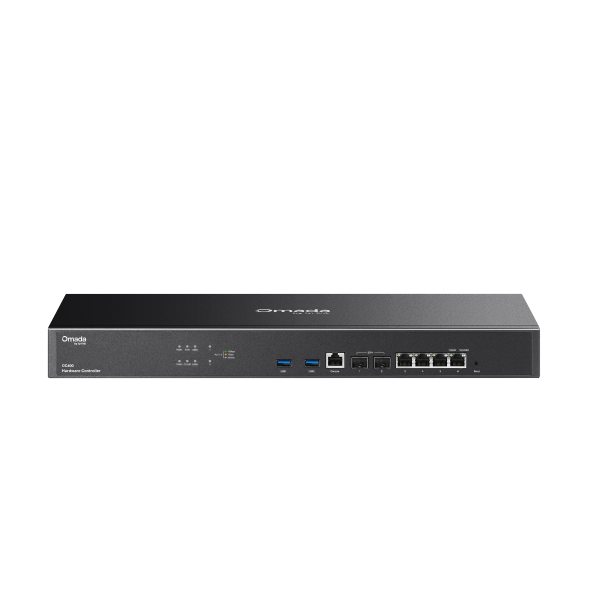
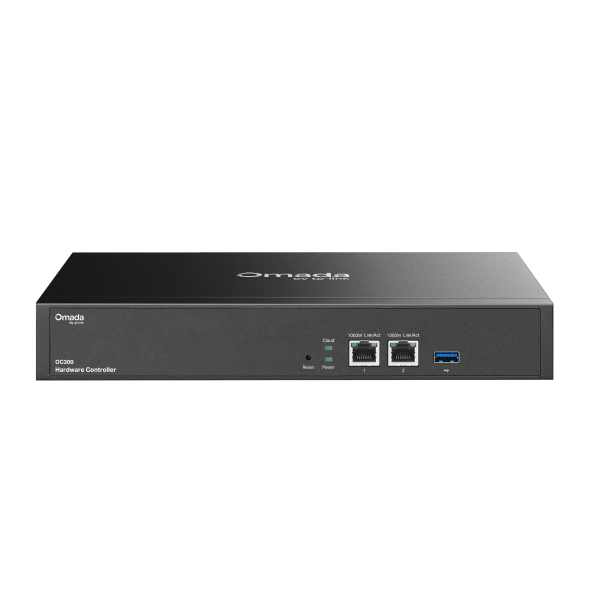
Reliable on-premises controller without running PC/Server
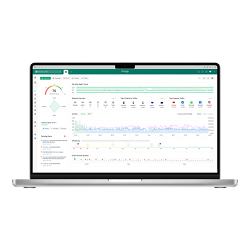
Software
A professional on-premises controller without hardware cost
Business Benefits

Centralized Control Across Every Site
Manage Omada access points, switches, and gateways from one dashboard — no jumping between devices or locations to make configuration changes.

Zero-Touch Provisioning
New devices adopt your existing configuration automatically when connected, so you can bring a new location online without sending a technician on-site.

Flexible Deployment Options
Choose cloud-based management with no hardware investment, a dedicated hardware controller for on-premises stability, or free software installed on your own server. Each option supports the same core management capabilities.

Remote Monitoring and Troubleshooting
Real-time network topology, traffic dashboards, and notifications let administrators identify and resolve issues from anywhere using the Omada app or web browser.

Scalable to Your Network Size
Hardware controllers manage up to 1,000 access points and 200 switches, while cloud and software options support unlimited device scale, with software controller performance scaling based on available server resources.

No Ongoing Subscription Required
Cloud Essentials and the software controller are available at no additional cost, with remote access through Omada Cloud included.
Solving Connectivity Challenges
Omada SDN controllers replace per-device configuration with centralized control, making it faster to deploy new locations, easier to troubleshoot issues, and simpler to keep settings consistent across every site.

Keep POS traffic isolated from guest Wi-Fi across every location, deploy new sites using existing configuration templates, and troubleshoot connectivity issues remotely without sending staff on-site.
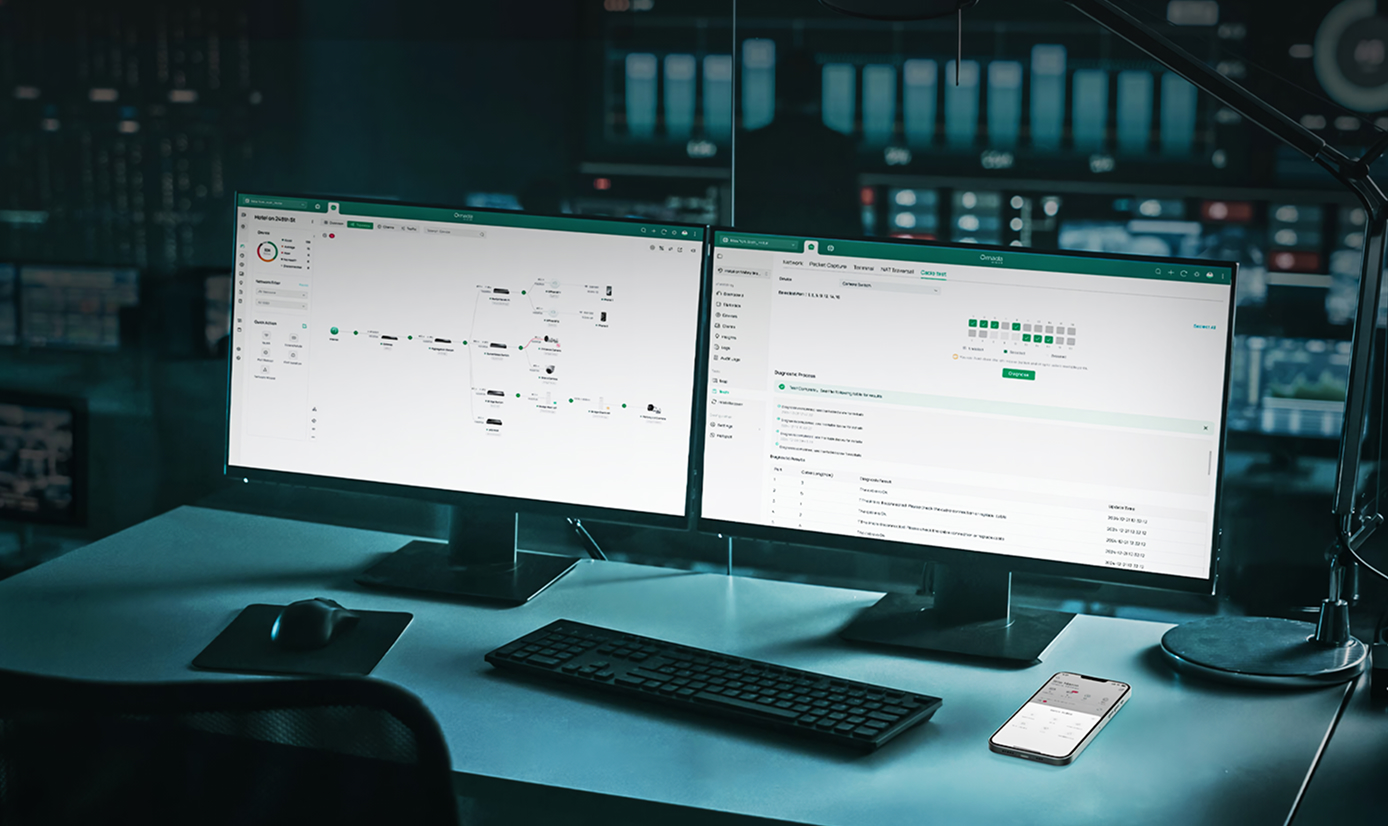
Monitor and configure multiple client networks from one platform, using batch management and site templates to deploy new clients quickly.
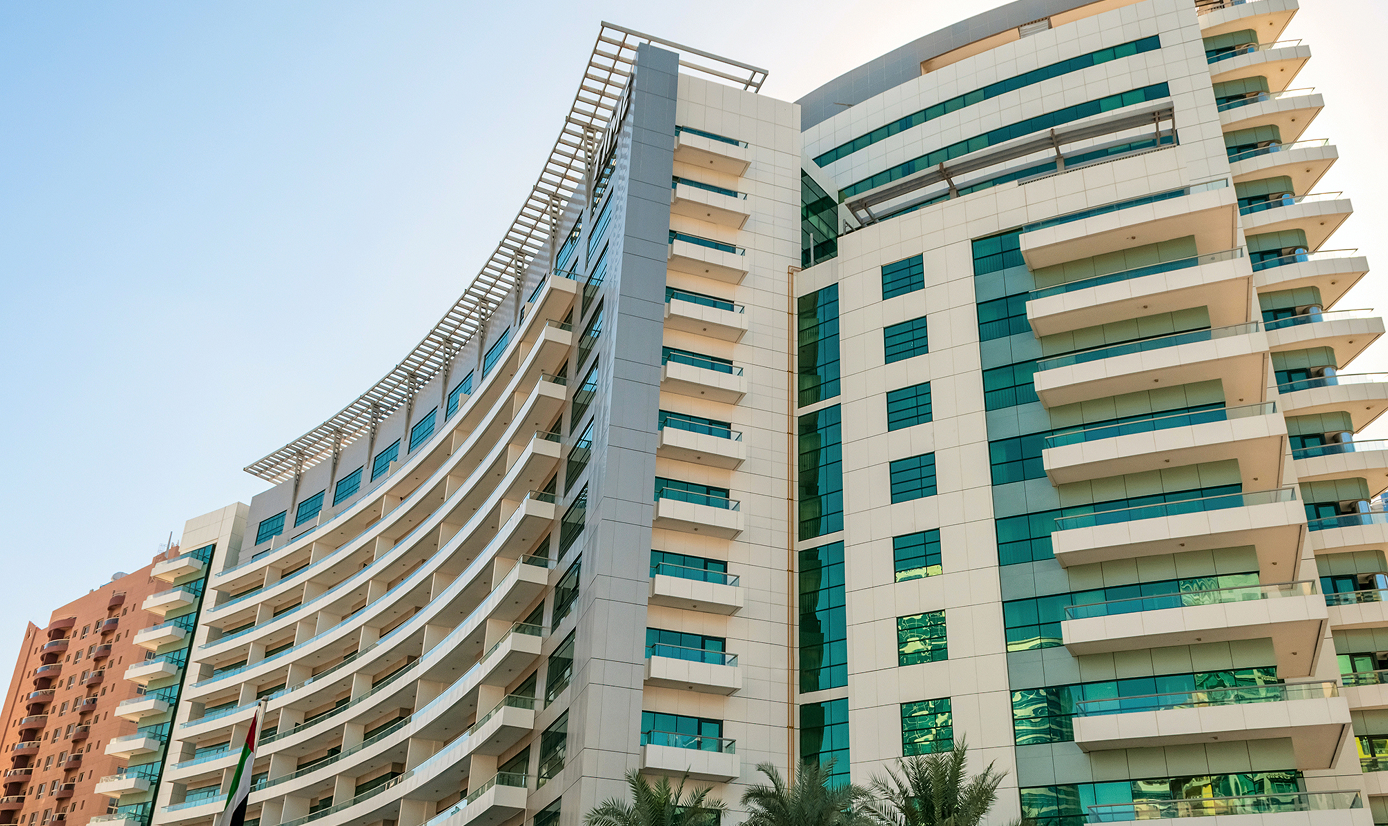
Centrally manage guest access, staff networks, and surveillance across rooms, common areas, and outdoor spaces, with real-time visibility into device status and network usage.

Zero-touch provisioning lets a small IT team bring new offices online using existing configurations, without requiring hands-on setup at each site.

Administrators manage access policies, VLANs, and device connectivity across classrooms, offices, and outdoor areas from one interface, simplifying day-to-day network operations.
Organizations that need to keep management traffic local can use hardware or software controllers for fully on-premises operation, with optional cloud access available when needed.
FAQs
What is an SDN (software-defined networking) controller? 
An SDN controller is software that manages network devices such as access points, switches, and gateways from a centralized interface. Instead of configuring each device individually, administrators apply settings, monitor performance, and troubleshoot issues across the entire network from one place. Omada SDN controllers support cloud-based, hardware, and software deployment options.
What devices can be managed with an Omada SDN controller?
Omada SDN controllers manage Omada access points, managed switches, and gateways. Depending on the controller model, you can manage anywhere from dozens to thousands of devices across a single site or multiple locations — all from one interface, whether you're using a cloud, hardware, or software controller.
What is the difference between cloud, hardware, and software controllers?
Cloud controllers exist entirely in the cloud, with no hardware purchase or local installation required. Hardware controllers are dedicated physical devices installed on-premises, providing local management with optional cloud access. Omada’s software controller is a free application you can install on your own server, supporting unlimited device scale with both local and cloud access. All three options provide centralized management, zero-touch provisioning, and remote monitoring.
Can I manage multiple locations from a single controller?
All Omada controller options support multi-site management, allowing administrators to configure and monitor devices across different locations from one interface. Cloud and software controllers support unlimited sites, while hardware controllers include batch management and site templates to keep configurations consistent across locations.
Do SDN controllers require a subscription?
Omada Cloud Essentials and the software controller are free of charge with no ongoing subscription fees. Cloud Standard is a paid license that unlocks advanced capabilities. Hardware controllers are one-time hardware purchases that include remote access through Omada Cloud at no additional cost.
Will my network continue to operate if the controller is offline?
Network devices continue operating independently if the controller becomes unreachable. The controller manages configuration and monitoring, but does not carry live traffic. Connected devices maintain their existing settings and continue passing traffic regardless of controller availability.
Recommended Omada Controllers
Omada Software Controller
A Free On-Premises Software Controller for Centralized Management
View Product >