


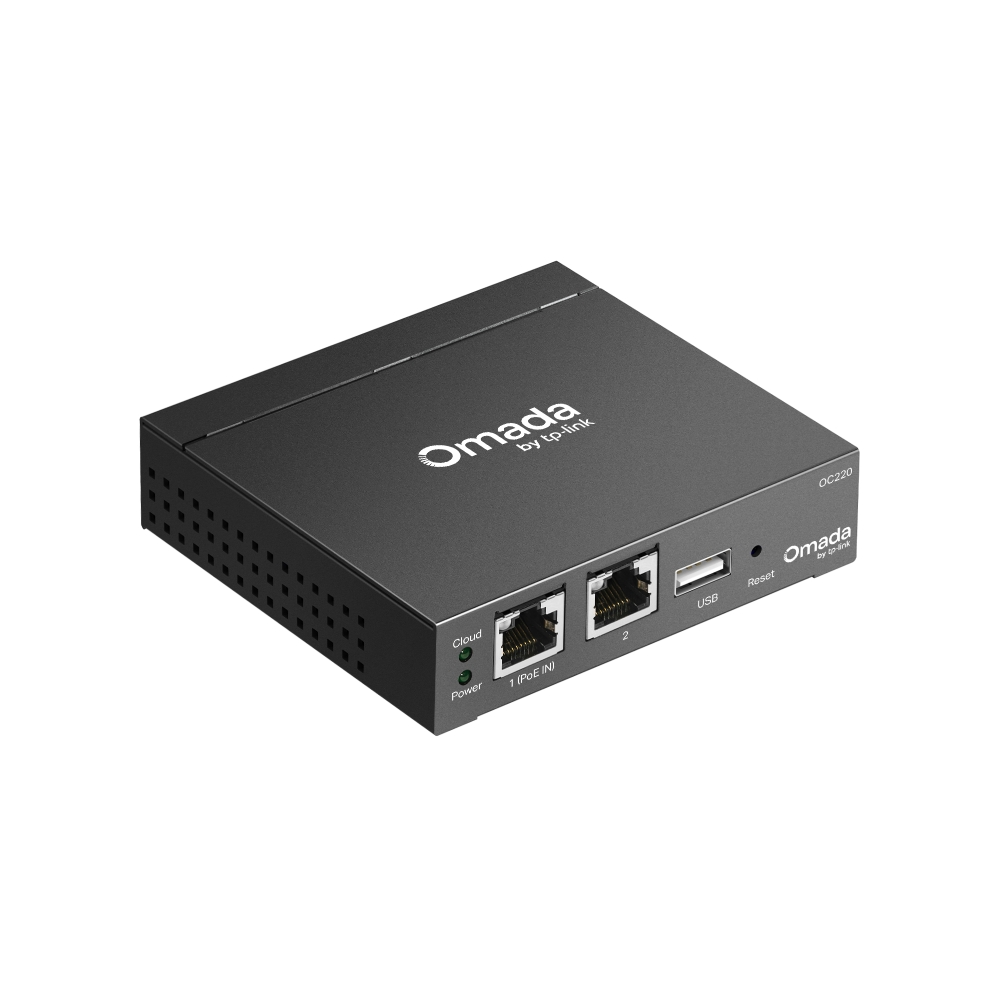
Omada Hardware Controller
- Centralized Cloud Management: Supports up to 100 Omada access points, 10 Omada gateways, a maximum of 20 Omada switches, and a maximum of 2 certain DeltaStream GPON OLTs.*
- Free Cloud Access: Manage and monitor with the Omada app or Web UI from anywhere, anytime.
- On-Premises Management: Locally monitor and manage devices with the ultimate stability and complete privacy.
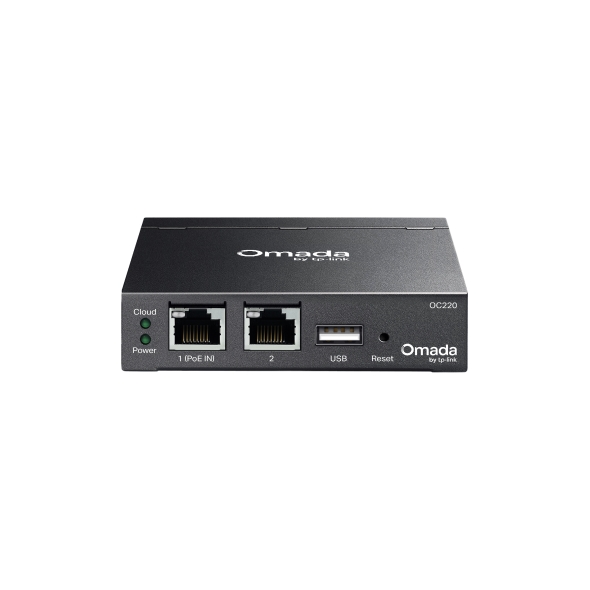
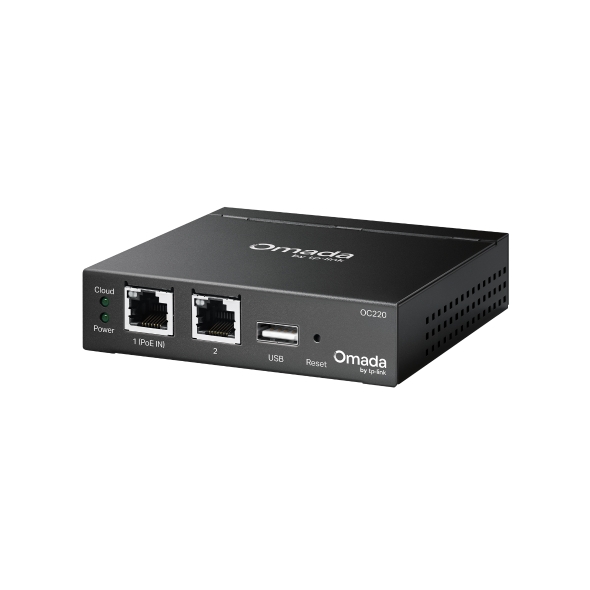
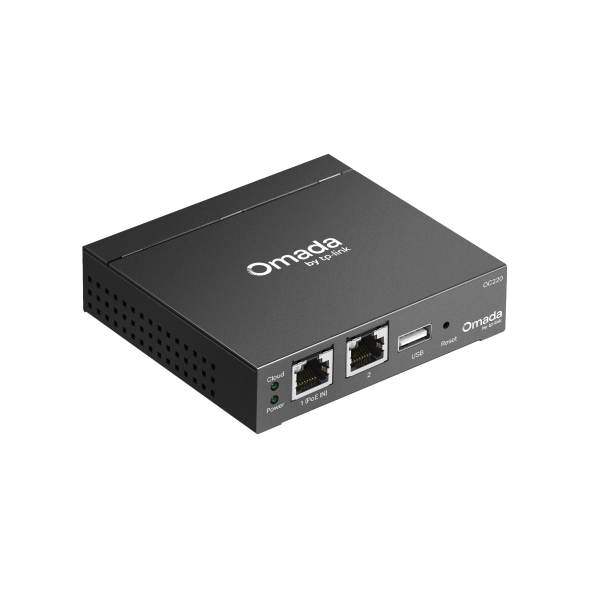
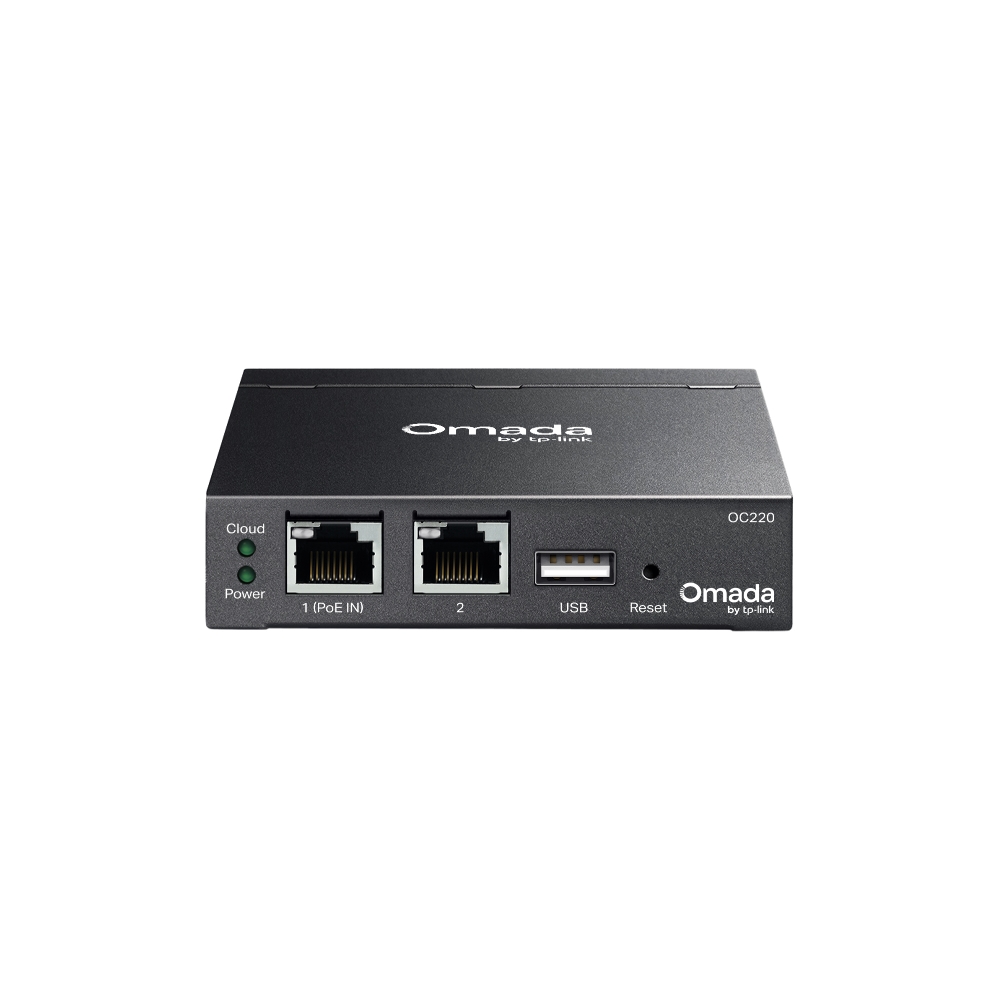
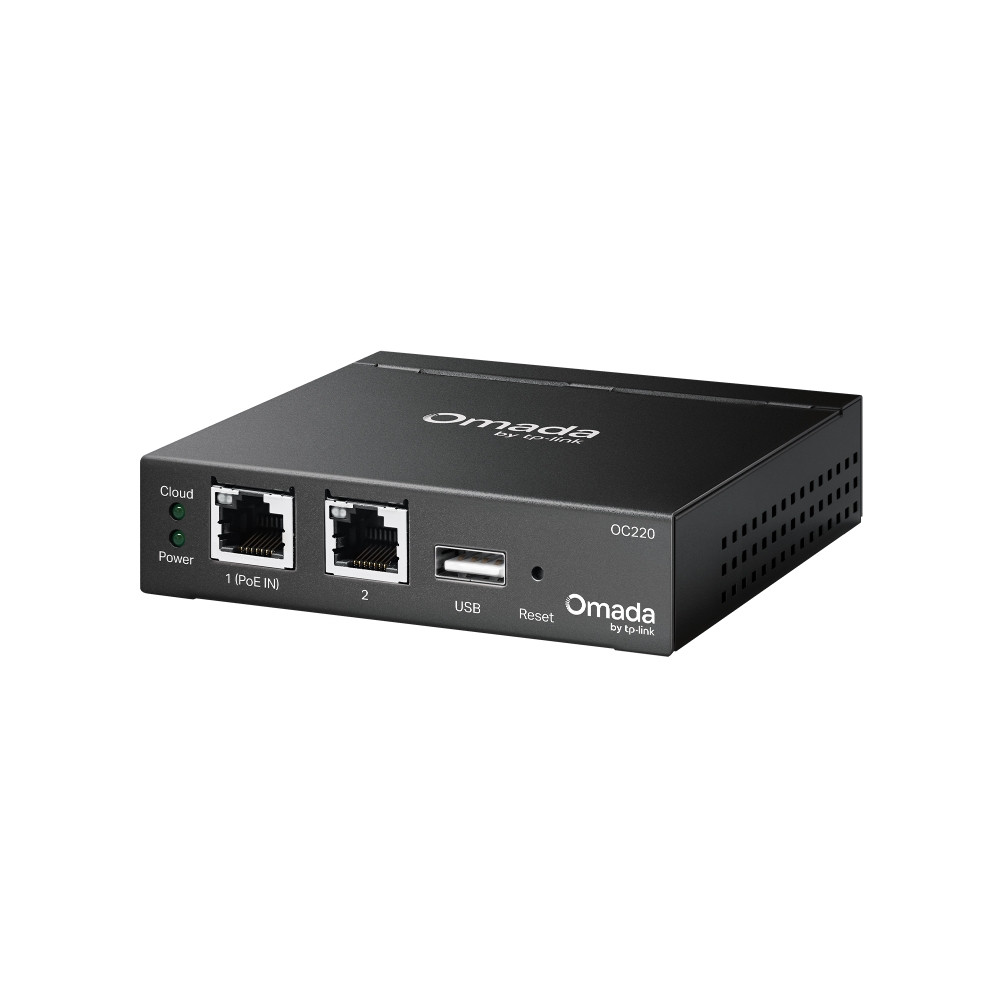
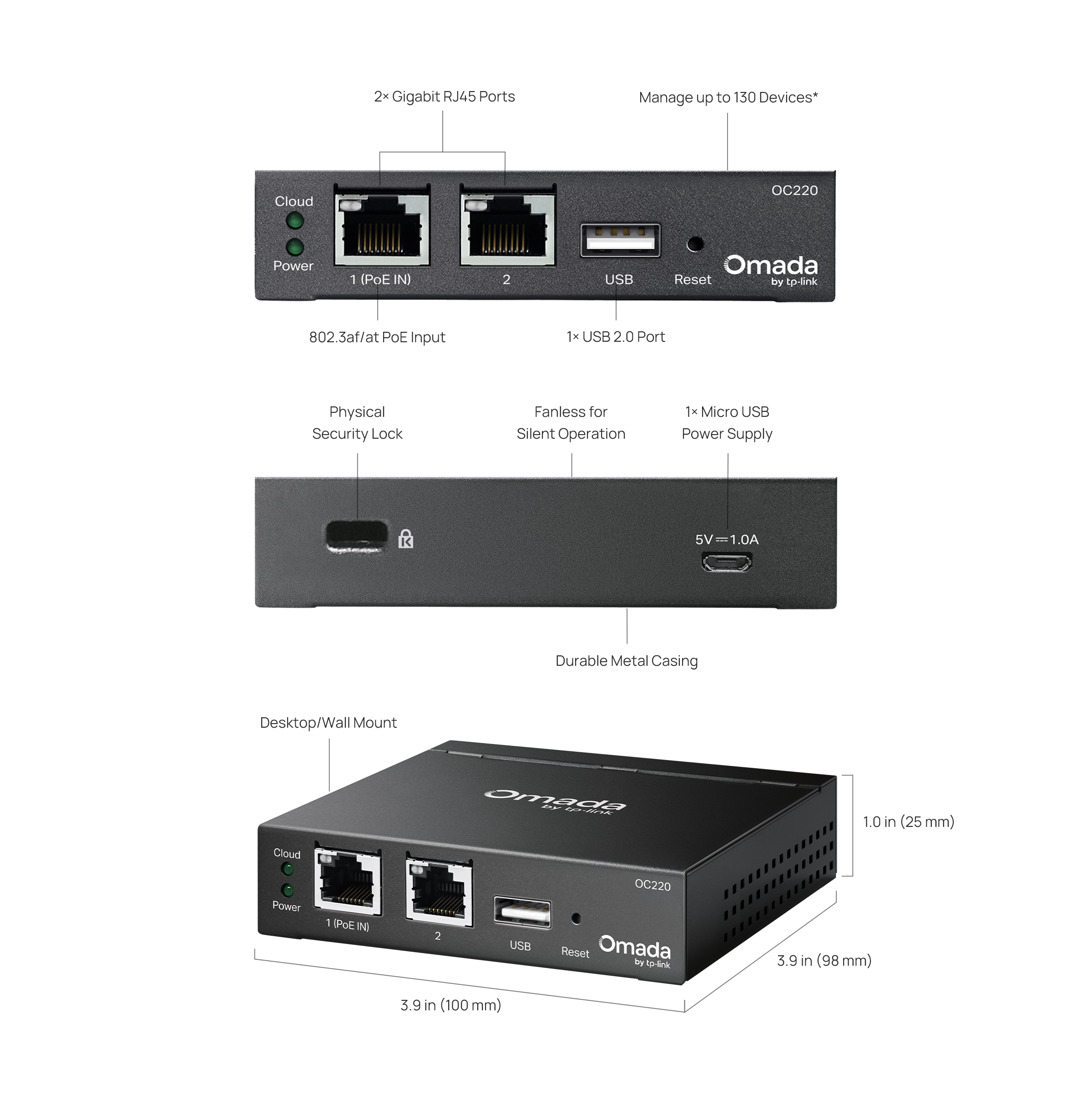
- Hardware Design for Businesses: Features a powerful chipset, durable metal casing, USB 2.0 port for data backup, and 2× Gigabit Ethernet ports.
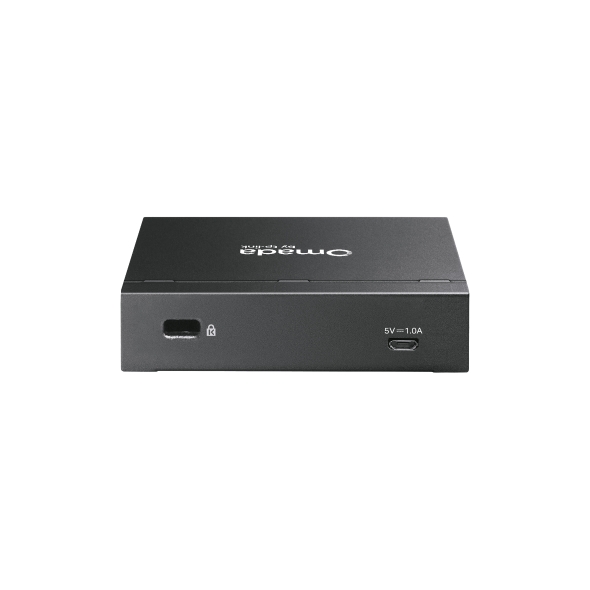
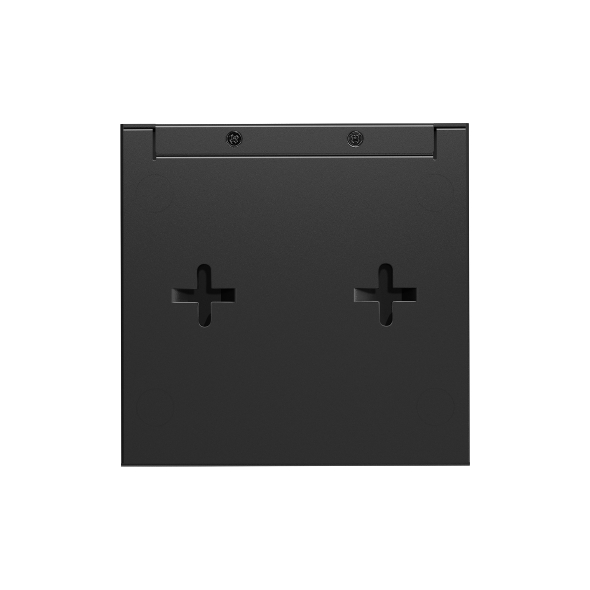
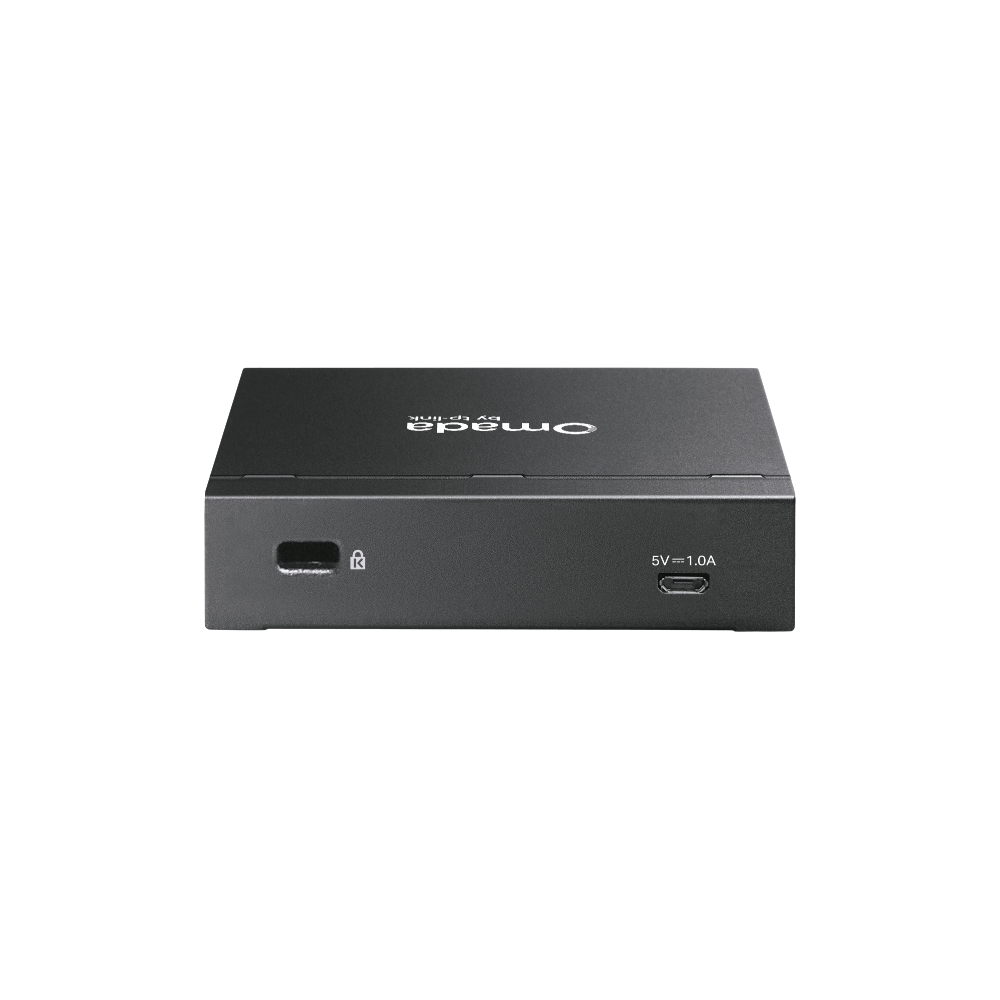
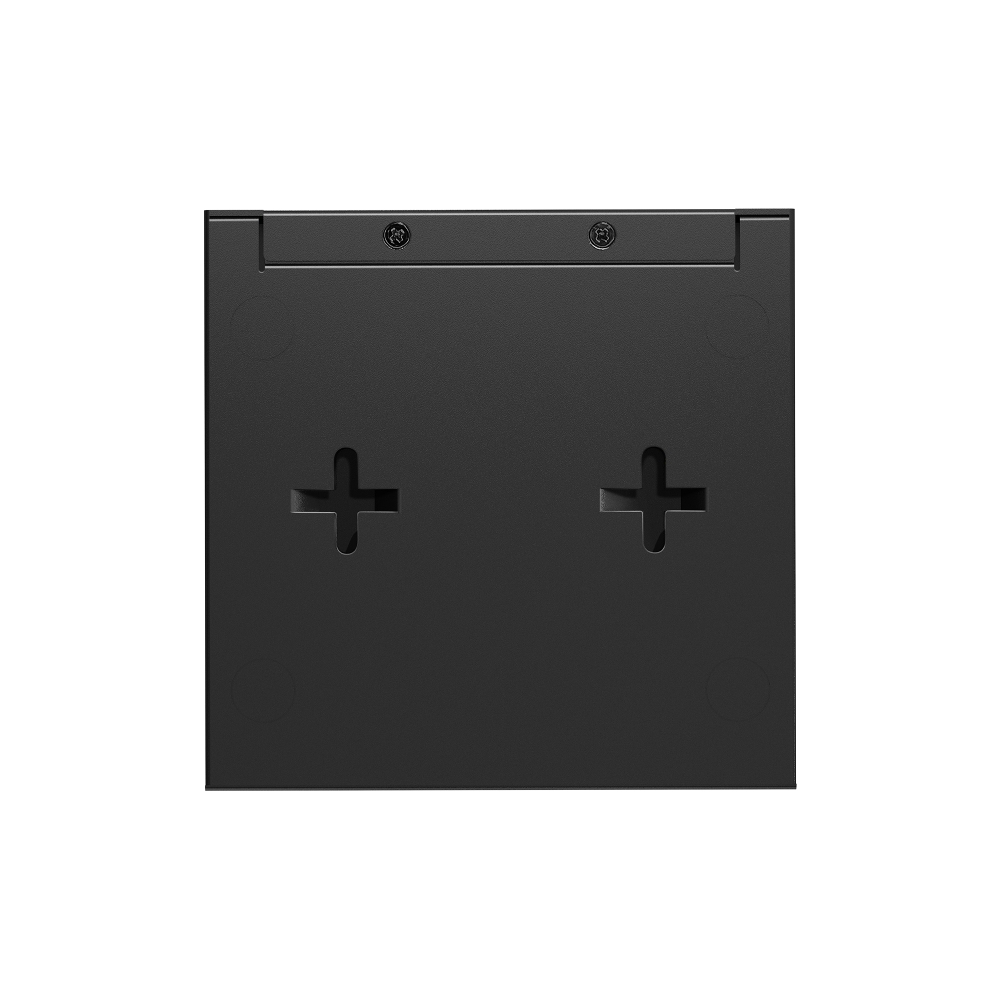
- Flexible Deployment: Powerd via 802.3af/at PoE or Micro USB (DC 5 V / Minimum 1 A) with a compact desktop or wall mount installation.


-
Manage up to 130 Devices*
-
No Need for a
Running PC/Server -
Optional Cloud with No License Fees
-
Manage via
Omada App -
Flexible 802.3af PoE or Micro USB Power Supply
-
Durable Metal
Casing -
Fanless for Silent Operation
-
USB 2.0 Port
for Auto-Backup


Hybrid Cloud Management for Maximum Convenience
Remotely or locally manage up to 100 Omada access
points, 10 Omada gateways, a maximum of 20 Omada switches, and a maximum of 2 certain
DeltaStream GPON OLTs via the Omada App or Web UI.*
VPN Gateway
PoE Switch
Access Points
Hardware Controller
OC220
Industry-Leading
Hardware Design
Equipped with an advanced design and the latest chipset, the Omada OC220 delivers more than enough processing
power to support massive network management—while its enterprise‑grade reliability ensures uninterrupted, 24/7 operation under heavy loads. It features 802.3af PoE input or Micro USB power supply for easier and flexible installation.
2× Gigabit
RJ45 Ports
1× USB 2.0 Port
for Auto‑Backup
PoE or Micro USB
Powered
Fanless Design
for Silent Operation
Greater Convenience
with the Omada App
Remotely access and configure your whole network with a tap of your phone from anywhere in the world.








| HARDWARE FEATURES | |
|---|---|
| Processor | Quad-Core A53 @ 2.0 GHz/Core |
| Interface | • 2× Gigabit Ethernet Ports• 1× USB 2.0 Port• 1× Micro-USB Port (only for power supply) |
| Physical Security Lock | Kensington Lock |
| Button | Reset Button |
| Power Supply | • 802.3af/at PoE• Micro-USB (DC 5 V / Minimum 1 A) |
| Max. Power Consumption | 11.2 W (powered by a PoE device, with USB 2.0 connected)3.5 W (powered via Micro-USB port, no USB 2.0 connected) |
| DRAM | 2 GB DDR4 |
| Storage | • 4MB Nor Flash• 8 GB eMMC |
| Weight | 0.305 kg |
| Dimensions ( W x D x H ) | 3.9 × 3.9 × 1.0 in (100 × 98 × 25 mm) |
| Management Features | |
|---|---|
| Omada App | √ |
| Restore & Backup | √ |
| Centralized Management | • 100 Omada access points• 10 Omada gateways• A maximum of 20 Omada switches*• A maximum of two select DeltaStream GPON OLTs* |
| Cloud Access | √ |
| L3 Management | √ |
| Multi-site Management | √ |
| Management Features | • Wired Network• Wireless Network• WLAN Optimization• Network Security (ACL/URL Fitering/Attack Defense)• Transmission (Routing/NAT/Session Limit/Bandwidth Control)• VPN (IPSec/L2TP/PPTP/OpenVPN/WireGuard VPN) • Portal (Voucher/Local User/SMS/RADIUS/External Portal Server)• 802.1x• RADIUS (Authentication/MAC Auth/Accounting) |
| MONITORING | |
|---|---|
| Monitoring | • DPI• IPS/IDS• Dashboard (Custom Dashboard)• Statistics (Performance/Switch Statistics)• Network topology• Network Map• Devices List (Custom Table)• Clients List (Custom Table)• Insights (Known Clients/Past Connections/Past Portal Authorizations/Rogue APs)• Logs (Alerts/Events/Custom Notifications) |
| OTHERS | |
|---|---|
| Certification | CE, FCC |
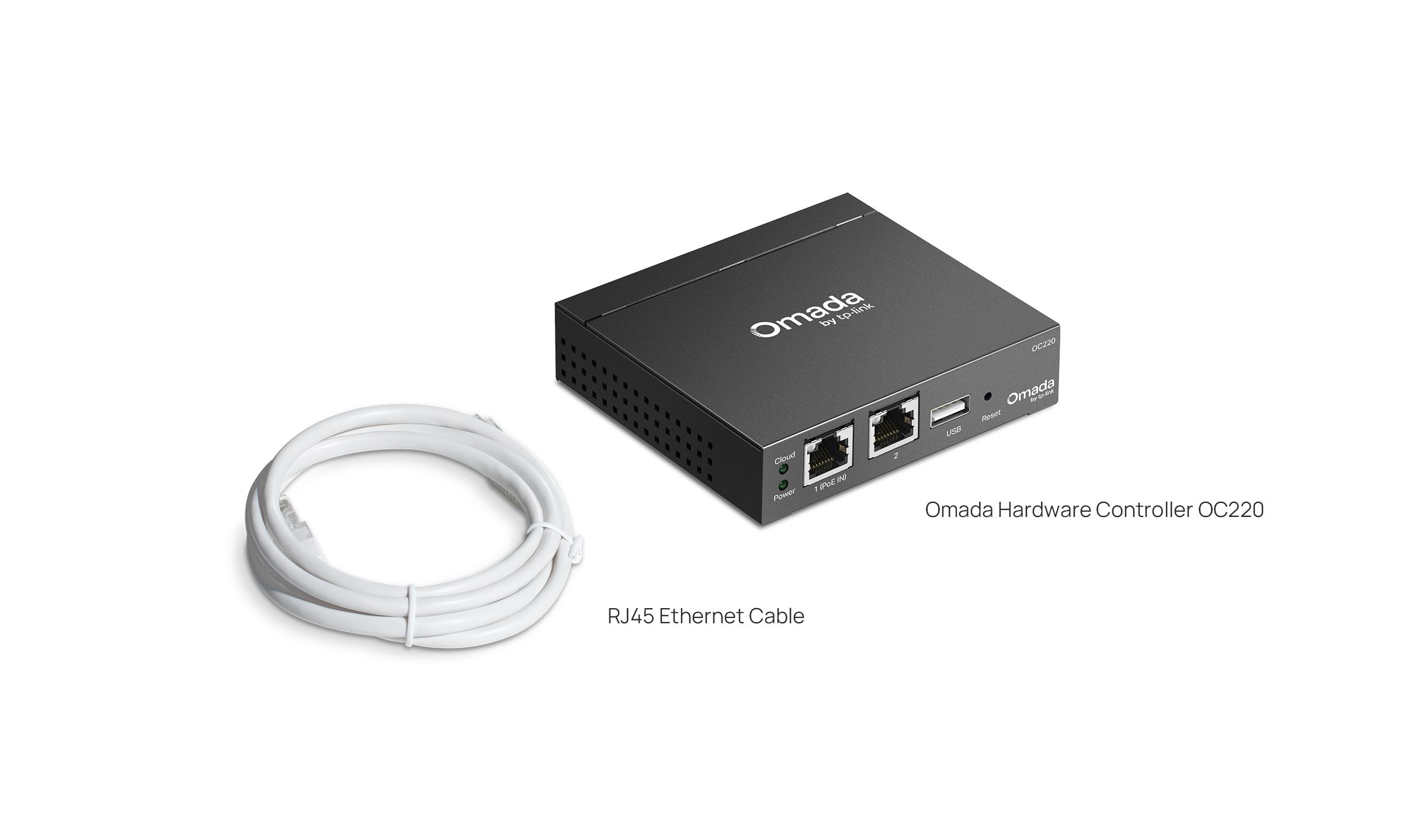
| Package Content | • Omada Hardware Controller OC220• Quick Installation Guide • RJ45 Ethernet Cable |
| System Requirements | Windows 7/8/10/11, Vista™, XP or MAC® OS, NetWare®, UNIX® or Linux |
| Environment | • Operating Temperature: -5–50 ℃ (23–122 ℉)• Storage Temperature: -40–70 ℃ (-40–158 ℉)• Operating Humidity: 10–90% RH non-condensing• Storage Humidity: 5–90% RH non-condensing |
*The stated management capacity is based on laboratory testing. Actual management capacity and performance may vary depending on deployment and network conditions.