


Manage Your Business Network
with a
Cloud Controller
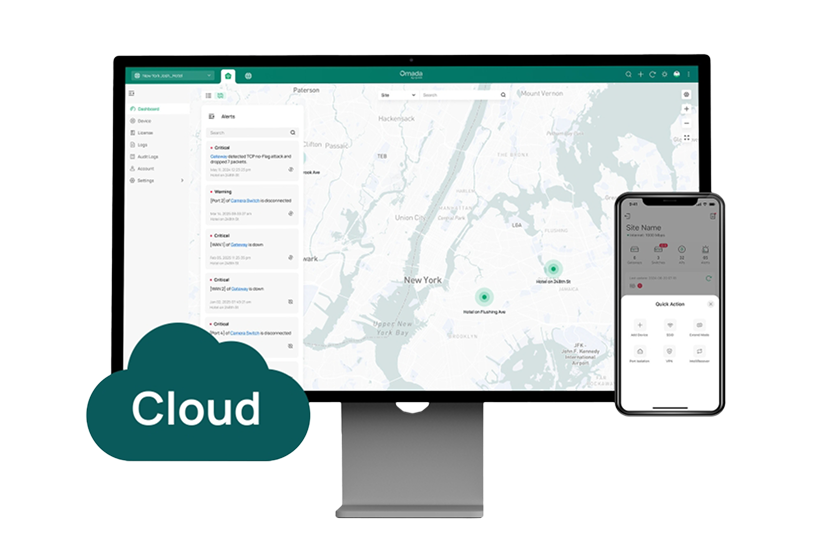
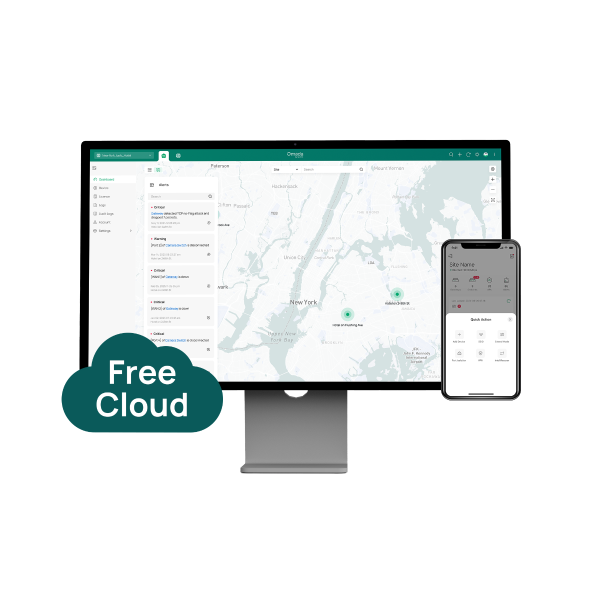
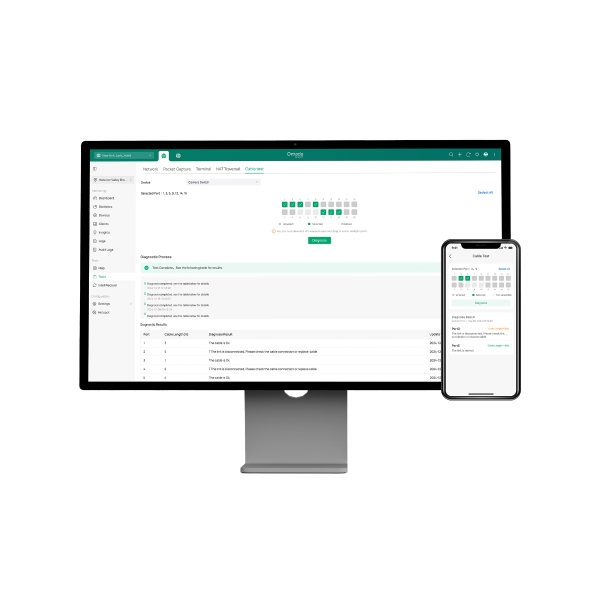
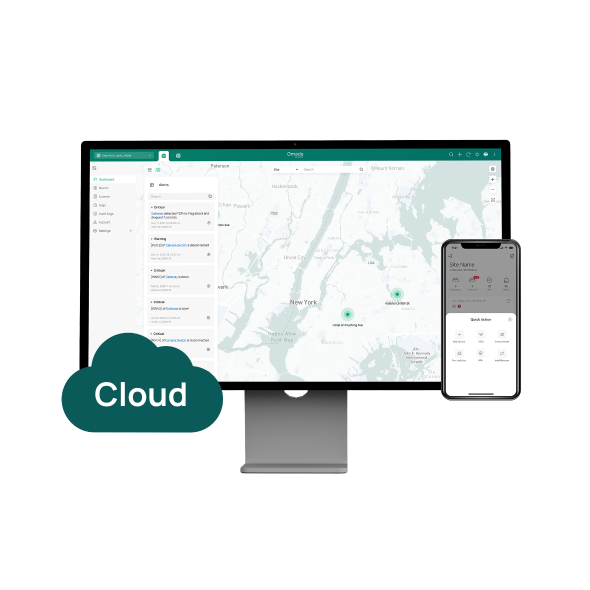
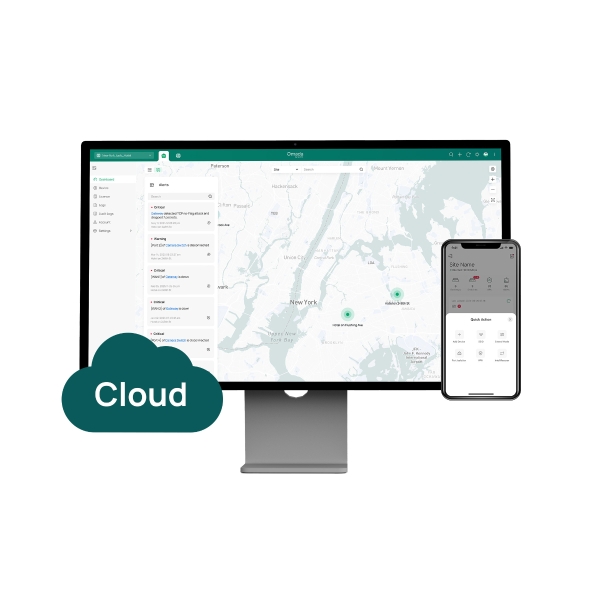
Omada's cloud-based network controller gives businesses centralized control over access points, switches, and gateways from a single web browser or the Omada mobile app, with no hardware or software to install on-site. Two plan options cover your business needs: Cloud Essentials offers free, simple management for smaller deployments, while Cloud Standard adds advanced features for MSPs and multi-site operations with more complex requirements.

Business Benefits

No On-Site Hardware Required
Omada cloud controllers remove the cost and complexity of deploying a physical controller at each business location.

Unlimited Management Scale
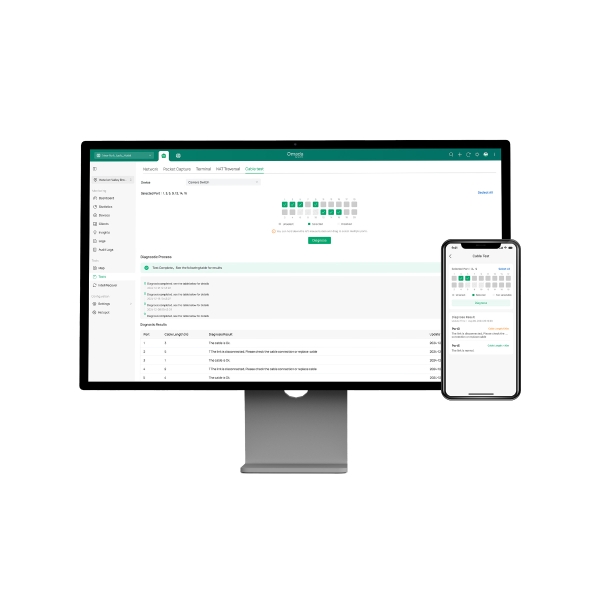
Manage unlimited Omada devices across one or many sites from a single interface, with real-time visibility into network status, traffic distribution, and connected device inventory.

Zero-Touch Provisioning
Scan a device serial number to add and pre-configure it remotely — no on-site IT visit required to bring new locations or devices online.

Reliable Cloud Infrastructure
Cloud Standard is hosted on enterprise-grade cloud infrastructure with redundant servers and automated fault detection, so management stays available. If the cloud connection drops, your network continues running uninterrupted.

Advanced Security and Control
Cloud Standard adds IPS/IDS, deep packet inspection, expanded VPN protocol support, Private Pre-Shared Key (PPSK), and advanced portal authentication options for environments with stricter security requirements.

Full Omada Integration
Both plans manage gateways, managed switches, and Wi-Fi access points under one interface, with consistent policies applied across your entire Omada by TP-Link network.
Solving Connectivity Challenges
From single-location small businesses to MSPs managing dozens of client networks, the Omada cloud controller adapts to how your business operates.

Isolate POS traffic from guest Wi-Fi across every location using VLAN segmentation, so customer transactions stay secure. Zero-touch provisioning allows new locations to come online with your existing network policy already in place.
Cloud Standard's MSP mode supports multi-customer management from a single platform, with separate access controls and reporting per client, letting service providers manage dozens of client networks from one account.

Configure captive portal authentication for guests, monitor bandwidth usage across properties, and troubleshoot connectivity issues remotely.

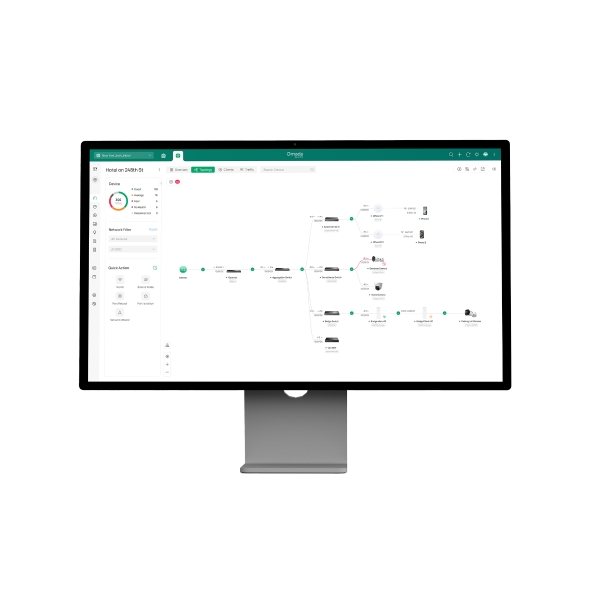
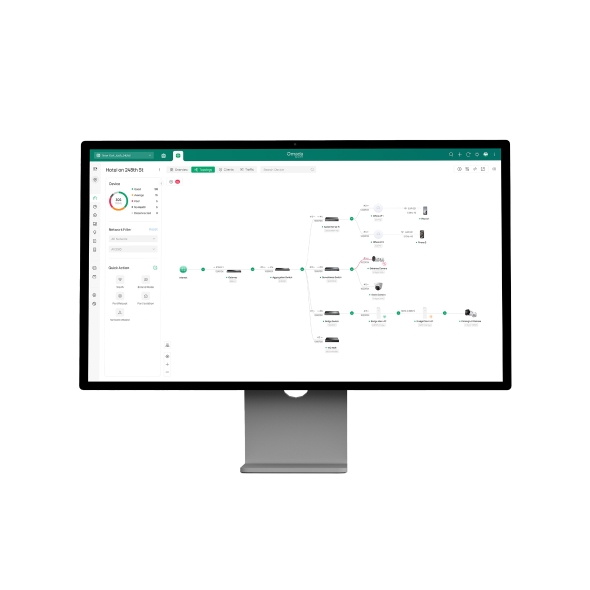
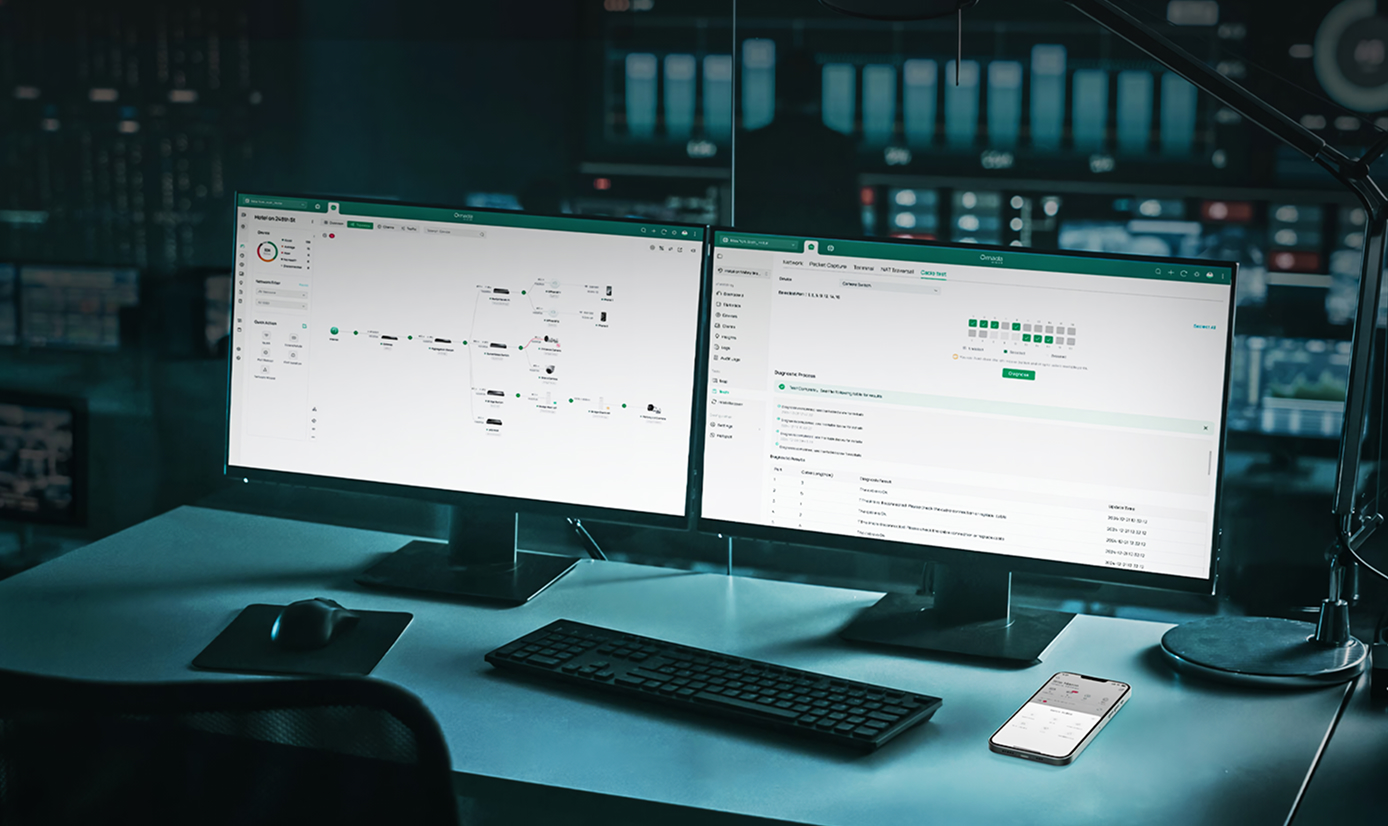
Apply consistent VLAN segmentation, access policies, and content filtering across buildings and sites, with network topology tools giving administrators a clear view of the entire infrastructure from a single interface.

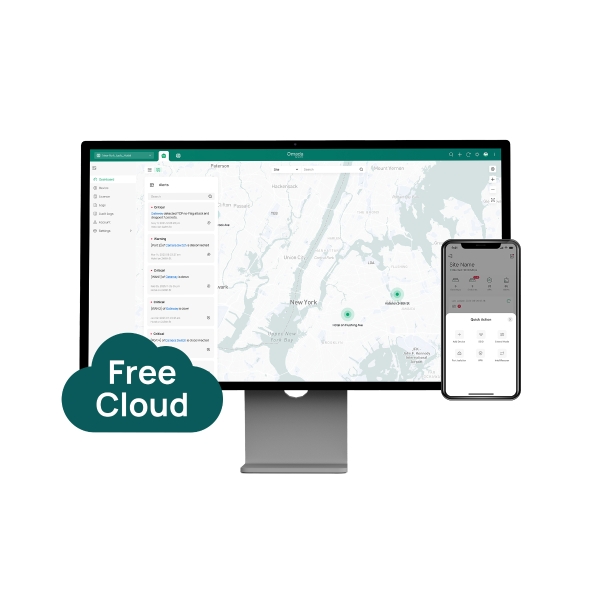
Cloud Essentials provides free centralized management for smaller deployments, a simplified starting point for businesses moving from consumer-grade networking to a managed business solution, with room to upgrade to Cloud Standard as requirements grow.
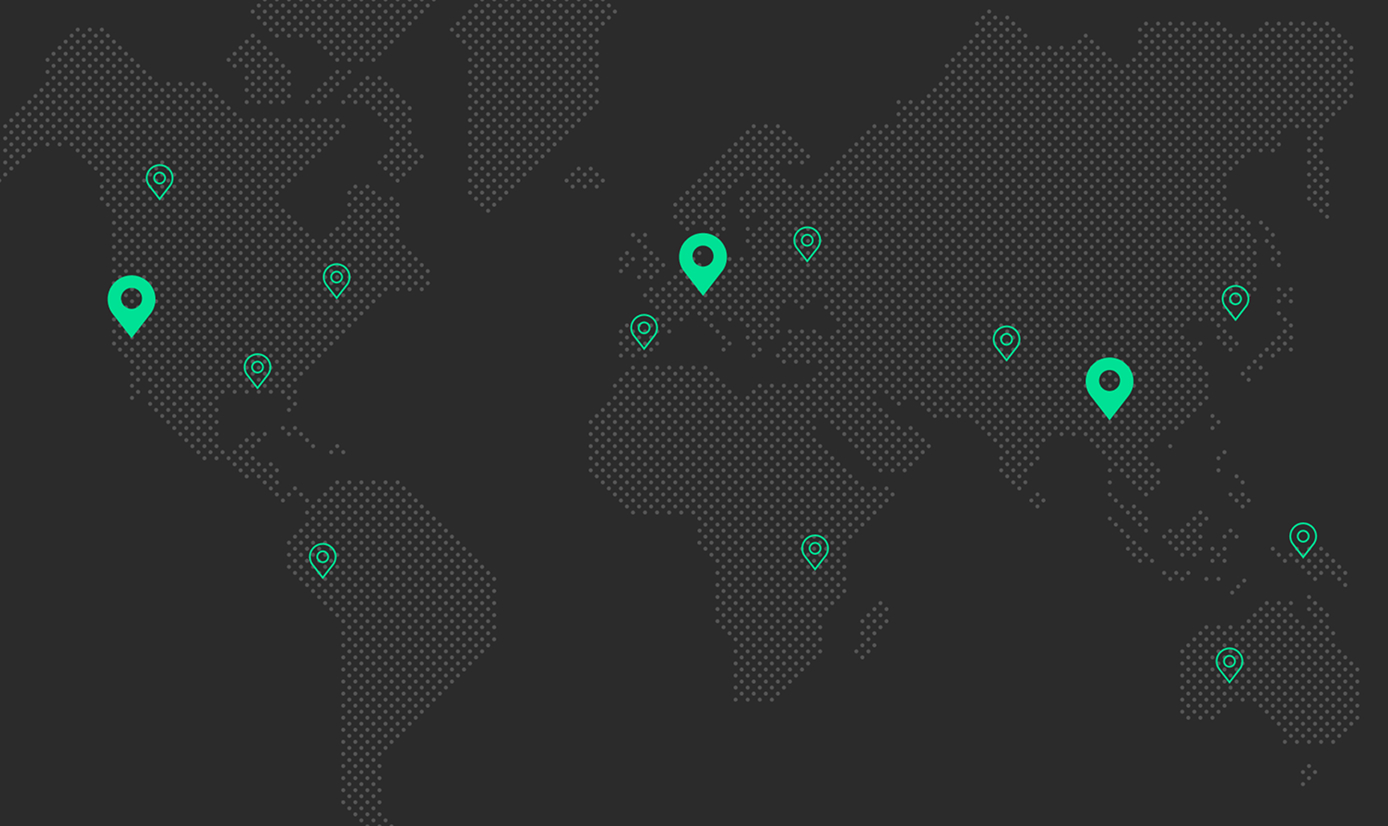
IT teams managing offices across multiple locations can configure, monitor, and troubleshoot every site remotely, reducing the need for travel and on-site support without sacrificing visibility or control.
FAQs
What is a cloud network controller? 
A cloud network controller is a software platform hosted in the cloud that lets administrators configure, monitor, and manage network devices, such as access points, switches, and gateways, from a web browser or mobile app. It replaces the need for a physical, on-site controller and provides centralized visibility and control across one or multiple sites. Omada cloud controllers are available through two plans: Cloud Essentials (free) and Cloud Standard (paid, per-device license).
What are the benefits of a cloud-based network controller?
A cloud-based network controller eliminates on-premises hardware, enables remote management from anywhere via browser or the Omada app, and supports zero-touch provisioning so new devices can be configured without an on-site visit. It provides real-time network monitoring, centralized policy management, and scales to support unlimited devices across multiple locations. Cloud Standard adds advanced security features including IPS/IDS, deep packet inspection, and expanded VPN protocols for more demanding deployments.
Can I manage multiple sites from a single cloud controller?
Both Cloud Essentials and Cloud Standard support unlimited devices and sites from a single management interface. Administrators can monitor network status, push configuration changes, and troubleshoot issues across all locations without switching between platforms. Cloud Standard additionally supports MSP mode, which allows service providers to manage multiple separate customer networks from one account with individual access controls per client.
Do cloud controllers require a subscription?
Cloud Essentials is free with no ongoing fees, covering core management features suited to smaller deployments including zero-touch provisioning, VLAN configuration, topology, and WireGuard VPN. Cloud Standard is a paid, per-device license plan that adds advanced capabilities including MSP multi-customer management, IPS/IDS, deep packet inspection, the full VPN protocol suite, PPSK, advanced portal authentication, WLAN optimization, and Open API access.
What happens if the internet connection is lost? Will the network still function?
If the connection between your network and the cloud controller is interrupted, locally configured devices continue operating normally, so traffic routing, VLANs, and security policies already in place remain active. Management functions such as configuration changes and live monitoring are unavailable during the outage but resume automatically once connectivity is restored.
Which devices can be managed through the Omada cloud controller?
Both plans manage Omada access points, managed switches, and gateways across the full Omada by TP-Link product portfolio. For a full list of compatible models, visit the Omada Cloud Standard compatible devices or Omada Cloud Essentials compatible devices pages.