Wi-Fi Extender vs Mesh: Which Is Right for Your Business?
The Wi-Fi extender vs. mesh decision comes down to whether you need one relay or one coordinated system. A Wi-Fi extender receives an existing wireless signal and retransmits it, often under a second network name. A mesh system connects multiple nodes to each other and manages them as one network, usually under a single network name.
The bigger variable is backhaul, the link that carries traffic between that extra device and the router. A wireless backhaul shares Wi-Fi capacity with your client devices, while an Ethernet backhaul doesn't. That difference shapes throughput and scalability more than the product label does.
Key Takeaways
- A Wi-Fi extender relays an existing signal, often under a second network name, while a mesh system manages multiple nodes as one network.
- Backhaul, the link carrying traffic back to the router, shapes throughput and scalability more than whether the device is labeled extender or mesh.
- Single-radio extenders can roughly halve usable bandwidth, a dedicated mesh backhaul radio reduces that penalty, and Ethernet backhaul removes it.
- Extenders suit one weak area beside good coverage, an uncabled rental space, or one low-bandwidth device, but not multiple dead zones or roaming clients.
- Where Ethernet reaches, wired access points are the preferred business foundation, and Omada Mesh covers locations that can't be cabled.
Wi-Fi Extender vs. Mesh Wi-Fi: Side-by-Side Comparison
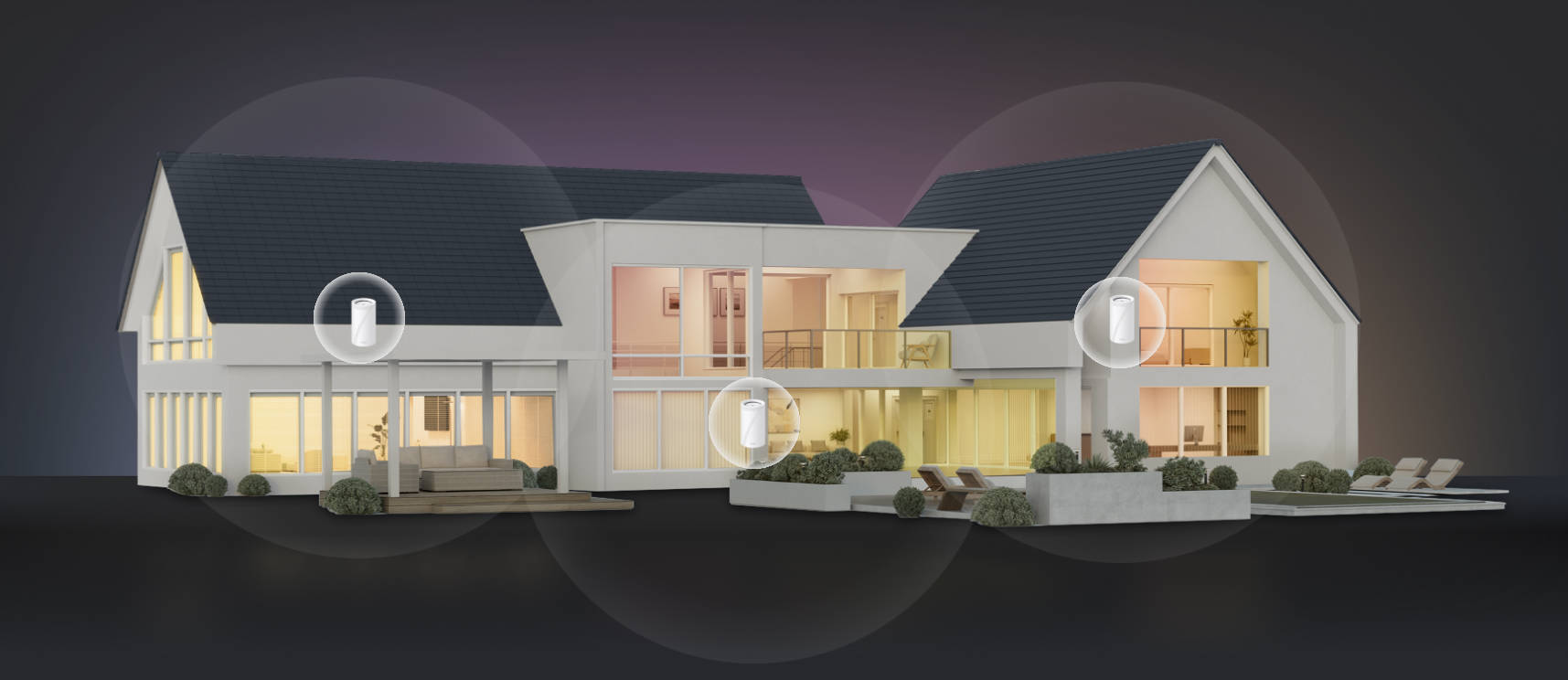
Both options push coverage past what a single router reaches. A standalone extender relays one router's signal into a nearby area. A mesh system is a set of interconnected nodes managed as one network, usually sharing a single network name, and many systems add roaming assistance between nodes.
The table below compares Wi-Fi mesh vs. extender options based on the factors that shape a business deployment.
| Factor | Wi-Fi extender | Mesh system |
|---|---|---|
| Network name (SSID) | Often a separate SSID by default, depending on model | Typically one SSID across nodes |
| Roaming | Basic extenders typically don't coordinate roaming; the client decides when to switch | Many systems add roaming assistance; features vary by platform |
| Backhaul | Wireless link to the router or access point (AP) | Wireless or Ethernet, depending on model |
| Throughput at the far end | Can drop by about half on single-radio designs, where one radio carries both backhaul and client traffic | Dedicated-radio or Ethernet backhaul can reduce the impact on client capacity |
| Adding coverage | Each unit configured separately | Nodes join the existing system |
| Management | Typically per device | Shared app or controller |
| Scalability | Practical for one area; each additional wireless hop adds backhaul overhead | Suited to coverage across multiple areas of a small site |
| Cost | Typically lower for a single-unit deployment | Higher; increases as additional nodes are added |
| Typical fit | One isolated weak area with modest performance needs | Multiple areas where coordinated management or roaming features are needed |
The Real Difference Is the Backhaul
An extender and a mesh node that uses wireless backhaul both send traffic back to the network over the air, and that link strongly affects performance. This upstream path between the added device and the router or gateway is called backhaul. The three setups below differ in what carries it and how much wireless airtime it consumes.
What a Single-Radio Extender Costs You
A single-radio extender uses the same channel to talk to the router and the client, so relayed traffic uses airtime twice. Wi-Fi radios are half-duplex and can't transmit and receive on the same channel at once. The extender must receive each frame before retransmitting it, whether the traffic is headed to the client or back to the router. That doubled airtime roughly halves usable bandwidth on single-radio designs.
Some dual-band extenders receive on one band and retransmit on the other, which reduces this penalty without removing it. The extender still needs a strong connection to the router, and that link's signal quality limits performance in the extended area.
What a Dedicated Backhaul Radio Buys Back
A tri-band mesh system with a dedicated backhaul radio moves node-to-node traffic onto its own radio, so client traffic no longer competes with backhaul traffic on the same radio. Your laptop talks to the nearby node on one radio while that node forwards traffic over another. That preserves more client capacity at the far node, though the gain varies by model, distance, interference, and building materials.
Two caveats: First, a dedicated radio reduces the penalty rather than eliminating it, because the backhaul is still wireless and each additional hop adds another link to the path.
Second, not every mesh system has that extra radio. A dual-band mesh node using wireless backhaul shares a band between clients and backhaul, so it faces the same airtime constraint as a single-radio extender on that band.
What Wired Backhaul Removes
If a device supports Ethernet backhaul, running a cable to the second location takes the wireless backhaul out of that link. The cable carries upstream traffic, and the node's radios spend their airtime on client devices.
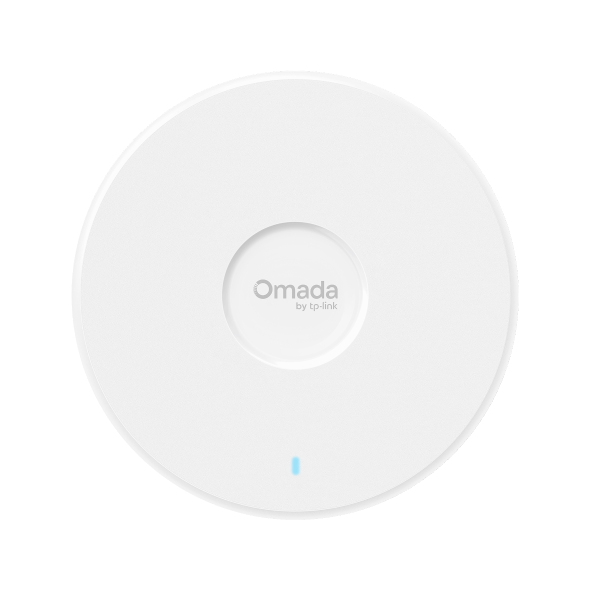
Omada Mesh is designed for locations you can't cable: mesh APs connect back to a wired root AP over wireless backhaul, directly or through another mesh AP. Where a cable can reach, you'd connect the Omada AP as a standard wired access point instead.
A wired access point extends coverage the same way but connects over Ethernet instead of a wireless uplink. It connects to a switch, typically draws power over the same cable through Power over Ethernet (PoE), and spends none of its airtime on backhaul.
Are Wi-Fi Extenders Worth It for a Business?
Wi-Fi extenders are worth it in a narrow set of cases. They fit one problem area next to good coverage, a space where you can't run Ethernet, or a single low-bandwidth device at the edge of range. They're a poor fit for several dead zones, clients that move between areas, or sites where a second network name creates support work.
Extenders make sense when you have:
- One problem room next to strong coverage. A back office or storage room just past the router's reach is the classic case. On a single-radio extender, usable throughput can fall to roughly half the bandwidth available to the extender itself, which suits email, browsing, and cloud apps better than large file transfers.
- A rented space where you can't run Ethernet. Treat the extender as a workaround for a short lease or landlord restrictions, and plan for wired access points if the deployment becomes permanent.
- One low-bandwidth device at the edge of range. A printer, sensor, or IP camera that stays in one place can be a reasonable use case if its traffic is modest. Check the device's bitrate first, especially for high-resolution camera streams.
Extenders don't make sense when you have:
- More than one dead zone. Each extender is another device to configure and manage. Daisy-chaining them adds a wireless hop each time, which compounds the backhaul penalty.
- Clients that move between areas. Basic extenders don't coordinate handoffs, so phones, laptops, and scanners may remain connected to a weaker signal longer than desired or drop calls while moving. Some extender ecosystems add roaming assistance, which moves them closer to a mesh-style deployment.
- A support burden from a second network name. Every time a staff member asks, "Which Wi-Fi should I join?" the question costs time and complicates guest access instructions.
The extender's own link to the router sets an important limit on the performance available behind it. Place the extender where it still receives a solid signal, not in the dead zone itself.
When Mesh Is Also the Wrong Answer
A consumer mesh system can solve coverage and roaming problems in a small space, but it may not provide the capacity, configuration control, or multi-site management a business requires. Hard walls, high client density, and multiple locations can make a planned business network more appropriate than simply adding consumer mesh nodes. The same applies to critical applications like Voice over IP (VoIP) and point-of-sale (POS) systems.
Consumer mesh apps prioritize simple setup, which can limit control over VLANs (virtual local area networks), channel planning, and per-network policies.
When Ethernet is available, wired access points are the preferred foundation. When comparing access points and mesh, the uplink is the difference. Ceiling-mount access points connected to a PoE switch each get a wired uplink and power over one cable, leaving their wireless airtime available for client traffic.
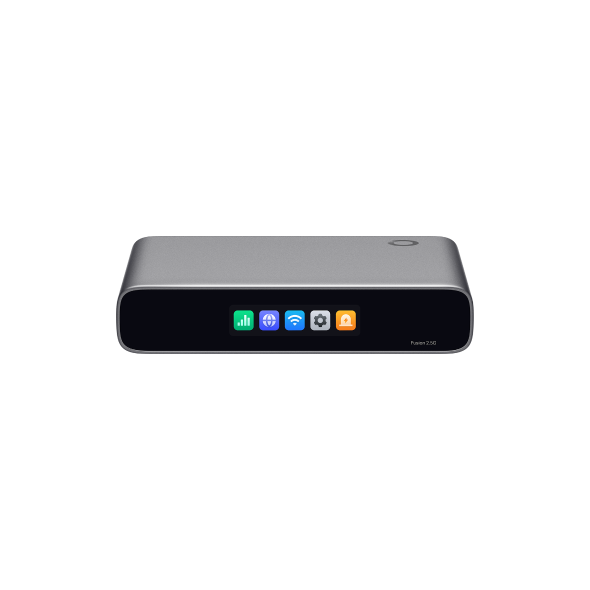
An Omada controller manages coverage, channels, roaming, and network policies for every AP from one interface. When enabled, 802.11k/v/r help compatible clients discover and move between supported APs more efficiently. That helps keep laptops connected between office meeting rooms, guests connected from the hotel lobby to their rooms, and handheld devices working across a retail floor. For multi-site deployments, Omada controllers support multi-site management, so one team can oversee every location centrally.
Where Ethernet can't reach, Omada Mesh fills the gap, and it works differently from consumer whole-home mesh. It lets compatible Omada access points use a wireless uplink to a wired root AP, such as in a detached building or on a patio. The Omada controller configures mesh, so you can manage meshed APs alongside wired APs.
Because the uplink is still wireless, it consumes wireless capacity for backhaul. Omada's mesh performance guidance estimates roughly a 50% reduction per wireless hop and recommends wired connections for the best performance and stability. Wired uplinks remain the better choice wherever consistent capacity and predictable performance are the priorities.
How to Choose: Extender, Mesh, or Access Points for Business Networks
Four questions settle whether a Wi-Fi extender or mesh system fits your space. For many business floor plans, the answers point past both options to wired access points.
| Question | Answer | Recommendation |
|---|---|---|
| How many areas need better coverage? | One area, next to good coverage | Extender |
| More than one | Mesh system or multiple access points | |
| Can Ethernet reach each location? | Yes | Wired access points |
| No | Wireless mesh with a dedicated backhaul radio, or Omada Mesh for hard-to-wire spots | |
| Do clients move while connected? | Yes, especially laptops and handheld devices | APs with roaming features, or a mesh system that supports roaming |
| No, and only one area needs coverage | An extender is acceptable | |
| How many networks and sites need central management? | One network at one site | Consumer mesh can be sufficient |
| Multiple VLANs, sites, or client networks | Controller-managed access points |
Frequently Asked Questions
What are the disadvantages of a Wi-Fi mesh?
The main disadvantages of Wi-Fi mesh are cost, wireless backhaul overhead, and limited value in small spaces. Each node adds cost, dual-band systems using wireless backhaul give up client airtime to node-to-node traffic, and a space one access point already covers gains little from extra nodes. Consumer mesh can also offer less configuration and policy control than business platforms.
Does mesh Wi-Fi go through walls?
Mesh Wi-Fi has no special ability to go through walls. Its signals follow the same physics as any Wi-Fi radio at the same frequency and power, and dense materials like concrete, brick, and metal weaken them. Mesh helps through placement: a node on the far side of an obstruction means fewer walls between each client and a radio.
Can I use mesh as an extender?
Yes, in the sense that a mesh node extends coverage into areas the main unit can't reach. The difference is how: a mesh node usually shares one network name with the other nodes and may offer roaming assistance, while a basic extender often creates a separate network. Both depend on backhaul, so a weak wireless uplink limits either one.
Do mesh Wi-Fi extenders really work?
Yes, within limits. A mesh Wi-Fi extender is an add-on node or range extender that joins a compatible mesh system, sharing its network name instead of creating a separate one. Its performance depends on backhaul: distance, interference, and obstructions can reduce the performance available at a wireless unit, while an Ethernet-connected unit avoids that constraint.
Start With the Uplink, Not the Product Category
Before choosing between an extender and a mesh system, work out how each additional radio will get its data back to the router, and whether a cable can reach it. Where Ethernet can run to every location, Omada Wi-Fi access points give each radio a wired uplink, so its airtime goes to client devices instead of backhaul. Ceiling-mount models suit offices, outdoor-rated units cover patios and grounds, and an Omada controller manages them together.

_20261029230103c.jpg)