
Pobierz Tapo H500
WAŻNE: Dostępność modeli i wersji sprzętowych zależy od regionu. Możesz sprawdzić dostępne produkty na lokalnej stronie TP-Link (www.tp-link.com.pl).
- Przegląd produktów
Konfiguracja
-
How to Set Up Your Tapo Smart HomeBase | Tapo H500
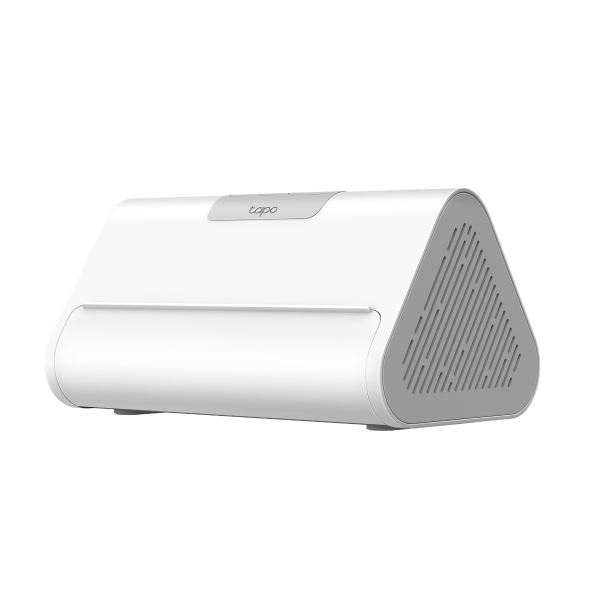
Tapo Smart HomeBase is your smart home center that connects up to 16 cameras and 64 sensors to build your own smart home ecosystem. The AI Empowerment feature enables connected cameras to support facial recognition and other AI features.
Rozwiń więcej Zwiń
FAQ
- Notifications: How to Set Up and Manage Tapo & Kasa Alerts in the Tapo App
- What Should I Do If I Fail to Configure a Tapo/Kasa Hub
- How to Configure Homes and Rooms in the Tapo App
- Jak skasować konto TP-Link Cloud?
- Tapo H500 Hub as a Matter Controller and Bridge: Add and Integrate Smart Home Devices
- Jak zresetować Hub Tapo?
- How to Set Up Geofencing on the Tapo/Kasa App
- Jak połączyć moje urządzenia Tapo z Google Home?
- How to Cast TP-Link Camera/Doorbell to TV via Tapo Smart CentralHub
- How to improve the connection stability of my Hub and its sub-devices
- Why Can't I Receive the SMS Verification Code from the Tapo App? How to Fix It
- How to Set Up Tapo Smart CentralHub (Tapo H500)
- How to Pair and Connect Tapo Sensor/Button/Switch to Tapo Hub
- How to get the log of Tapo app
- Często zadawane pytania odnośnie Matter i Hubów Tapo
- Jak korzystać z widżetów na iOS, aby kontrolować urządzenia Tapo?
- Which TP-Link Tapo Cameras/Devices Are Compatible with Tapo Hub
- How to Enable 24/7 Capture on Tapo Battery-Powered Cameras
- FAQs about the AI Empowerment of Tapo Smart CentralHub (Tapo H500)
- How Many Devices Can Connect to a Tapo Hub at the Same Time?
- How Secure Are Tapo Devices? Security Standards and Privacy Features Explained
- Announcement: IFTTT Services Ending for Tapo and Kasa Products
- How to Reset a Forgotten TP-Link ID Password for Tapo and Kasa Devices
- Frequently Asked Questions about Face Management
- Kasa and Tapo Smart Devices Not Working with Alexa: Troubleshooting Guide
- Tapo H500 Compatible Hard Drives and SSD List
- How to Install Your Solar Cam 4K (2-Cam Kit)
- How to install your Solar Cam 2K Dual (2-Cam Kit)
- How to install your Solar Cam 2K Pan/Tilt (2-Cam Kit)
- How to connect a USB Device to your Tapo Smart CentralHub (Tapo H500)
- What should I do if my third-party Matter device shows offline in Tapo app?
- How to fix Matter devices pairing failures in Tapo app
- Dlaczego nie mogę zarejestrować lub aktywować TP‑Link ID?
- How to check event log of Tapo Button, Sensor, and Hub
- What should I do if Tapo Camera cannot be added to Tapo Hub?
- How to troubleshoot if Tapo H500 fails to recognize hard drive or overheats
- General Questions about Tapo/Kasa Geofencing
- How to troubleshoot if Tapo H500 Screen Mirror feature malfunctions
- What should I do when email shows that the link expired when I register cloud account or reset my password?
- How to set up routines for Tapo devices via Alexa app
- How to migrate connected Tapo devices from old Tapo hub to the new one
- How to optimize facial recognition performance of Tapo Security Device
- The most frequent asked questions about TP-Link Sales
- How to Add A Group for Your Tapo Devices
- How to turn on Precise Location for the Tapo App
- How to unlink third-party accounts from your TP-Link ID
- Frequently asked questions about the "Third-Party Compatibility" feature
- How to verify if it’s the hardware issue of TP-Link smart home
- Dlaczego firma TP-Link potrzebuje mojego adresu email?
- FAQs about migrating devices between Tapo Hubs
- Why do I receive a "We Noticed a New Login" email?
- How to create 3D Map in the Tapo App for Pad
- How to Connect Tapo Cameras and Doorbells to a Tapo Hub
- What can I do if the Tapo app is not working properly (smart plug, smart camera, smart bulb)?
- Co należy zrobić, jeśli nie otrzymuje emaila weryfikacyjnego podczas rejestrowania konta lub resetowania hasła?
- Which Tapo Hubs Support Doorbell Ring?
- Tapo/Kasa Devices Appear Offline After Changing or Resetting the Router
- What is Local Smart Action?
- Jak połączyć urządzenia Tapo z Amazon Alexa?
- Co robić, jeśli nie mogę uzyskać działania urządzeń Tapo smart z Google Home lub Amazon Alexa?
- Co robić, jeśli aktualizacja oprogramowania moich urządzeń Tapo smart się nie powiedzie?
- Jak sprawdzić stabilność połączenia sieciowego kamery Tapo?
- Co to jest TP-Link ID i jak je utworzyć?
- Kasa and Tapo Siri Integration: How to Control Smart Devices with Siri
- Gdzie znajdują się oznaczenia modeli produktów TP-Link?
- How to Find the Serial Number (S/N) on Your TP-Link Device
- Jak sprawdzić wersję sprzętową urządzenia TP-Link?
Informacje o oprogramowaniu
Zapoznaj się z poradnikiem FAQ 3580, aby zaktualizować oprogramowanie.
|
Tapo H500(EU)_V1_1.1.1 Build 20250324 |
|---|
| Data publikacji: 2025-04-17 |
|
Zmiany: |
Kod GPL
z United States?
Uzyskaj produkty, wydarzenia i usługi przeznaczone dla Twojego regionu.