
如何在TP-Link ISP 客製化路由器上建立 IoT 網路
簡介
IoT 網路 (IoT Network) 功能可讓您為 IoT 設備(包含智慧燈具、感測器、智慧插座與攝影機)建立專屬的無線網路。
將 IoT 設備與主 Wi-Fi 網路分開,可藉由隔離低頻寬或高流量的 IoT 網路傳輸,來提升連線穩定性並增強安全性。
本文將說明 IoT 網路的用途,並提供透過 ISP 客製化路由器的網頁管理介面進行設定的逐步指示。
設定
在此範例中,我們使用 HB210 Pro(EU1) 1.0 作為示範型號。
步驟 1. 將您的設備連接至路由器(透過 Wi-Fi/乙太網路),接著在瀏覽器中輸入該型號專用的網址以進入其網頁介面:
- E/H 系列型號:http://tplinkwifi.net
- V/N/M 系列型號:http://tplinkmodem.net
使用登入密碼登入網頁入口網站。
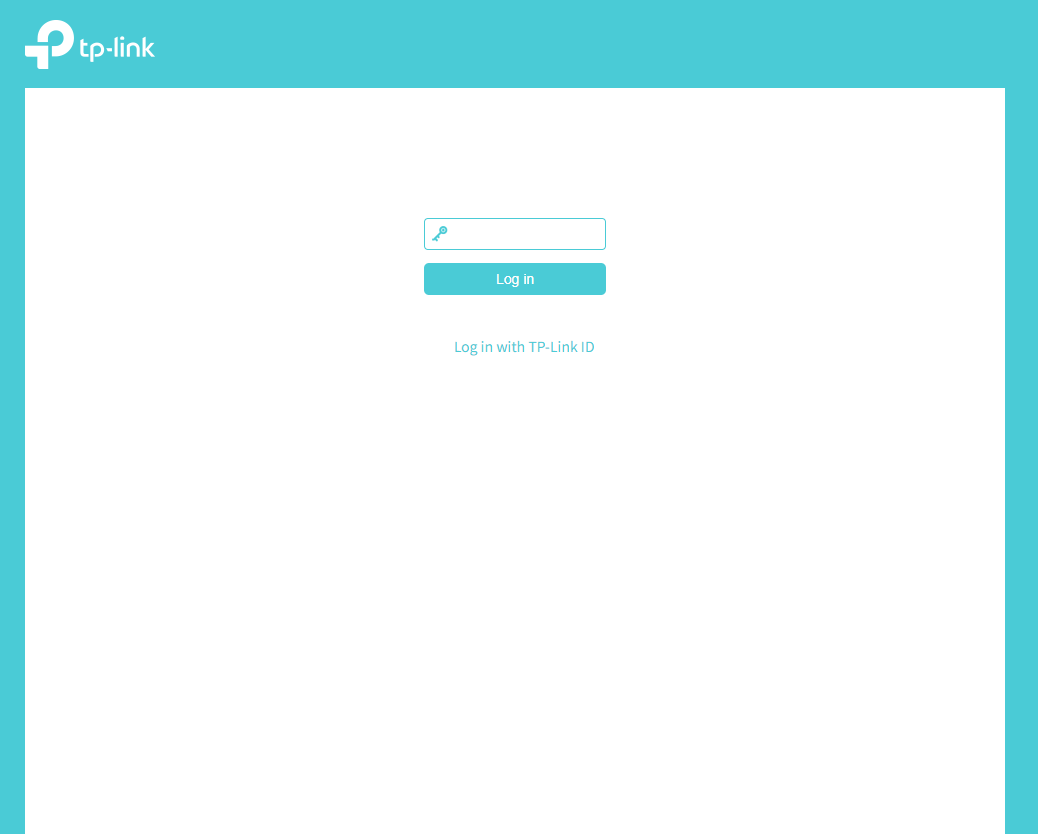
步驟 2. 前往 進階設定 (Advanced) > 無線網路 (Wireless) > IoT 網路 (IoT Network)。
這篇faq是否有用?
您的反饋將幫助我們改善網站



TP-Link Community
Still need help? Search for answers, ask questions, and get help from TP-Link experts and other users around the world.