
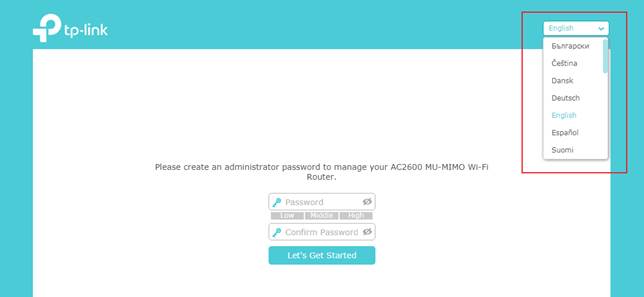
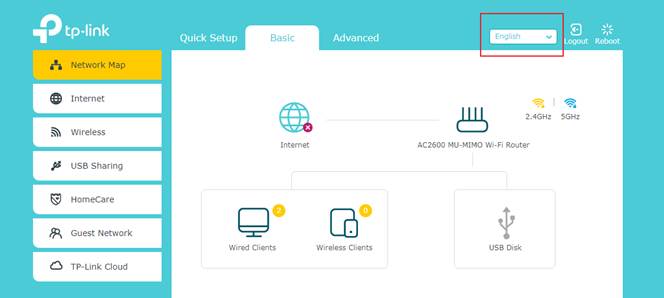
如何變更路由器網頁管理介面的語言設定?
更多相關文章
這篇faq是否有用?
您的反饋將幫助我們改善網站



TP-Link Community
Still need help? Search for answers, ask questions, and get help from TP-Link experts and other users around the world.
這篇faq是否有用?
您的反饋將幫助我們改善網站
TP-Link Community
Still need help? Search for answers, ask questions, and get help from TP-Link experts and other users around the world.