
如何在刪除黑名單上的設備呢?
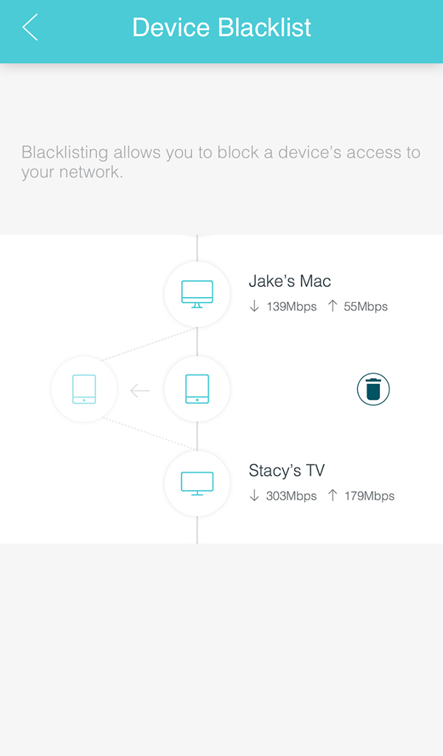
設備黑名單允許您阻止設備訪問您的Deco網路。
在設備頁面上,只需點擊並按住設備圖示,然後將其拖動到左側。該設備將被添加到黑名單,這代表它將不能再連接到Deco網路。
刪除黑名單上的設備
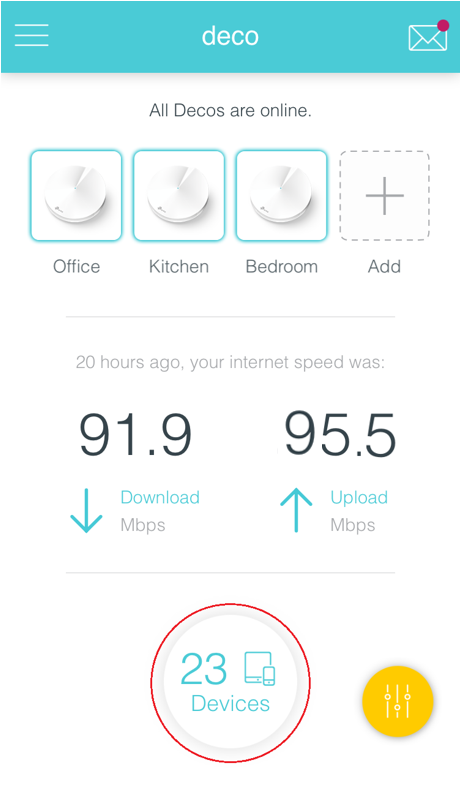
點選儀錶板上的設備(Devices)圖示
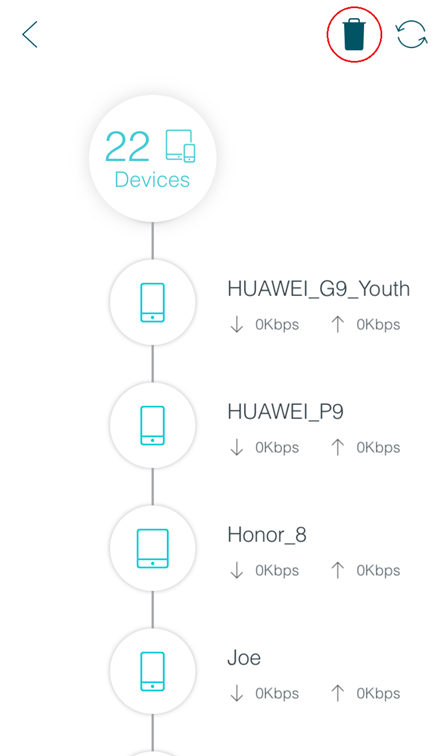
點選儀錶板右上角的垃圾桶圖示
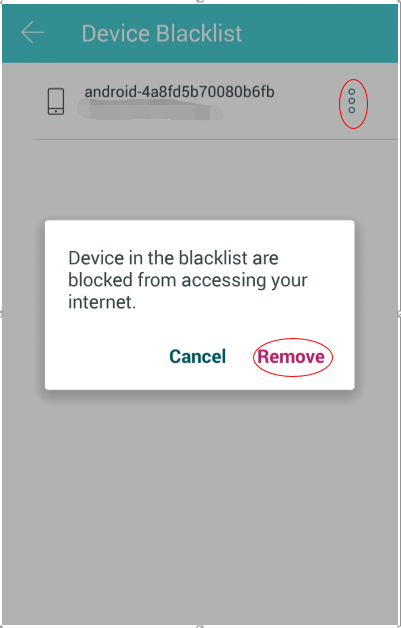
在設備黑名單中,點右上角三個小圓圈的圖示,然後點擊刪除(Remove)。 該設備將從黑名單中刪除。
這篇faq是否有用?
您的反饋將幫助我們改善網站



TP-Link Community
Still need help? Search for answers, ask questions, and get help from TP-Link experts and other users around the world.