
如何控制Wi-Fi路由器的LED燈號(新logo)?
1. 登入路由器管理頁面,不知道該如何操作請參考下列文章
a. How to log in to the web-based interface of Wi-Fi Routers (new logo)?
b. How to log in to the web-based interface of Wi-Fi Routers (new logo)?
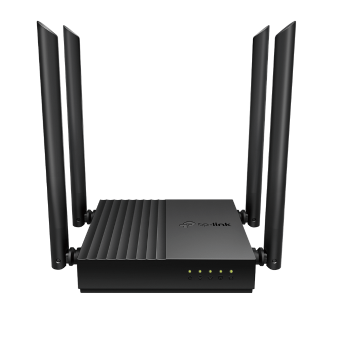
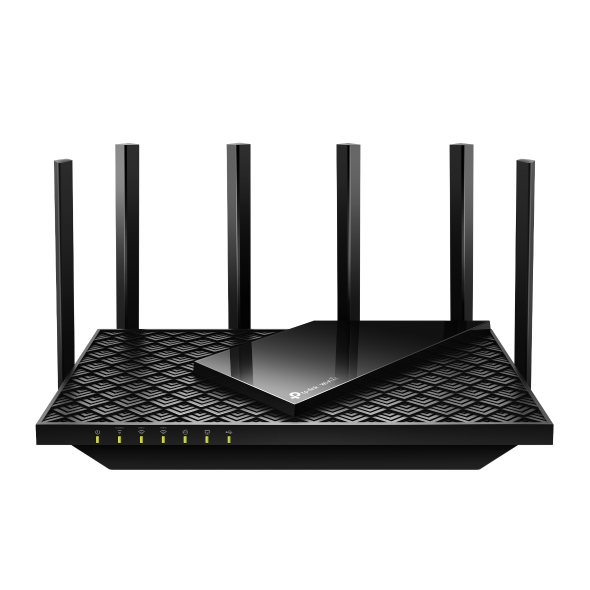
2. 到進階設定->系統工具->LED控制
3. 在LED控制區塊勾選啟用夜間模式
4. 選擇夜間模式的週期,LED燈將在那段時間內關閉

5. 點擊儲存
這篇faq是否有用?
您的反饋將幫助我們改善網站


TP-Link Community
Still need help? Search for answers, ask questions, and get help from TP-Link experts and other users around the world.