


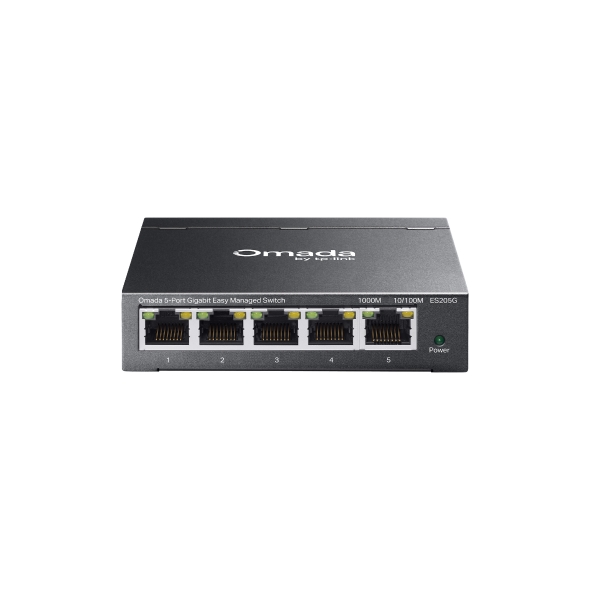
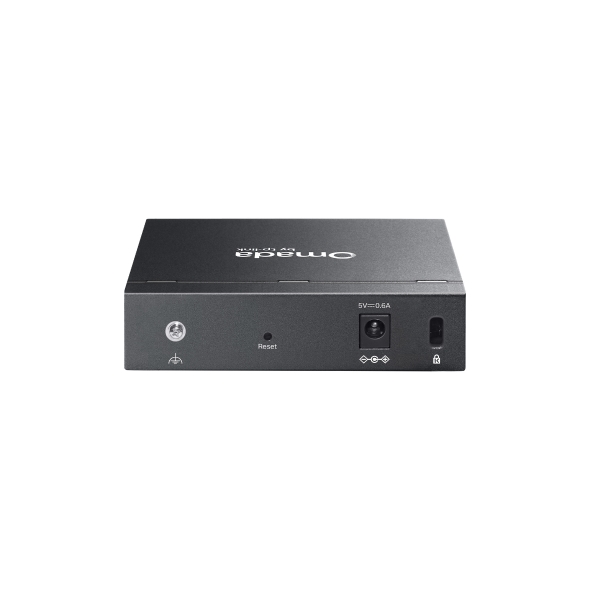
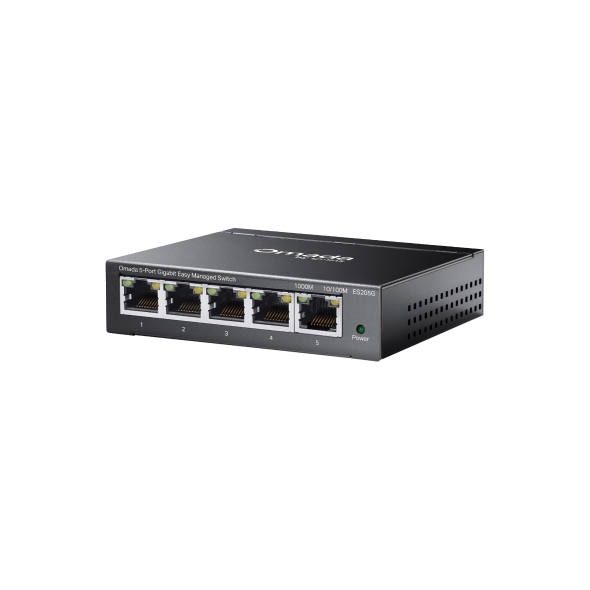
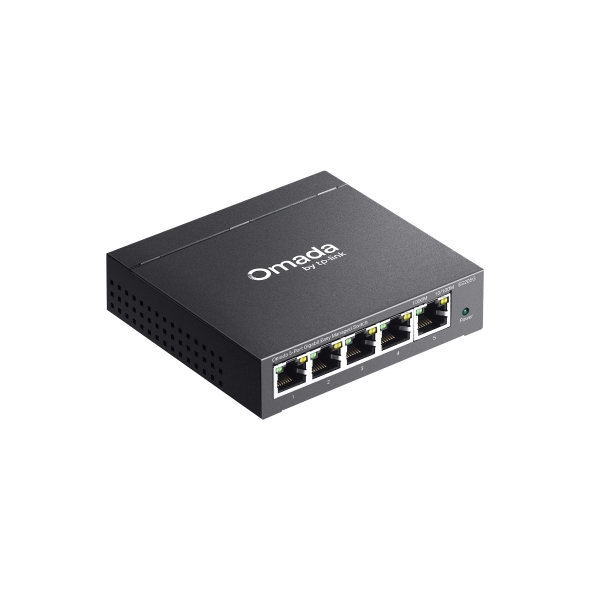
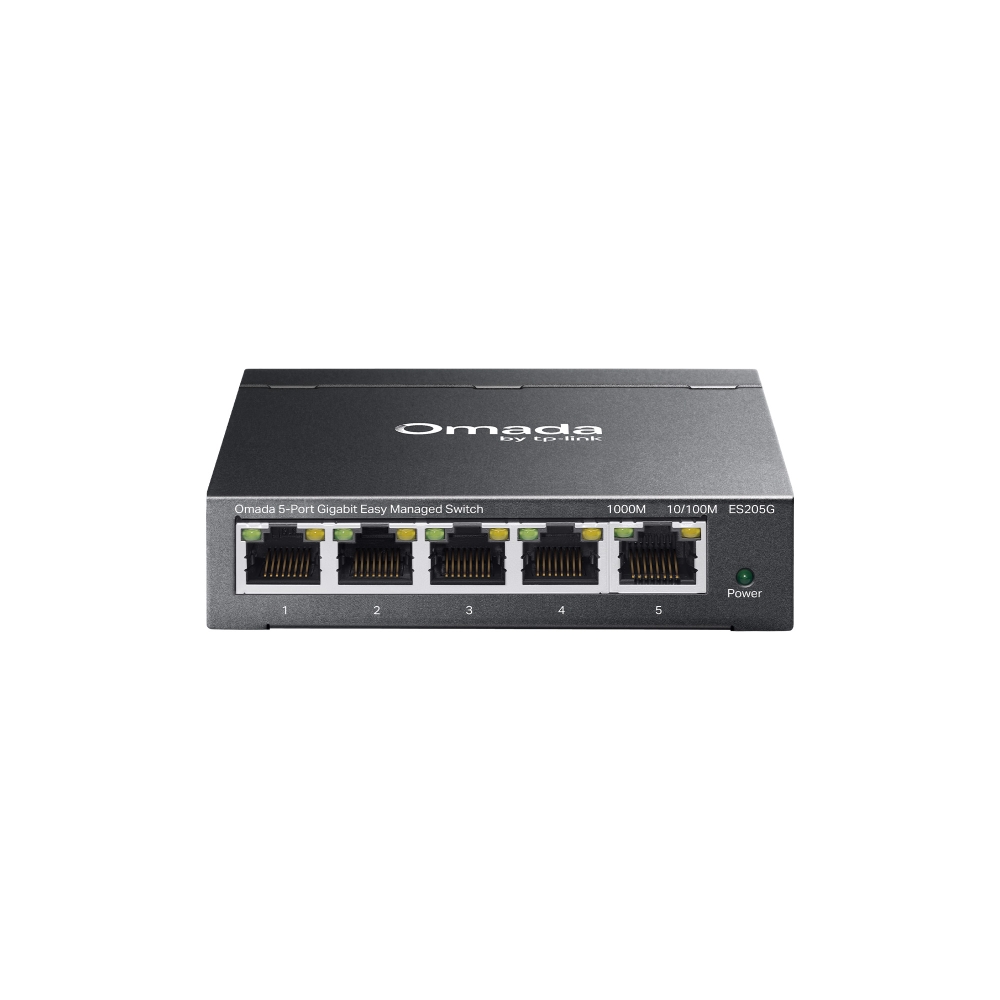
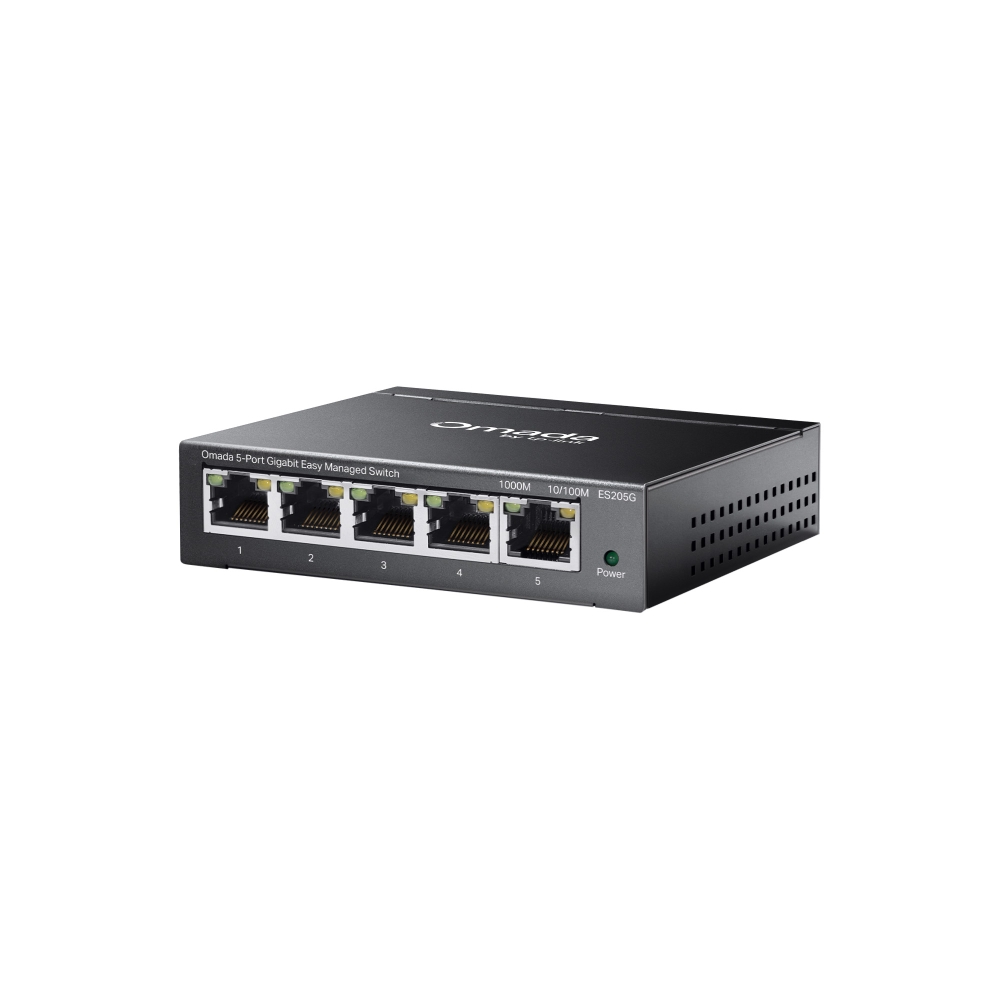
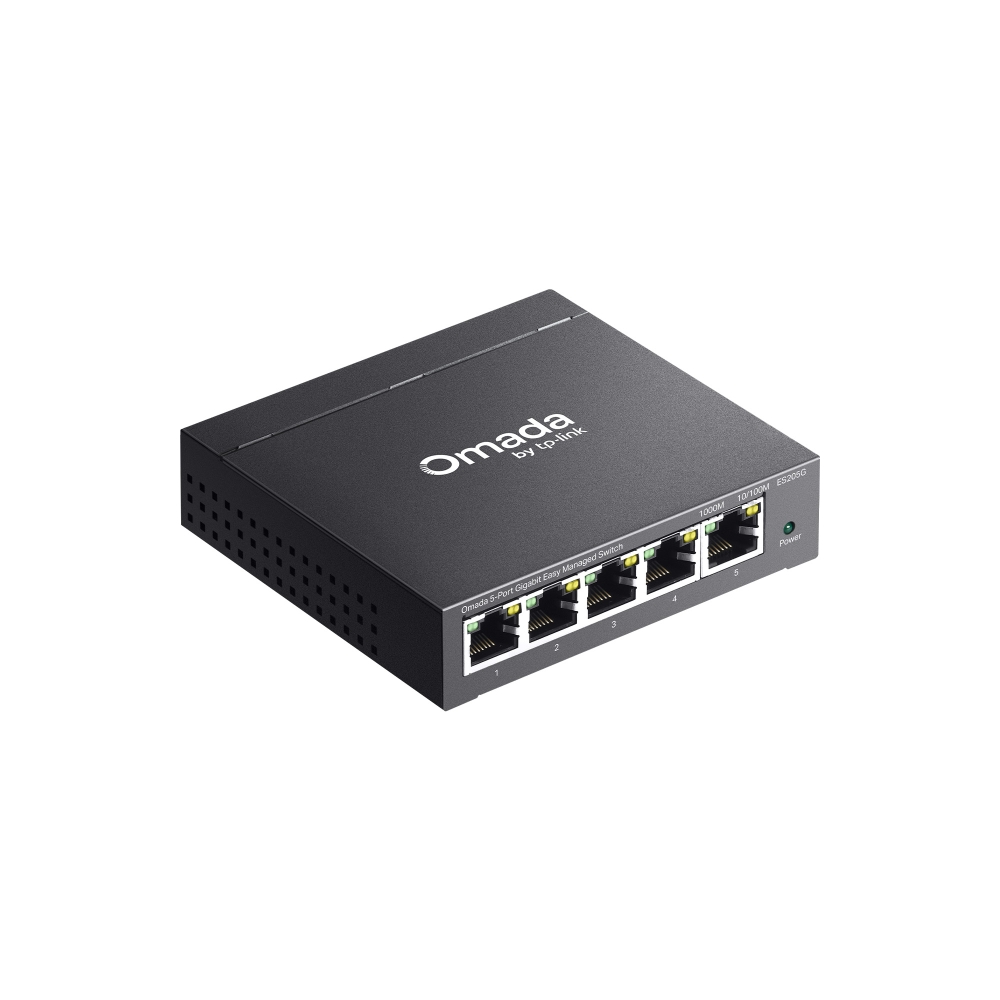
Omada 5-Port Gigabit Easy Managed Switch
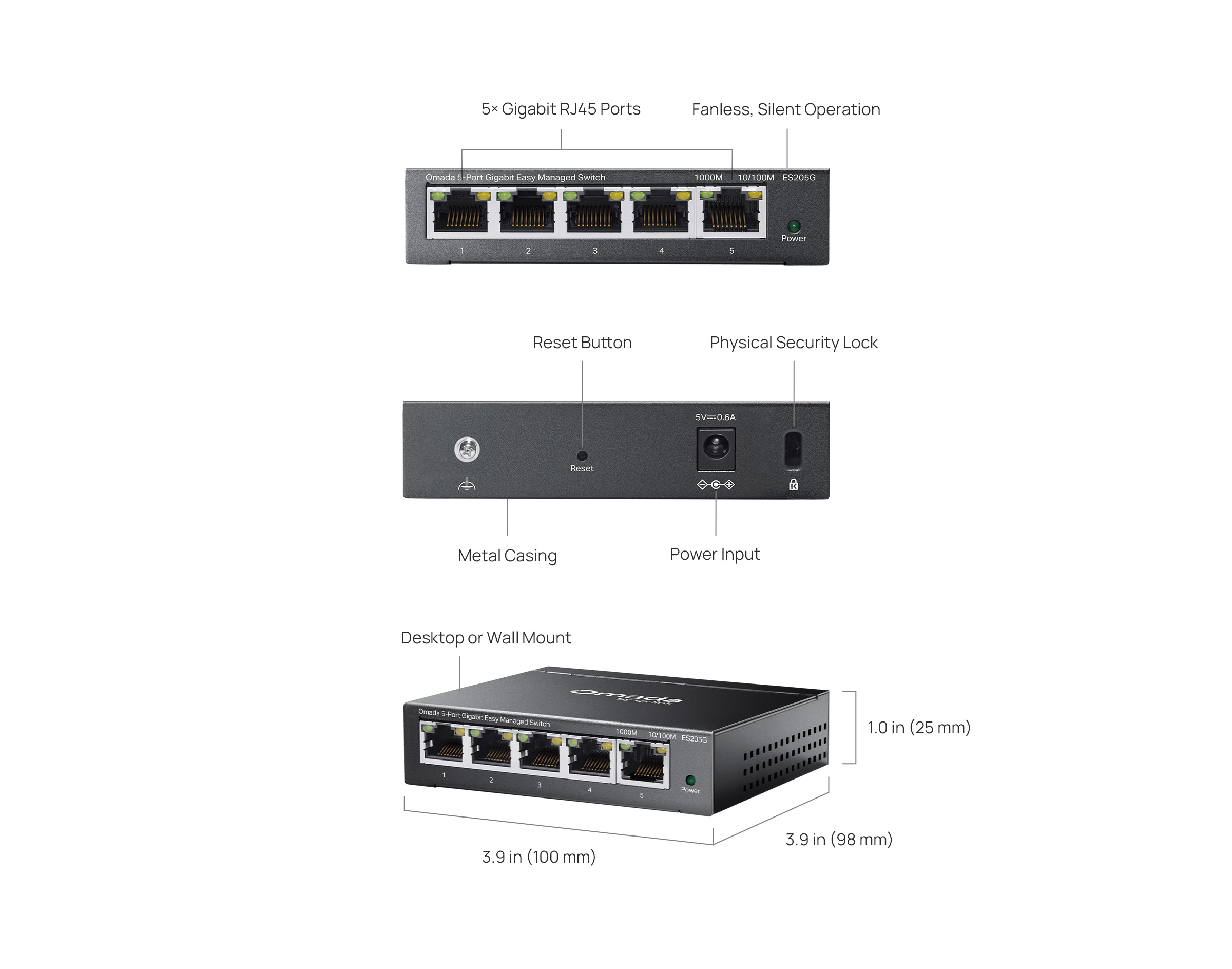
- 5× 10/100/1000Mbps RJ45 ports
- Easy to Use: Supports plug-and-play for instant connectivity and simple configuration for additional features
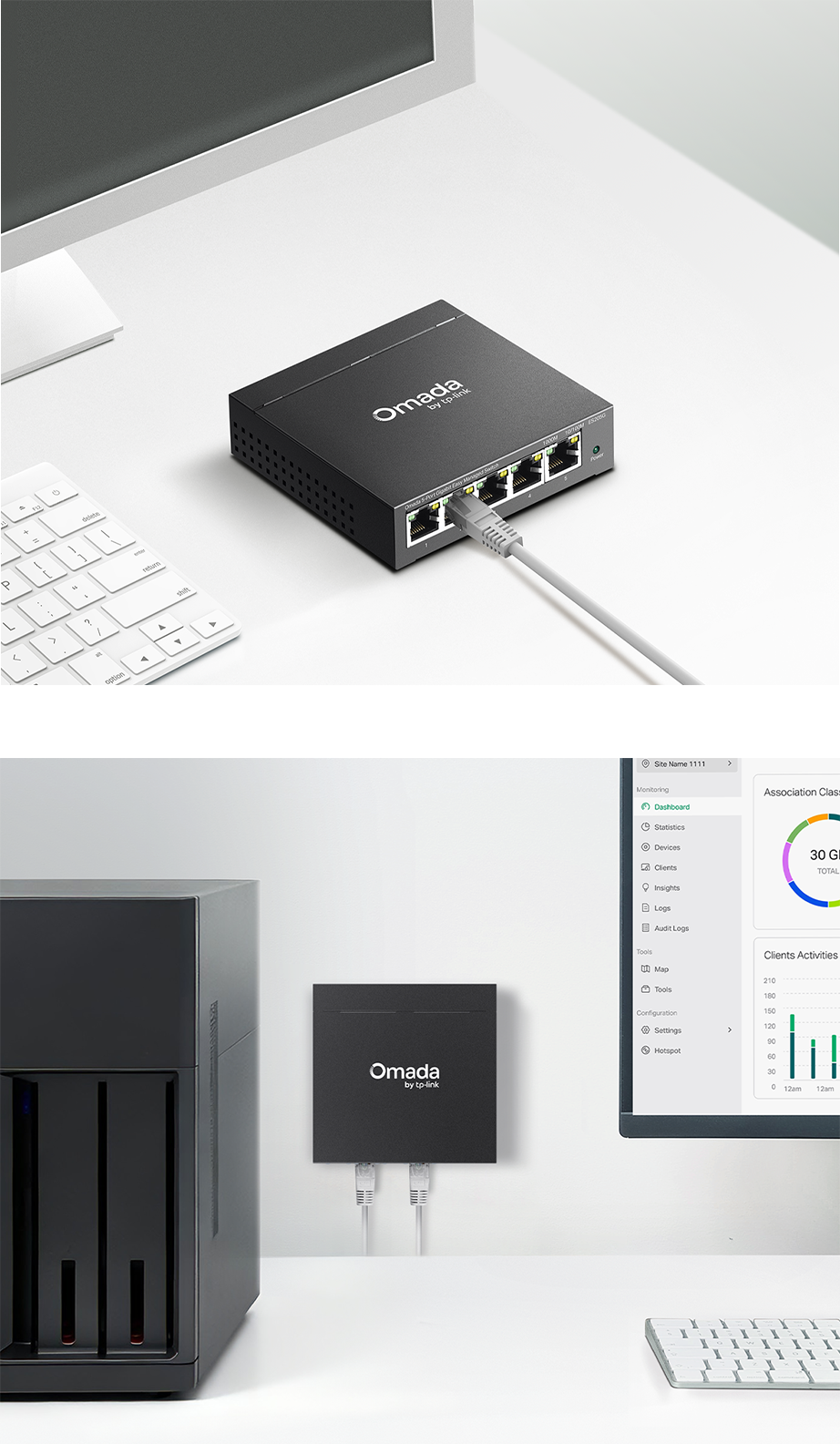
- Centralized Cloud Management via the web or the Omada app†
- Automatic Loop Prevention, VLAN, and IGMP Snooping
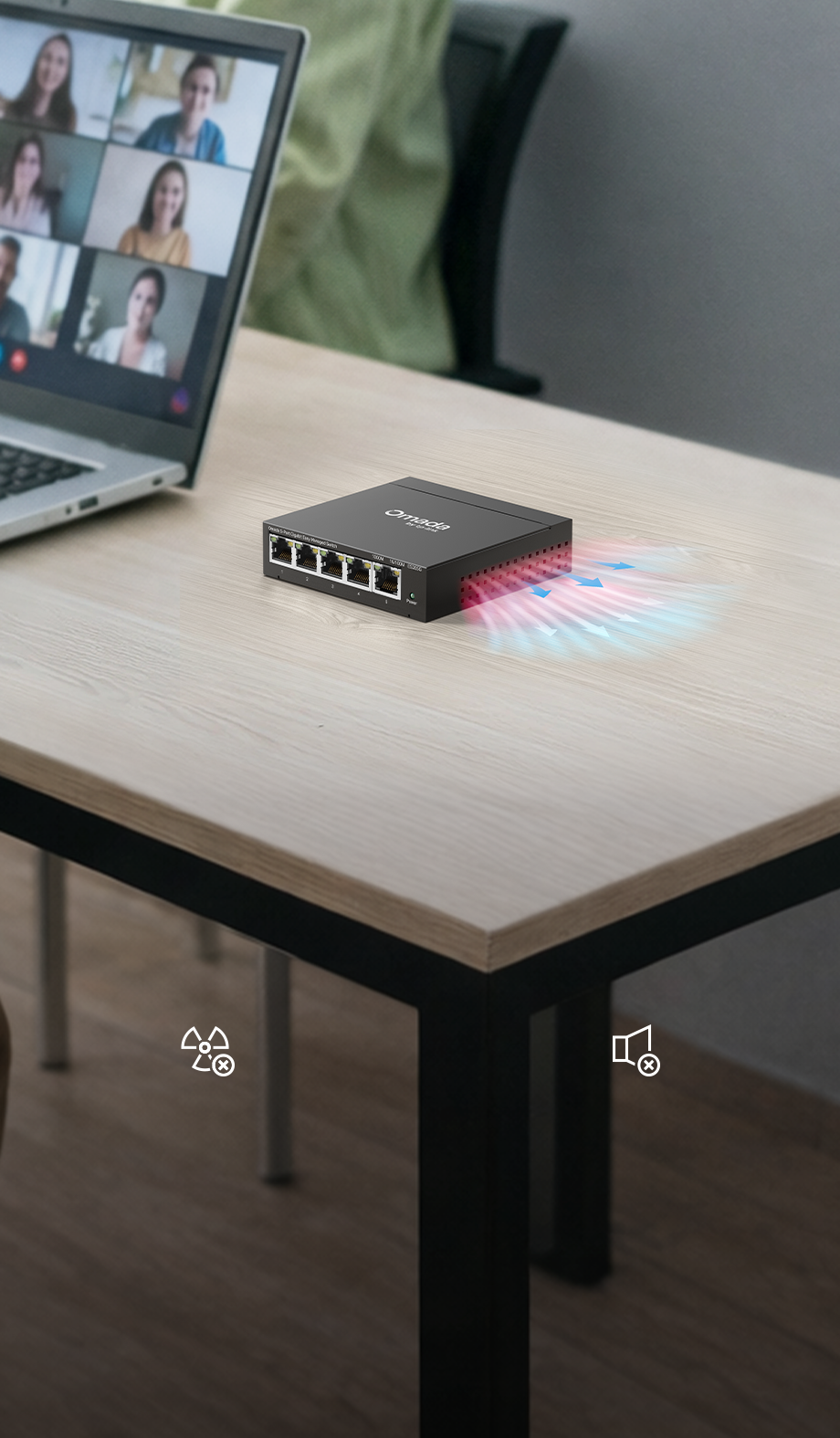
- Fanless design for silent operation
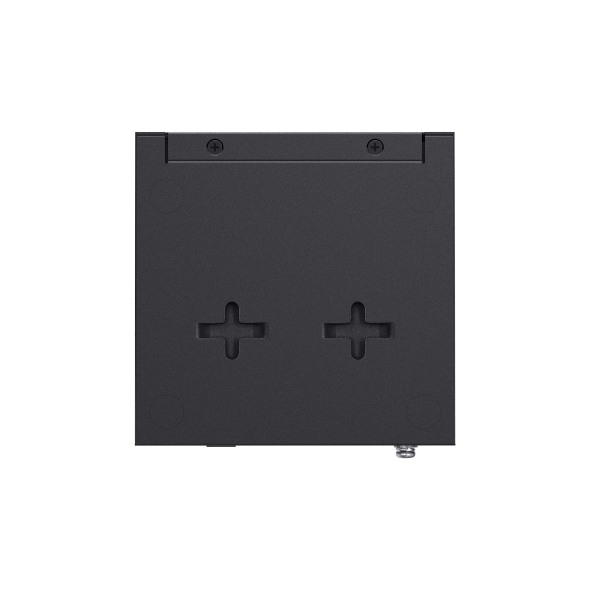
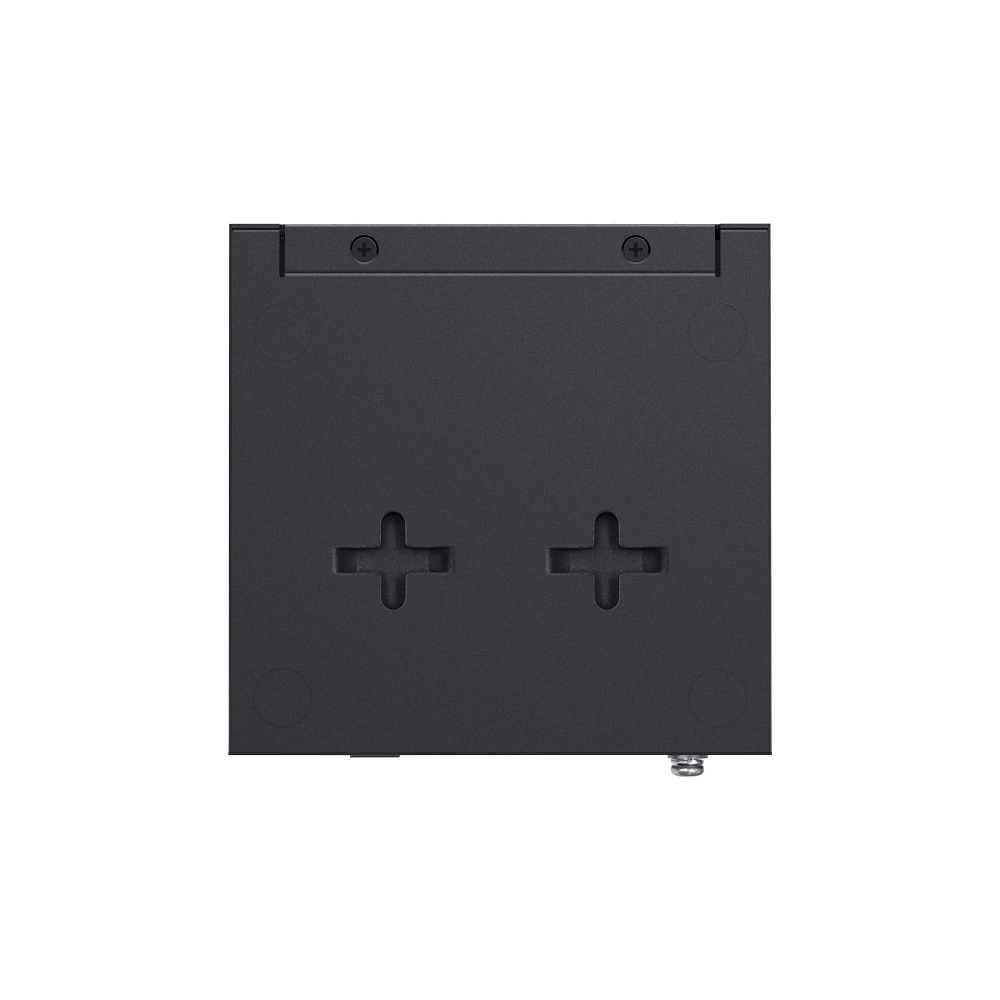
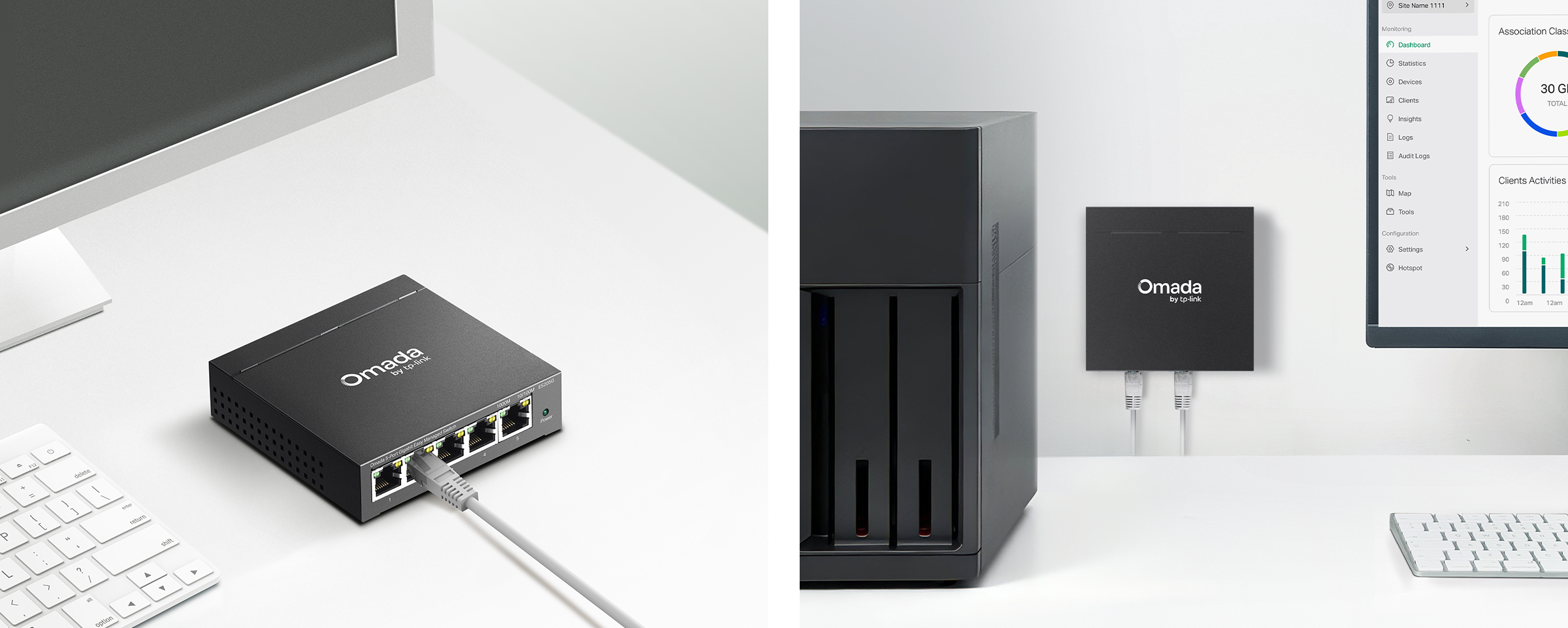
- Durable metal casing and desktop/wall mounting design

Omada 5-Port Gigabit
Gigabit
Kolay Yönetilebilir Switch Switch
5× Gigabit
RJ45 Portları
Fansız Tasarım ile
Sessiz Çalışma
Kompakt
Metal Kasa
Kolay Merkezi
Yönetim†
Trafik
Ayırımı
Trafik
Önceliklendirme△
Otomatik Döngü
Önleme
Kablo Testi△
Omada Central Essentials ile Çalışır
Ücretsiz ve Kolay Bulut
Yönetimi için
Omada Central Essentials, Omada ağ sistemi için ücretsiz ve
kullanımı kolay merkezi bulut yönetimi ve
izleme sağlar; Access Point'leri, Switch'leri ve Gateway'leri kapsar,
gözetim ağları ve küçük işletmeler için idealdir.
Maliyet/Performans Çözümü
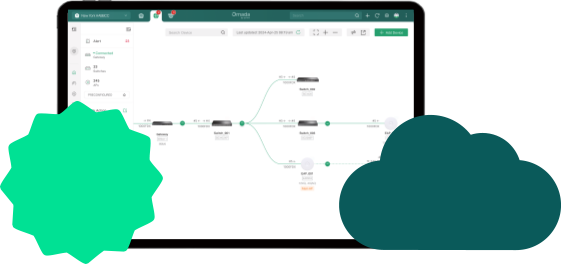 Free Cloud
Ömür boyu ücretsiz, sorunsuz bulut yönetimi mi arıyorsunuz?
Ömür Boyu Ücretsiz Bulut
Ek Ücret Olmadan
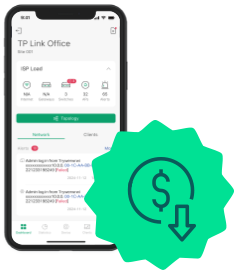
Yerinde çalışma zaman ve
kaynakları mı tüketiyor?
Her Yerden Yönetin ve
Bakım Yapın
Kompakt ve Dayanıklı Metal
Kasa; Masaüstü/Duvar Montajı
ve Fansız Tasarım

| DONANIM ÖZELLİKLERİ | |
|---|---|
| Arabirim | • 5× 10/100/1000 Mbps RJ45 Ports• AUTO Negotiation/AUTO MDI/MDIX |
| Fan Sayısı | Fanless |
| Kurulum | • Desktop• Wall Mount |
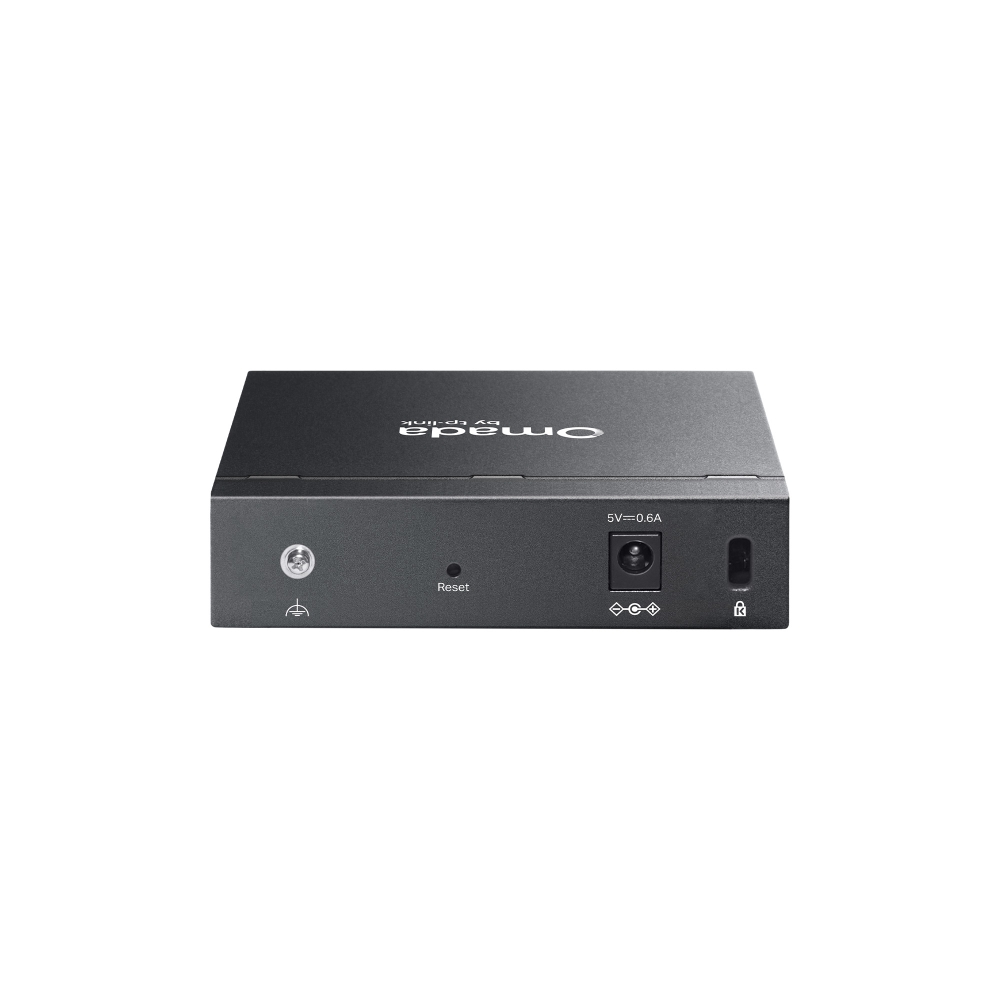
| Fiziksel Güvenlik Kilidi | √ |
| Güç Kaynağı | AC/DC Adapter (Input: 100-240V AC; Output: 5V DC/0.6A) |
| Boyutlar ( W X D X H ) | 3.9 × 3.9 × 1.0 in (100 × 98 × 25 mm) |
| Surge Protection | ±6kV |
| PERFORMANS | |
|---|---|
| Paket Buffer Belleği | 4 Mbits |
| Jumbo Frame | 15 KB |
| Anahtarlama Kapasitesi | 10 Gbps |
| Paket Yönlendirme Hızı | 7.4 Mpps |
| MAC Adres Tablosu | 8 K |
| YAZILIM ÖZELLİKLERİ | |
|---|---|
| Quality of Service | • Port-based/802.1p/DSCP QoS• 8 Priority Queues• Priority Schedule Mode- WRR (Weighted Round Robin)• Queue Weight Config• Bandwidth Control- Port-Based Rating Limit• Storm Control- Multiple Control Modes (kbps/pps)- Broadcast/Multicast/Unknown-Unicast Control△ |
| L2 Özellikleri | • Link Aggregation- Static Link Aggregation- Up to 2 aggregation groups and up to 4 ports per group• Loopback Detection• Flow Control- 802.3x Flow Control• Mirroring- Port Mirroring- One-to-One- Many-to-One- Ingress/Egress/Both• Port Statistics- Port Mirror Status- Traffic Statistics• 802.1ab LLDP |
| L2 Multicast | • IGMP Snooping- IGMP v1/v2/v3 Snooping- Fast Leave |
| VLAN | • 802.1Q Tag VLAN- Max 32 VLAN Groups- 4K VID |
| İletim Metodu | Store-And-Forward |
| YÖNETİM | |
|---|---|
| Omada App | Yes. Requires the use of Omada Hardware Controller, Omada Cloud-Based Controller, or Omada Software Controller. |
| Centralized Management | • Omada Cloud-Based Controller (Requires built-in version 6.1.0 or later)• Omada Hardware Controller (Requires built-in version 6.1.0 or later)• Omada Software Controller (Requires built-in version 6.1.0 or later) |
| Cloud Access | Yes. Requires the use of Omada Hardware Controller, Omada Cloud-Based Controller, or Omada Software Controller. |
| Zero-Touch Provisioning | Yes. Requires the use of Omada Cloud-Based Controller |
| Management Features | • Web-based GUI• DHCP Client• Cable Diagnostics• ONVIF***• Automatic Device Discovery†• Batch Configuration†• Batch Firmware Upgrading†• Unified Configuration† |
| DİĞERLERİ | |
|---|---|
| Sertifika | FCC, CE |
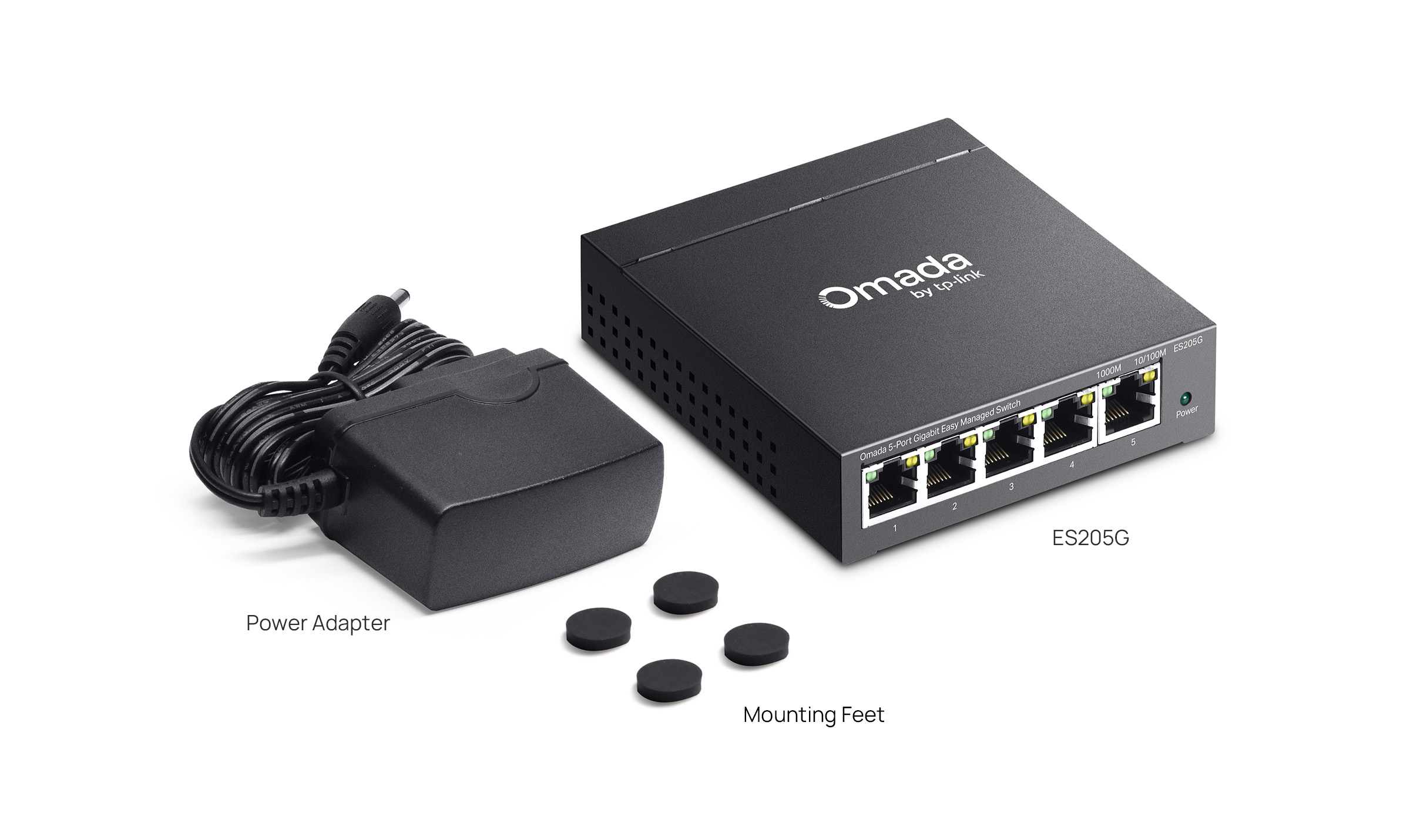
| Paket İçeriği | • ES205G• Power Adapter• Mounting Feet• Installation Guide |
| Ortam | • Operating Temperature: -5℃~40℃ (23℉~104℉)• Storage Temperature: -40℃~70℃ (-40℉~158℉)• Operating Humidity: 10%~90% non-condensing• Storage Humidity: 5%~90% non-condensing |
†These functions require the use of the Omada Controller. Zero-Touch Provisioning requires the use of the Omada Cloud-Based Controller (Omada Cloud Standard or Omada Cloud Essentials). Go to the Omada Cloud-Based Controller (Omada Cloud Standard) Product List or Omada Cloud Essentials Product List to find all the supported models.
△Port-based/802.1p/DSCP QoS are supported under Standalone Mode. QoS Rule is supported under Controller mode.
***ONVIF is supported only in Controller mode.