


How to Activate a Layer 3 License Upgrade on T2700G-28TQ
 83932
83932Steps:
1. Purchase License Key (T2700G-28TQ-L1000) from TP-Link’s authorized distributor.
2. Use Internet Web browser to go to here. A screen similar to the following will display.
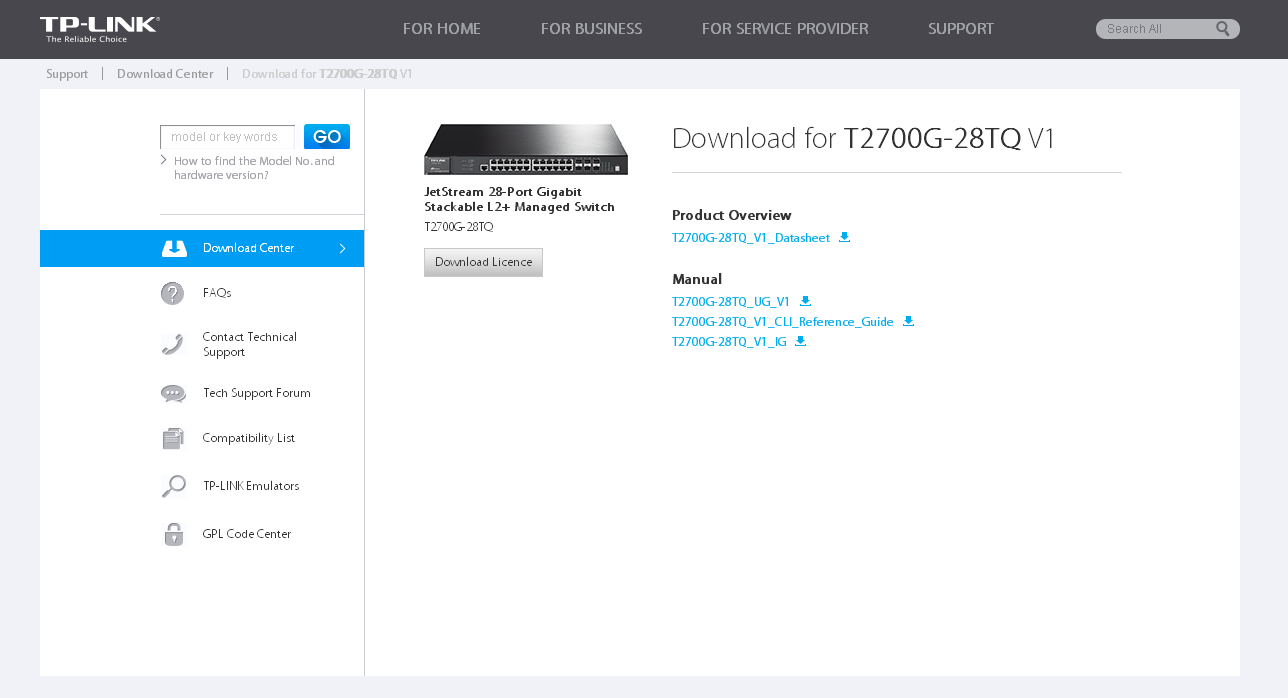
3. Click Download License to enter the License Key and MAC/SN information.
The License file will be bundled to the product.
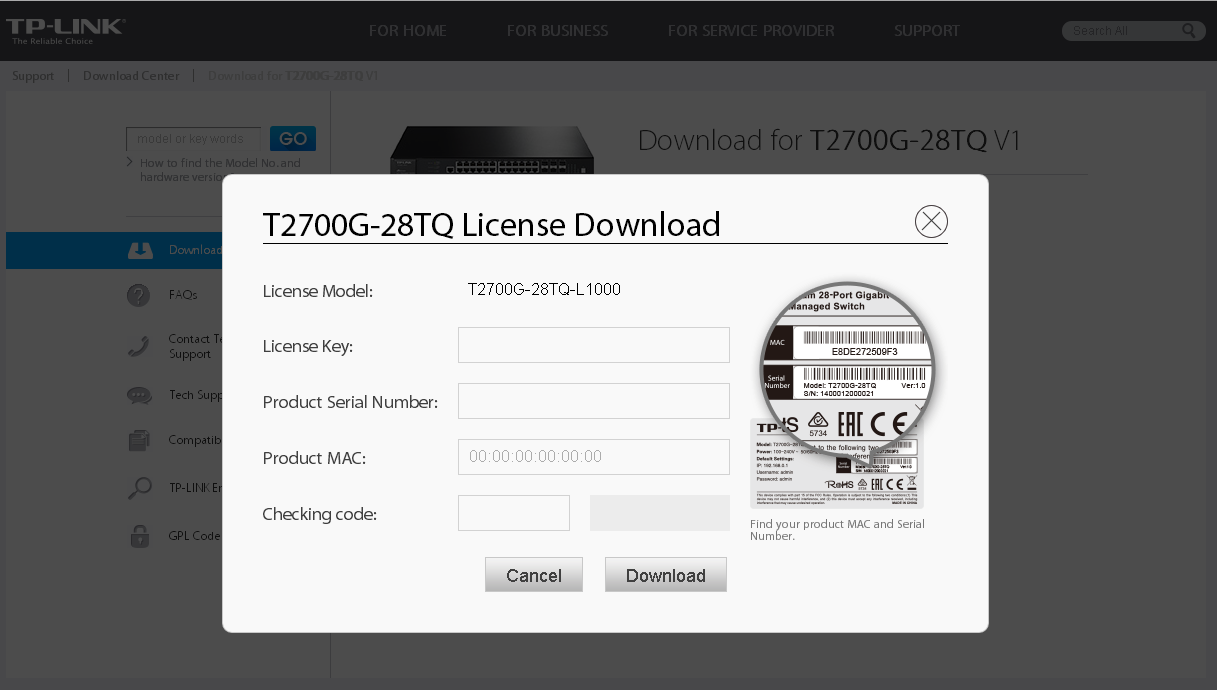
4. After entering the correct License Key/MAC/SN/Checking code information, click Download to get the License file.
Note: The License file will be bundled to the only T2700G-28TQ with the entered MAC/SN and it cannot be applied to other products.
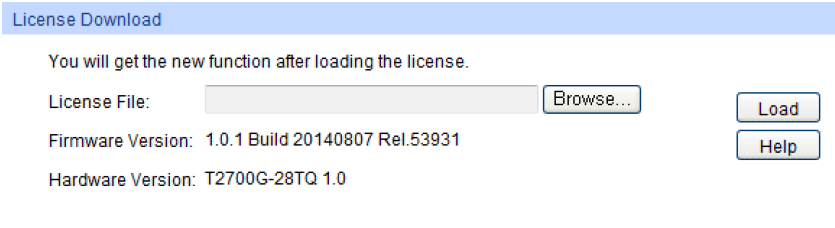
5. Log in to the web management page of T2700G-28TQ and choose the menu System→System Tools→License Load to load the License file.
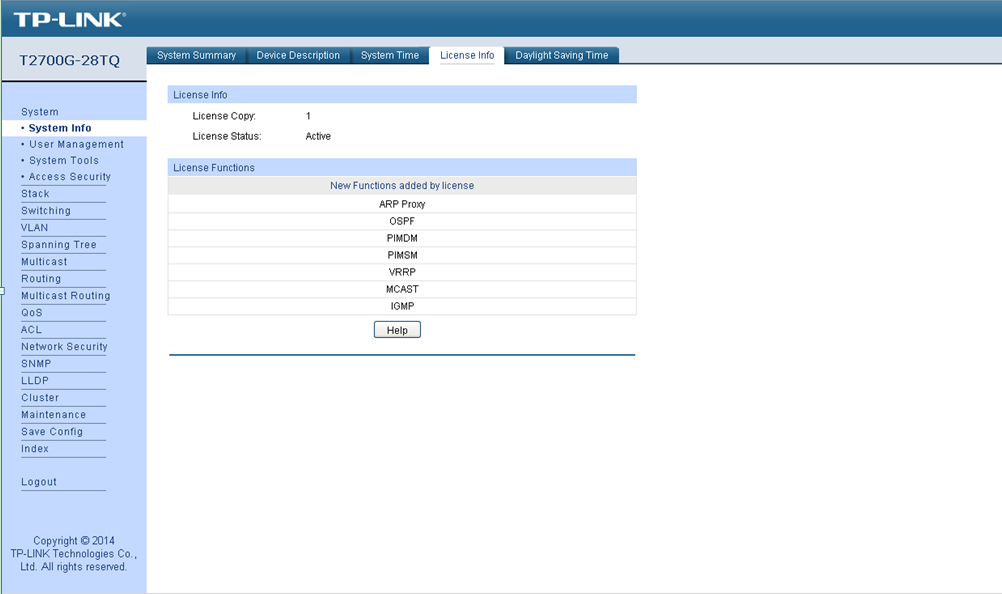
6. After the License file is loaded, the device will reboot automatically and you can check the License info in the menu System→System Info→License Info.
Fick du svar på din fråga?
Your feedback helps improve this site.


TP-Link Community
Still need help? Search for answers, ask questions, and get help from TP-Link experts and other users around the world.