
How to Register a Product on the TP-Link Warranty Portal
 15652
15652Step 1: Log into the Warranty Portal.
*If you have not yet created an account click here

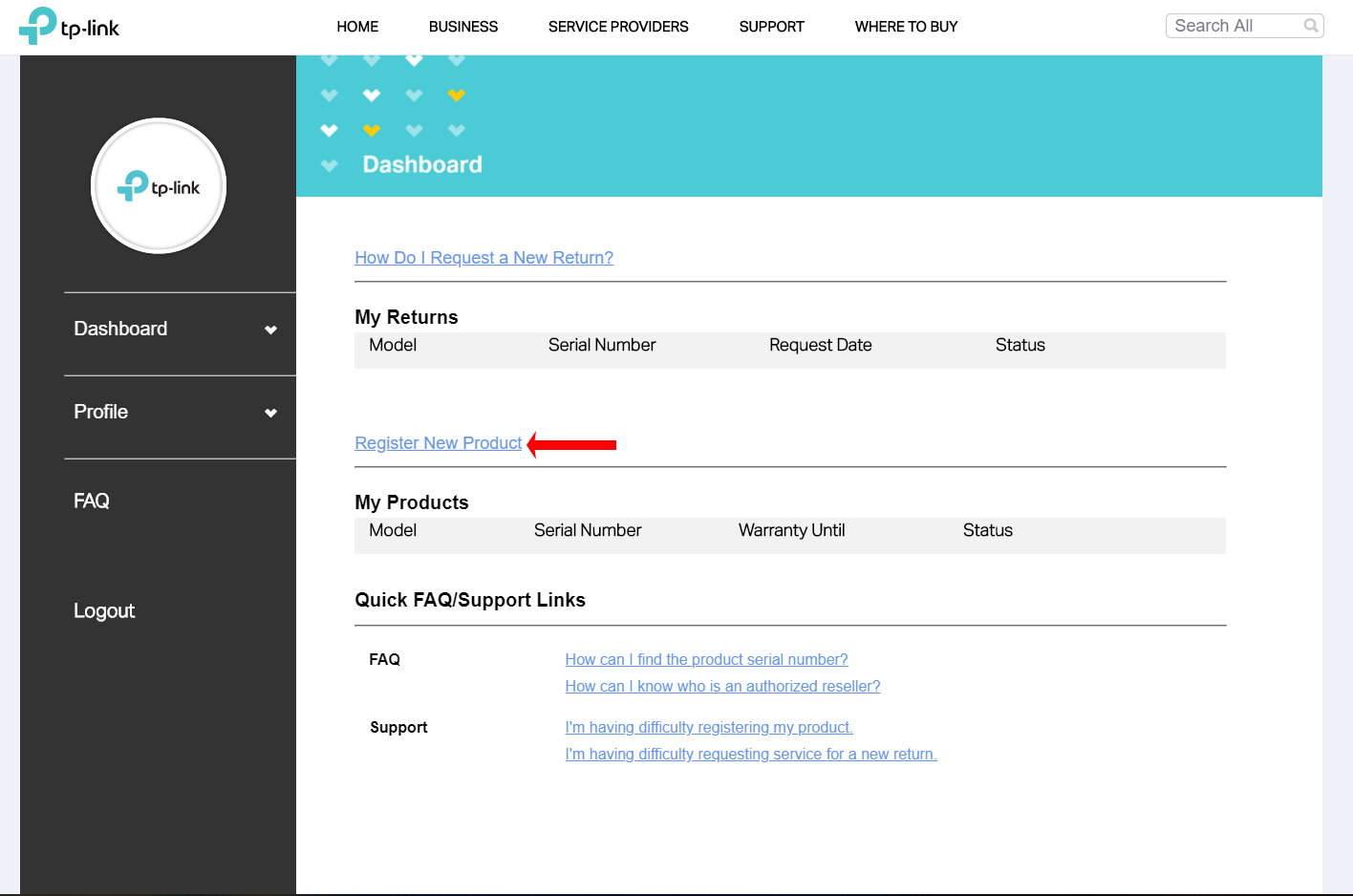
Step 2: Click on ‘Register New Product’.
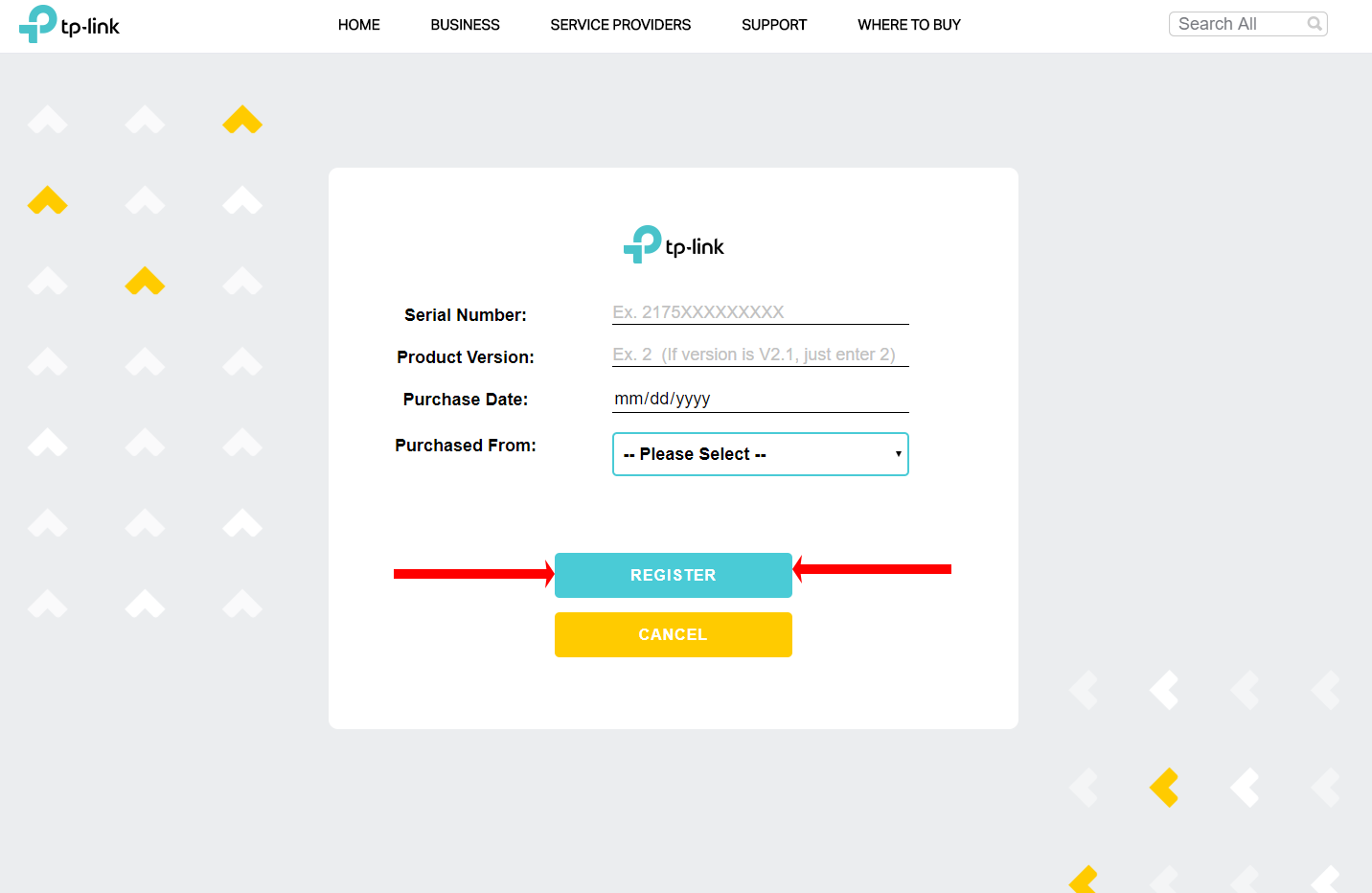
Step 3: Input your product’s serial number, hardware version, purchased date, and where it was purchase from. Then click ‘Register’.
*If you need assistance finding your product serial number click here
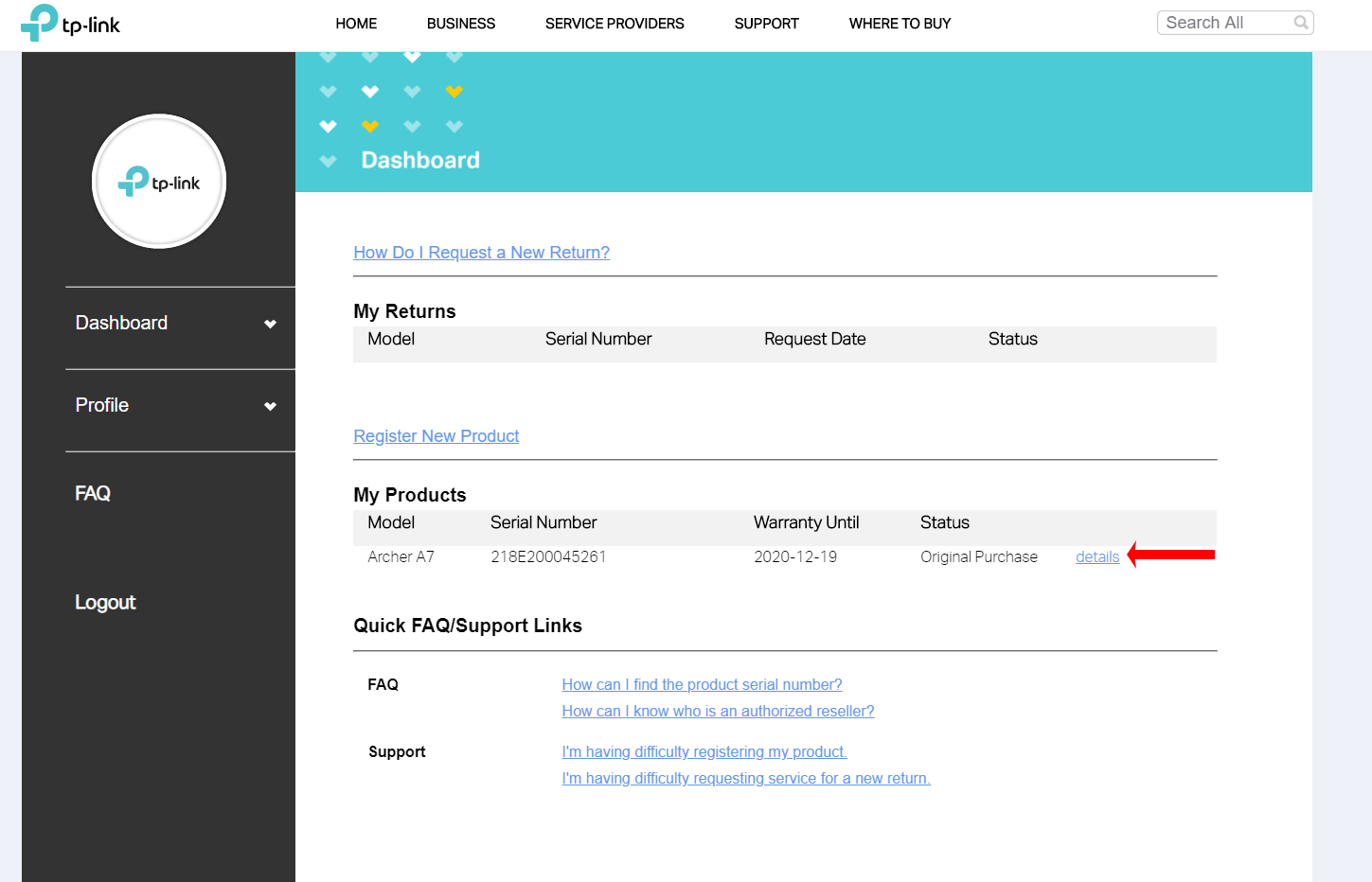
To view warranty information about a product, click on ‘Details’ next to the product under ‘My Products’.
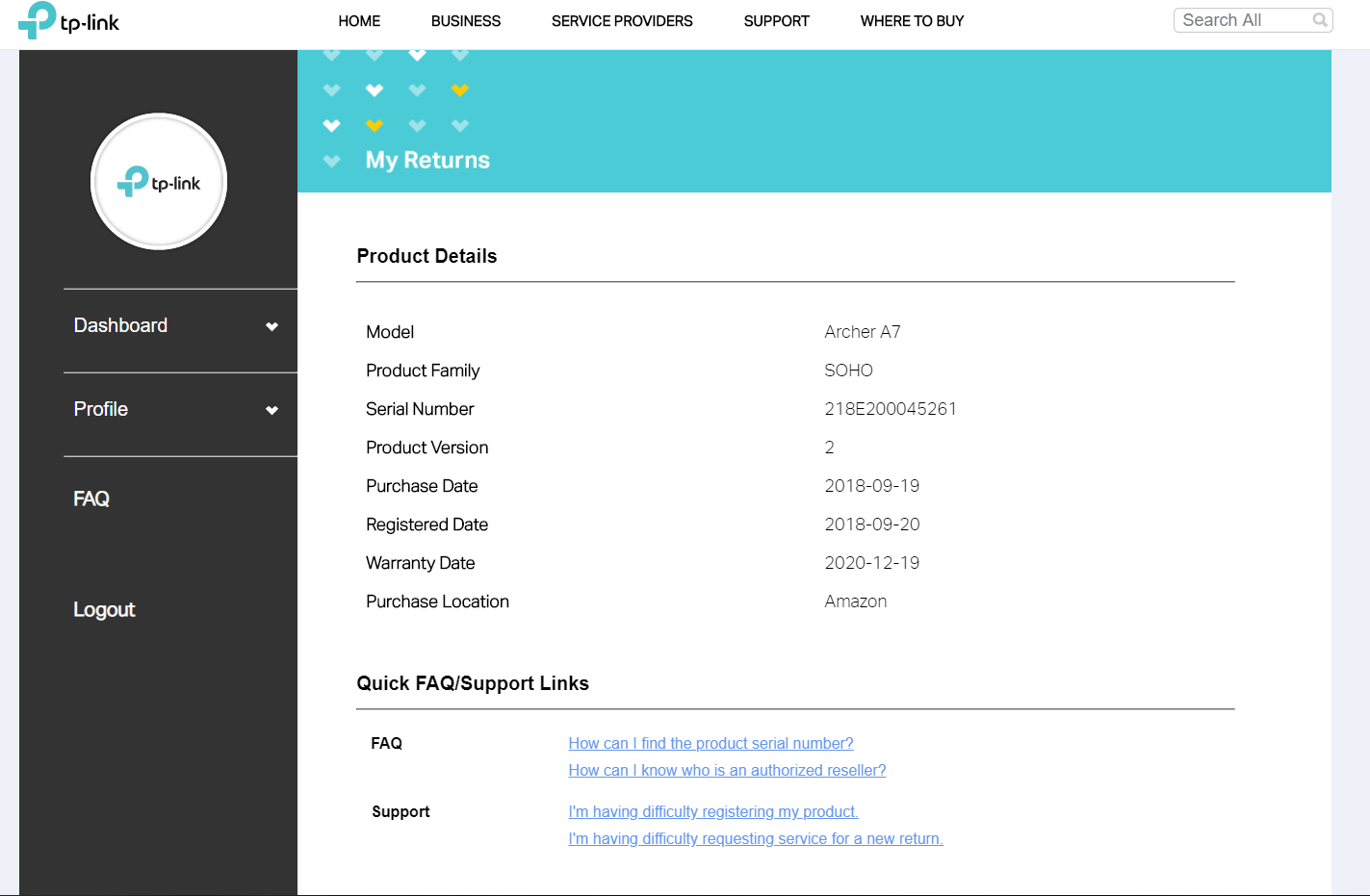
Product Details will be listed here.
Был ли этот FAQ полезен?
Ваш отзыв поможет нам улучшить работу сайта.

Сообщество TP-Link
Нужна помощь? Задавайте вопросы, находите ответы и обращайтесь за помощью к специалистам TP-Link и другим пользователям со всего мира.