
How to Create an Account on the TP-Link Warranty Portal
 9378
9378Step 1: Open a web browser (Chrome, Edge, Safari), and browse to ‘warranty.tp-link.com’.

Step 2: Click on ‘Create New Account’.
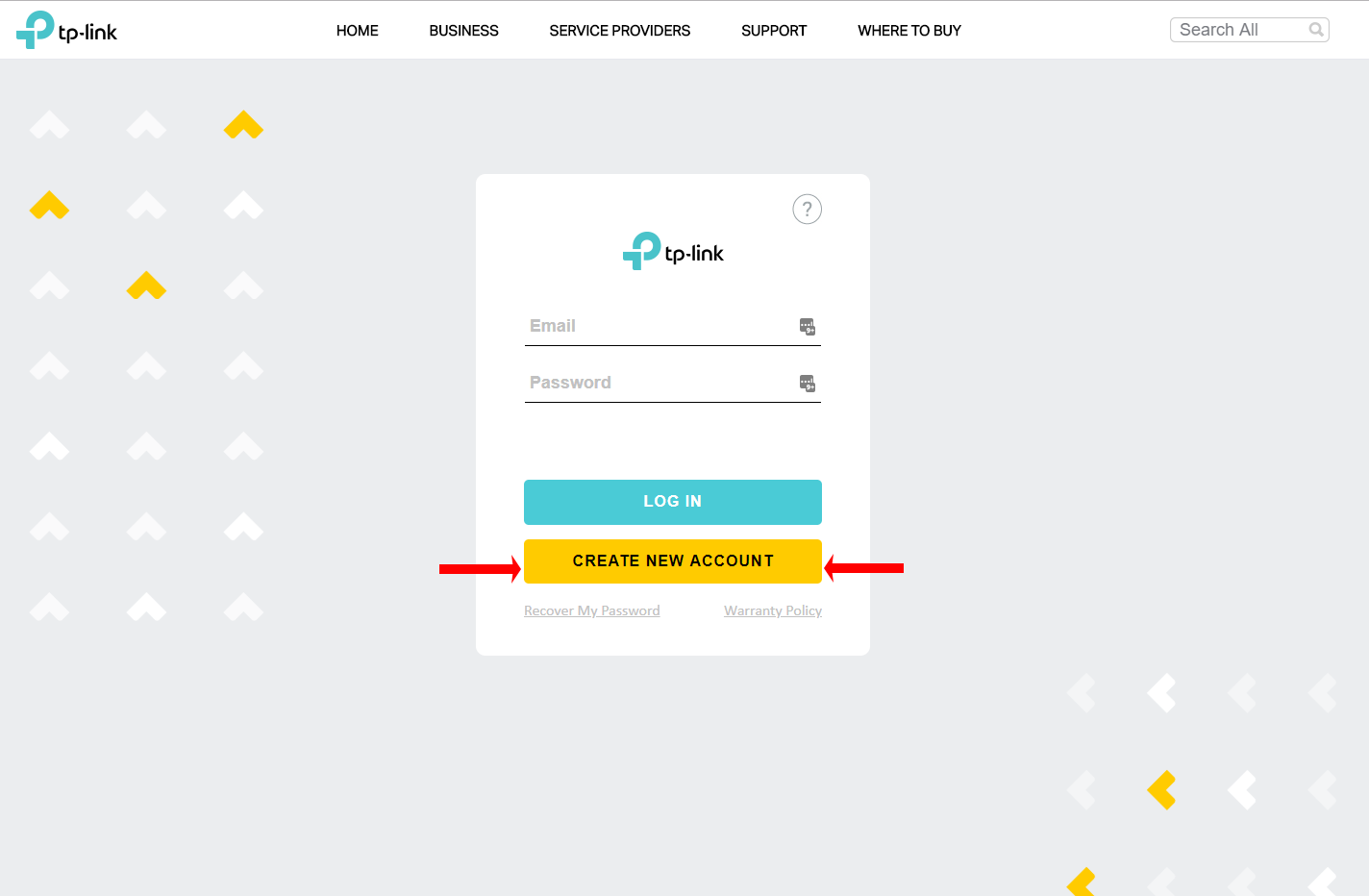
Step 3: Fill out the form and click ‘Register’.
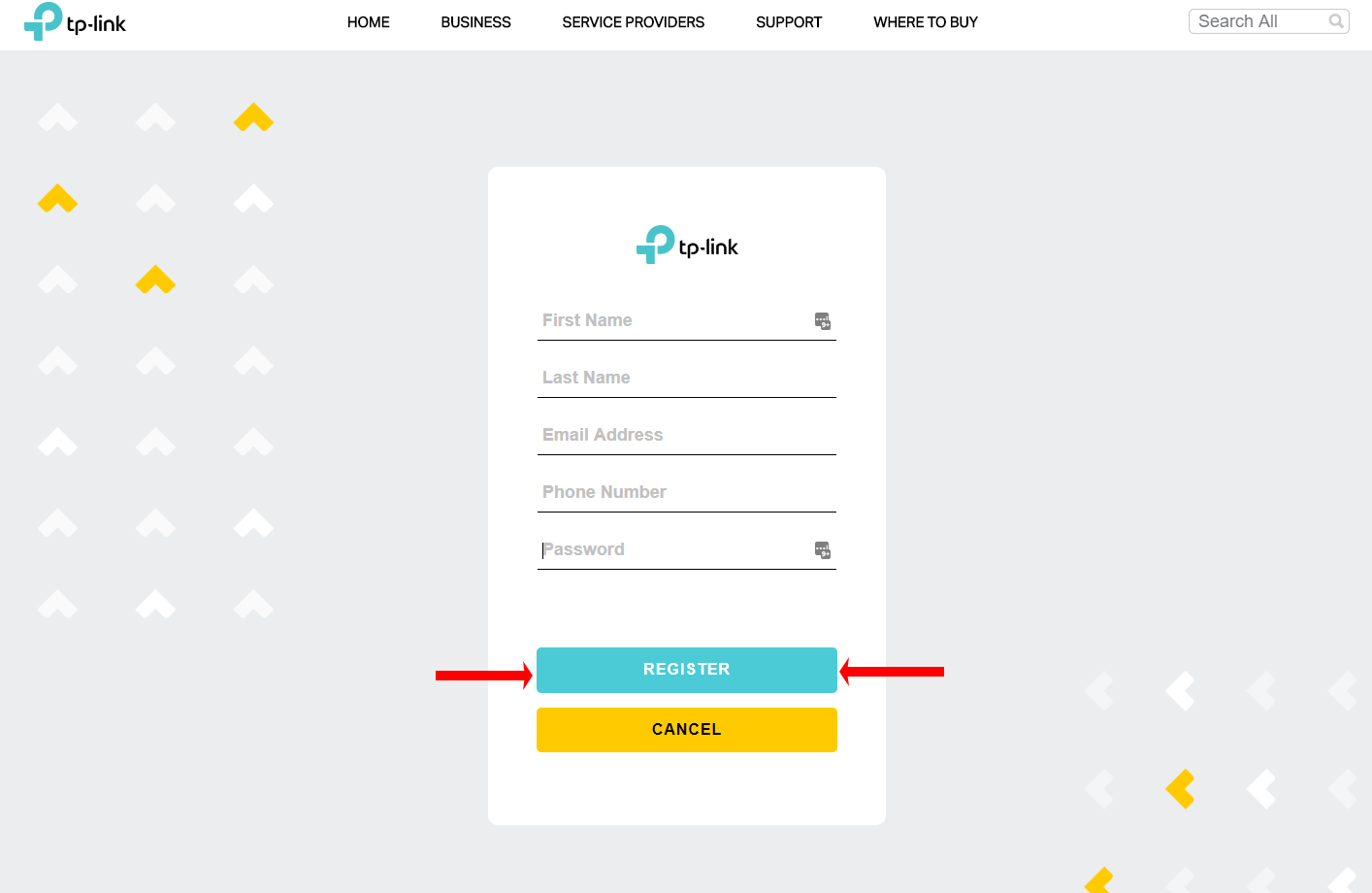
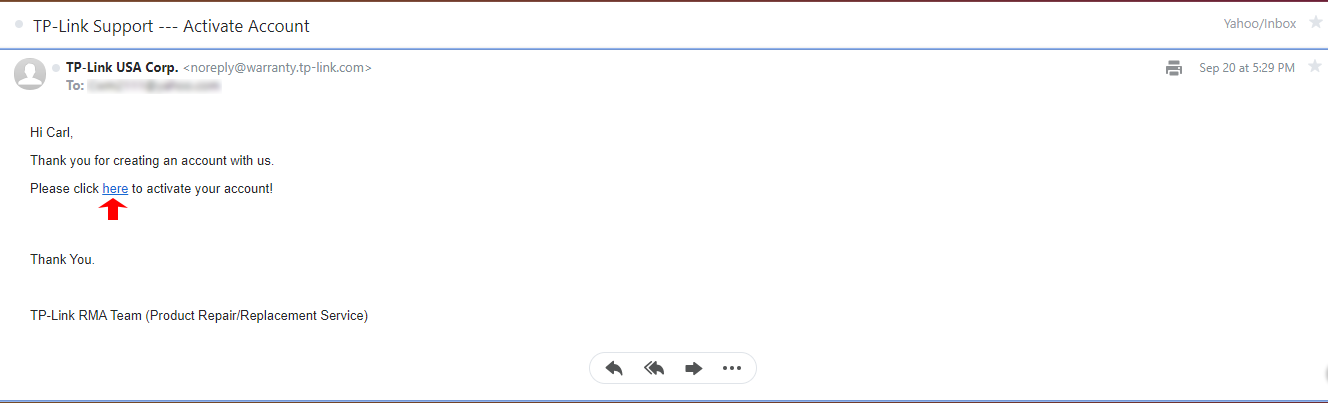
Step 4: Open the email account you registered with and look for an email from TP-Link USA Corp.

Step 5: Open the email and then click on the link ‘Here’ to complete registration.
Step 6: Log into your account.
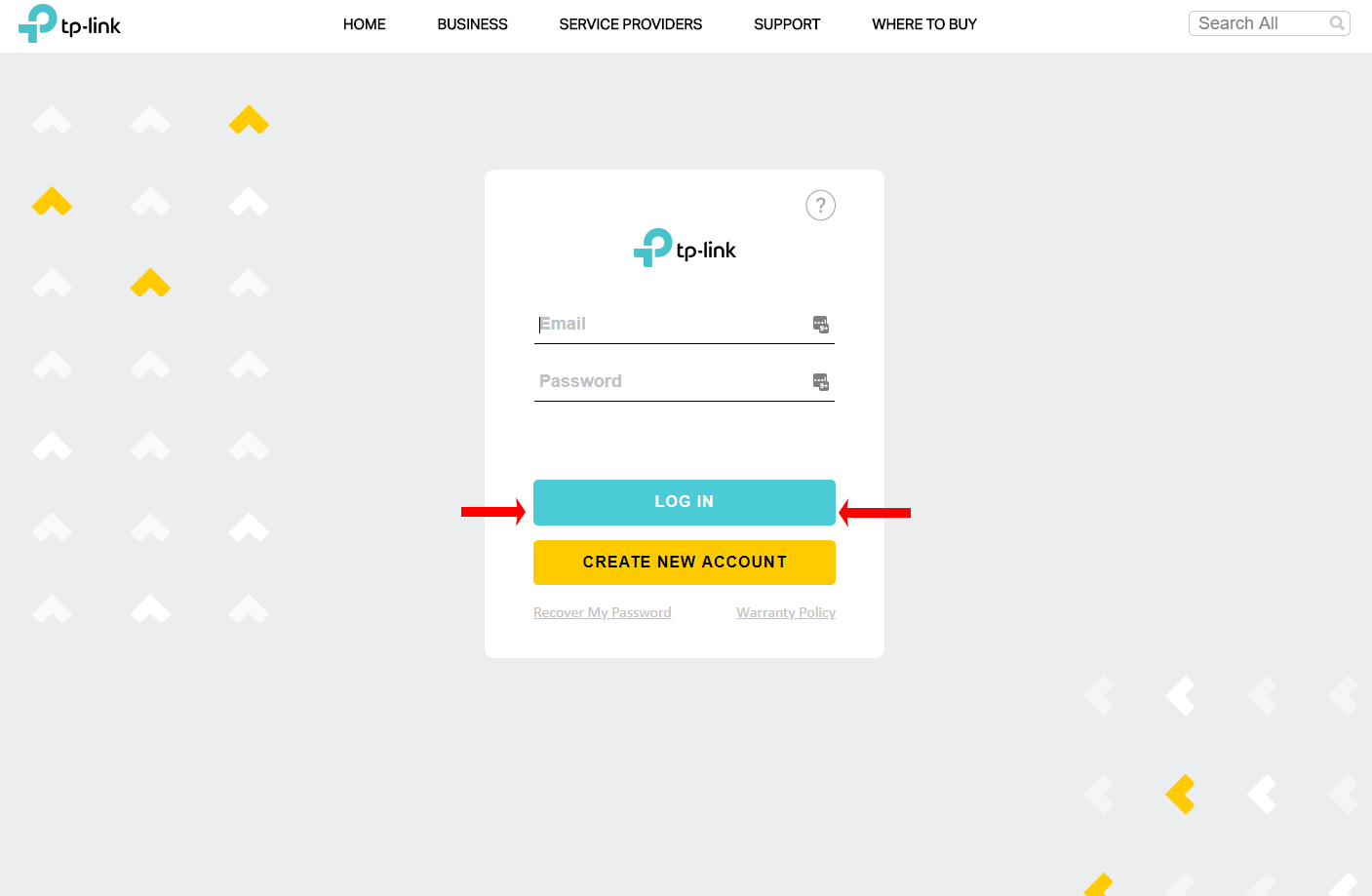
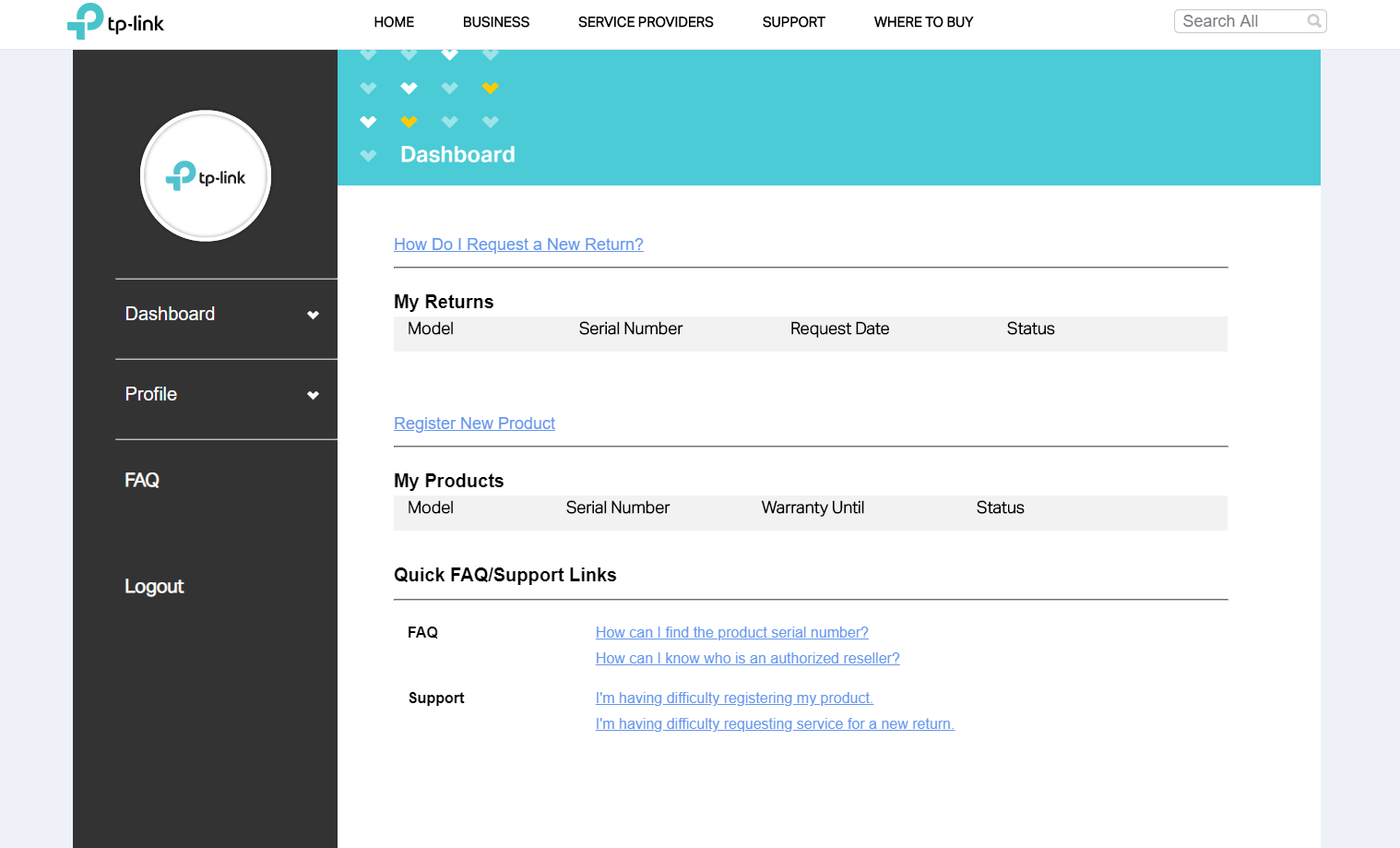
Once logged in you will be taken to the Warranty Dashboard.
Был ли этот FAQ полезен?
Ваш отзыв поможет нам улучшить работу сайта.

Сообщество TP-Link
Нужна помощь? Задавайте вопросы, находите ответы и обращайтесь за помощью к специалистам TP-Link и другим пользователям со всего мира.