
Getting to know the NEW! TP-Link Warranty Portal
 713
713Home: This option allows you to browse our products designed to be used at home.
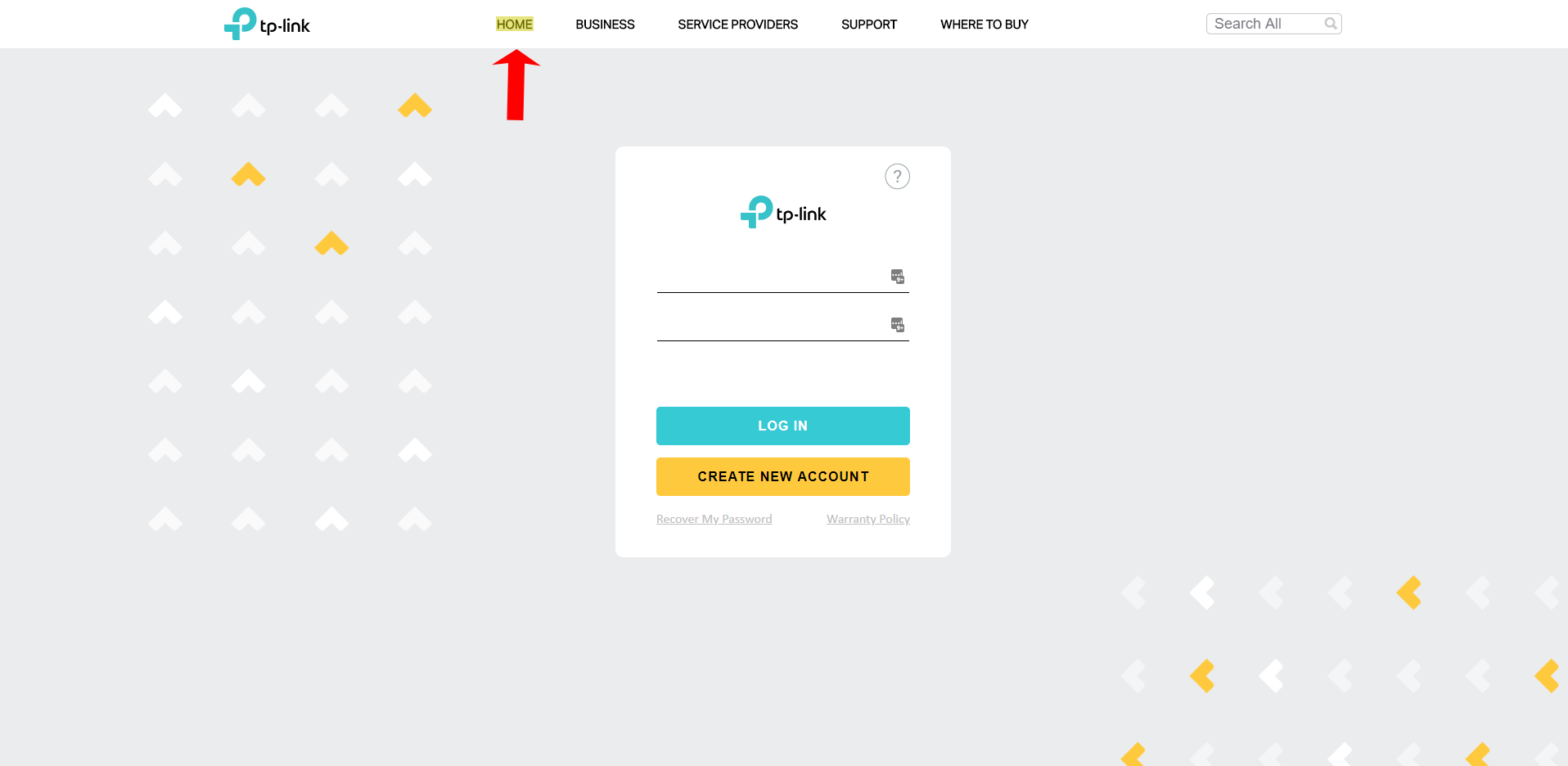
Business: This option allows you to browse our products designed to be used at a business.
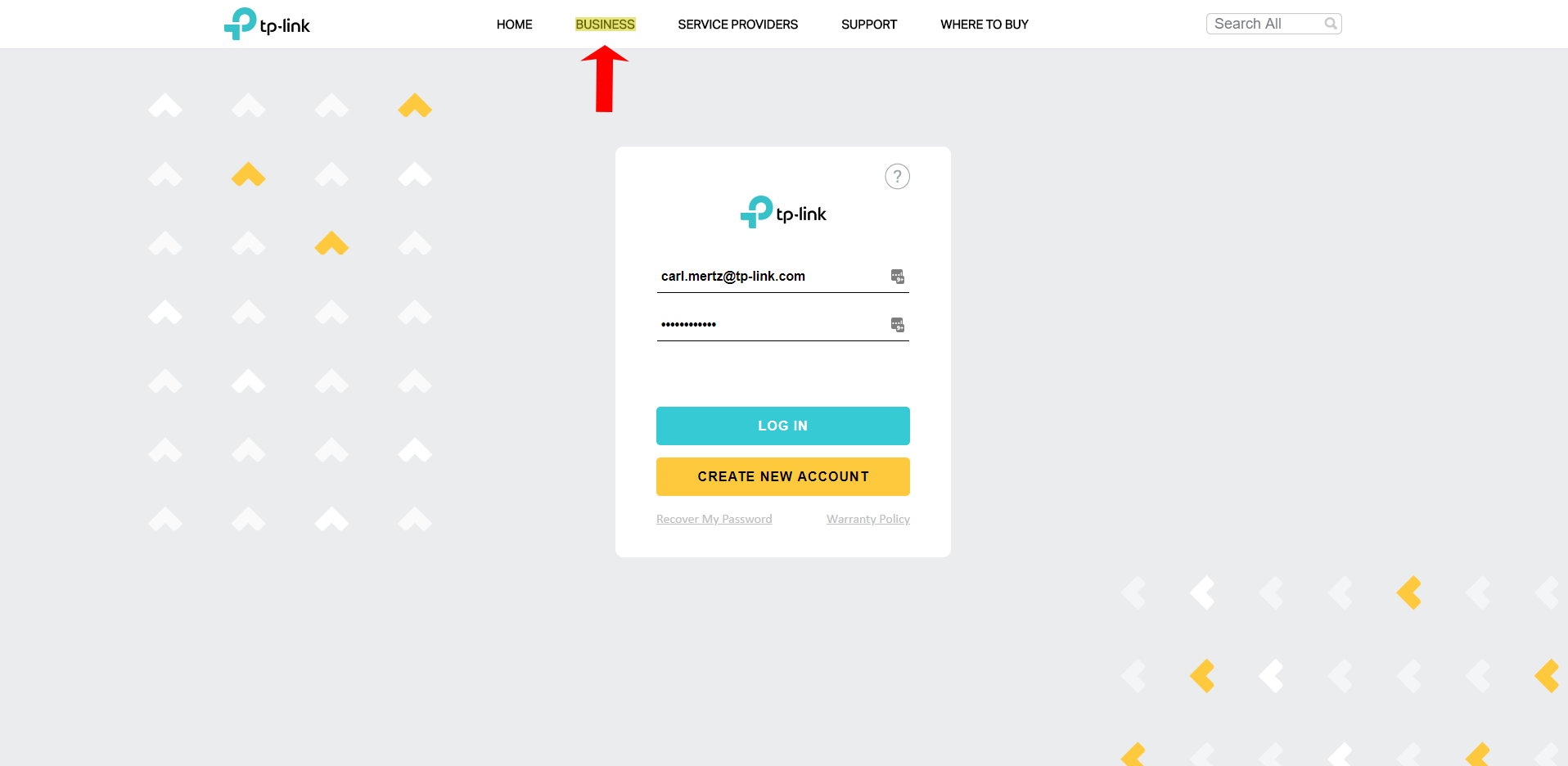
Service Providers: This option is for service providers to view product line ideal for integration.
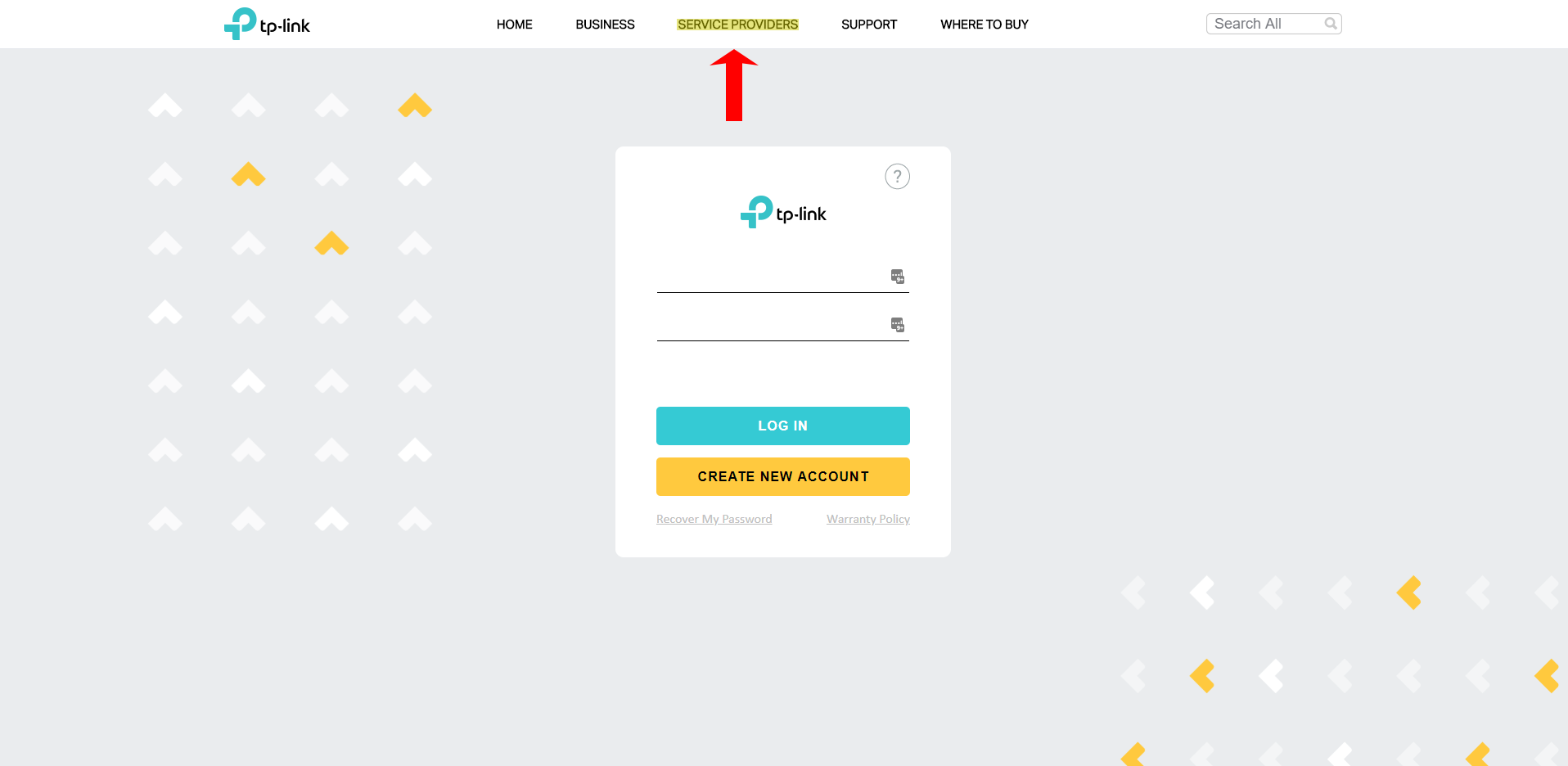
Support: This option allows you to view support information, where you will find ways to contact support, self-help materials and our warranty policy information.
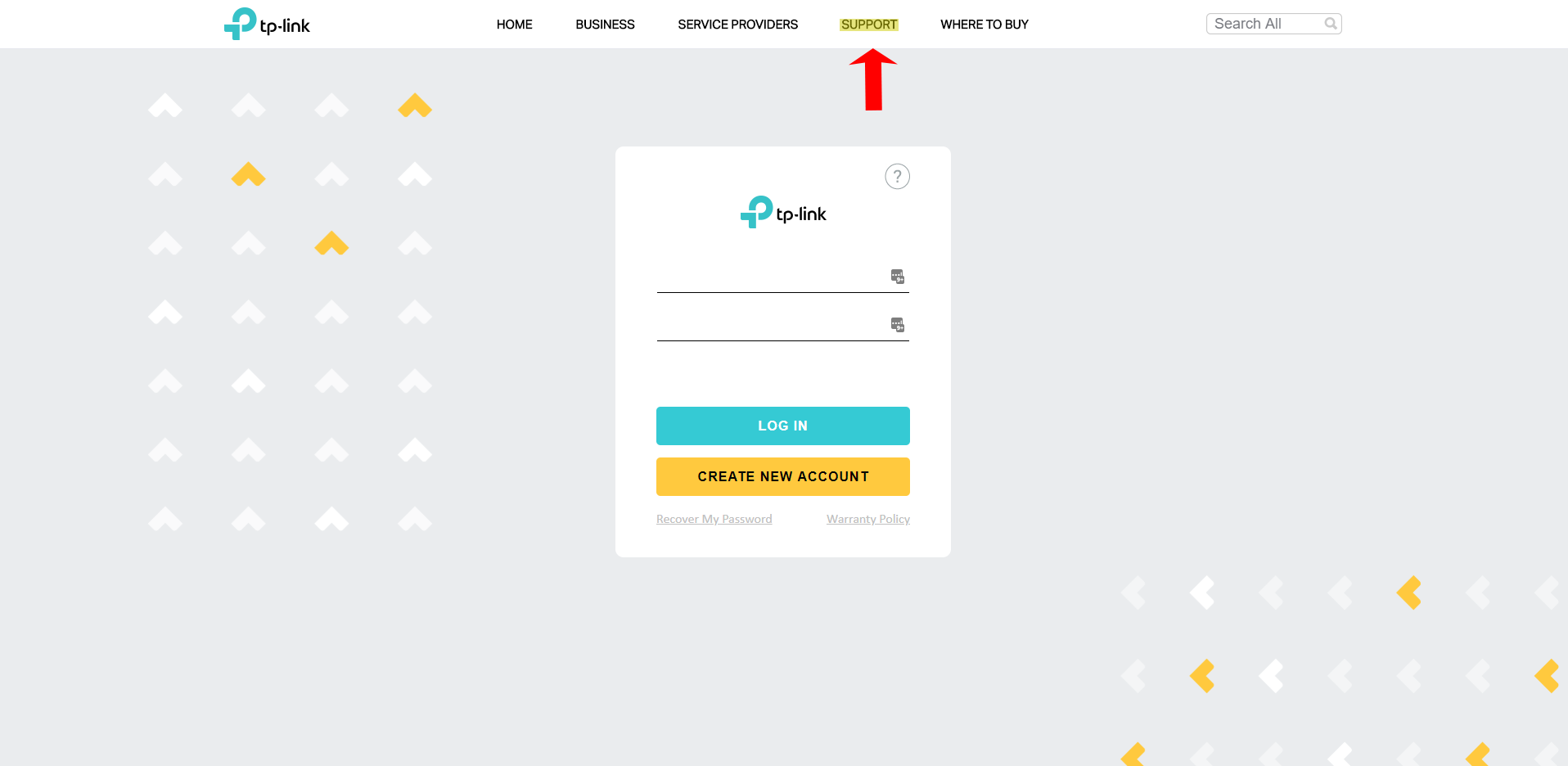
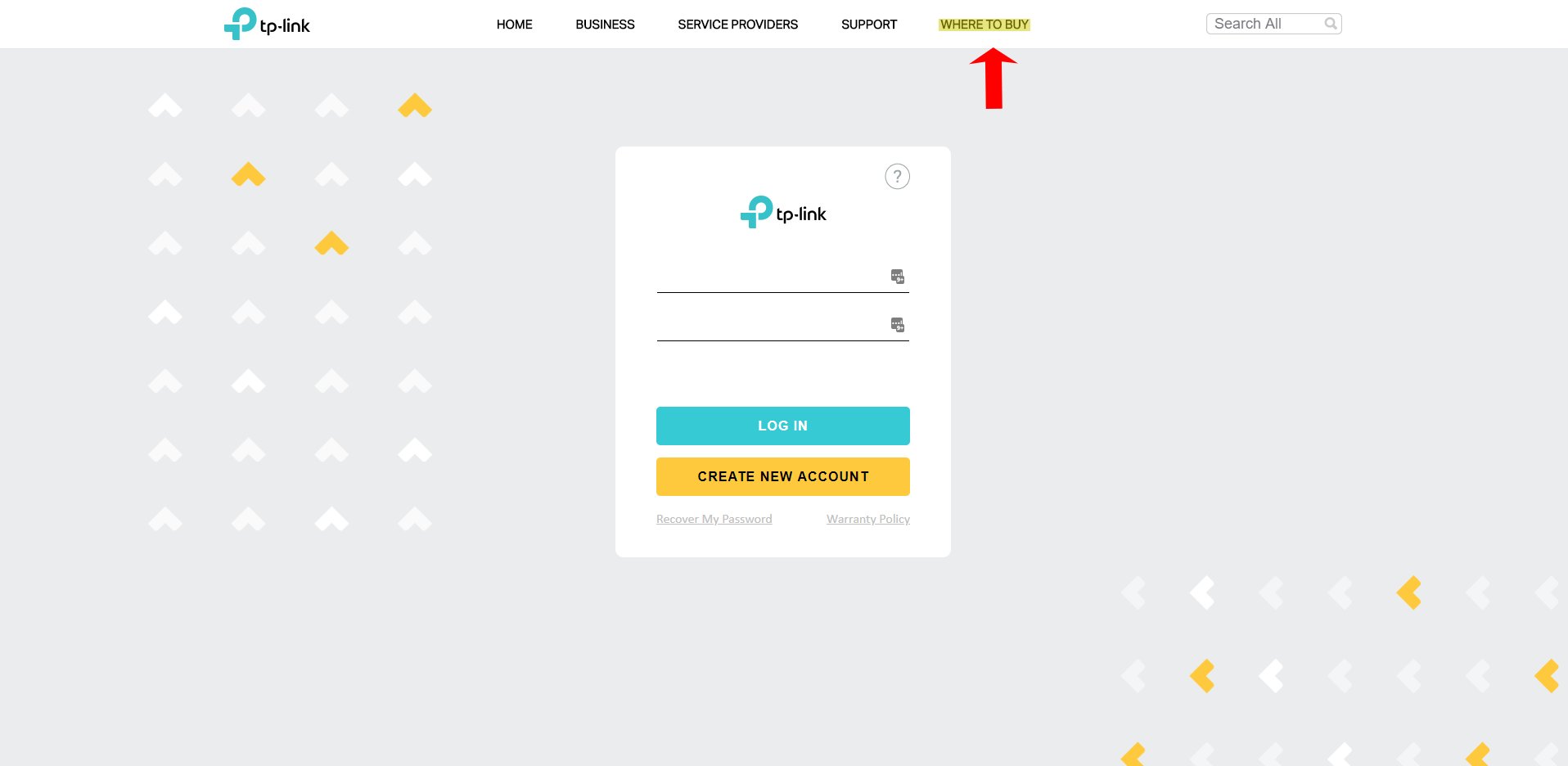
Where to Buy: Our authroized sellers list.
*Note: TP-Link products bought outside this list are subject to review and may not be covered under our limited warranty policy.
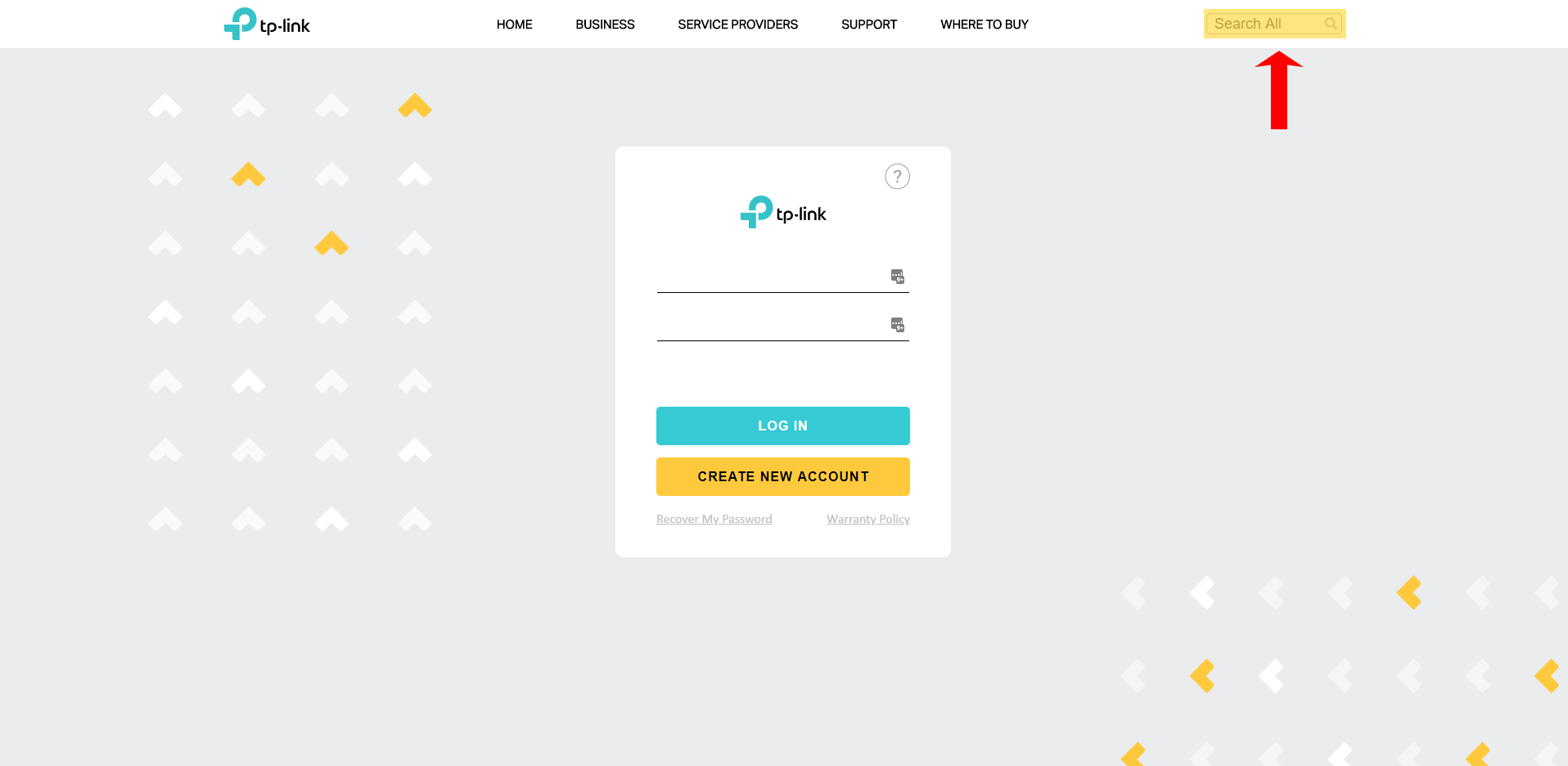
Search All: Our website’s search engine.
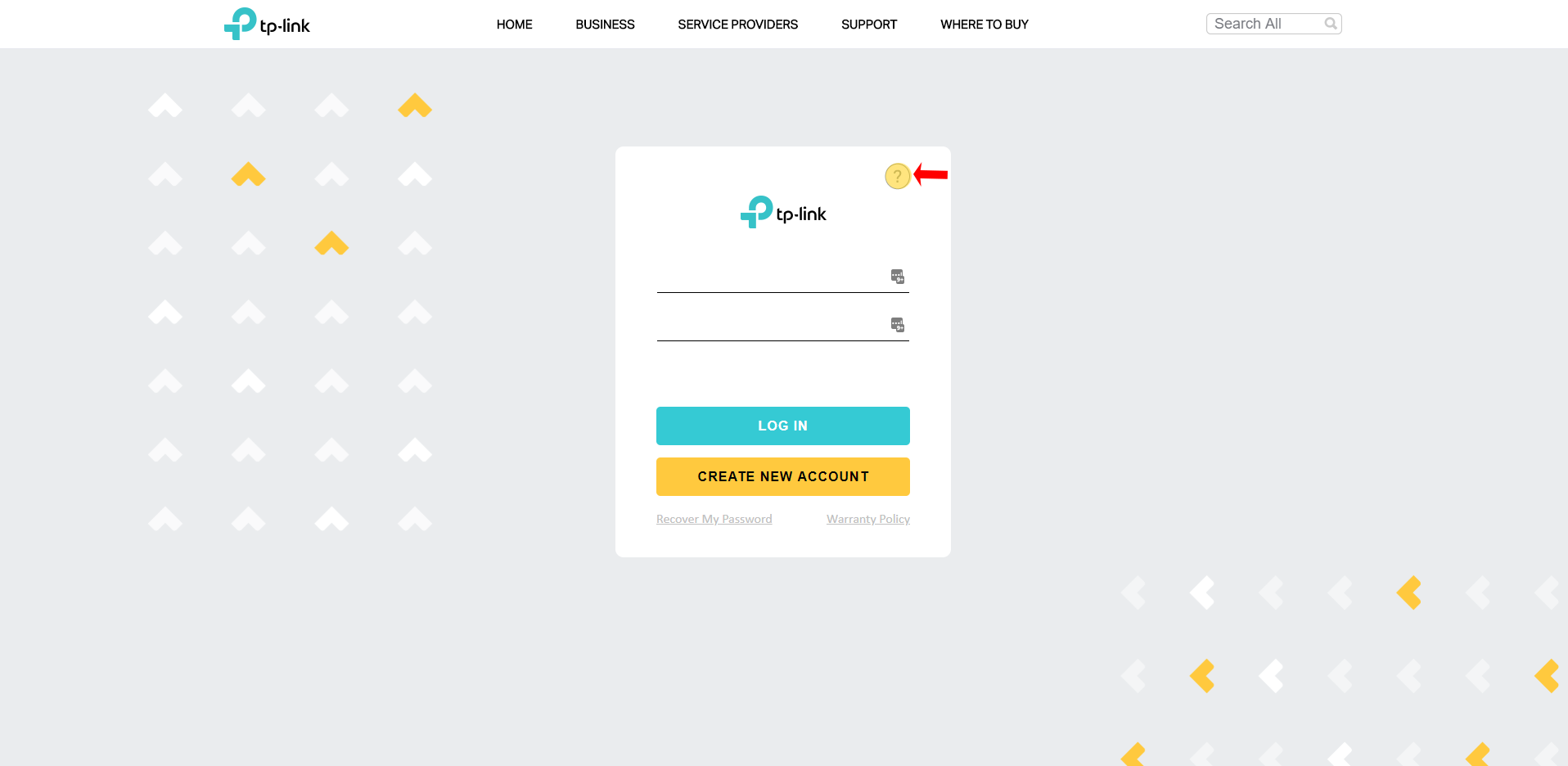
“?”: This button provides more information about why you should register your product.
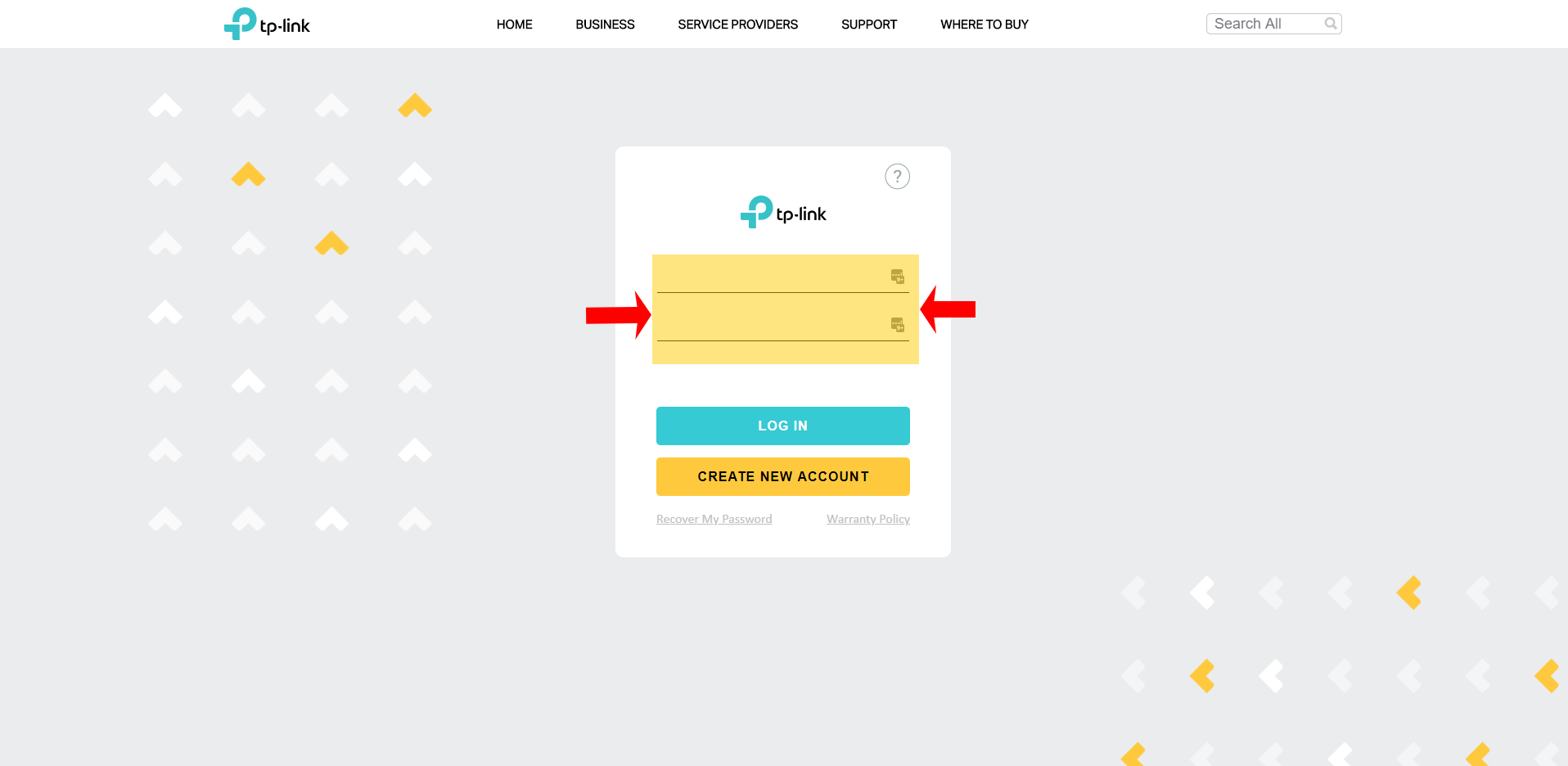
Login Credentials: This is where you will put your account email address(username) and password.
Log In: Provides access to your warranty profile to register products, request and check status of replacements.
*Note: All products must be troubleshot, and RMAs authorized by TP-Link support prior to an RMA being issued. All RMAs are subject to verification of eligibility through our warranty policy.
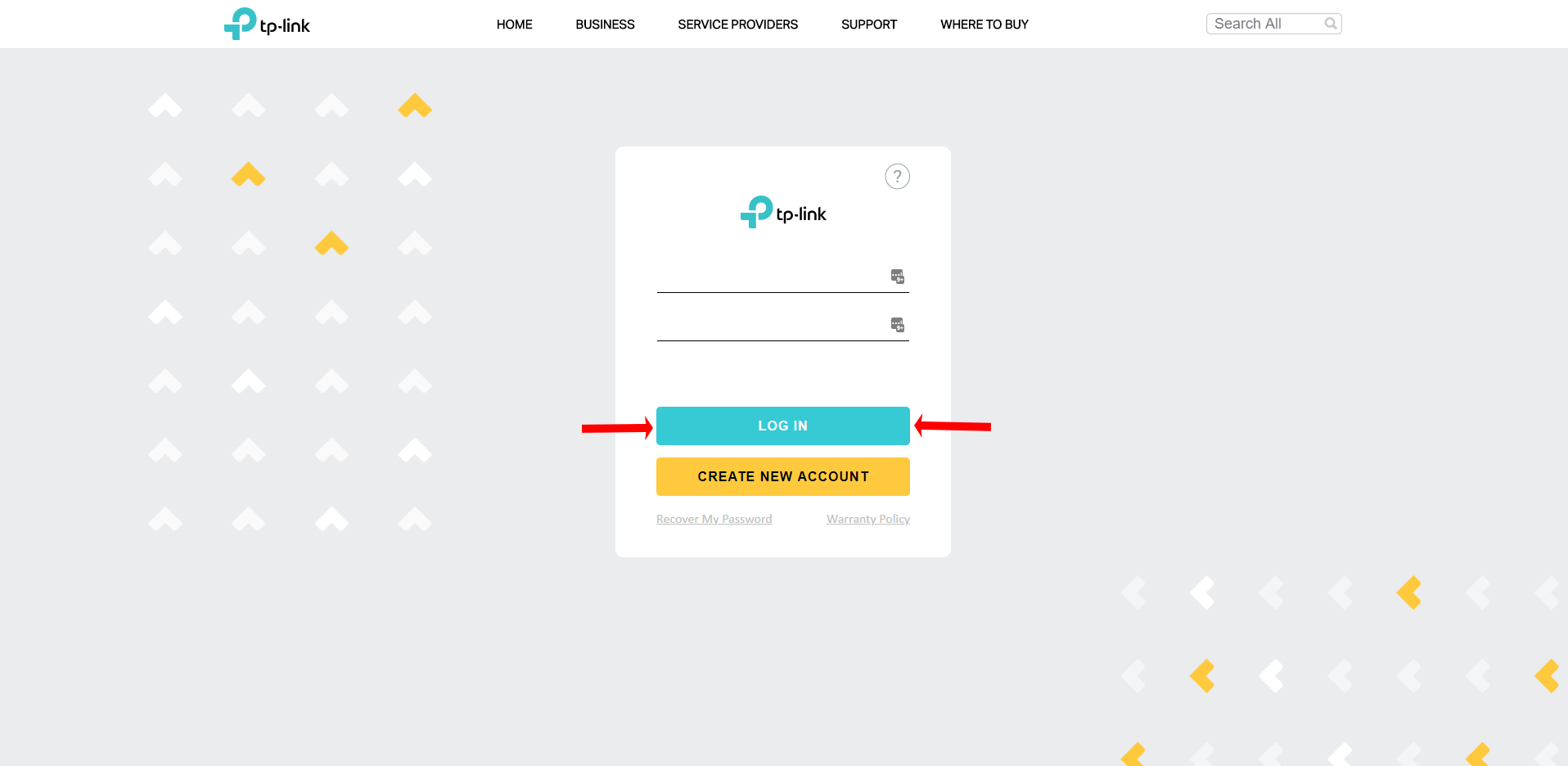
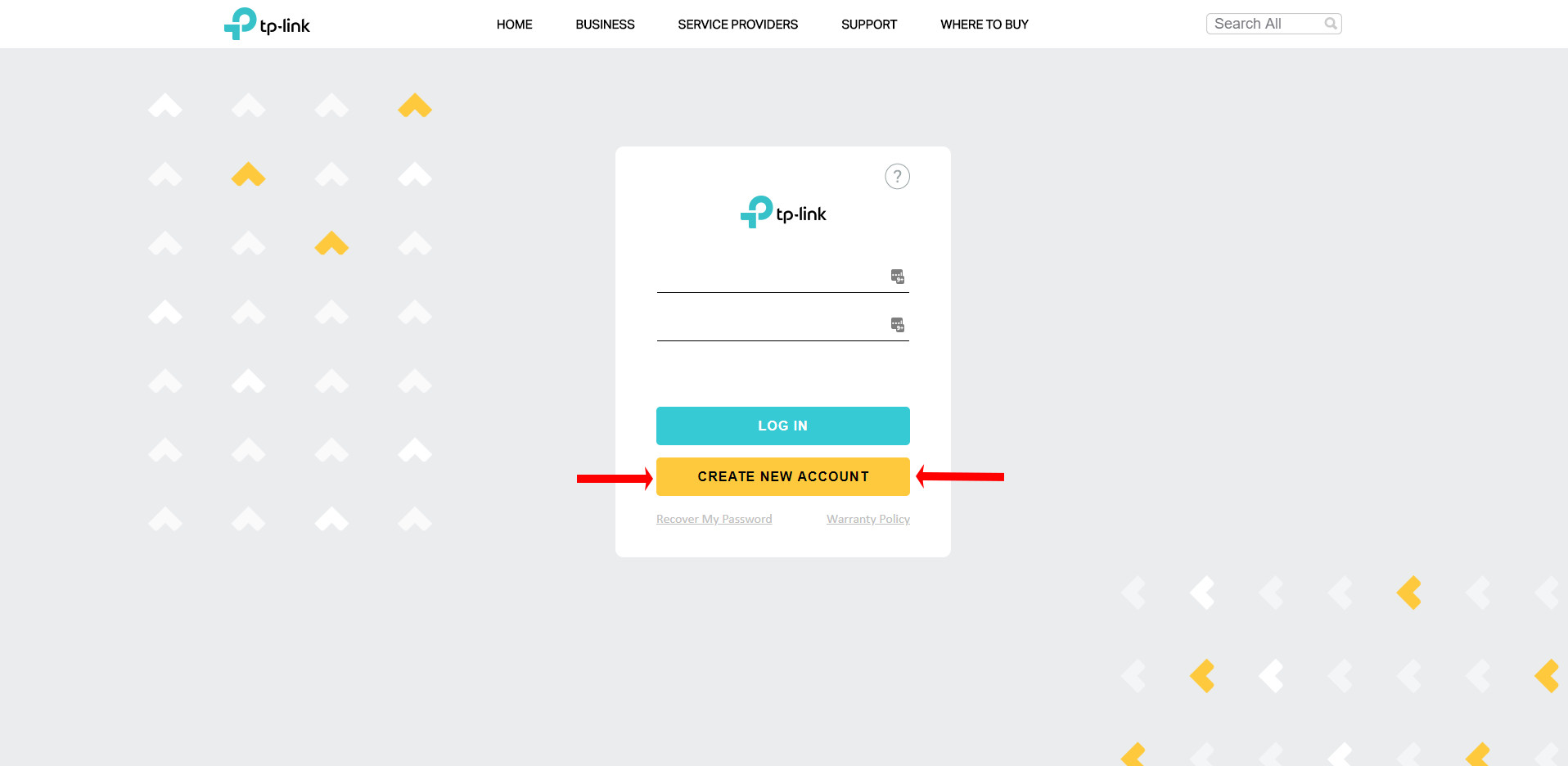
Create New Account: This option is for first time users to create their profile.
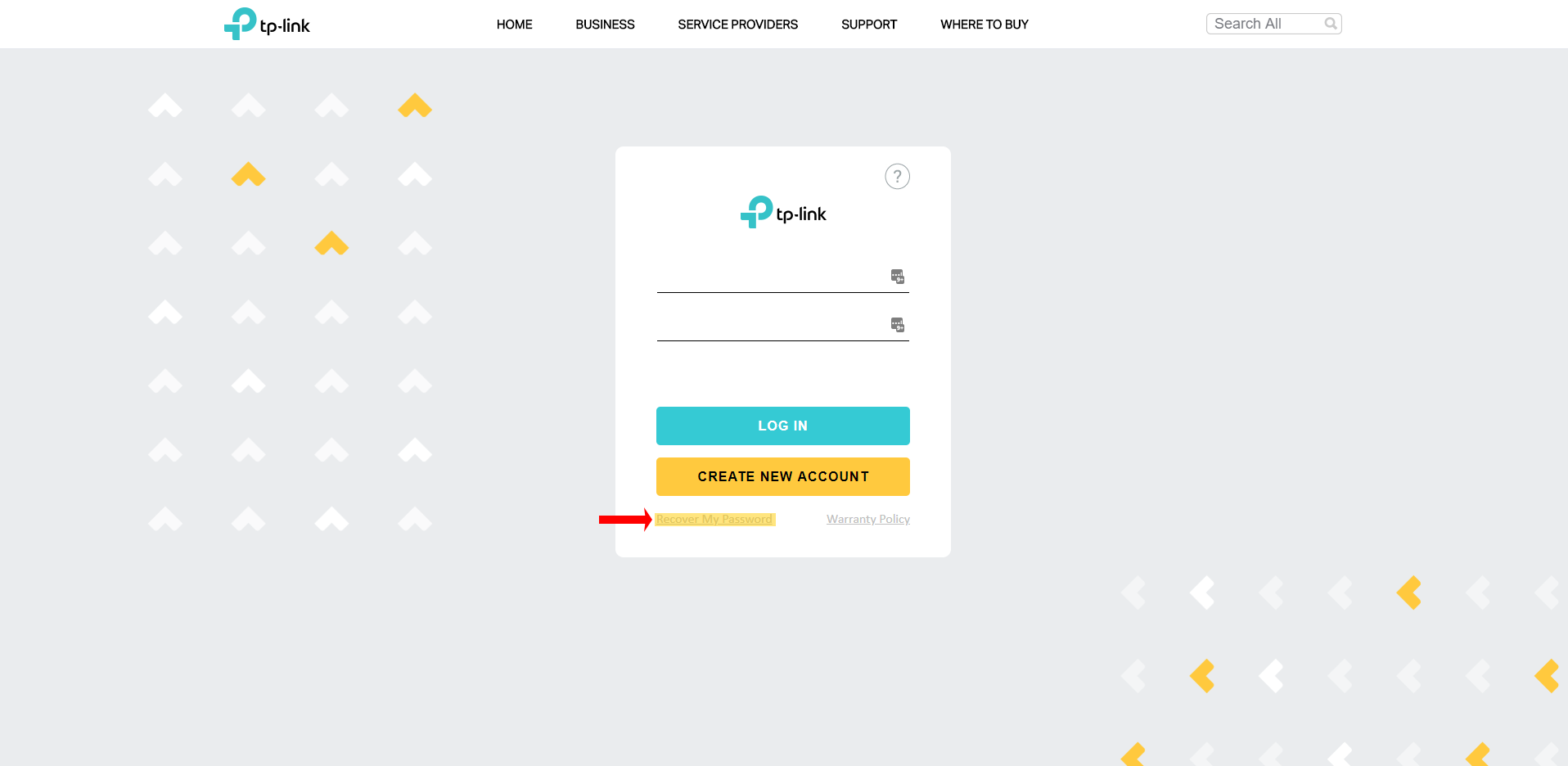
Recover My Password: Warranty Portal password recovery.
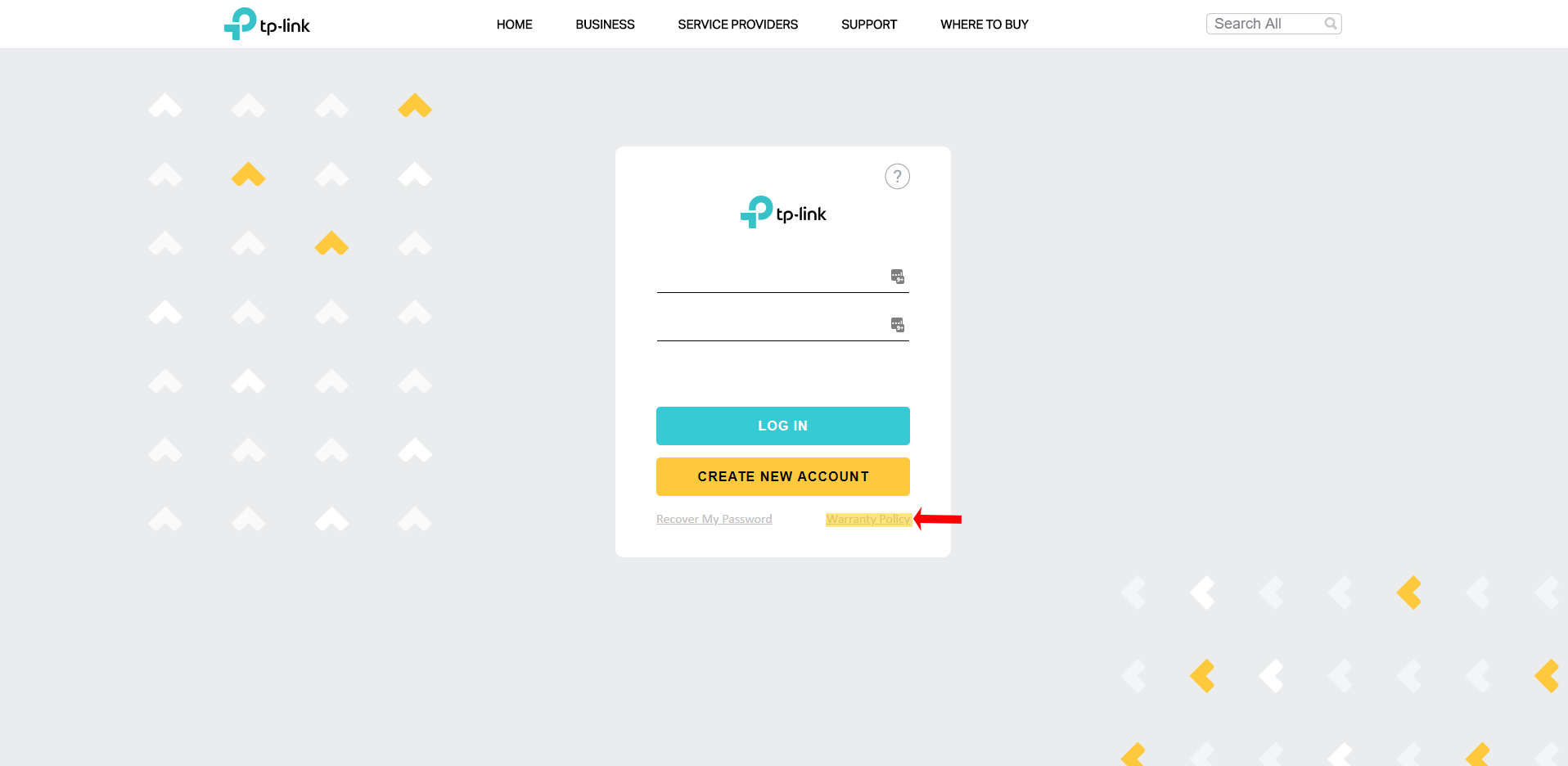
Warranty Policy: A quick reference for viewing the Warranty Policy.
Был ли этот FAQ полезен?
Ваш отзыв поможет нам улучшить работу сайта.

Сообщество TP-Link
Нужна помощь? Задавайте вопросы, находите ответы и обращайтесь за помощью к специалистам TP-Link и другим пользователям со всего мира.