
What happens if I want to switch from annual to monthly payments?
 5075
5075*Note: All Kasa Cams require and only work with the Kasa for Mobile App
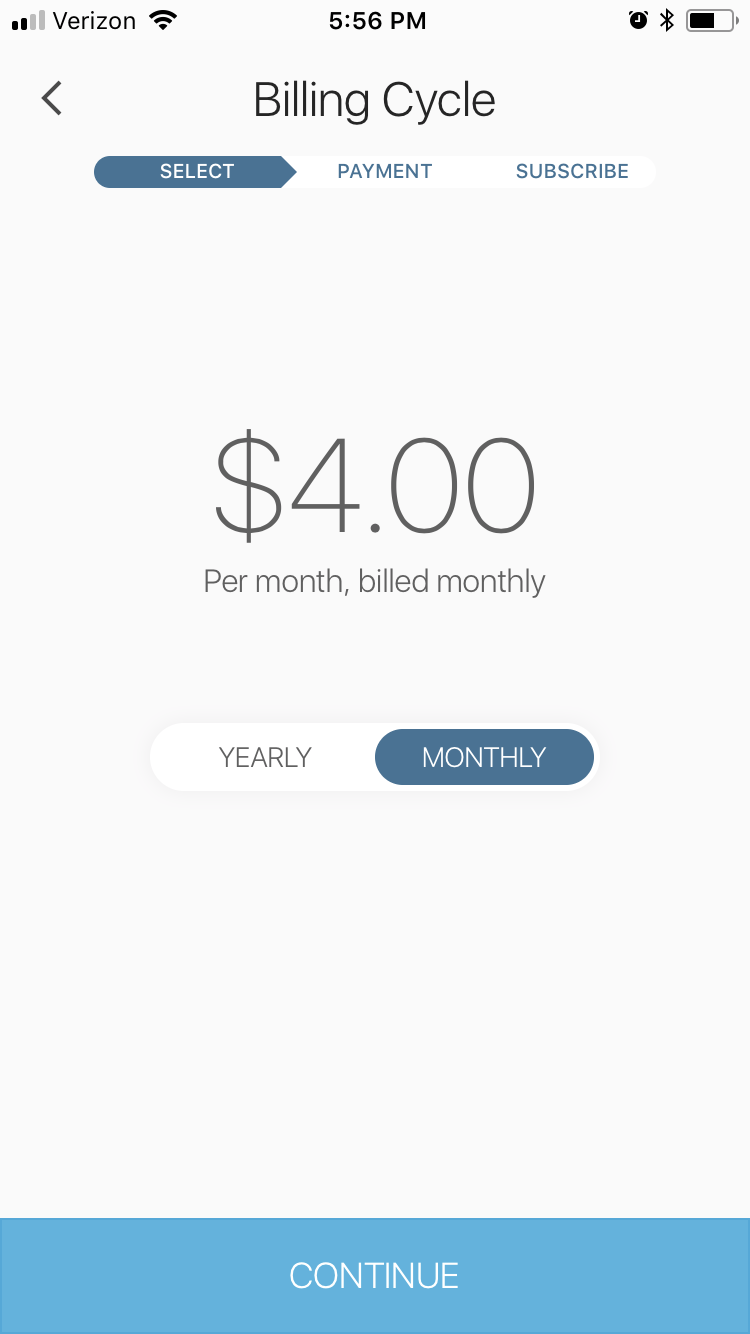
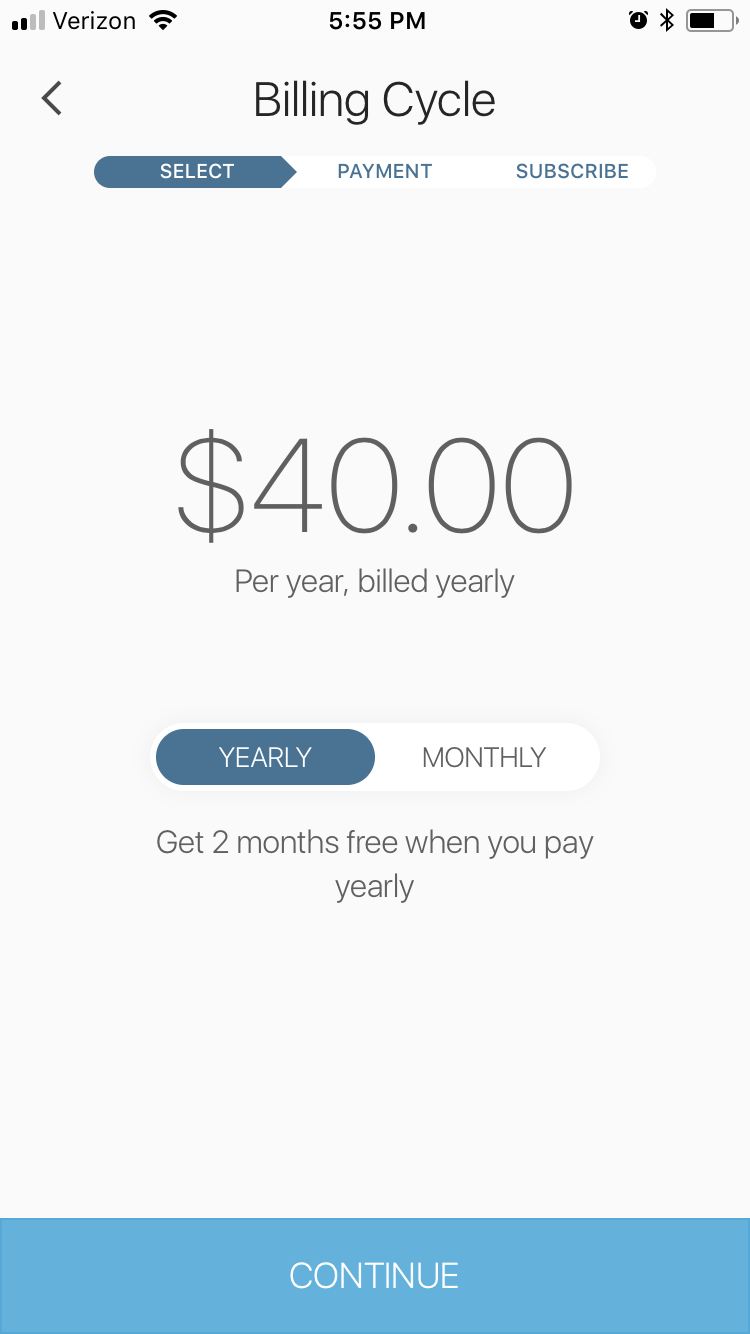
You cannot have different billing cycles for different subscription plans. For example, if you have 2 Kasa Cams, one on Premium and another on Plus plan, they both have to be on the same billing cycle - either monthly or annual.
You must cancel all your Kasa Care subscriptions and re-enroll in order to switch from annual to monthly payments (or vice versa). You will be refunded for the remaining duration in your current subscription.
Note: When you switch your billing cycle, you will lose your video history.
If you need further assistance contact TP-Link Customer Support here.
Был ли этот FAQ полезен?
Ваш отзыв поможет нам улучшить работу сайта.

Сообщество TP-Link
Нужна помощь? Задавайте вопросы, находите ответы и обращайтесь за помощью к специалистам TP-Link и другим пользователям со всего мира.