
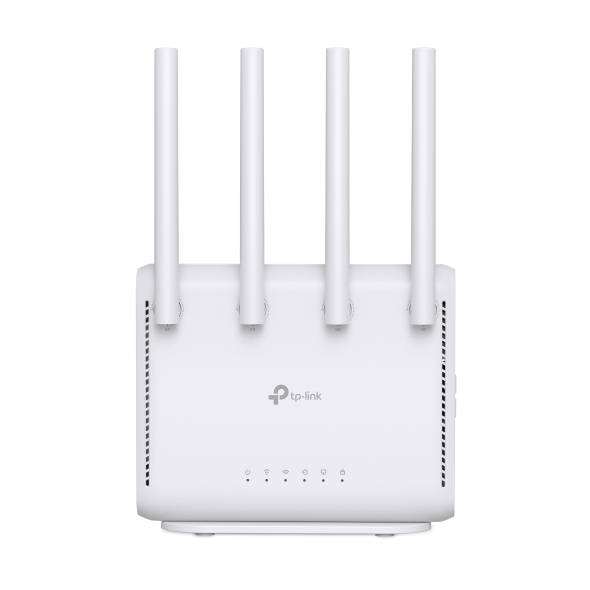
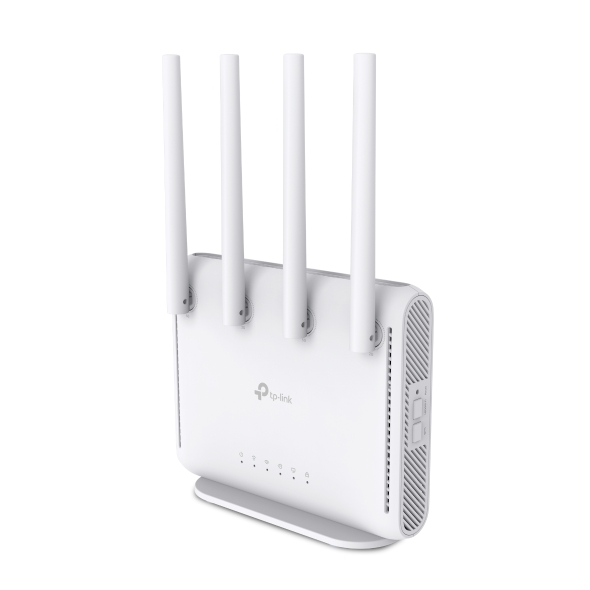
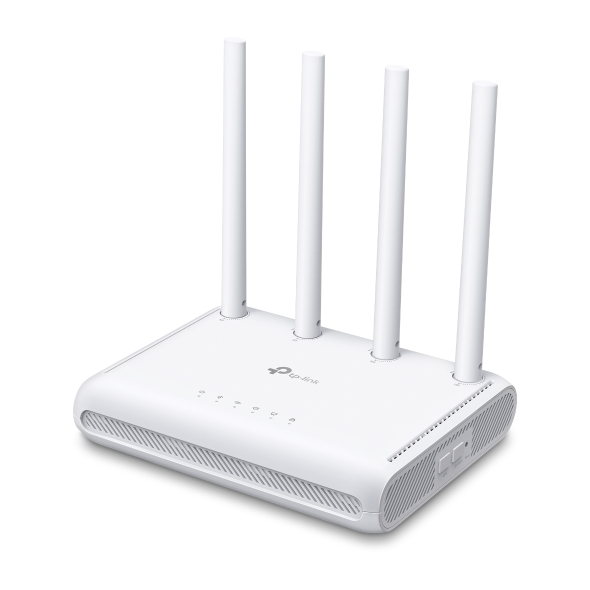

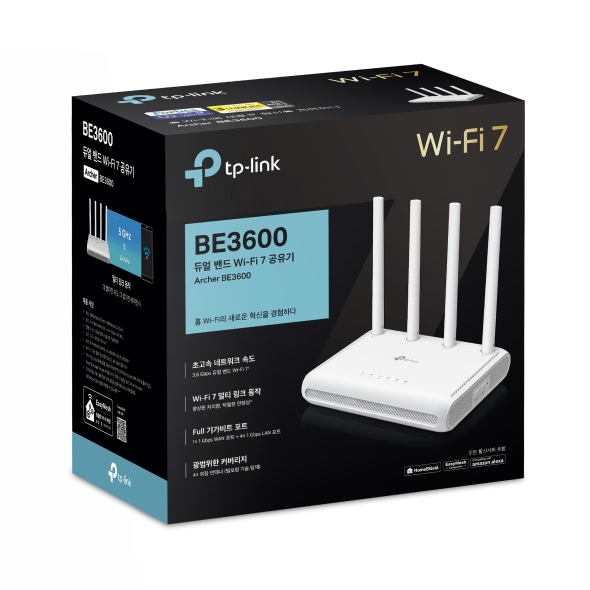
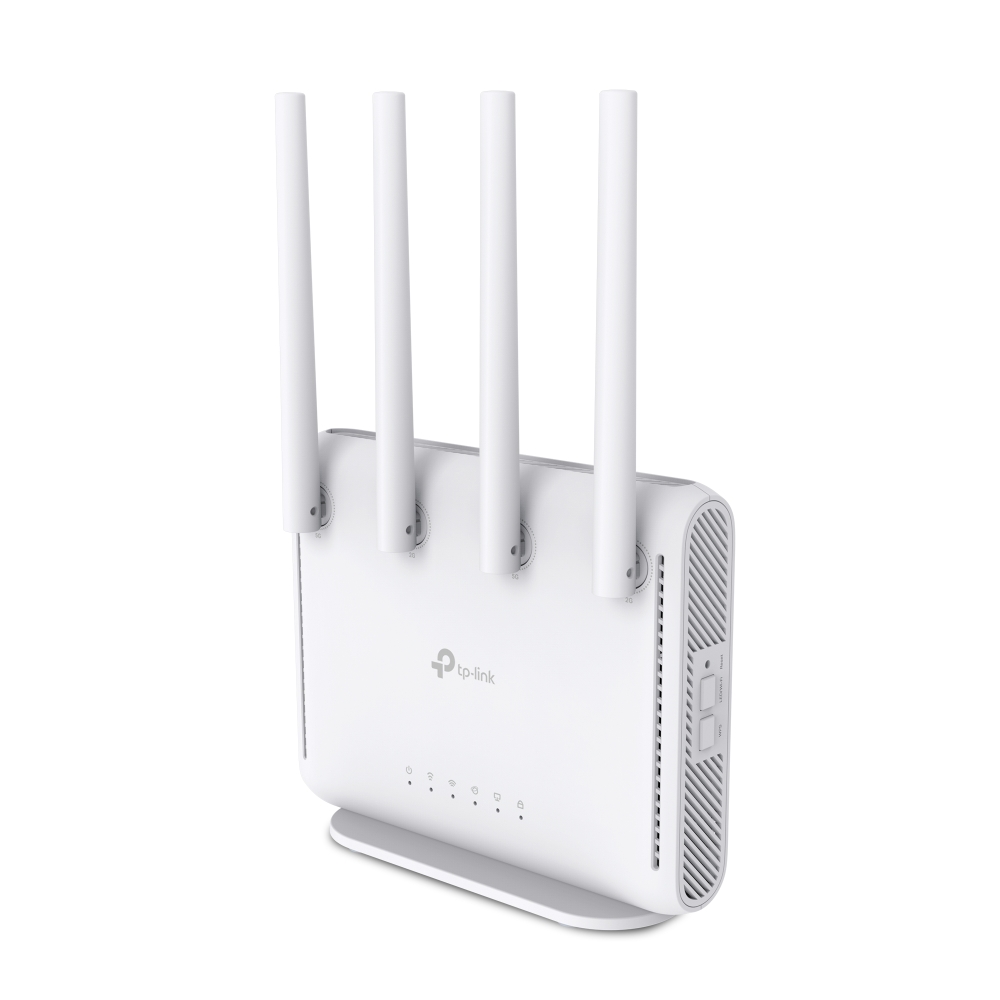
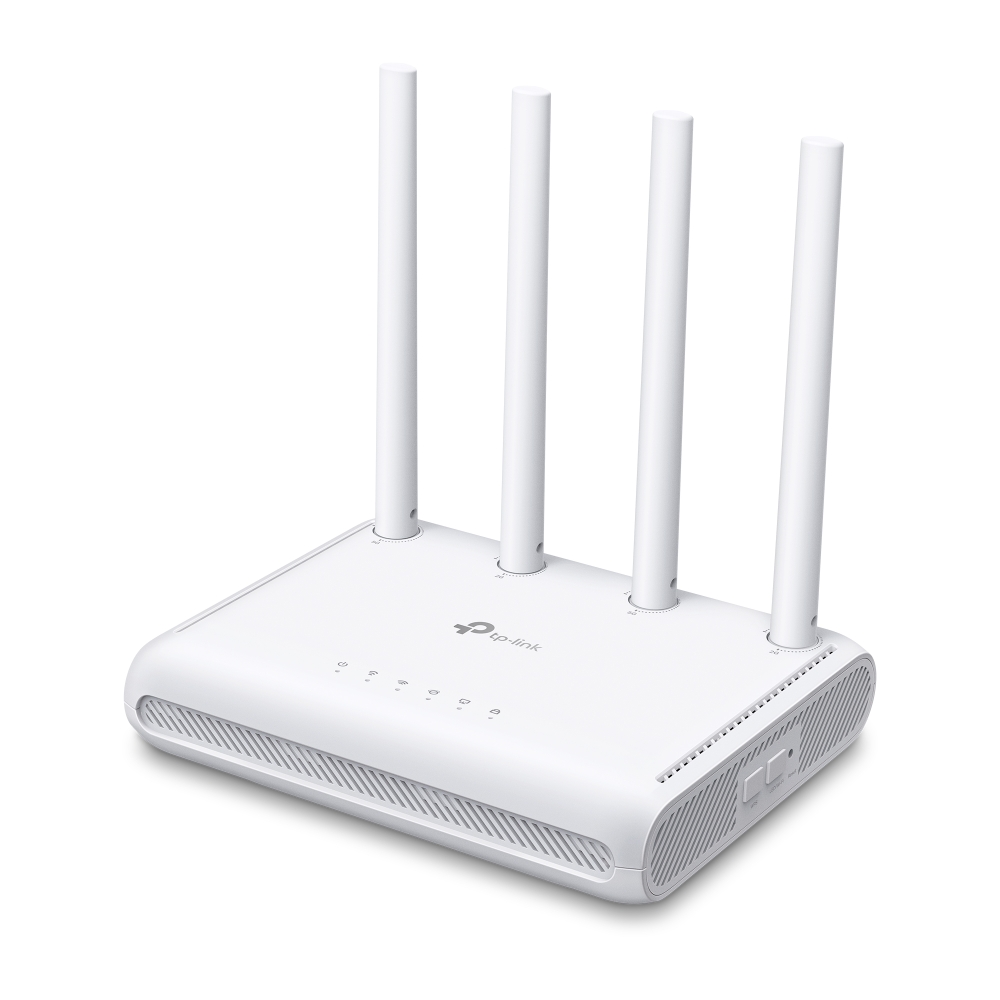
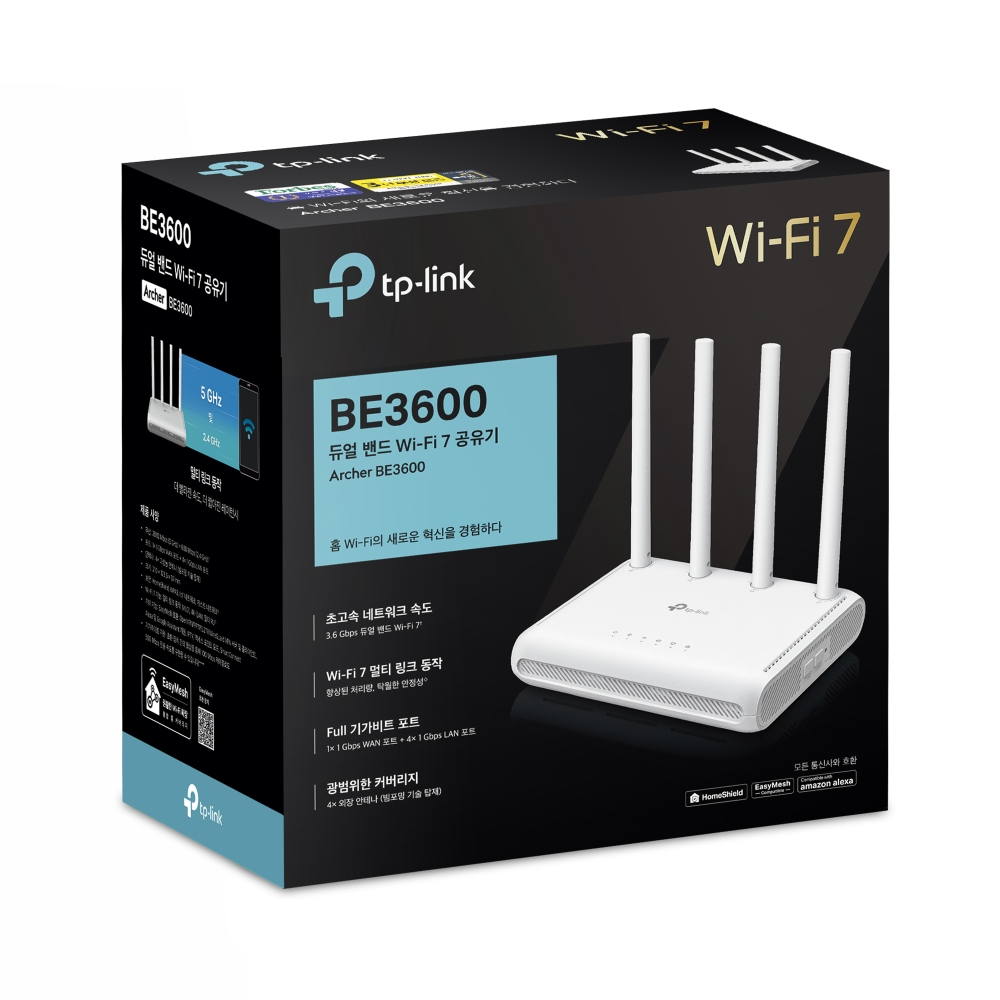
BE3600 Dual-Band Gigabit Wi-Fi 7 Router
-
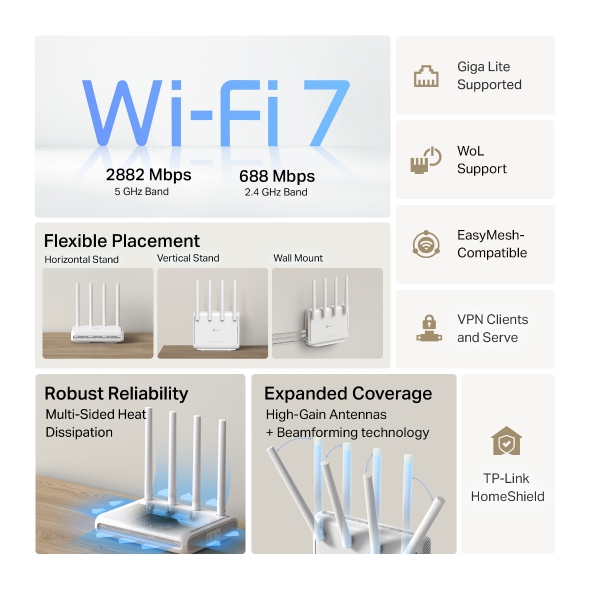
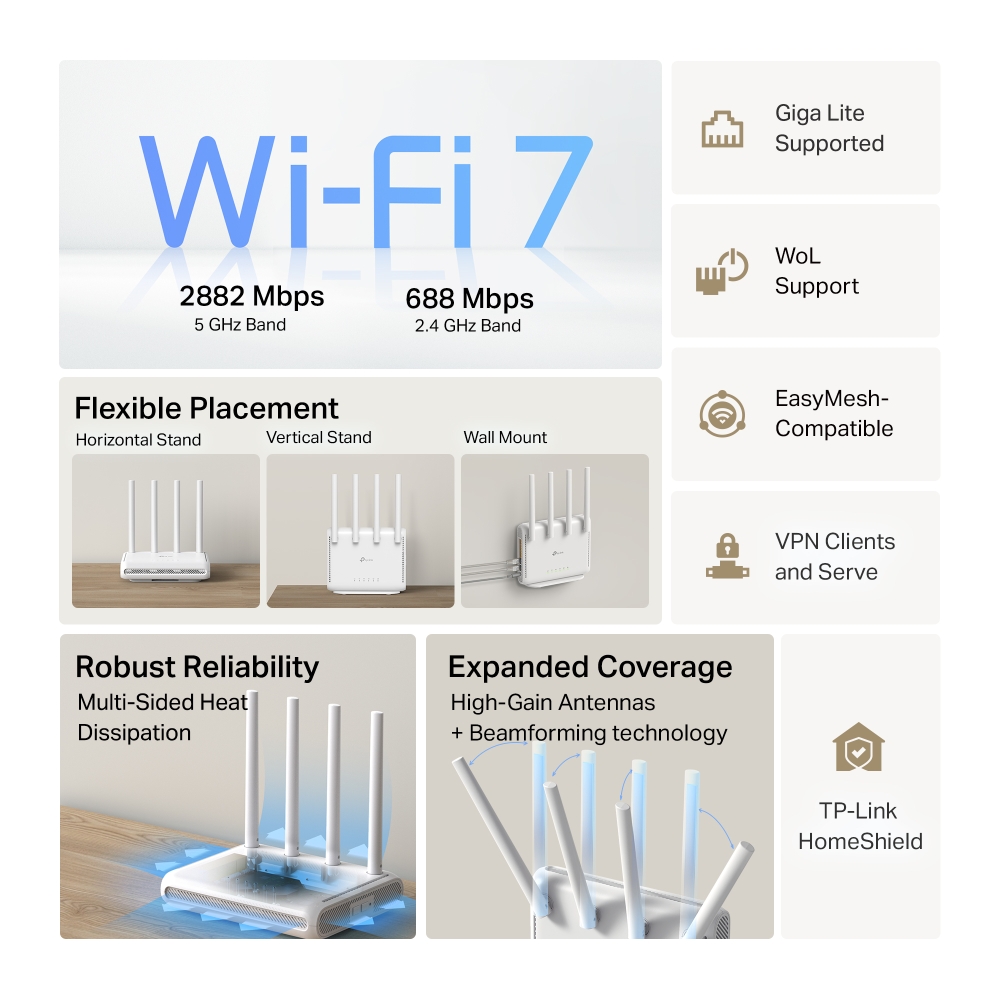
3.6 Gbps Dual-Band WiFi 7: BE3600 Dual-Band WiFi delivers WiFi speeds up to 3.6 Gbps.†
-
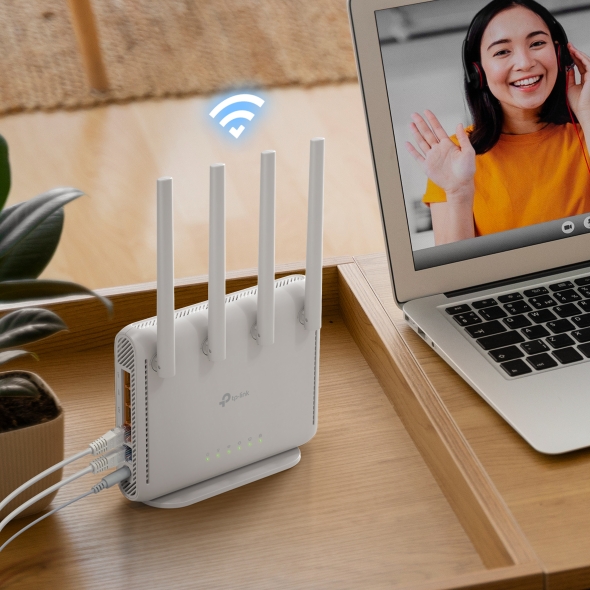
Flexible Placement: Choose from three installation options—horizontal stand, wall mount, or vertical stand—to seamlessly fit any space.
-
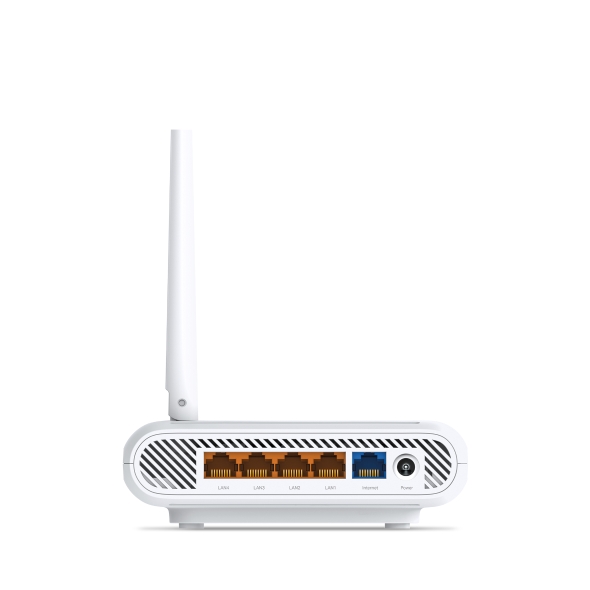
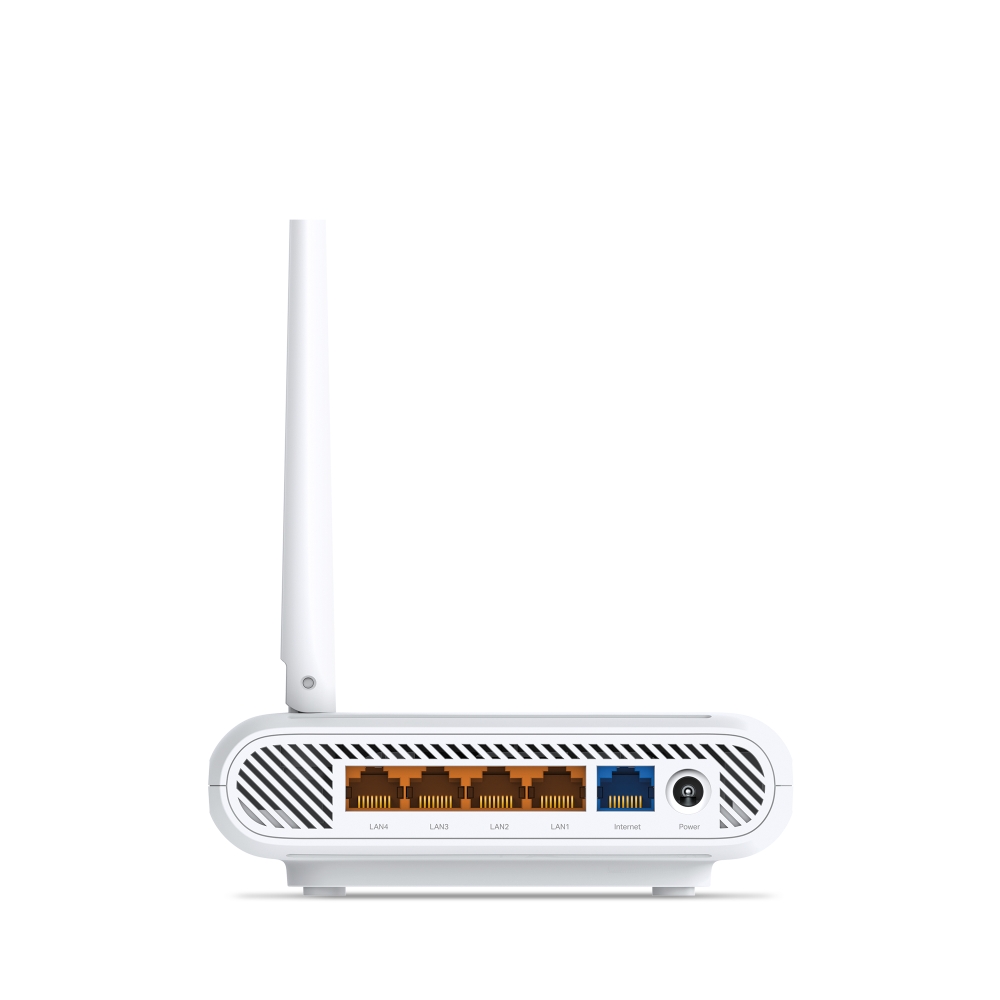
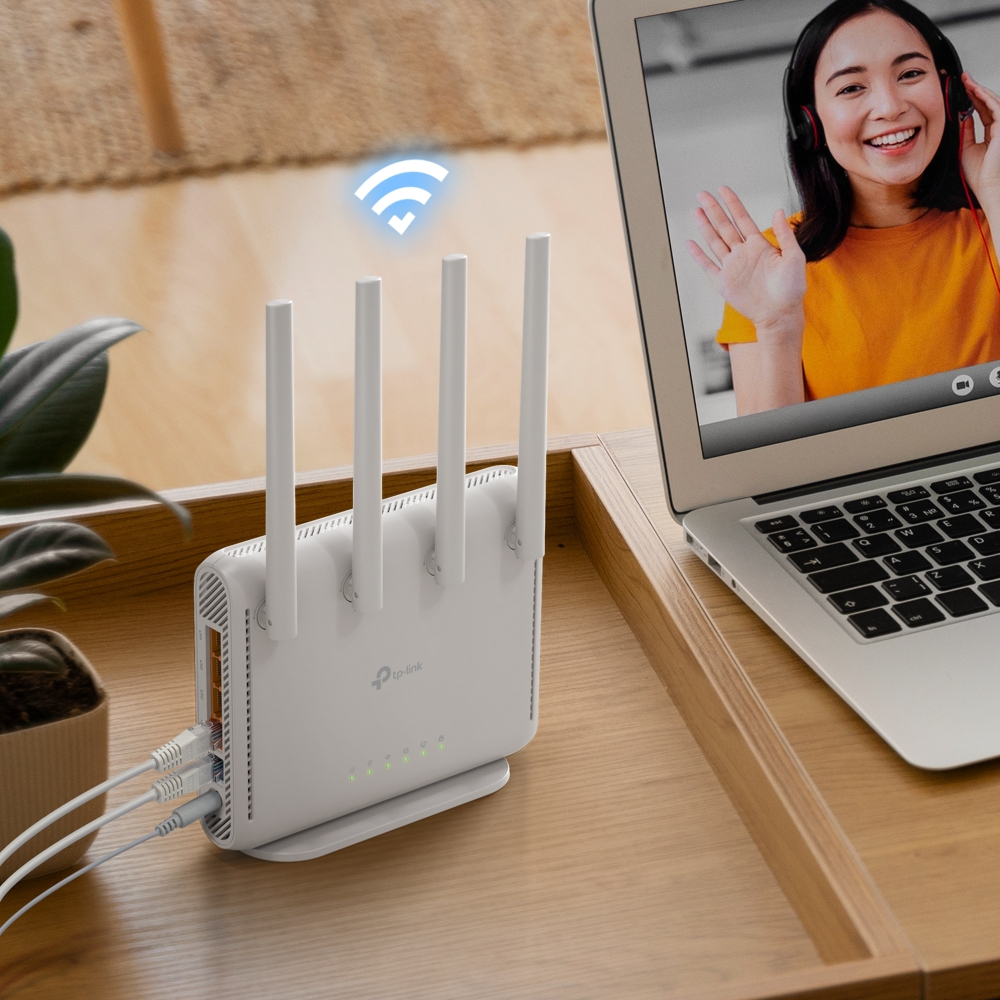
Full Gigabit Connection: 1× 1 Gbps WAN port, 4× 1 Gbps LAN ports offer high-speed data transmissions.‡
-
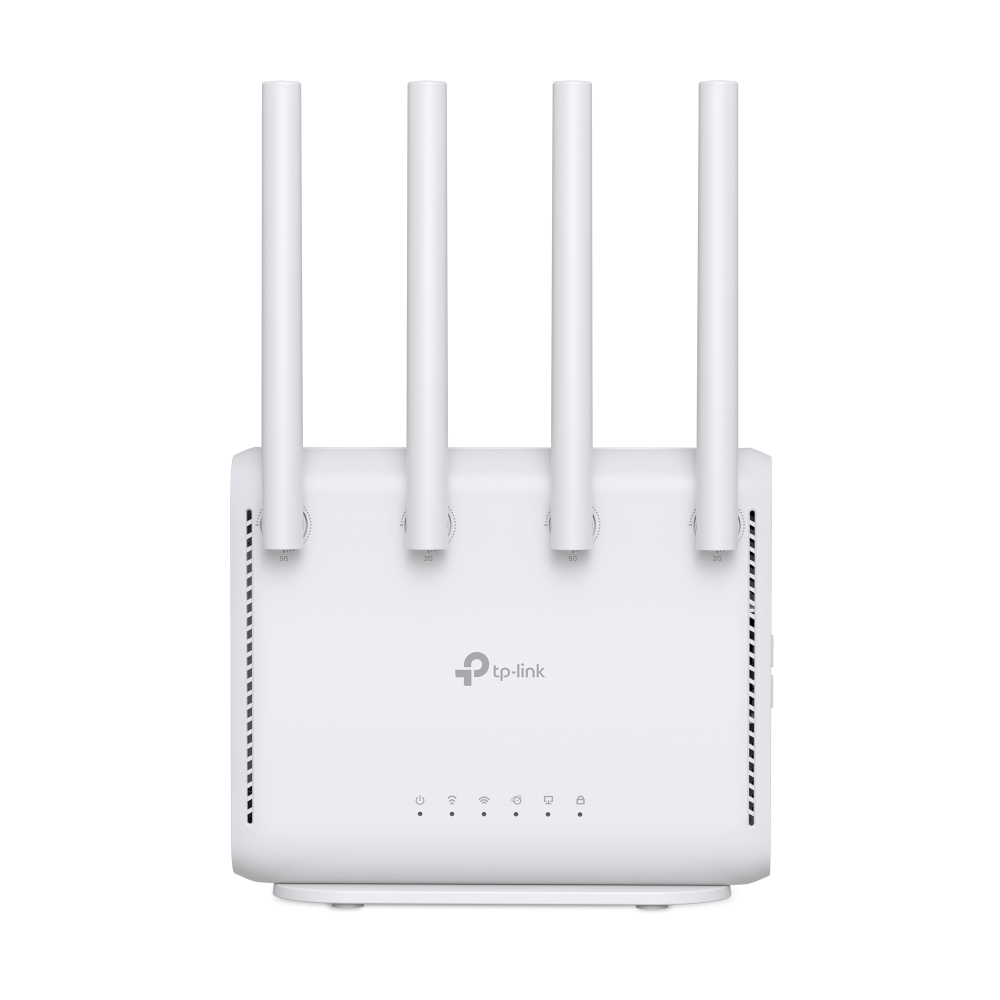
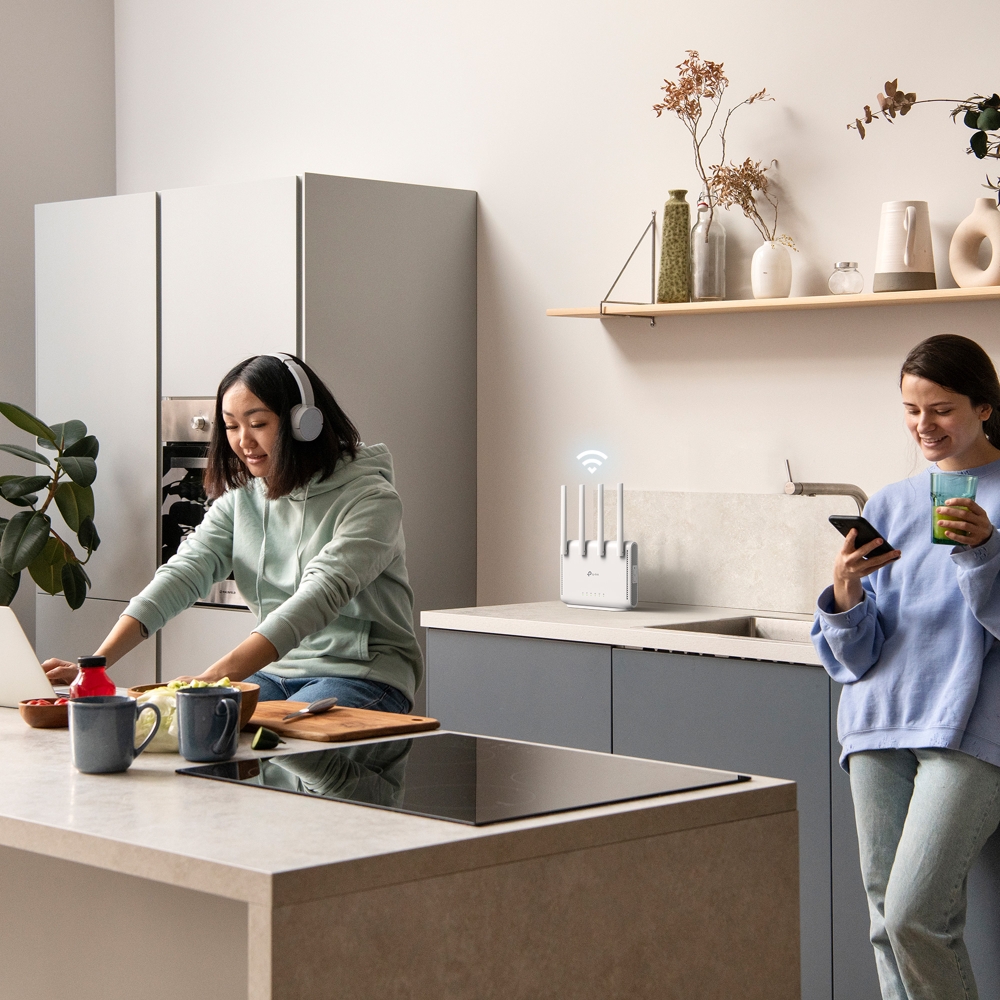
Expanded Coverage: 4 high-performance rotatable antennas enhance Wi-Fi signals throughout your home. Simply rotate the antennas to a vertical position for broader coverage.
-
Support for Giga Lite: Through negotiation between compatible devices, a 500 Mbps transmission rate can be achieved with even a 100 Mbps cable.****
-
WoL Supported: Simply click to remotely power on your computer with Wake-on-LAN (WoL), making network management smart and easy.
-
EasyMesh-Compatible: Works with EasyMesh routers and range extenders to form seamless whole home Mesh WiFi, preventing drops and lag when moving between signals.*
-
Easy Setup and Use: Network management has never been easier with the Tether app.
-
TP-Link HomeShield: Enhanced security defends against the latest cyber threats.**
-
Great Compatibility: Supports all Wi-Fi generations and devices**and all internet providers.***
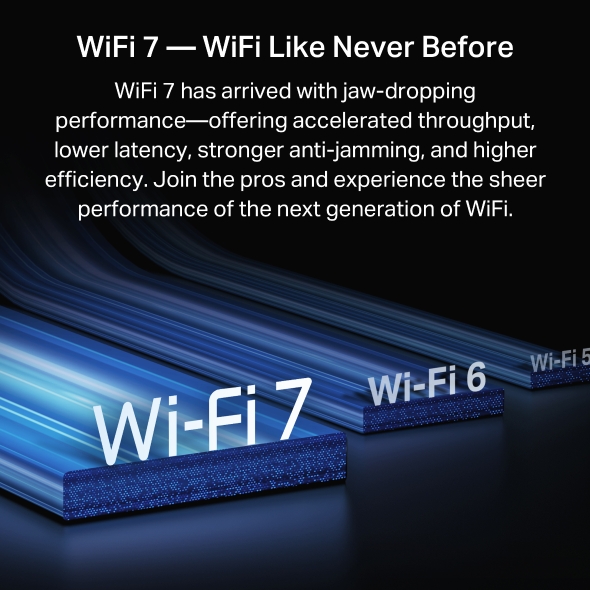
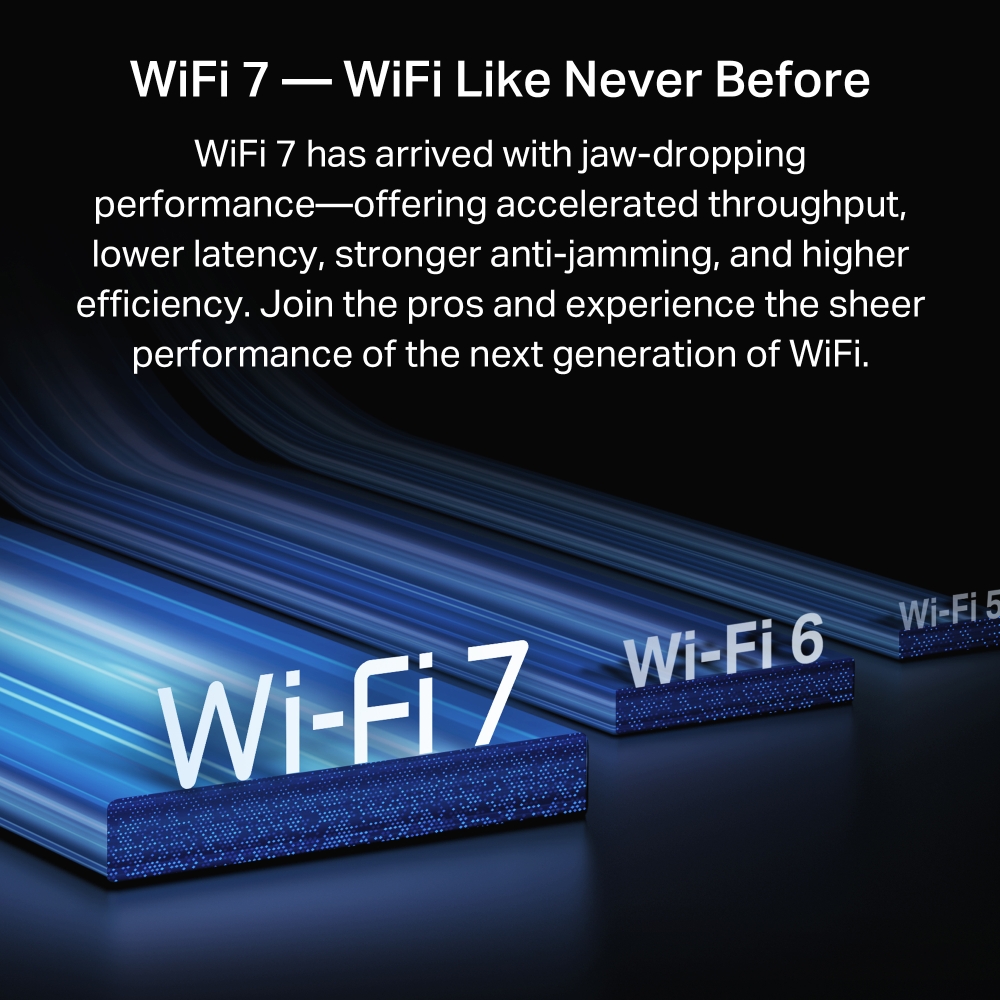
WiFi 7, WiFi Like Never Before
WiFi 7 offers accelerated throughput, lower latency, stronger anti-jamming, and higher efficiency. Join the league of pros and experience the sheer performance of the next generation of WiFi.
-
4K-QAM
Packs 120% data for higher speeds‡
-
Multi-RUs
Makes full use of every resource for maximum efficiency‡
-
Multi-Link Operation
Increases throughput, reduces latency, and improves reliability‡
Flexible Placement Crafted for Your Needs
The BE3600 offers versatile installation options, fitting perfectly into any setting whether placed horizontally, vertically, or wall-mounted, all while conserving space.
Horizontal Stand
Wall Mount
Vertical Stand
Superior Cooling Performance with Sleek Design
Multi-Gigabit Wired Connections
In addition to delivering impressive wireless speeds of up to 3.6 Gbps, the Archer BE3600 also offers top-tier wired connections. With five 1 Gbps ports, you can fully utilize the gigabit speeds provided by your ISP, ensuring a fast and reliable network for all your devices.
Boosted WiFi Coverage Throughout Your Home
The BE3600 features four high-performance rotatable antennas that enhance Wi-Fi signals throughout your home. Simply rotate the antennas to a vertical position for broader and more optimal coverage.
Greater Reliability and Higher Capacity
Thanks to OFDMA and MU-MIMO technology, Archer BE3600 increases capacity, ensuring smooth internet service for you and your family’s multiple devices. △
-
OFDMA
Multiple devices share one channel at the same time
-
MU-MIMO
Offers multiple connections to reduce wait time
-v1/img/i-icon.png)
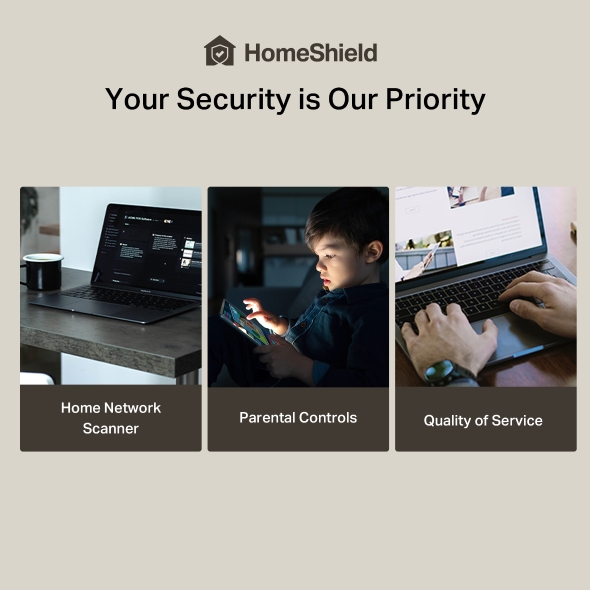
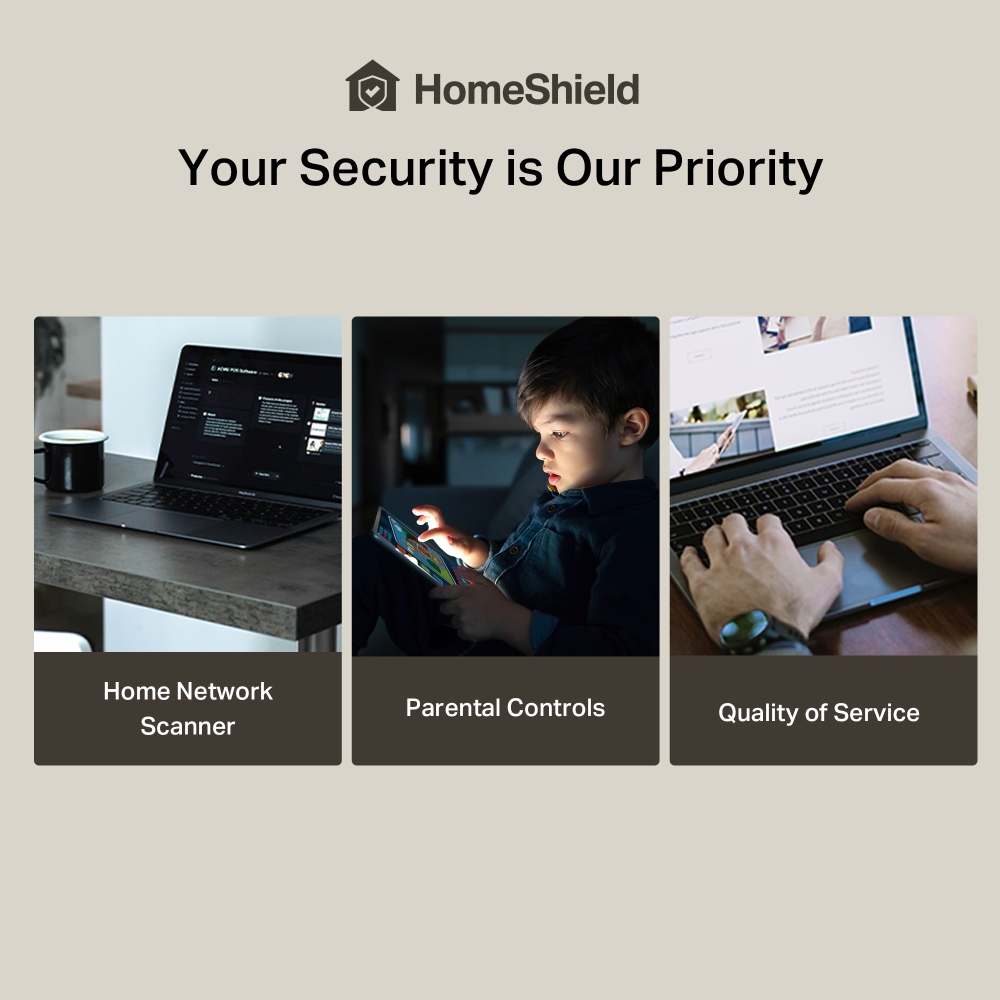
Your Security is Our Priority
With TP-Link HomeShield, enjoy advanced security features that deliver a safe environment that protects your family and network's data and privacy.*
-
Home Network Scanner
Real-time network scanner to detect potential threats and security issues.
-
Parental Controls
Manage time online and block inappropriate content to keep your family safe online.
-
Quality of Service
Assign your favorite devices to have the fastest connections for top performance.
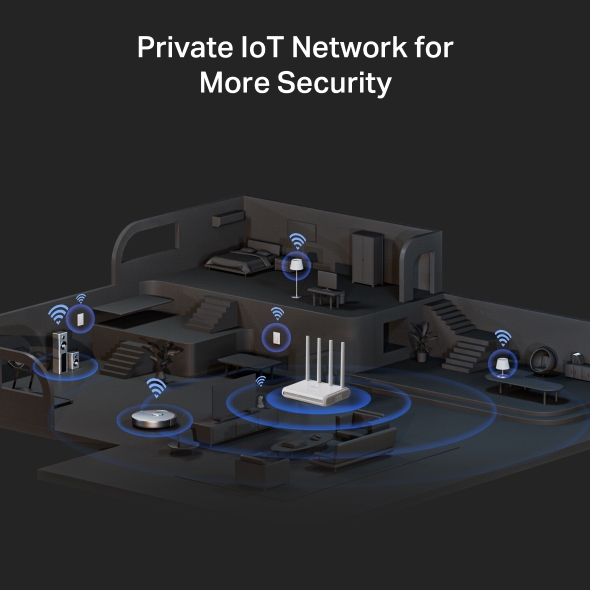
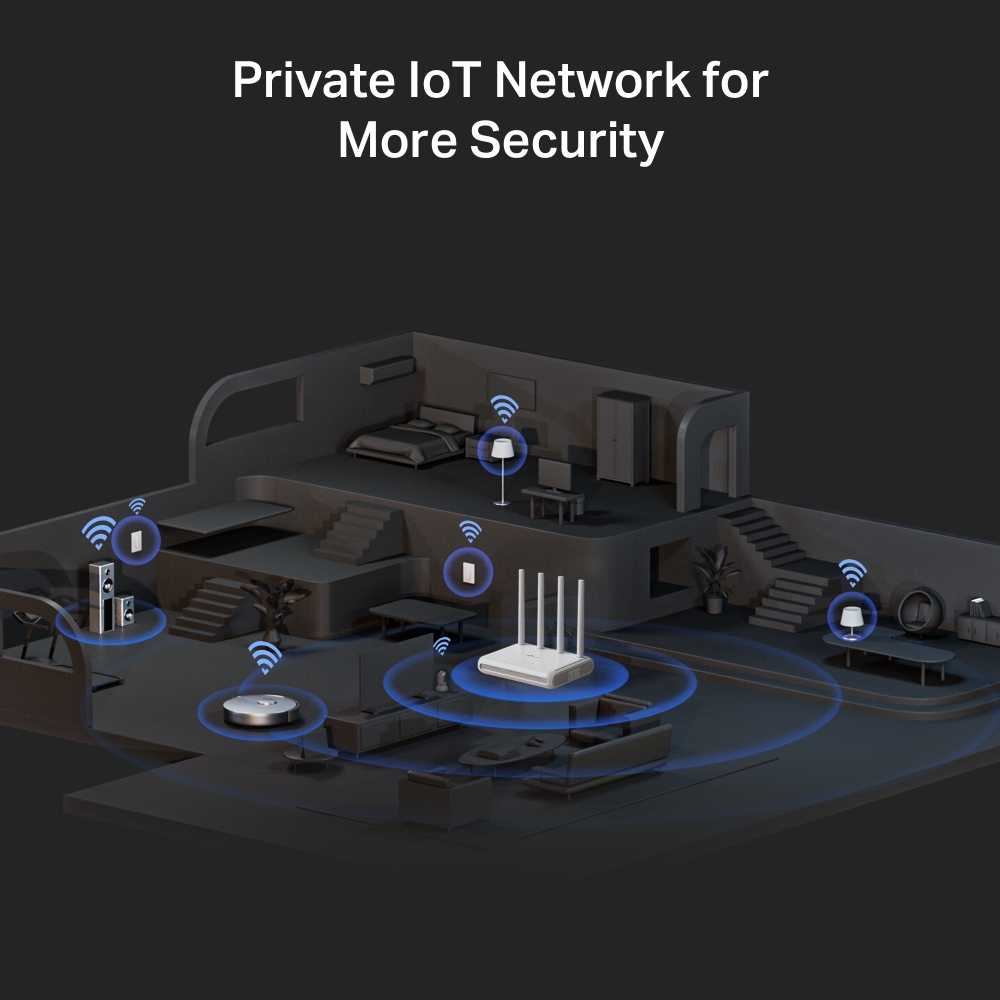
Private IoT Network for More Security
Set up a separate WiFi for IoT devices and overlay HomeShield and advanced WPA3 encryption to better protect the security of your home network and IoT devices.
Create Whole Home Mesh WiFi
The BE3600 is EasyMesh-compatible, perfect for eliminating dead zones in your home. Simply add another EasyMesh range extender to create a whole-home multi-gigabit mesh Wi-Fi network. It also works seamlessly with devices from other brands or ISPs that support EasyMesh.**
-
-v1/img/k-1.png)
One WiFi Name
No more switching WiFi network names
-
-v1/img/k-2.png)
Smart Roaming
Uninterrupted streaming when moving around your home
-
-v1/img/k-3.png)
WiFi Dead Zone Killer
Eliminate weak signal areas with WiFi coverage for the whole house
-
-v1/img/k-4.png)
Unified Management
Manage your whole home WiFi from the central node via the Tether app/Web UI
-
-v1/img/product-1.png)
-v1/img/product-2.png)
EasyMesh Devices (Router+Range Extender)
-
Traditional Router with Extender WiFi
Set Up in Minutes
Install the Tether app and simply follow the on-screen directions. In just three easy steps your entire home can be blanketed in strong and reliable WiFi.
Learn more about the Tether app
-
CONNECT
to a modem and power on both.
-
DOWNLOAD
and launch the Tether app.
-
CONFIGURE
by following the in-app instructions.


-v1/img/language.png)
-v1/m/language.png)
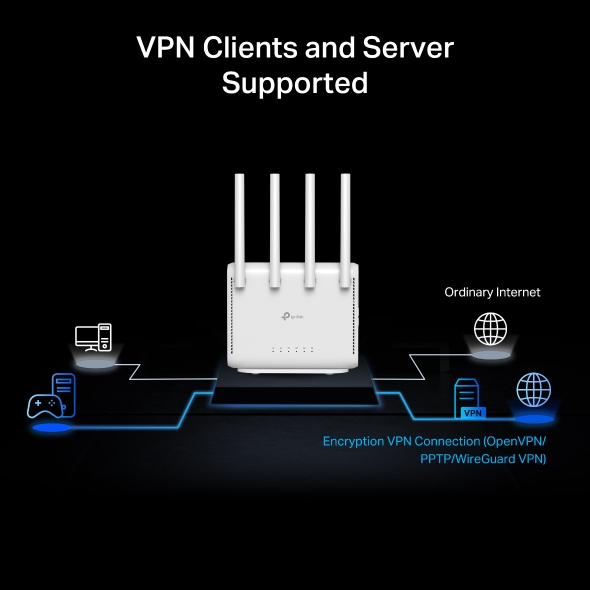
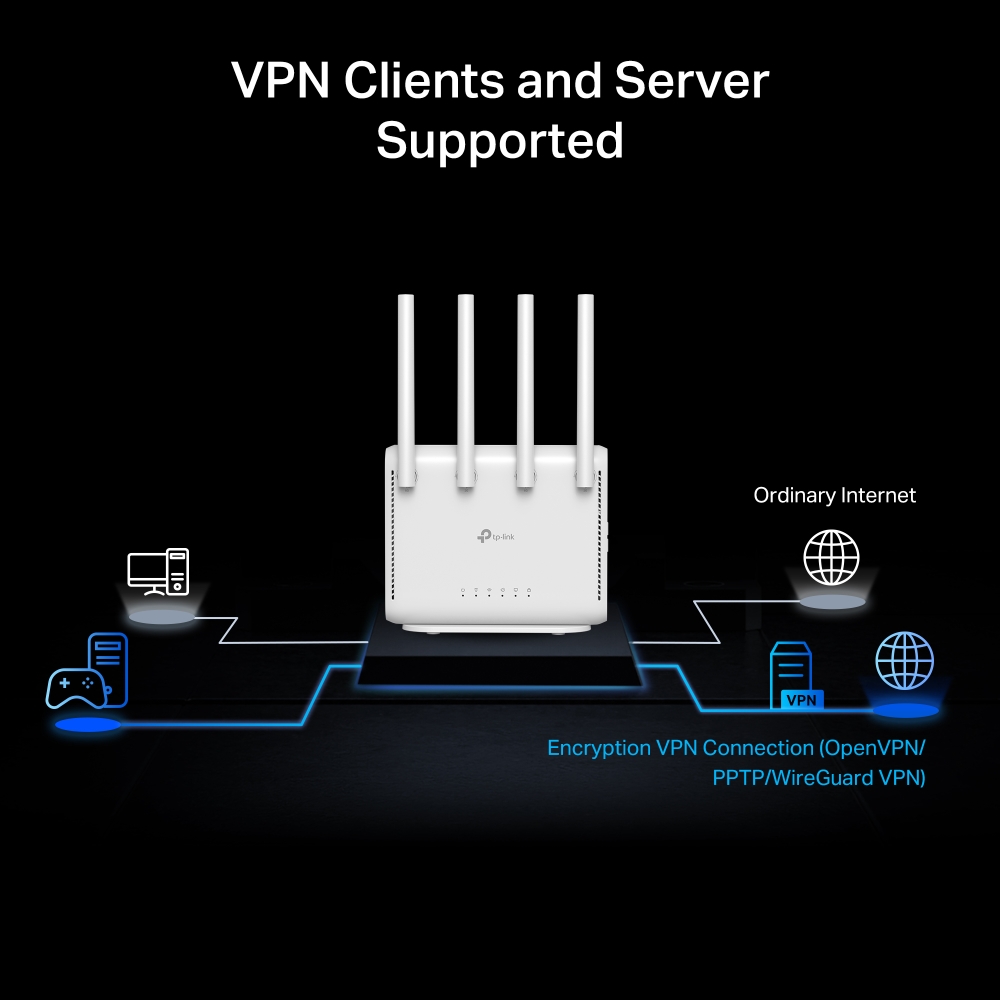
VPN Clients and Server Supported
Allow devices in your home network to access remote VPN servers without needing to install VPN software on every device. Archer BE3600 can run both the VPN and ordinary internet connections at the same time, delivering security and flexibility.
Ordinary Internet
Encryption VPN Connection (OpenVPN/ PPTP/WireGuard VPN)
| Standards and Protocols | Wi-Fi 7IEEE 802.11 be/ax/ac/n/a 5 GHzIEEE 802.11 be/ax/n/b/g 2.4 GHz |
|---|---|
| WiFi Speeds | BE36005 GHz: 2882 Mbps (802.11be)2.4 GHz: 688 Mbps (802.11be) |
| WiFi Range | 2-3 Bedroom Houses 4× Fixed High-Performance AntennasMultiple antennas form a signal-boosting array to cover more directions and large areasBeamformingConcentrates wireless signal strength towards clients to expand WiFi range |
| WiFi Capacity | High Dual-BandAllocate devices to different bands for optimal performanceOFDMASimultaneously communicates with multiple Wi-Fi 6 clientsAirtime FairnessImproves network efficiency by limiting excessive occupation4 StreamsConnect your devices to more bandwidth |
| Working Modes | Router ModeAccess Point Mode |
| Advanced Features | • Multi-Link Operation (MLO)• 4K-QAM• Multi-RUs• EasyMesh-Compatible• Works with Alexa and Google Assistant• IoT Network |
| Wireless Mode | • Router Mode• Access Point Mode |
| Network Security | SPI FirewallAccess ControlIP & MAC BindingApplication Layer Gateway |
|---|---|
| Guest Network | 1× 5 GHz Guest Network1× 2.4 GHz Guest Network |
| VPN Server | OpenVPN ServerPPTP VPN ServerWireGuard VPN Server |
| VPN Client | OpenVPN ClientPPTP VPN ClientWireGuard VPN Client |
| WiFi Encryption | WEPWPAWPA2WPA3WPA/WPA2-Enterprise (802.1x) |
| Ethernet Ports | 1× Gigabit WAN Port4× Gigabit LAN Ports |
|---|---|
| USB Support | / |
| Alimentare | 12V/2A |
| Buttons | WPS ButtonLED/Wi-Fi ButtonReset Button |
| Protocols | IPv4IPv6 |
|---|---|
| Protocol | • IPv4• IPv6 |
| Service Kit | HomeShieldLearn More> |
| EasyMesh | Compatible with EasyMesh |
| Parental Controls | HomeShield Parental Controls Custom ProfilesProfessional Content Filter LibraryFamily TimeBedtimeOff TimeTime RewardsFamily Online Time RankingPause the InternetWeekly and Monthly Reports |
| WAN Types | Dynamic IPStatic IPPPPoEPPTPL2TP |
| WAN Type | • Dynamic IP• Static IP• PPPoE• PPTP• L2TP |
| Quality of Service | QoS by Device |
| Cloud Service | Auto Firmware UpgradeTP-Link IDDDNS |
| NAT Forwarding | Port ForwardingPort TriggeringDMZUPnP |
| IPTV | IGMP ProxyIGMP SnoopingBridgeTag VLAN |
| DHCP | Address ReservationDHCP Client ListServer |
| DDNS | TP-LinkNO-IPDynDNS |
| Management Features | Tether AppWebpageCheck Web Emulator> |
| Network Services Enabled by Default | Web Server Manage and configure device through web (HTTP/HTTPS) • Port: 80/443 Protocol: TCP DNS DNS • Port: 53 Protocol: TCP & UDP DHCP Server IP address assignment (DHCP) • Port: 67 Protocol: UDP App management Manage and configure device through app • Port: 20001 Protocol: TCP • Port: 30001 Protocol: TCP • Port: 20002 Protocol: UDP |
|---|---|
| System Requirements | Internet Explorer 11+, Firefox 12.0+, Chrome 20.0+, Safari 4.0+, or other JavaScript-enabled browserCable or DSL Modem (if needed)Subscription with an internet service provider (for internet access) |
| Certifications | FCC, CE, RoHS |
| Environment | Operating Temperature: 0℃~40℃ (32℉ ~104℉)Storage Temperature: -40℃~70℃ (-40℉ ~158℉)Operating Humidity: 10%~90% non-condensingStorage Humidity: 5%~90% non-condensing |
| WiFi Transmission Power | KC:<23dBm(2.4GHz & 5.15GHz~5.825GHz) |
|---|---|
| WiFi Reception Sensitivity | 5 GHz:11a 6Mbps:-97dBm, 11a 54Mbps:-79dBm11ac VHT20_MCS0:-96dBm, 11ac VHT20_MCS11:-66dBm11ac VHT40_MCS0:-94dBm, 11ac VHT40_MCS11:-63dBm11ac VHT80_MCS0:-91dBm, 11ac VHT80_MCS11:-60dBm11ax HE20_MCS0:-95dBm, 11ax HE20_MCS11:-63dBm11ax HE40_MCS0:-92dBm, 11ax HE40_MCS11:-60dBm11ax HE80_MCS0:-89dBm, 11ax HE80_MCS11:-58dBm2.4 GHz:11g 6Mbps:-91dBm, 11a 54Mbps:-74dBm11n HT20_MCS0:-90dBm, 11n HT20_MCS7:-73dBm11n HT40_MCS0:-88dBm, 11n HT40_MCS7:-70dBm |
| Dimensions (W×D×H) | 6.7 × 5.4 ×1.6 in(169 × 137.4 × 41.4 mm) |
|---|---|
| Conținutul pachetului | Wi-Fi Router Archer BE3600Power AdapterRJ45 Ethernet CableQuick Installation Guide |
†Maximum wireless signal rates are the physical rates derived from IEEE Standard 802.11 specifications. Actual wireless data throughput, wireless coverage, and connected devices are not guaranteed and will vary as a result of internet service provide factors, network conditions, client limitations, and environmental factors, including building materials, obstacles, volume and density of traffic, and client location.
‡Use of 802.11ax (Wi-Fi 6), and features including OFDMA requires clients to also support those functions.
△The 802.11ax white paper defines standardized modifications to both the IEEE 802.11 physical layers (PHY) and the IEEE 802.11 Medium Access Control (MAC) layer as enabling at least one mode of operation capable of supporting improvement of at least four times the average throughput per station (measured at the MAC data service access point) in a dense deployment scenario.
§1000 Mbps internet speeds require compatible service plans and equipment. Actual network speed may be limited by the rate of the product's Ethernet WAN or LAN port, the rate supported by the network cable, internet service provider factors, and other environmental conditions.
*Use of WPA3 requires clients to support WPA3.
**TP-Link EasyMesh-compatible products can network with other devices that use EasyMesh. Failed connections may be due to firmware conflicts of different vendors. The EasyMesh-compatible function is still being developed on some models and will be supported in subsequent software updates.
***HomeShield includes both basic and advanced features. Advanced features require a paid subscription. For details, visit tp-link.com/homeshield
****The LAN4 port does not support Giga Lite.