
How to Install a microSD Card in Kasa Camera
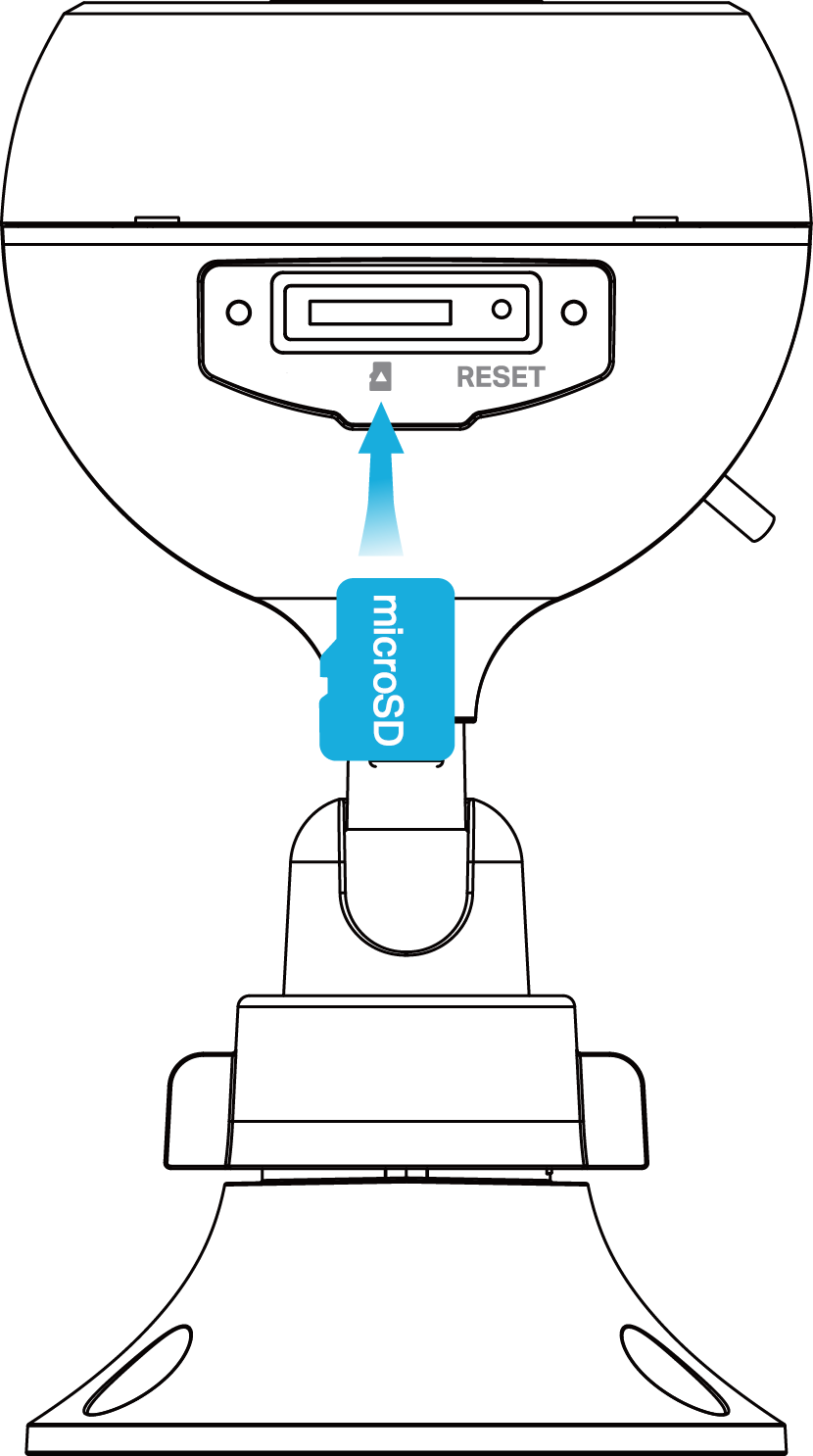
This guide covers how to install a microSD card (sold separately) in your Kasa smart camera to enable local storage. The steps vary depending on which Kasa camera you have, as the microSD card slot is in a different location on each type. This page covers three camera types: the standard Kasa security camera, the Kasa Spot Pan Tilt camera, and the Kasa outdoor security camera. You will need a screwdriver for the outdoor camera. When inserting a microSD card, make sure it is in the correct orientation. Do not insert at an angle or use force. If it is aligned correctly, it should slide in easily.
Key Takeaways
- A Kasa camera can store footage locally using a microSD card (sold separately), which must be inserted in the correct orientation to avoid damage.
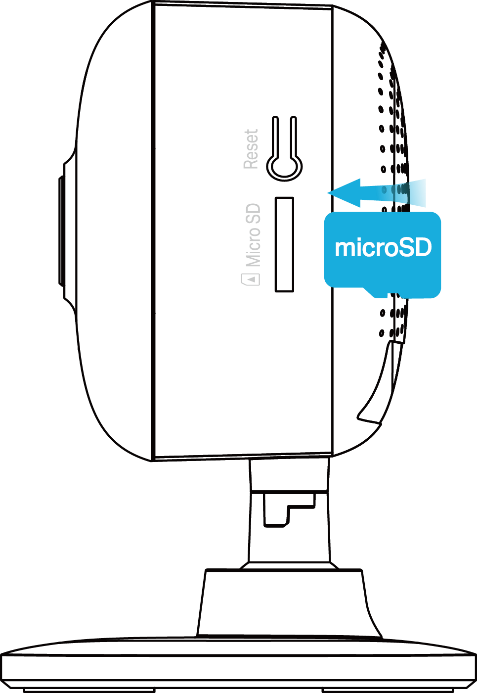
- For the standard Kasa security camera, the microSD card slot is on the side panel.
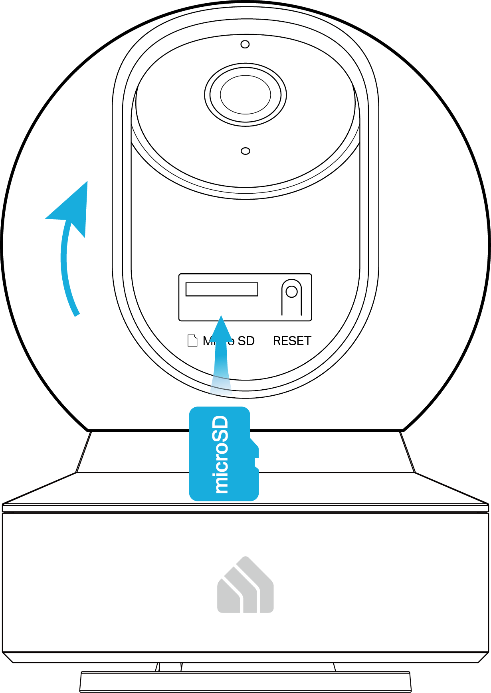
- For the Kasa Spot Pan Tilt camera, tilt the lens up to access the microSD card slot.
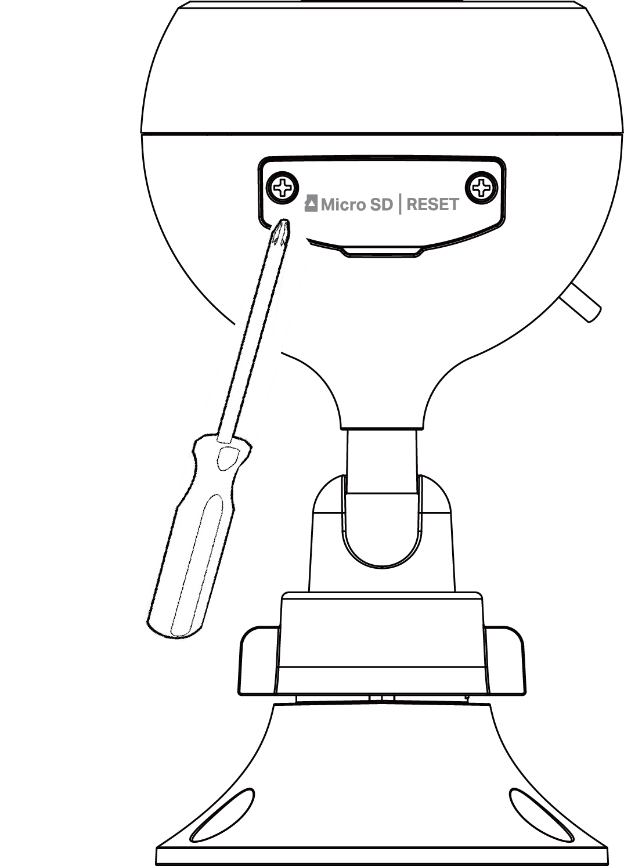
- For the Kasa outdoor security camera, loosen the screws on the back panel and remove the cover before inserting the microSD card.
Type 1: Kasa Security Camera
1. Find the micro SD card slot on the side panel.
2. Holding the card in the correct orientation, carefully insert the micro SD card into the slot. Push in the micro SD card until you hear a clicking sound.
Type 2: Kasa Spot Pan Tilt Camera
1. Tilt the camera lens up to find the micro SD card slot.
2. Holding the card in the correct orientation, carefully insert the micro SD card into the slot. Push in the micro SD card until you hear a clicking sound.
Type 3: Kasa Outdoor Security Camera
1. Loosen the screws on the back panel, remove the cover, and you’ll find the micro SD card slot.
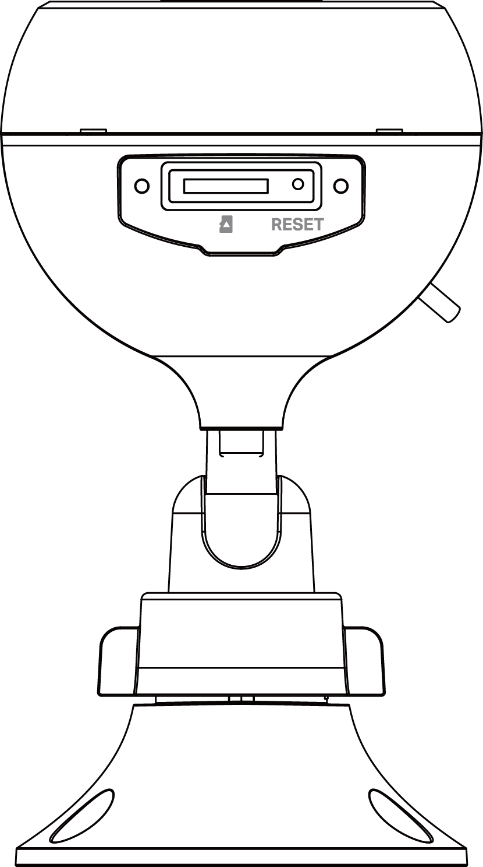
2. Holding the card in the correct orientation, carefully insert the micro SD card into the slot. Push in the micro SD card until you hear a clicking sound.
Więcej
Czy ten poradnik FAQ był pomocny?
Twoja opinia pozwoli nam udoskonalić tę stronę.

TP-Link Community
Still need help? Search for answers, ask questions, and get help from TP-Link experts and other users around the world.
z United States?
Uzyskaj produkty, wydarzenia i usługi przeznaczone dla Twojego regionu.