Is Your Smart Home Ready for PoE (Power-Over-Ethernet)?
While Power-Over-Ethernet has been common in business networks, it is only recently that we have seen the technology expand to everyday households. With so many advantages offered by PoE, we want to ensure everyone can take advantage of the technology where needed.
First, What is PoE?
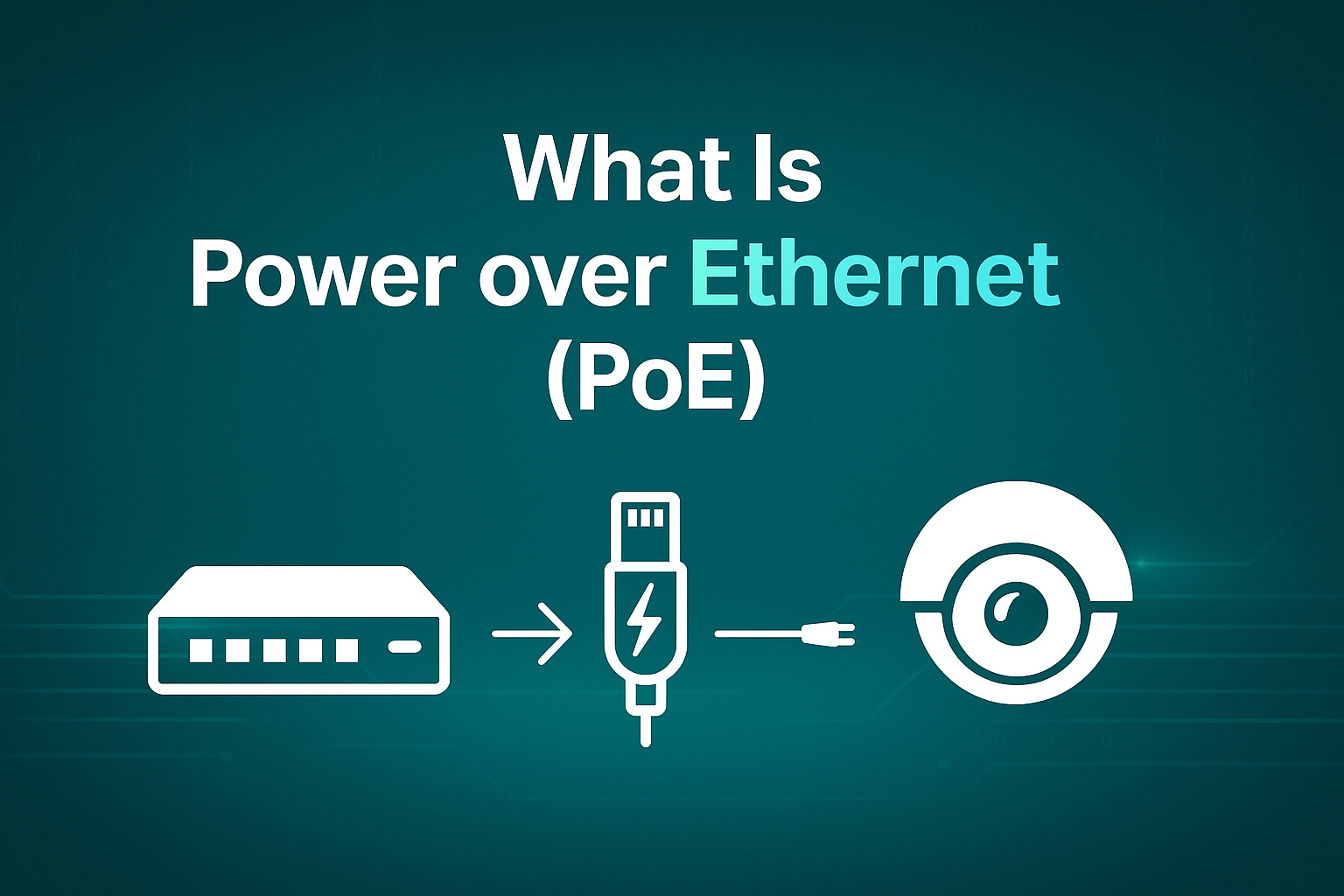
PoE, or Power Over Ethernet, is defined as the ability to send both data and power signals across a single ethernet cable. PoE has multiple benefits, such as:
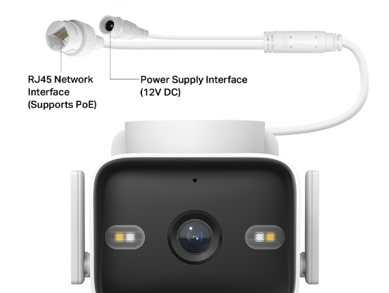
- Allowing Devices, such as Cameras, to be placed far away from power outlets
- Allowing for more Permanent and Discrete Wiring Options
- Stable connections for lower latency and higher quality streams
- Simplifying your home by connecting multiple PoE devices to one PoE switch
One Cable for Both Power and Data:

What Devices Can I Power with PoE?
- IP Cameras (Tapo C325WBv2 and Tapo C575D), Network Access Points
- Environment Sensors, Security Systems, Alarm Systems, IP Phones
- Smart Lighting, Audio Systems, Smart Hubs, and Custom Voice Assistants
To be powered over PoE, a device must be explicitly listed as compatible with PoE. The devices’ specifications will typically list the compatibility using the formal PoE standards:
|
Standard |
Max per Port (PSE) |
Realistic Output (PD) |
|
802.3af (PoE) |
15.4 W |
12.95 W |
|
802.3at (PoE+) |
30 W |
25.5 W |
|
802.3bt Type 3 (PoE++) |
60 W |
51 W |
|
802.3bt Type 4 (PoE++) |
90 W |
71.3 W |
*Note: PoE++ and PoE+ are backward compatible with Previous Standards, primarily serving to increase the maximum throughput possible, but this does not mean that a device will use the entire throughput - whether speaking in terms of data or power.
What Do I Need to Power a PoE-Compatible Device
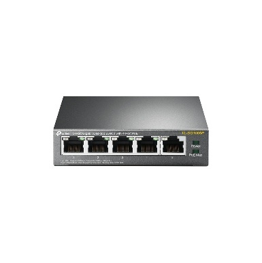
PoE Network Switches are the most common setup for PoE Networks, as they require the least overhead and have the most options for network customization.
Switches help create and distribute PoE connections to multiple devices or throughout your home. Typically, these switches will offer a set amount of ethernet ports that are capable of providing both power and data connections.
Pictured: TL-SG1005P | 5-Port Gigabit Desktop Switch with 4-Port PoE
Each network switch has a total specified power budget that can be distributed across its PoE-enabled ports, along with a maximum budget per port - so make sure you are aware of the total power consumption of the devices before adding new PoE devices to the same switch. Both the total and per-port budget should be readily available in your device's specifications.
———
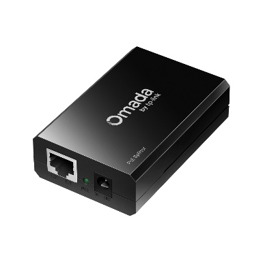
PoE Splitters receive a PoE signal and separate the power from the cable so that the signal can be compatible with non-PoE Devices via DC Power(typically 5V, 9V, 12V).
This is especially useful if you would like to place a non-PoE device at a location with no nearby outlets.
Pictured: POE10R | Omada PoE Splitter
These types of devices are often sold generically and are not guaranteed to work with any devices; these should be avoided unless necessary as they will most often be outside your device's power specifications from the manufacturer. If you must use one, ensure that its output voltage and power ratings match your device's requirements.
———
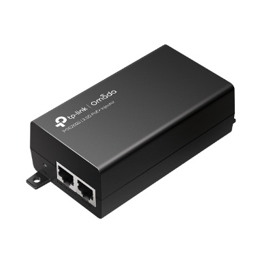
A PoE Injector serves to add power to an existing Ethernet cable. Injectors normally consist of an Ethernet Input, an Ethernet Output, and a Power Source (Input). Using these devices can help you skip the pain of adapting an entire network infrastructure or running new cables for a single PoE device.
Pictured: POE260S | 2.5G PoE+ Injector
Need Your Connection to Run Longer than 100m?
PoE Extenders
Power over Ethernet is typically limited to a maximum length of 100 meters. A PoE extender will serve to increase the strength of the signal on a line by up to another 100 meters. Often, these are seen as inline devices that simply connect two ethernet cables end-to-end.
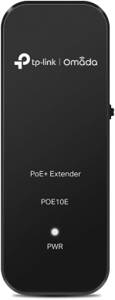
Note: Signal Degradation will occur due to distance, and there is always a maximum possible distance for every connection. Connecting multiple extenders in a line or routing the connection over a longer distance will reduce the power available to the end device.
Pictured: POE10E | Omada Fast Ethernet PoE+ Extender | Omada by TP-Link
A Note on Ethernet Cables:
Each standard of Power-over-Ethernet increased the maximum possible power throughput, which may increase the strain on your cabling.
While most applications are low-power and are more than capable of using your existing CAT5E cabling, an upgrade to CAT6 may be beneficial over longer runs, higher power requirements, or multi-gigabit networking - especially when venturing into PoE++
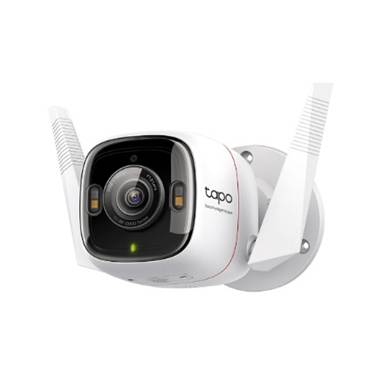
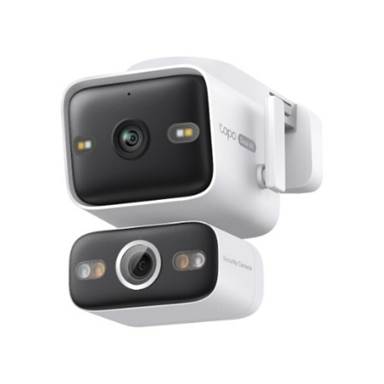
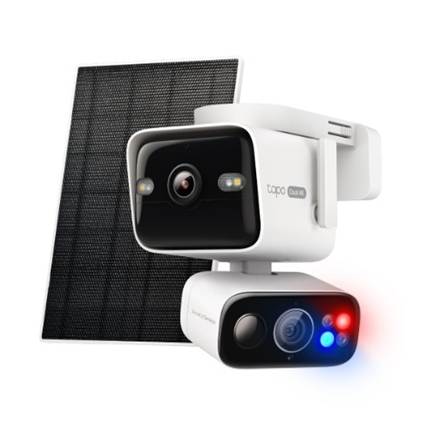
Bring PoE into your Home with the Tapo C575D and Tapo C325WB
|
|
Tapo C325WBv2 |
Tapo C575D |
Tapo C675D |
|
|
ColorPro Night Vision 2K Camera with Optional PoE Power |
Dual 4K Wired Camera with Optional PoE Power |
Dual 4K Battery Camera with Red/Blue Alarm Lights and Solar Panel |
|
|
|
|
|
|
Overview |
|||
|
Video Resolution |
2560 x 1440px |
Fixed: 4K (3840 × 2160px) PT: 4K (3840 × 2160px) |
Fixed: 4K (3840 × 2160px) PT: 4K (3840 × 2160px) |
|
Power Options |
DC Power or PoE |
DC Power or PoE |
Battery (5V Charging) |
|
PoE |
PoE: 802.3 af/at; Maximum Power: 5.4 W) |
802.3 af/at; Maximum Power: 11.5 W) |
|
|
Network Options |
Wired or 2.4 GHz |
Wired or 2.4 GHz or 5GHz |
2.4 GHz or 5 GHz |
|
RTSP/ONVIF |
Yes |
Yes |
No |
|
|
ColorPro Night Vision, Color Night Vision, IR Night Vision |
Infrared Night Vision (98 ft.) Color Night Vision (65 ft.) |
IR-Mode/Full-Color Mode |
|
|
2× Built-in Spotlights |
Fixed Lens (Wide-Angle Lens): PT Lens (Telephoto Lens): |
4× 850 nm IR LED 4× White LED 2× Alarm LED (Blue & Red) |
|
Buy Now |
Amazon |
Common Questions:
What if my PoE device does not show a standard?
If your device is listed as PoE-compatible but does not list a standard PoE specification, you may be looking at a device that needs a passive PoE Connection.
Passive PoE is a non-standardized form of PoE where the amount of power delivered is manually set and delivered, without any communication from the receiving device – effectively an ‘Always On’ connection.
Passive PoE is far more likely to damage devices by over- or under-powering and can introduce unexpected safety issues, while also consuming more power. It is recommended to always use an Active PoE connection unless you absolutely know what you are doing.
Looking to Build out a Full PoE Solution for Your Home?
Did you know our Deco Mesh Systems include models that can be powered via PoE? The models below are all capable of being powered via one of the methods listed above – opening new ways to mount your Decos and deliver your signal to the places it matters most. Check out the different PoE capable models below:
Related Links: