


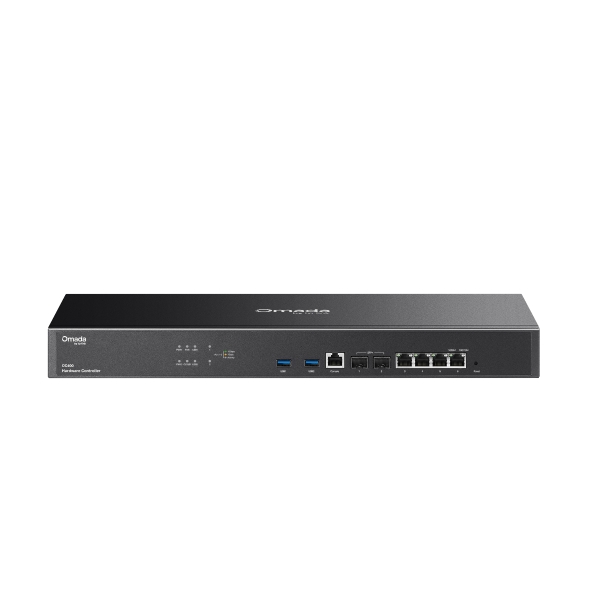
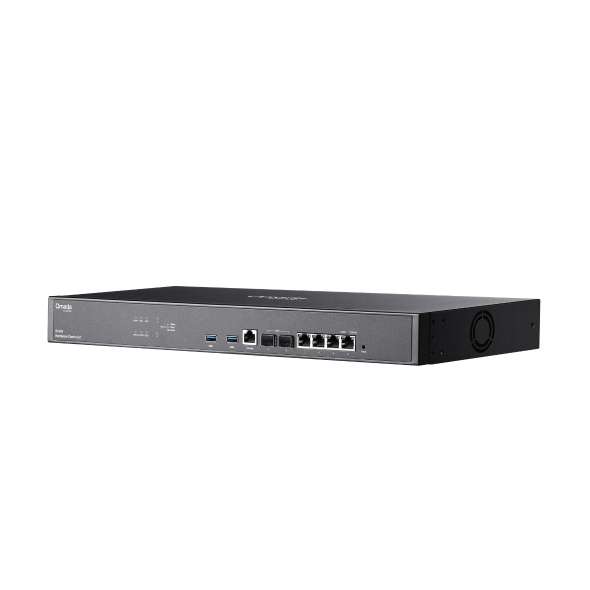
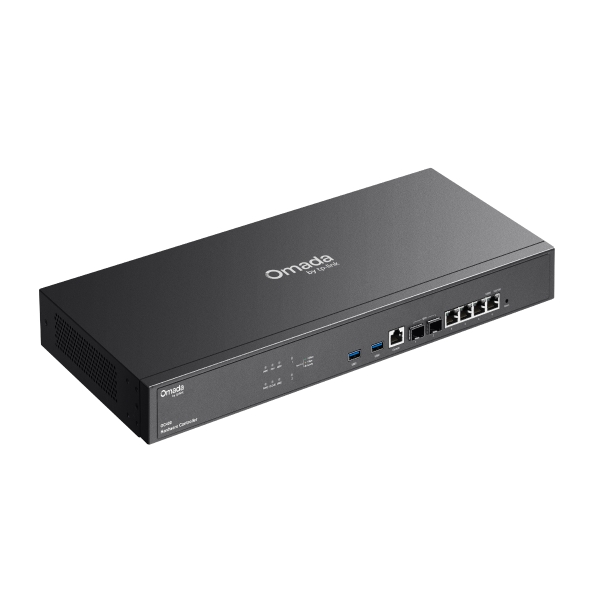
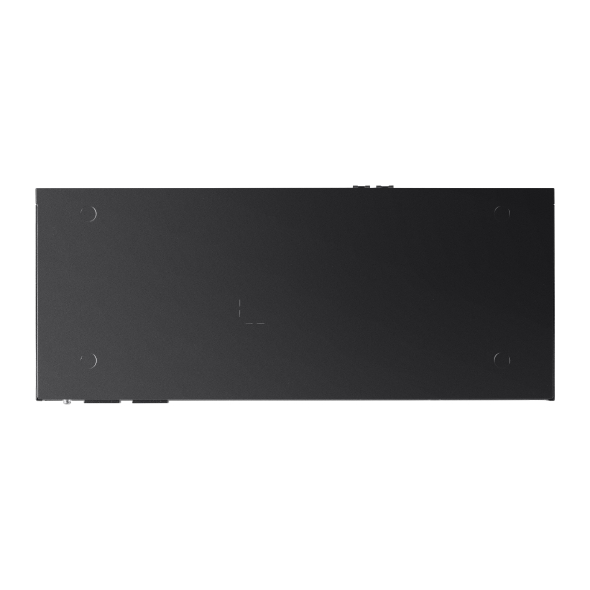
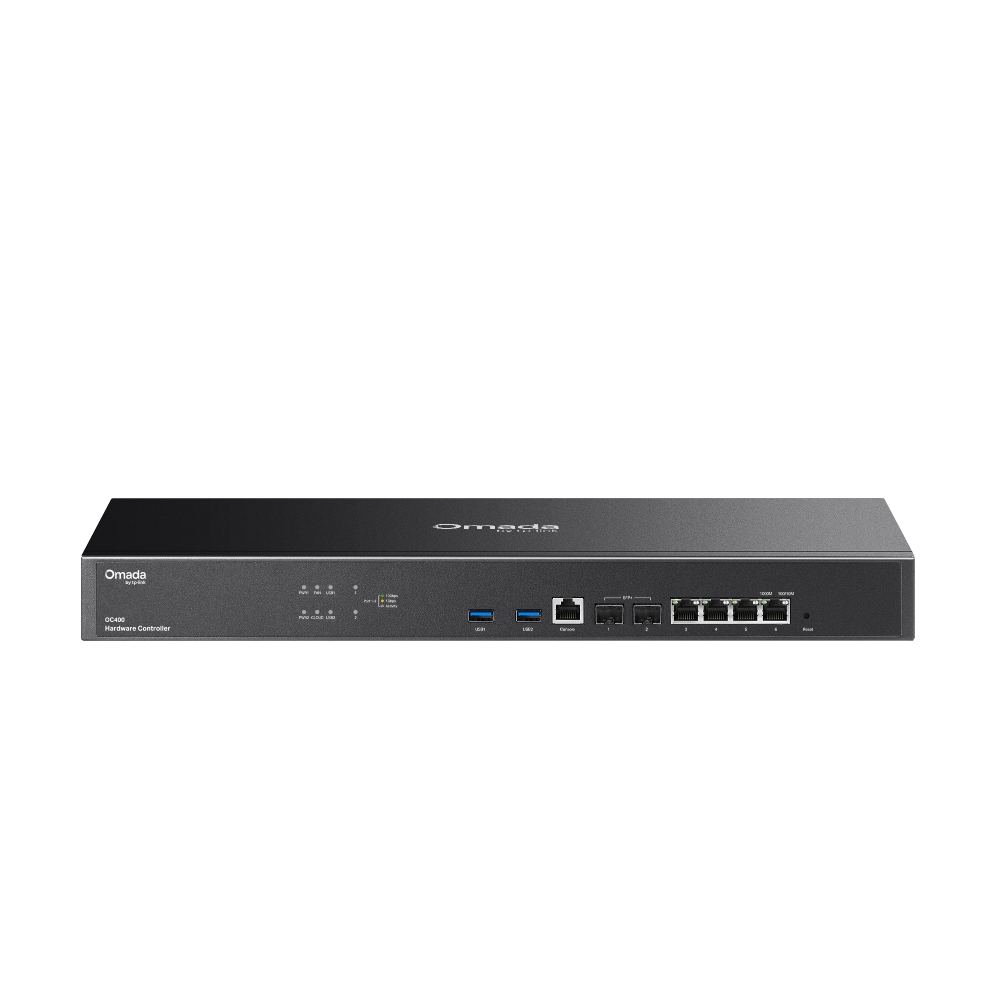

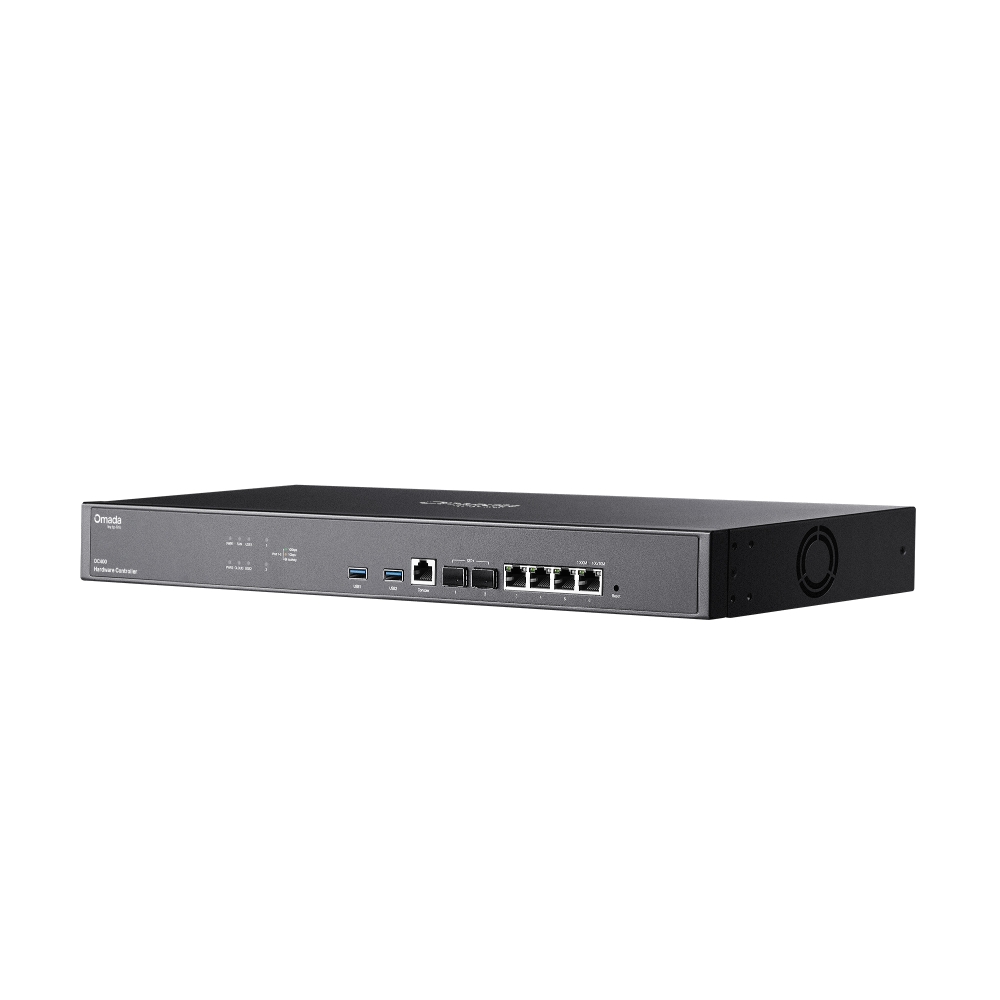
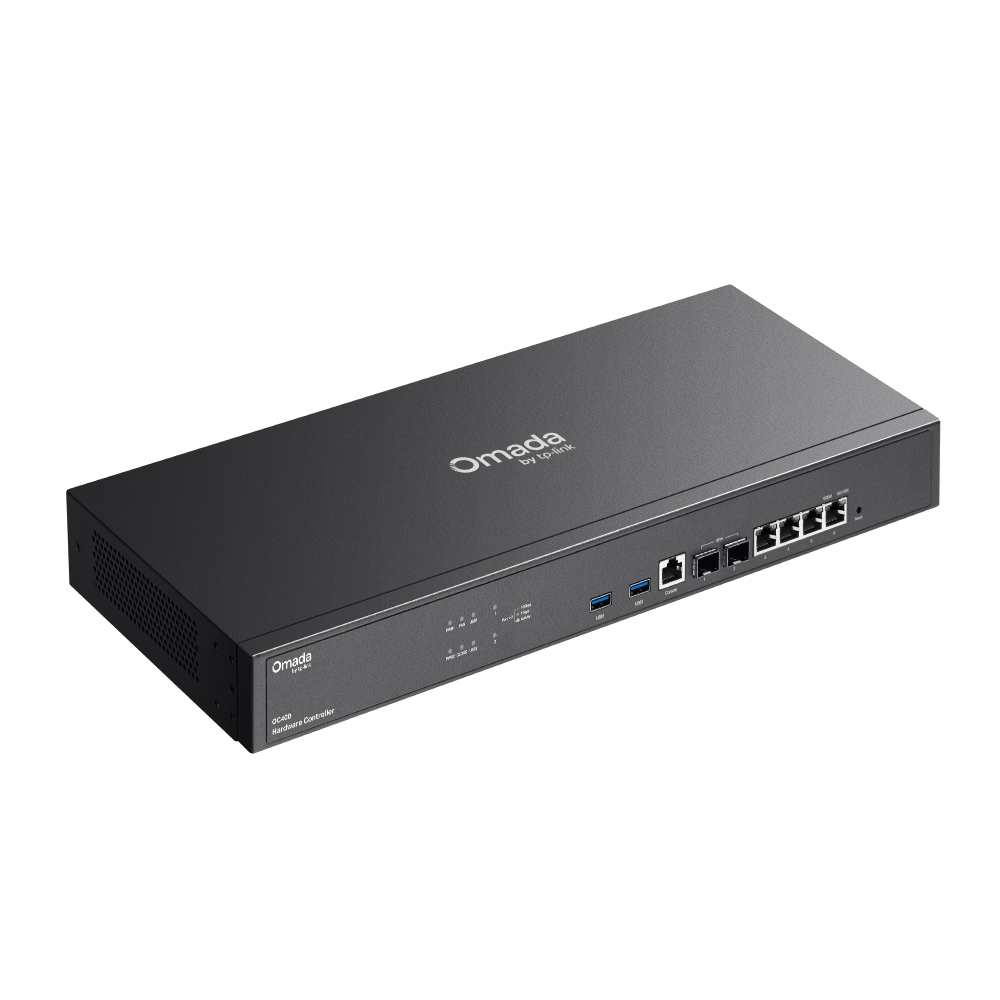
Omada Hardware Controller
- Centralized Cloud Management: up to 1,000 Omada access points, 100 Omada routers, a maximum of 200 Omada switches, and a maximum of 10 certain DeltaStream GPON OLTs†
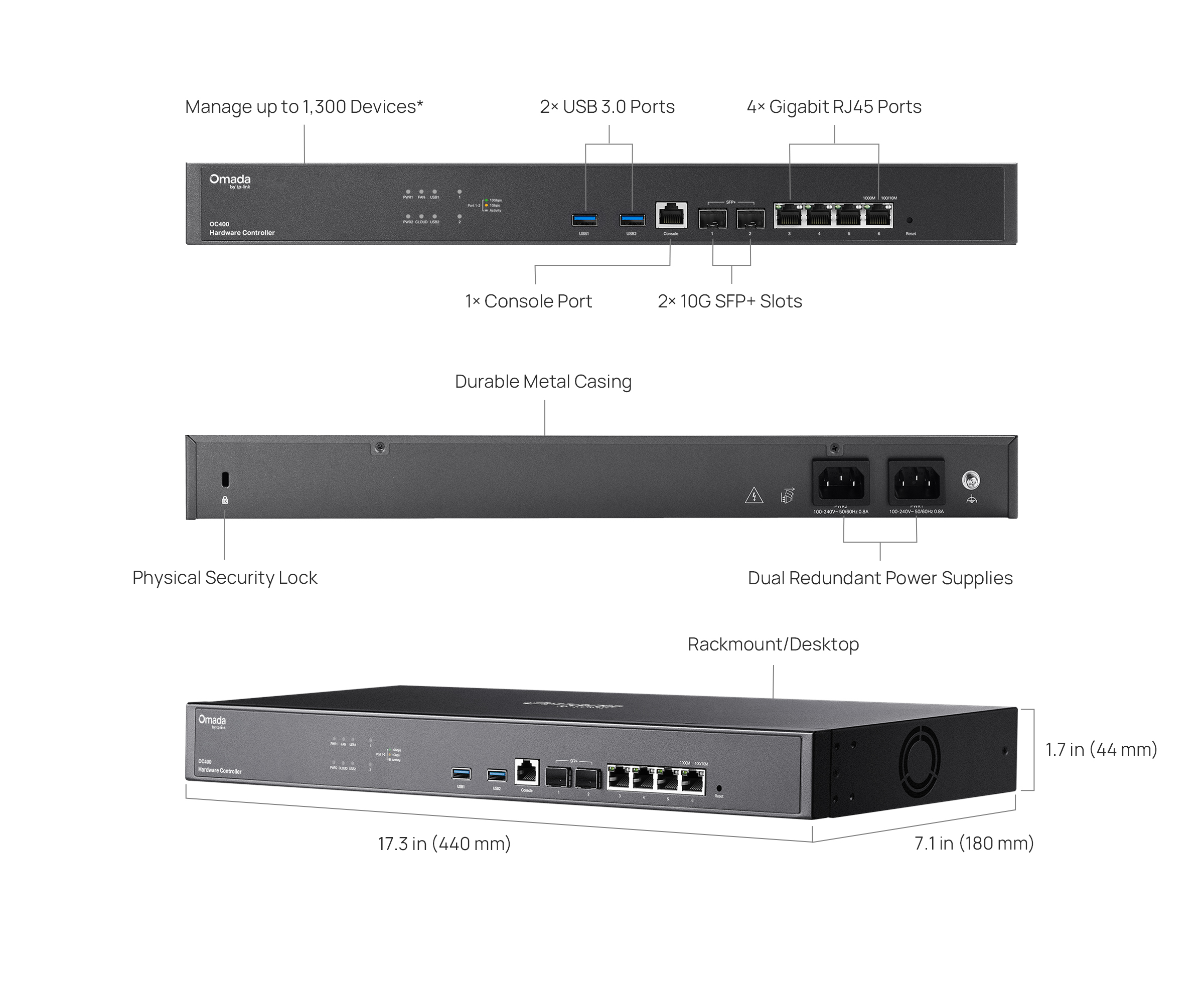
- 2× 10GE SFP+ Slots, 4× GE RJ45 Ports, and 2× USB 3.0 Ports.
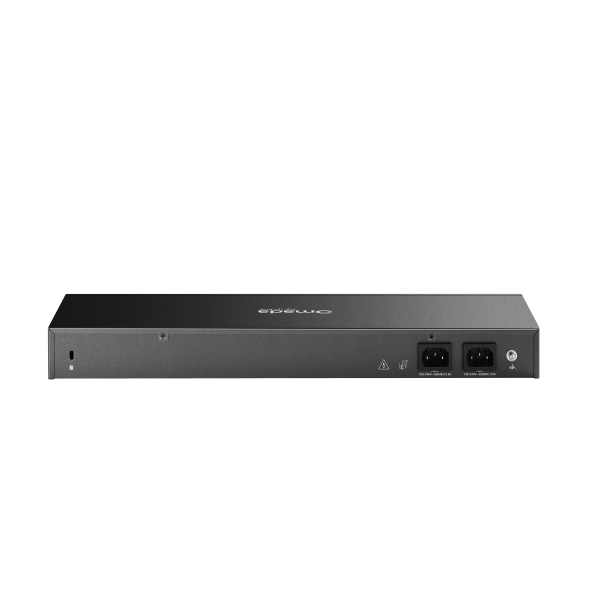
- Redundant power supplies offer a reliable networking architecture.
- Free cloud access with the Omada app or Web UI from anywhere, anytime.
- On-premises manages to locally monitor and manage devices.
- The easy-to-use dashboard and real-time network topology make network monitoring easy.
- Batch and multi-site management benefit network maintenance.

| HARDWARE FEATURES | |
|---|---|
| Processor | Quad-Core CPU |
| Memory | 4 MB Nor Flash; 32 GB eMMC; 8 GB DDR4 |
| Interface | • 2× 10G SFP+ Ports• 4× GE RJ45 Ports• 2× USB 3.0 Ports• 1× GE Console Port |
| Fan Quantity | 1 |
| Button | • 1× Reset |
| Power Supply | 100-240 V ~ 50/60 Hz AC |
| Dimensions ( W x D x H ) | 17.3 × 7.1 × 1.7 in (440 × 180 × 44 mm) |
| Management Features | |
|---|---|
| Omada App | Yes |
| Centralized Management | • 1,000 Omada access points• 100 Omada routers• A maximum of 200 Omada switches†• A maximum of 10 certain DeltaStream GPON OLTs†Note: Please refer to www.tp-link.com/en/business-networking/all-omada/ to find all the Omada device models supported by OC400†The number of supported Omada switches decreases by 5 for each DeltaStream GPON OLT added. Refer to https://www.omadanetworks.com/omada-sdn/product-list/#sp-gpon to find all the DeltaStream GPON OLTs that are supported by the controller. |
| Cloud Access | Yes |
| Multi-site Management | Yes |
| Management Features | • Multi-tenant Management (Role/Site/Device Privileges)• Migration (Site Migration/Controller Migration)• Account Management• Backup & Restore• Auto Backup• Customized UI Interface• Automatic Device Discovery • Batch Configuration• Online upgrade• Reboot Schedule• PoE Schedule• WLAN Schedule• Batch Firmware Upgrading • DDNS• SNMP• SSH |
| Redundant Power Supply | |
|---|---|
| Redundant Power Supply | 2× Internal Fixed Power Supplies |
| MONITORING | |
|---|---|
| Monitoring | • Custom Dashboard• Statistics (Performance/Switch Stats)• Network topology • Network Map • Devices List • Clients List • Insights • Logs |
| OTHERS | |
|---|---|
| Certification | CE, FCC |
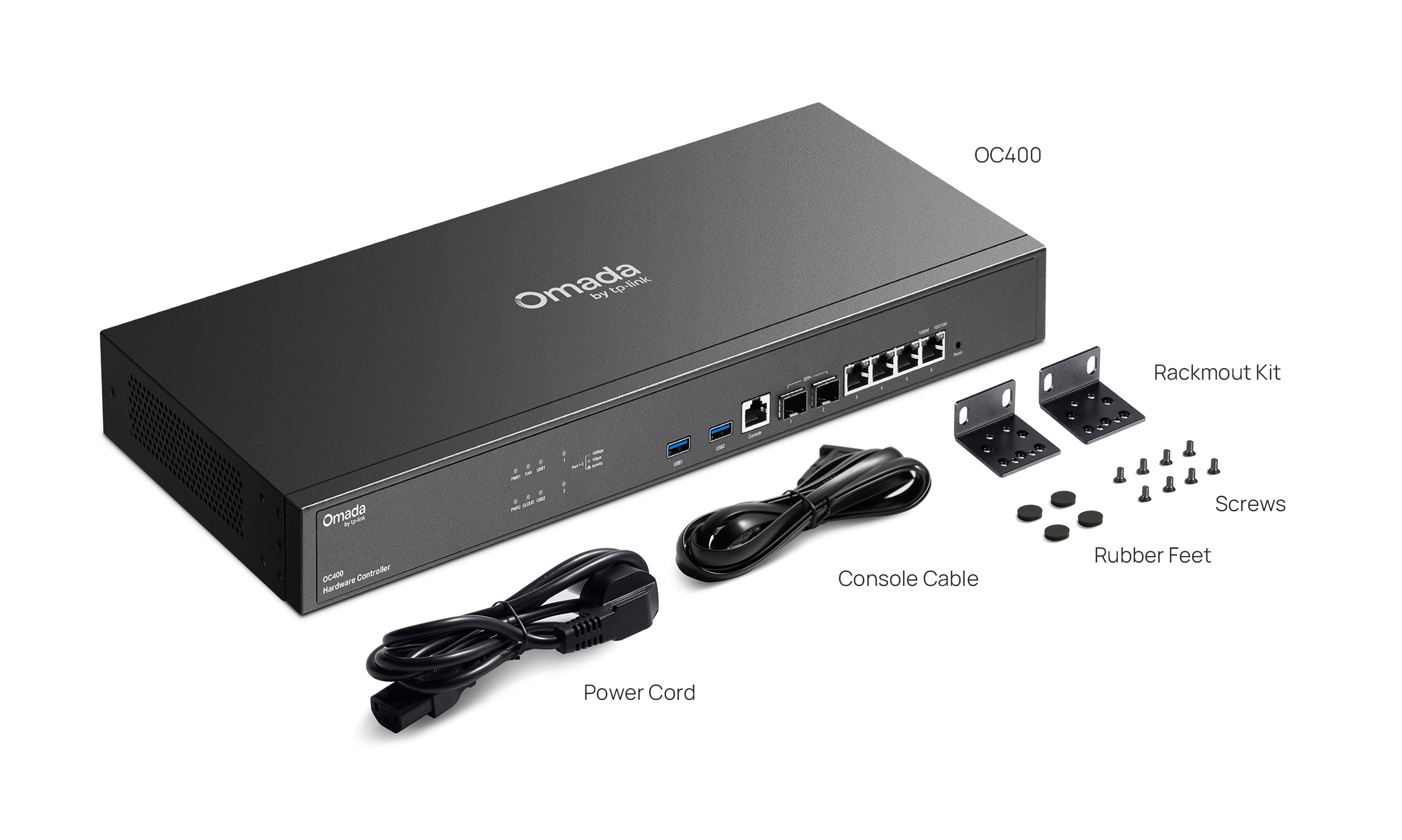
| Package Content | • Omada Hardware Controller OC400• Quick Installation Guide • Ethernet Cable• Power Cord• Rackmount Kit |
| System Requirements | Microsoft® Windows®10, 8, 7,Vista™, XP or MAC® OS, NetWare®, UNIX® or Linux |
| Environment | • Operating Temperature: 0–40 ℃ (32–104 ℉)• Storage Temperature: -40–70 ℃ (-40–158 ℉)• Operating Humidity: 10–90% RH non-condensing• Storage Humidity: 5–90% RH non-condensing |
Attention: It is recommended to use up to two SM5310-T (TL-SM5310-T) modules for the OC400.
*The stated management capacity is based on laboratory testing. Actual management capacity and performance may vary depending on deployment and network conditions. Learn more about recommended and maximum device limits here.