
How to update the Firmware of a TP-Link Camera using the tpCamera App
*Note: NC Class Cameras work with tpCamera app only. Camera must be setup and configured prior to following these steps.
If it's new, you may refer to How to set up cloud camera with tpCamera APP
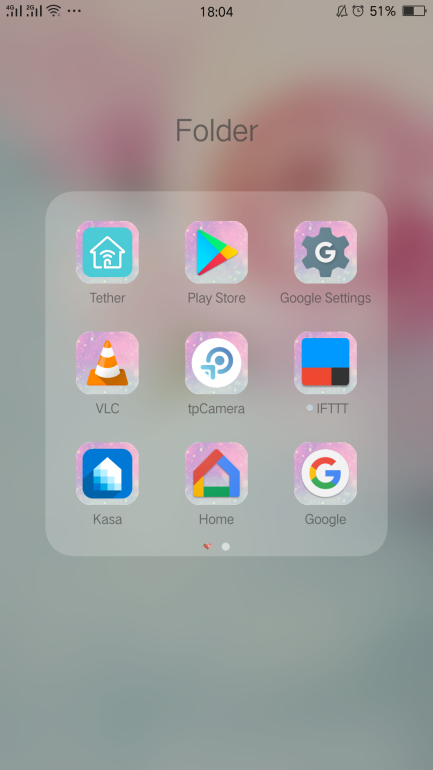
Step 1: Log into the tpCamera App
Step 2: tap the “Settings” Cog on the right
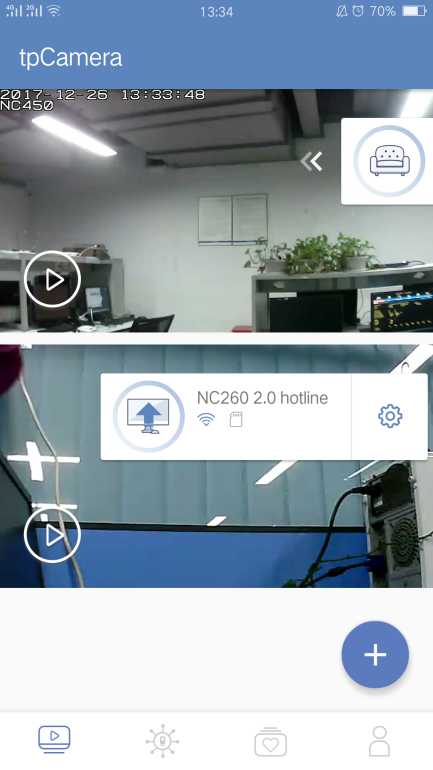
Step 3: If there is a new Firmware of the camera you will see “Update Available”, tap it to begin to upgrade to it.

더 알아보기
해당 FAQ가 유용했나요?
여러분의 의견은 사이트 개선을 위해 소중하게 사용됩니다.

TP-Link Community
Still need help? Search for answers, ask questions, and get help from TP-Link experts and other users around the world.