




Click to skip the navigation bar

Tapo C825

Demnächst

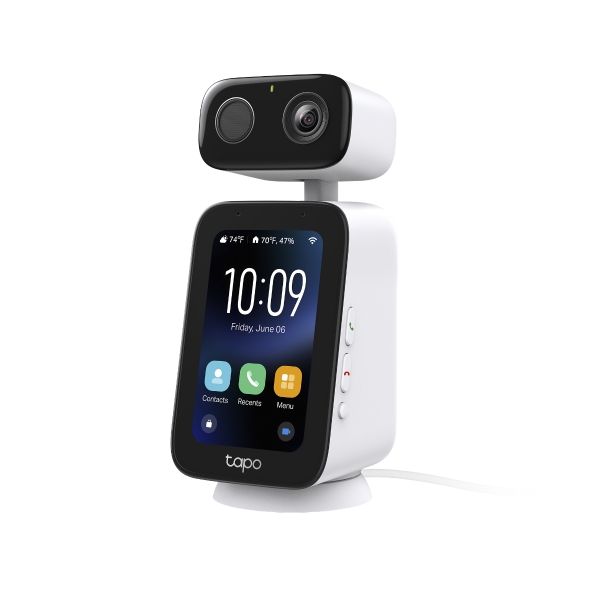
Indoor Video Call Camera

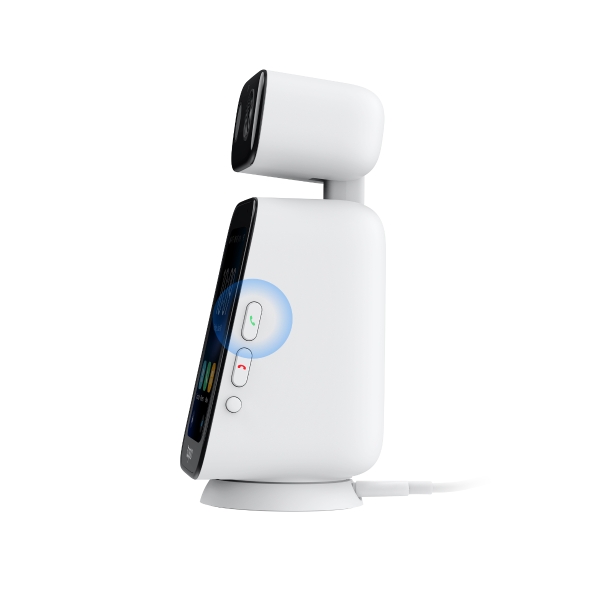
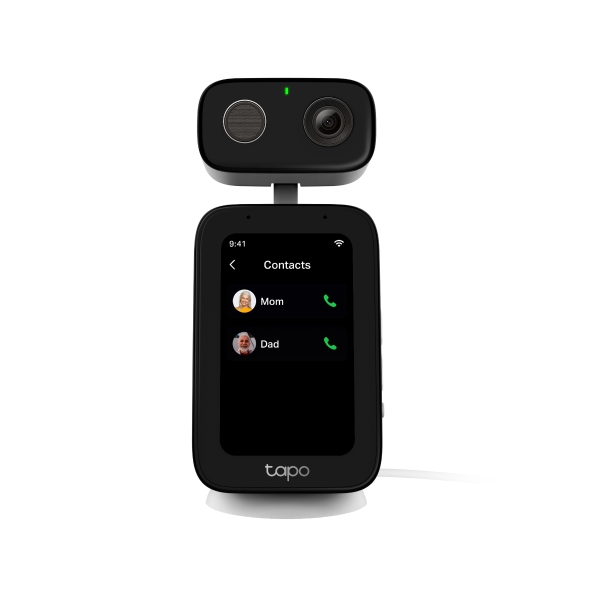
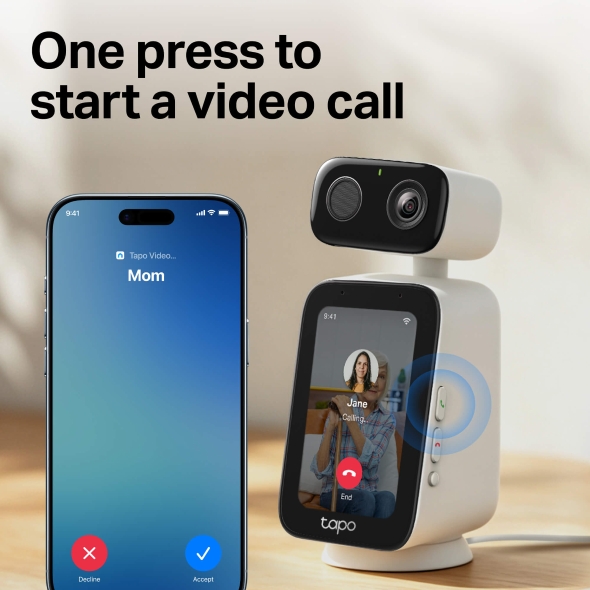
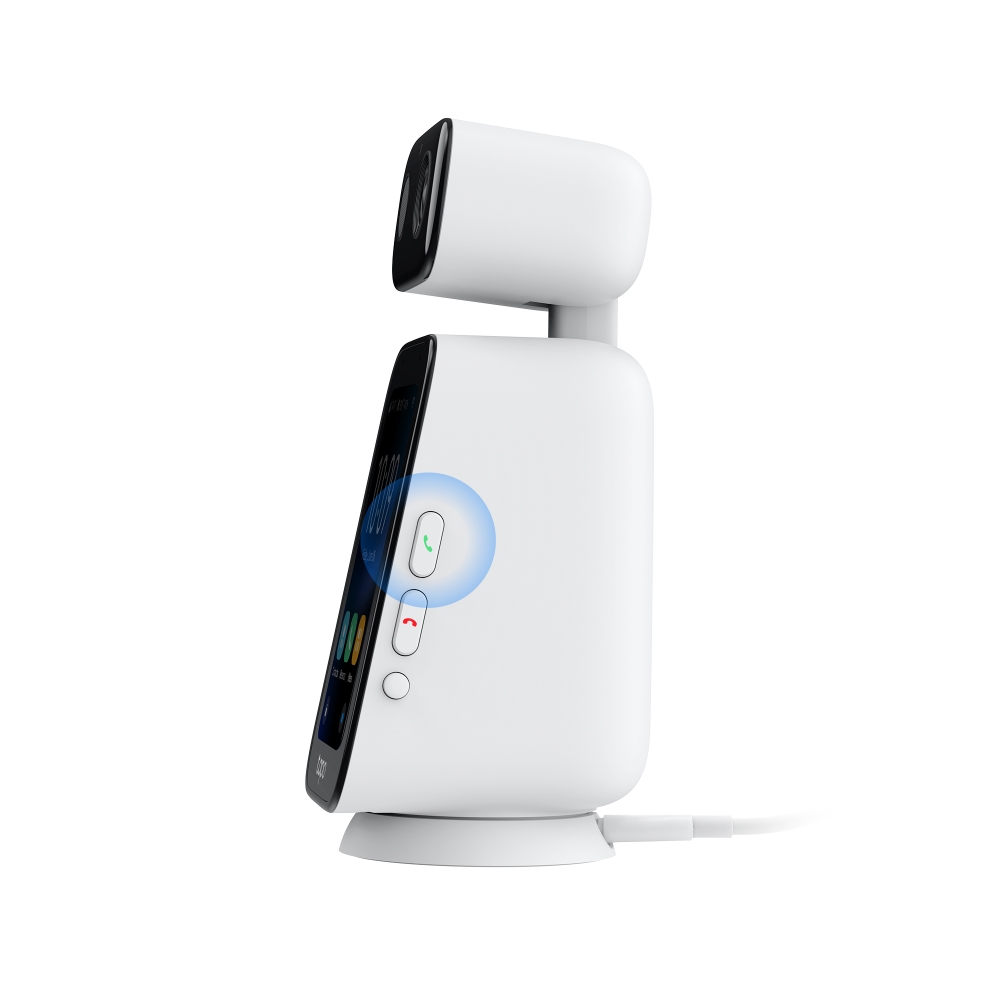
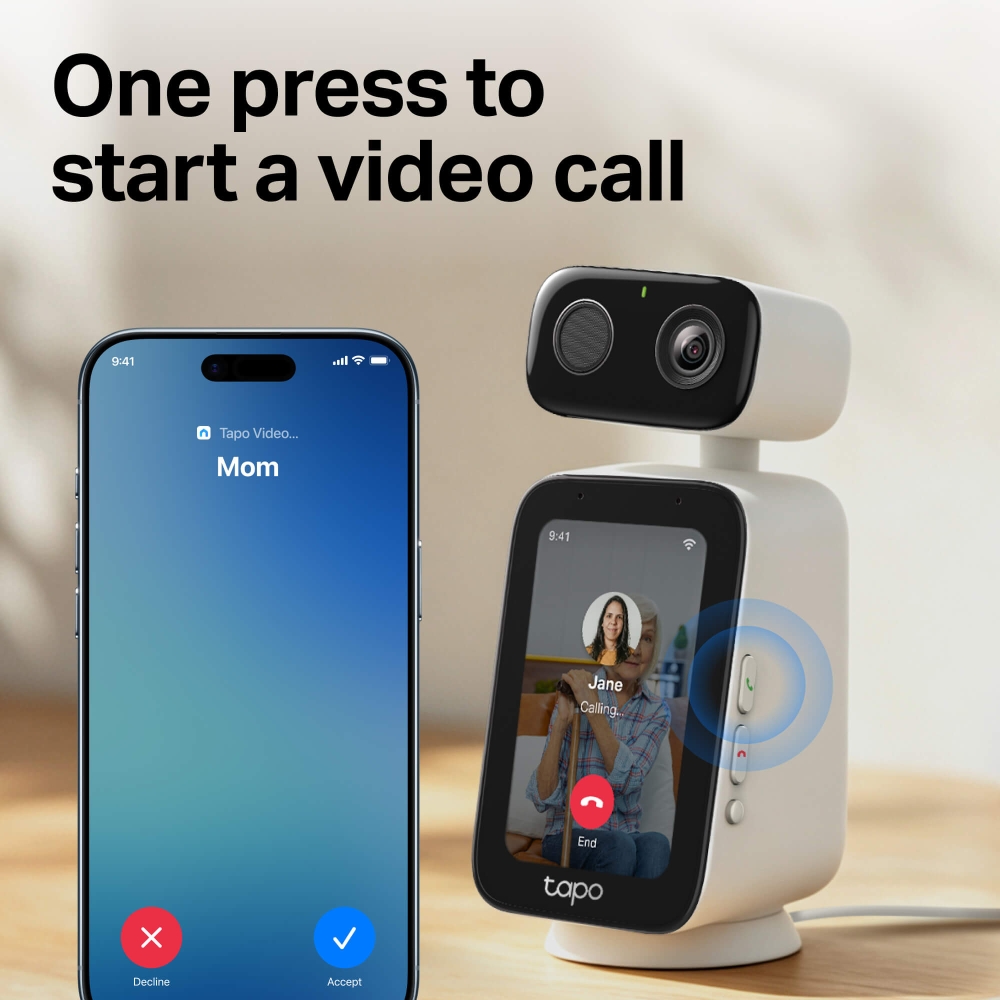
  • Call Mom, Dad, or Anyone with One Press: The built-in call button gives everyone an easy way to reach family members. Add contacts through the Tapo app, and they’re ready to call from Tapo C825.
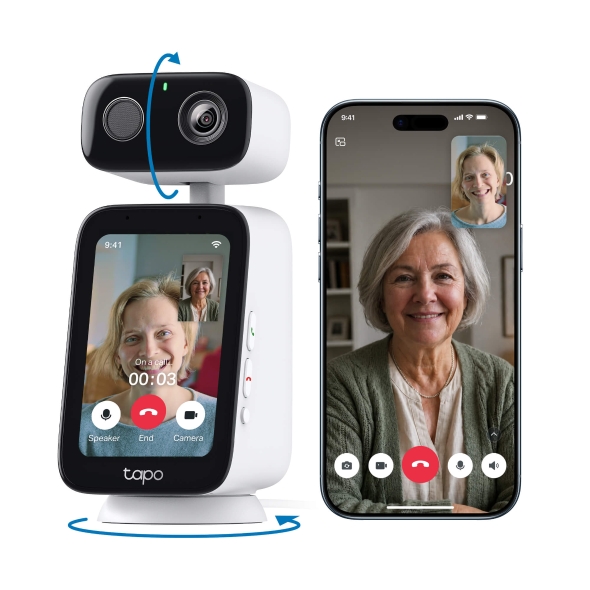
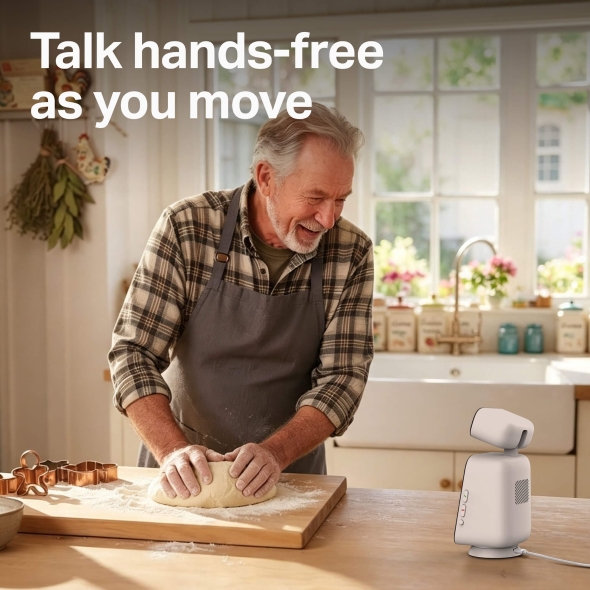
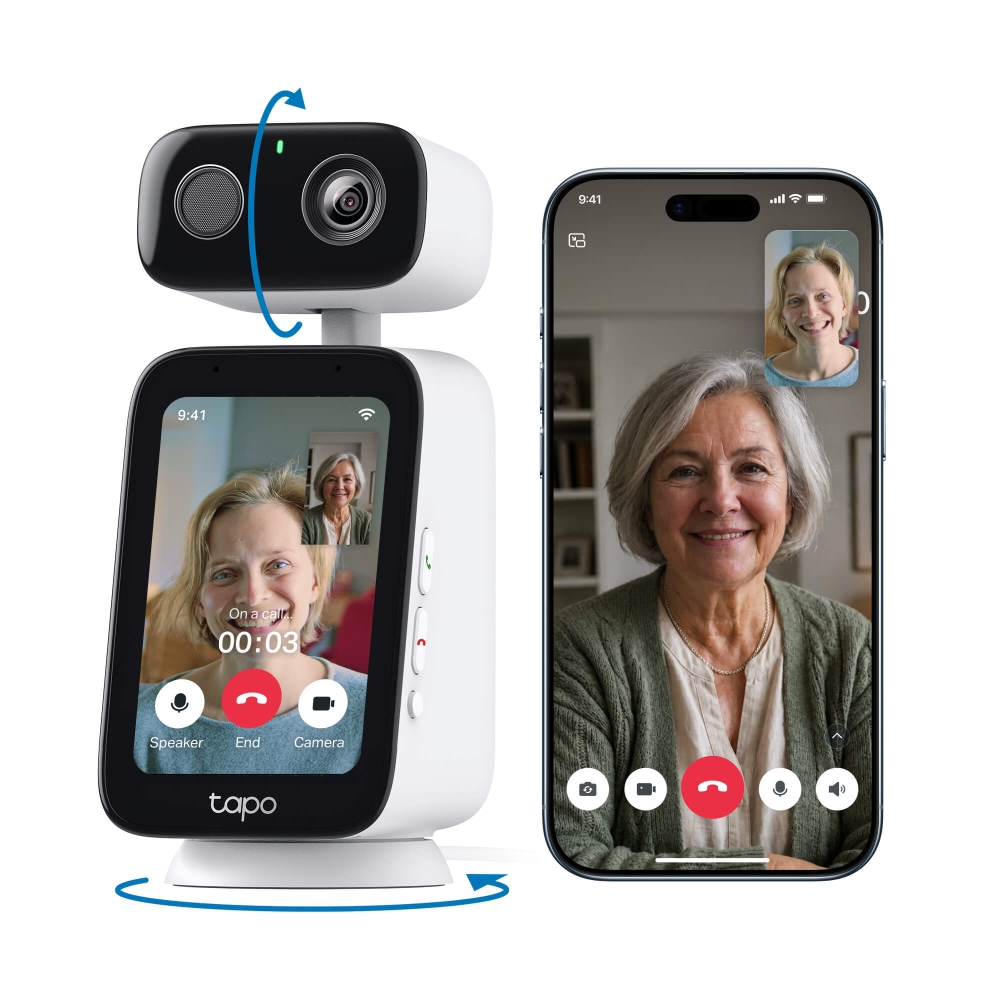
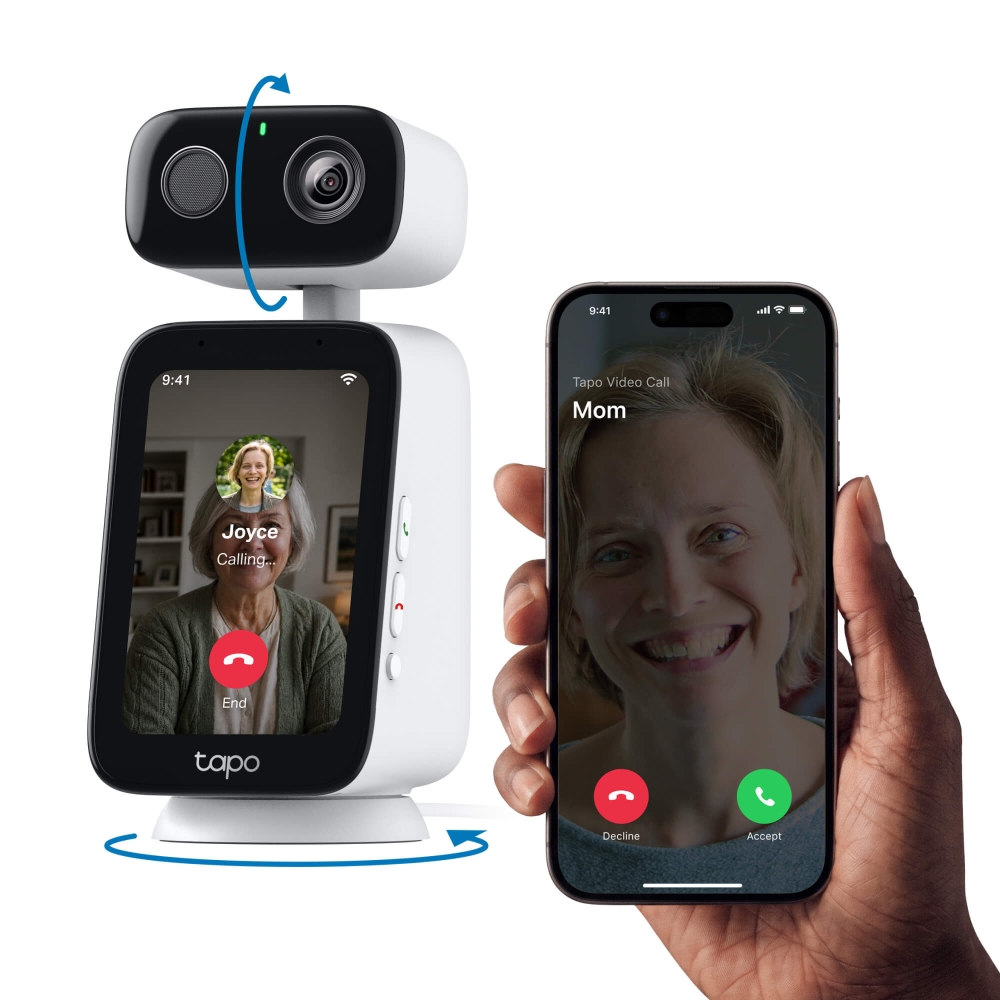
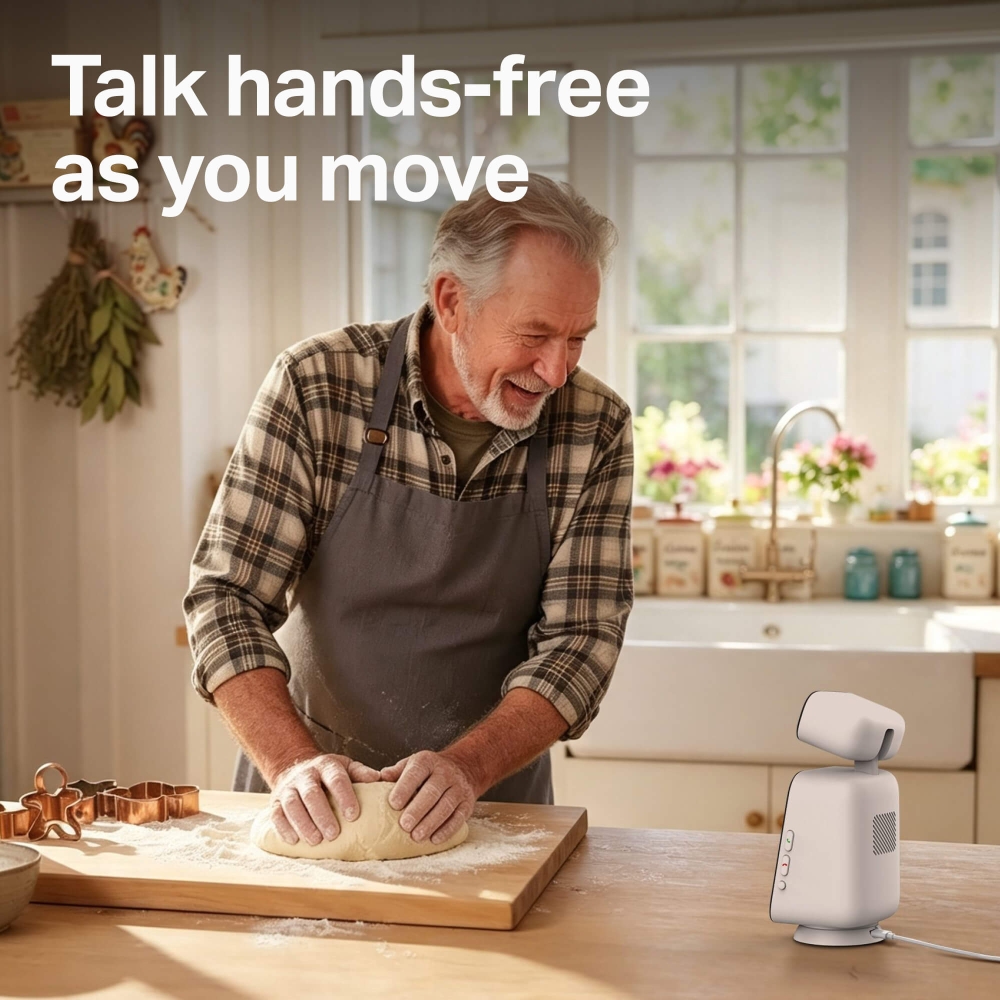
  • Hands-Free Calling: Keep talking while you move around. Automatically pans and tilts to keep you in frame during video calls so you don’t have to stay perfectly still.
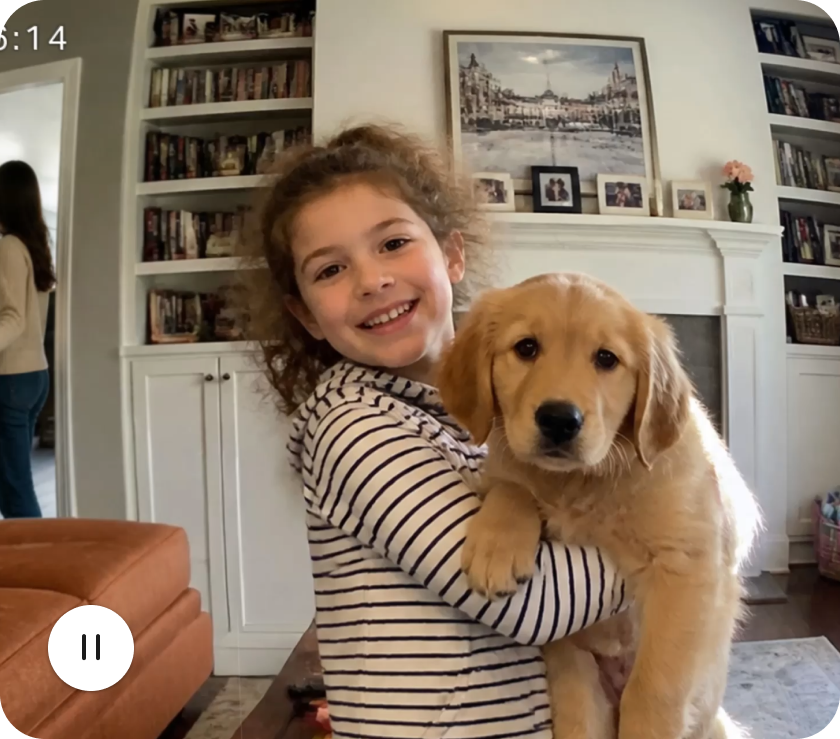
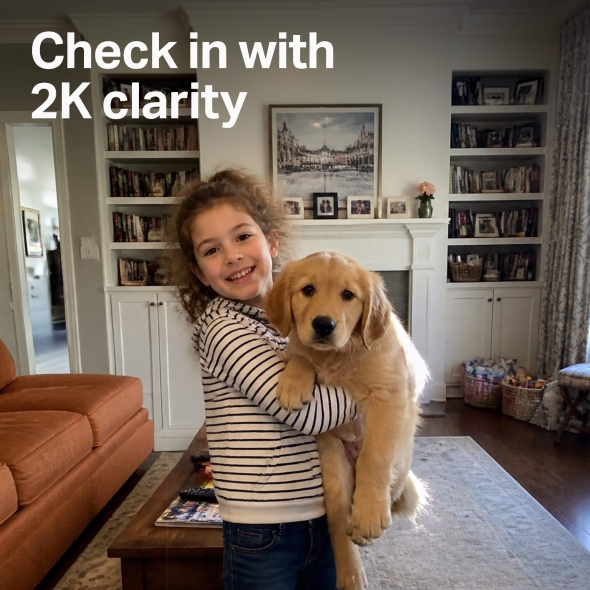
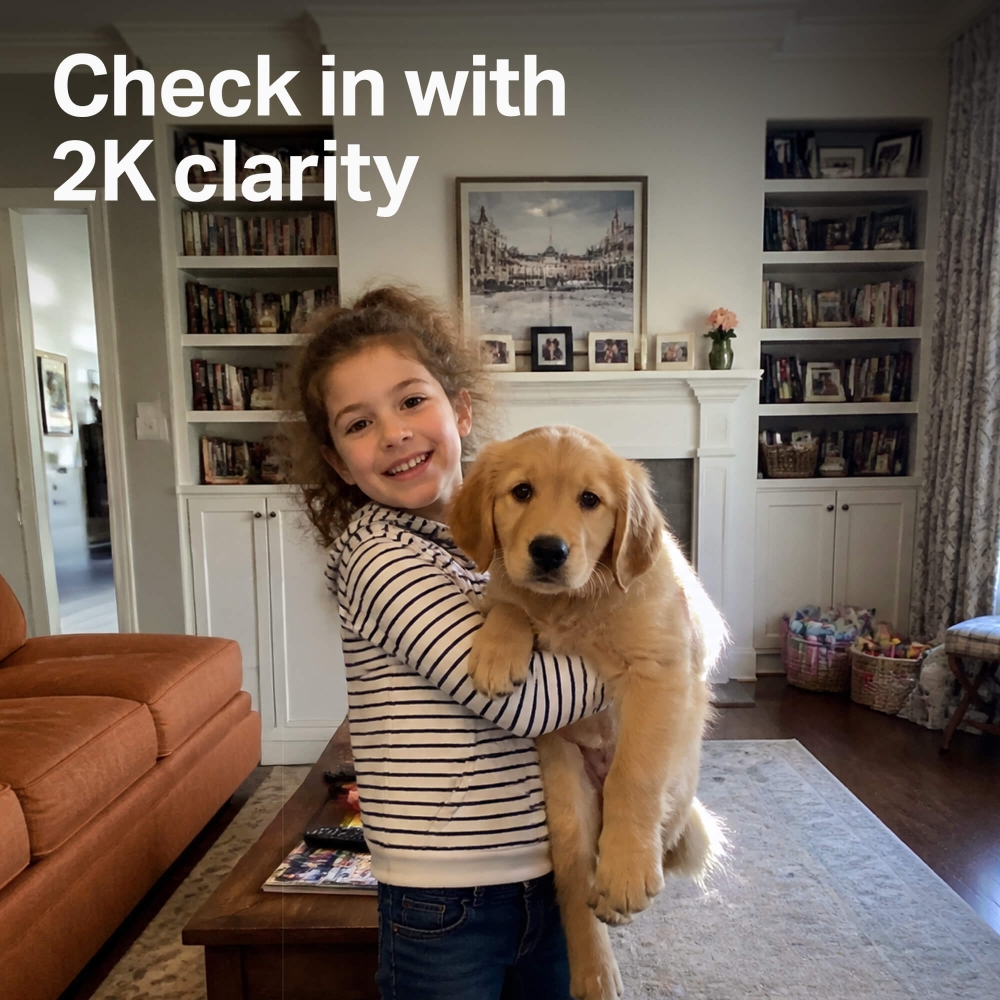
  • See Them Clearly in 2K: 2K resolution captures the details you want to see, from your child’s expressions to what your pet is getting into.
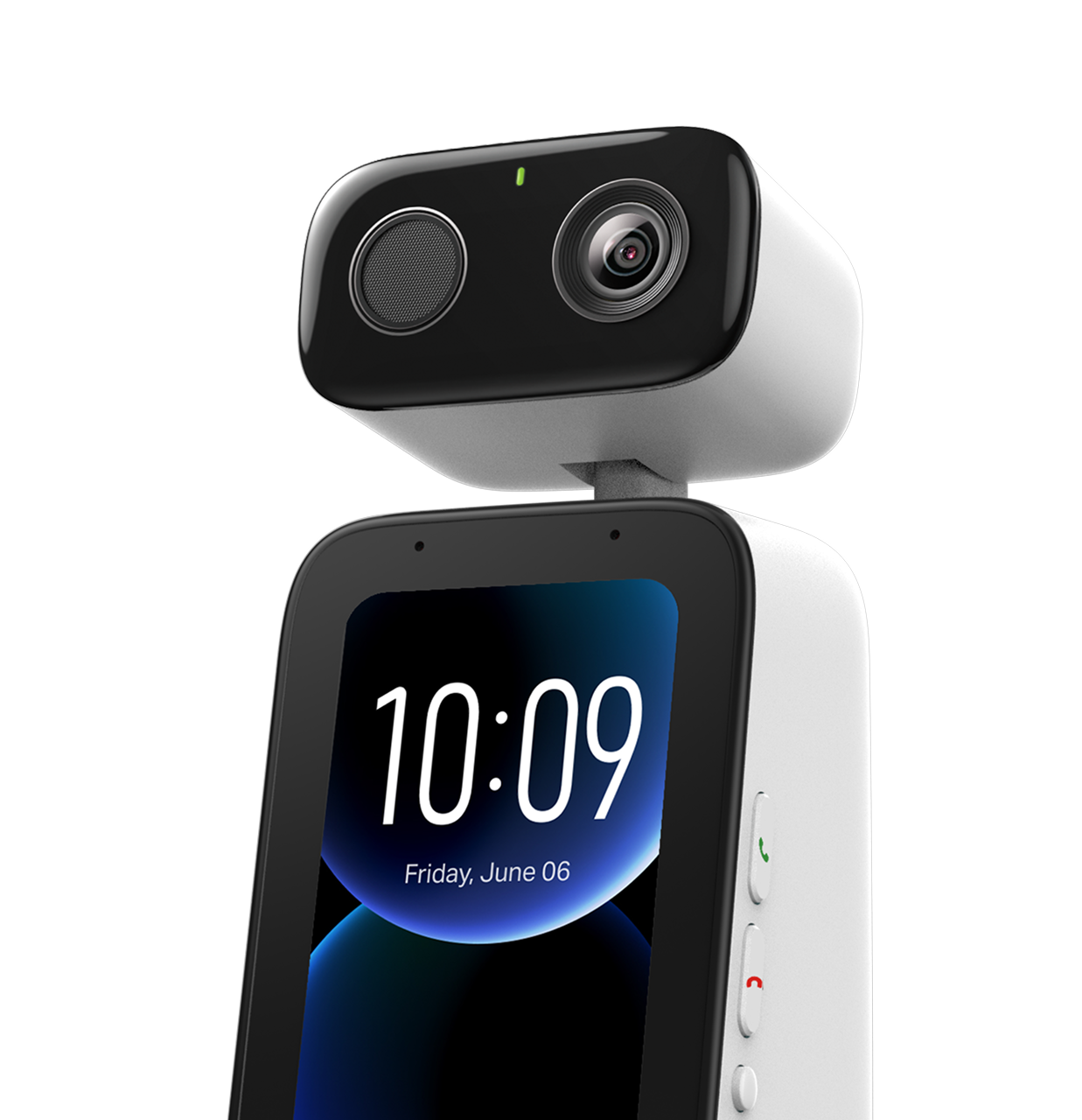
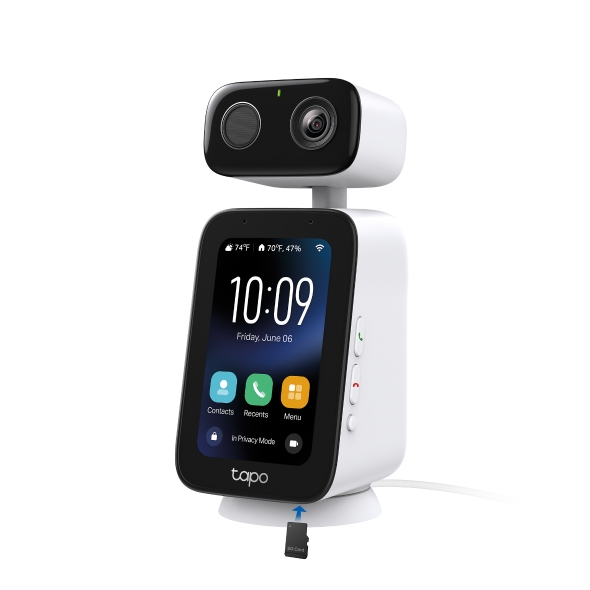
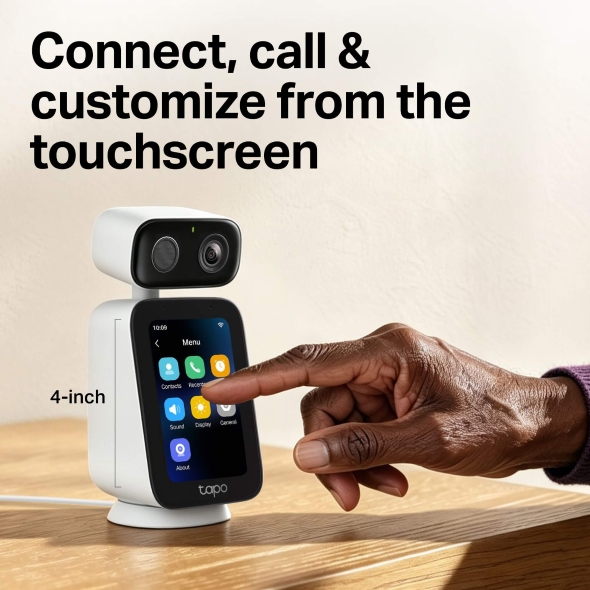
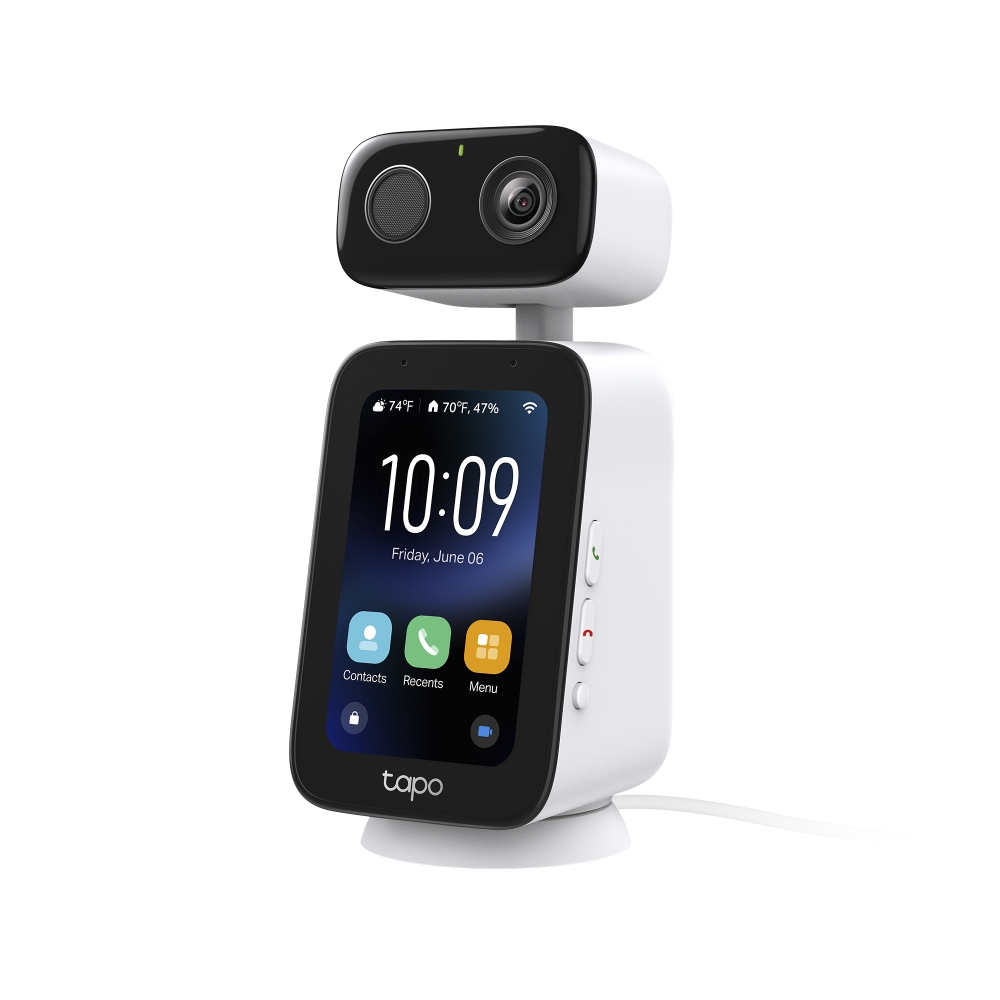
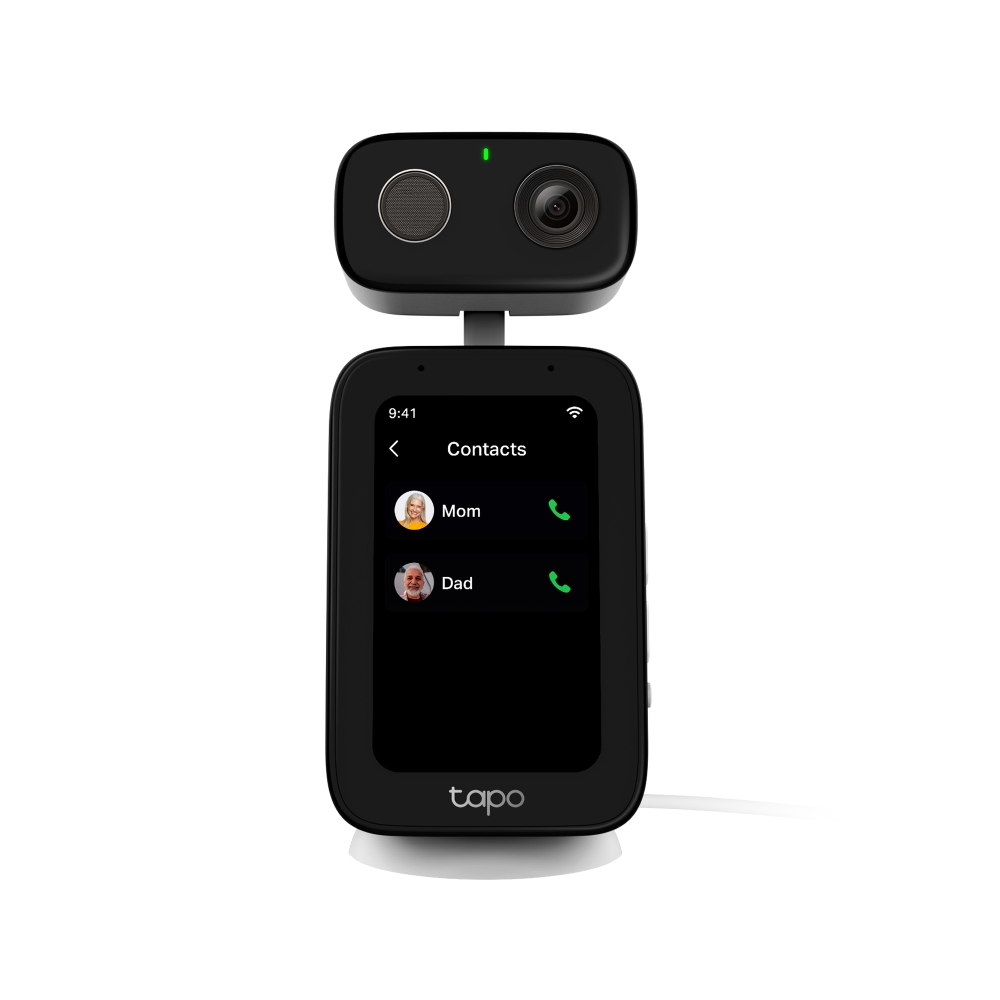
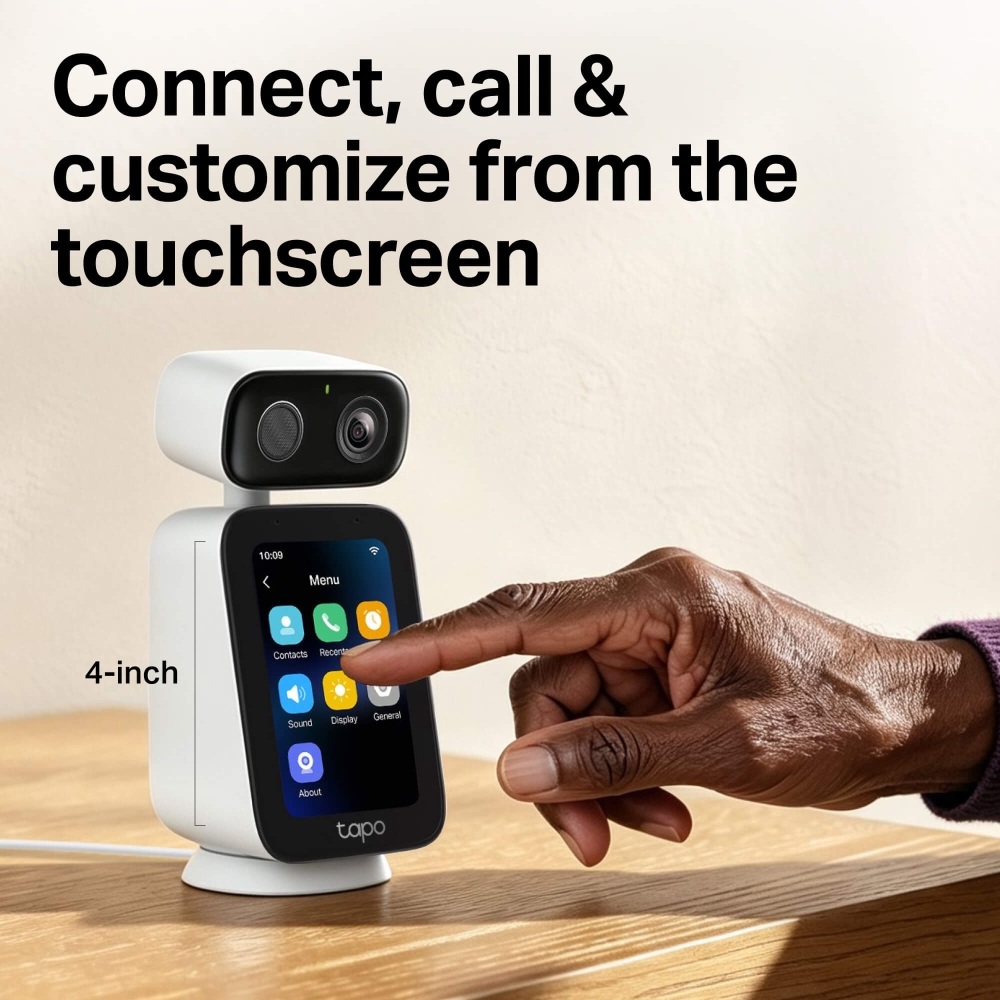
  • A Touchscreen They Can Actually Use: The 4-inch touchscreen puts contacts, call logs, settings, and personalization right on the camera. No need to hand over a phone just to make a call.
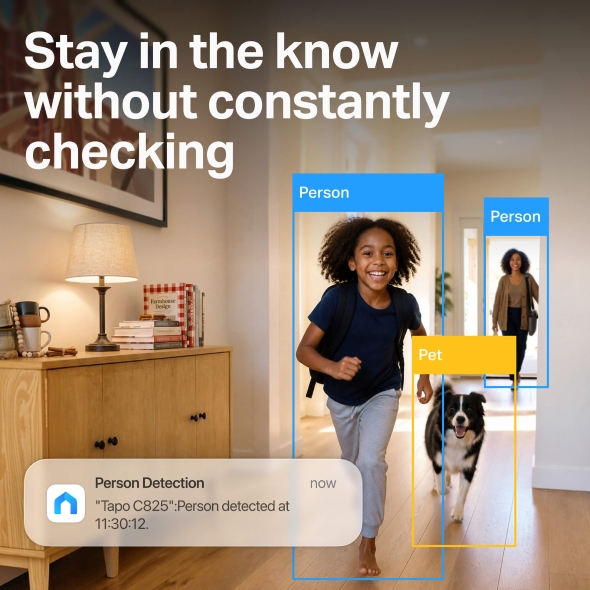
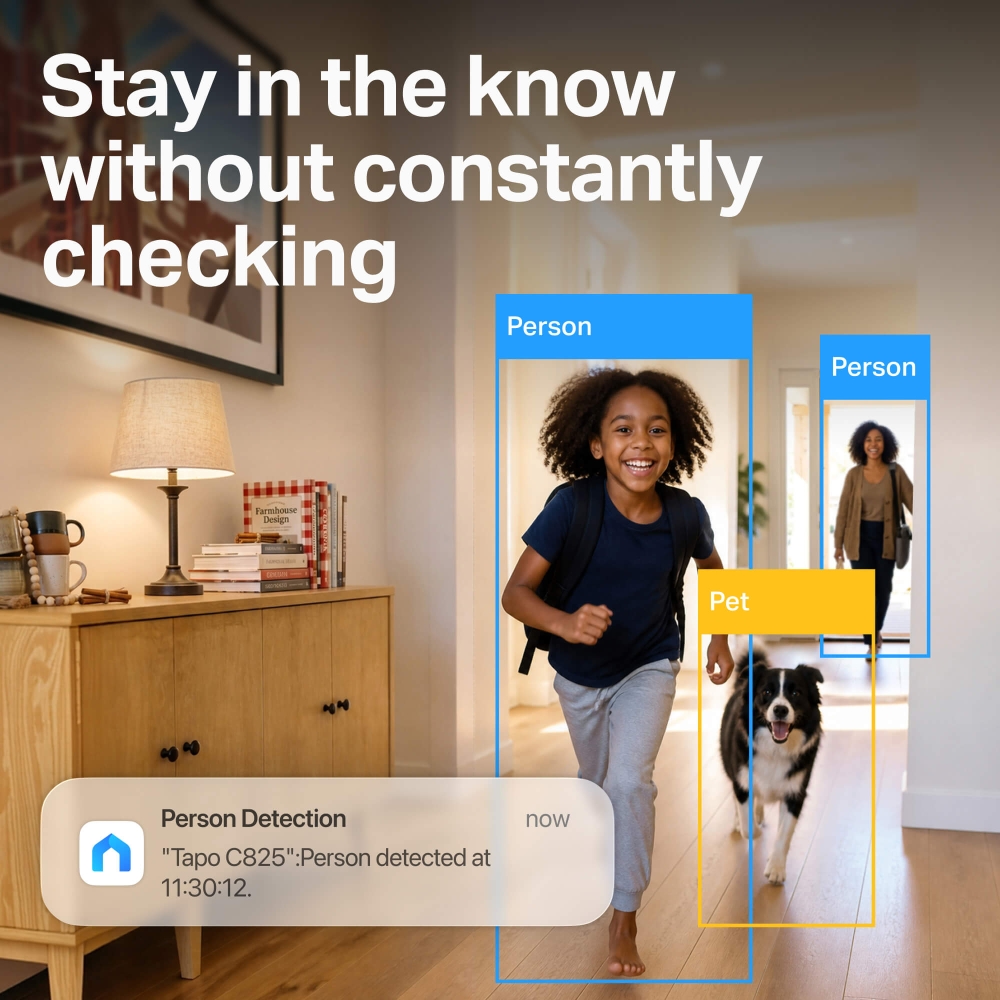
  • Know What’s Happening at Home: AI detection helps distinguish people and pets. Spend less time checking notifications that don’t need your attention.
Tapo C825 More than a camera.
A two-way connection.
See, talk to, and check in on loved ones and pets anytime with live video and hands-free calling.
Always Stay Connected Stay connected to your home with live viewing, instant alerts, and reliable indoor monitoring, whether you're upstairs, at work, or away for the day.
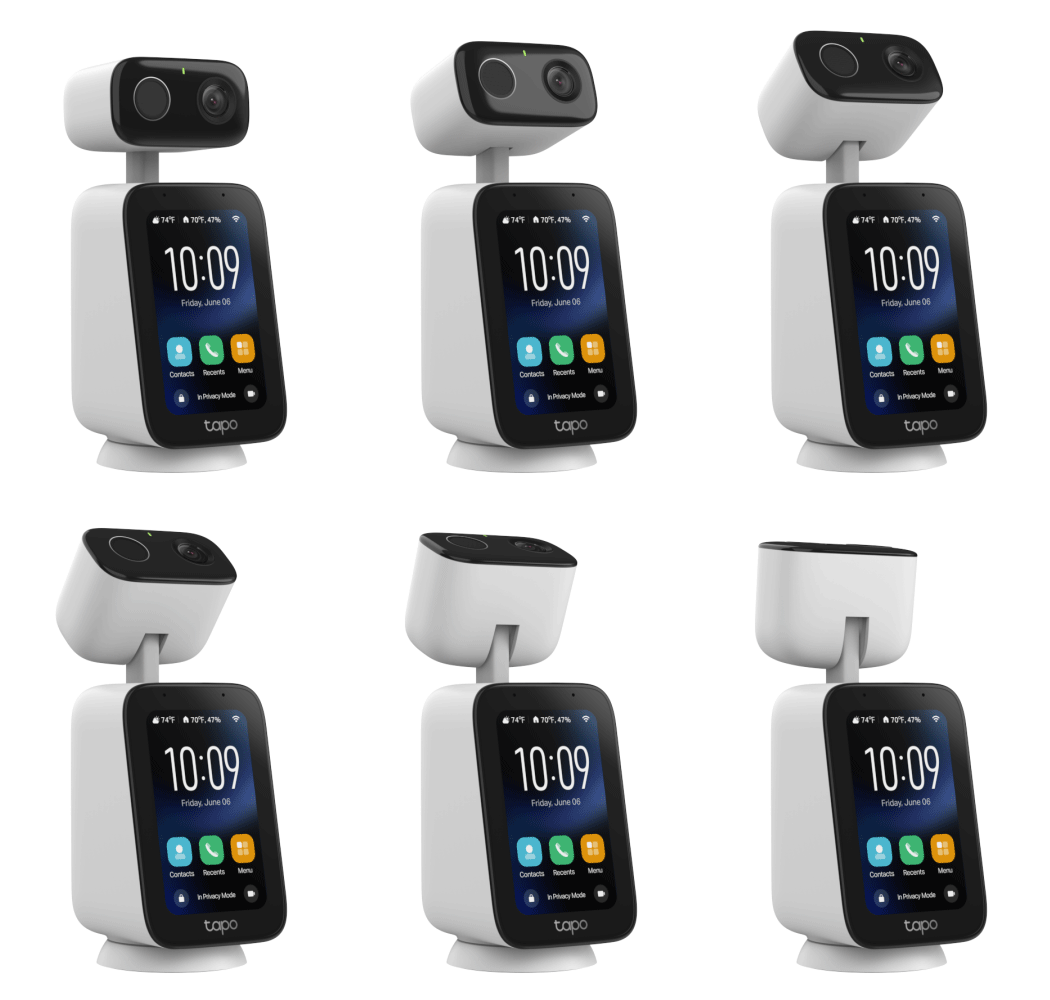
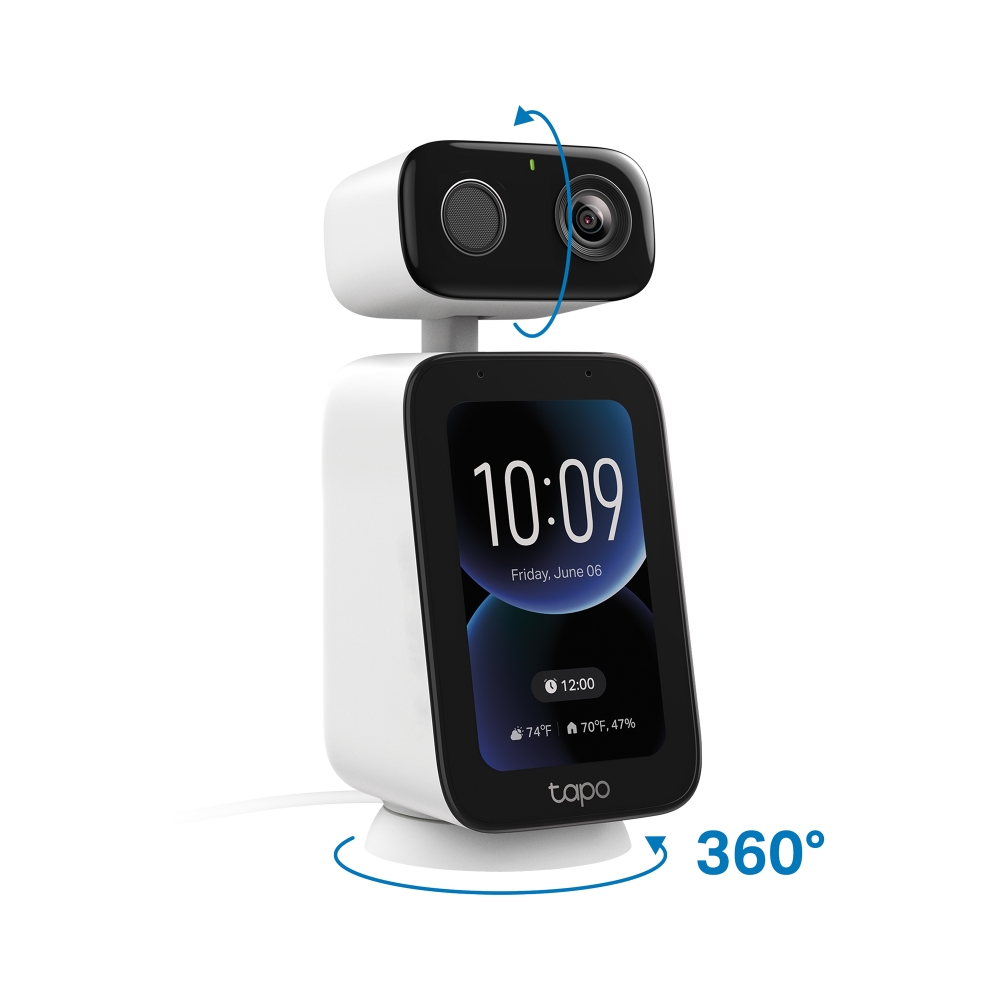
Hands-Free Video Calling Make and receive hands-free video calls while the camera automatically follows your movement, smoothly panning and tilting to keep you centered in the frame.
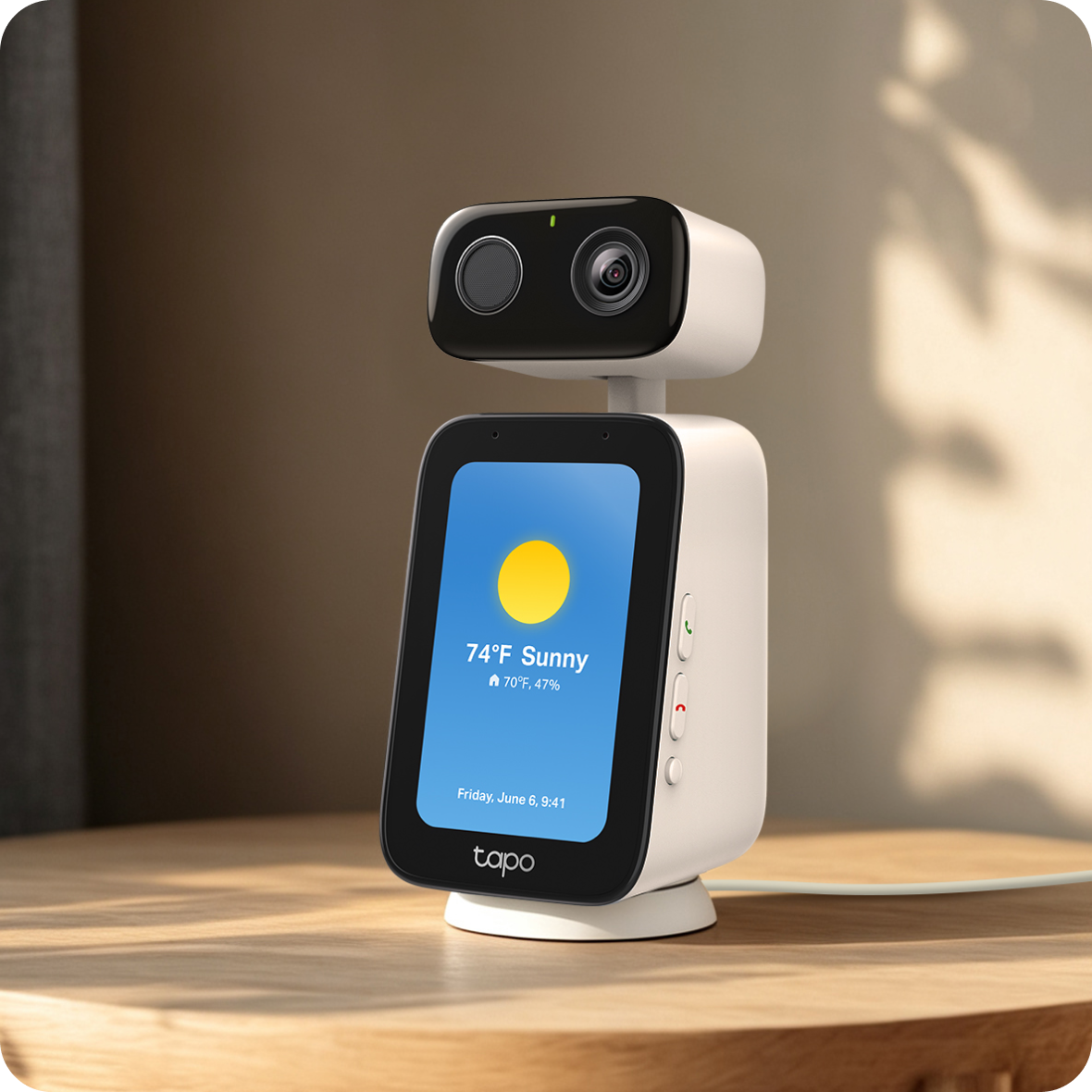
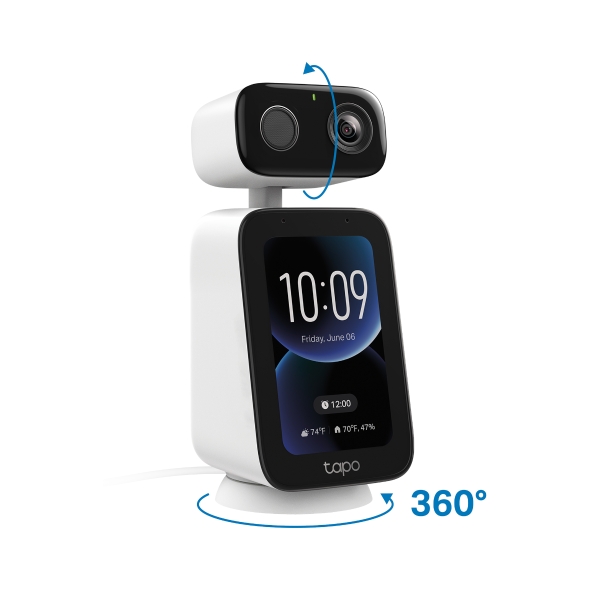
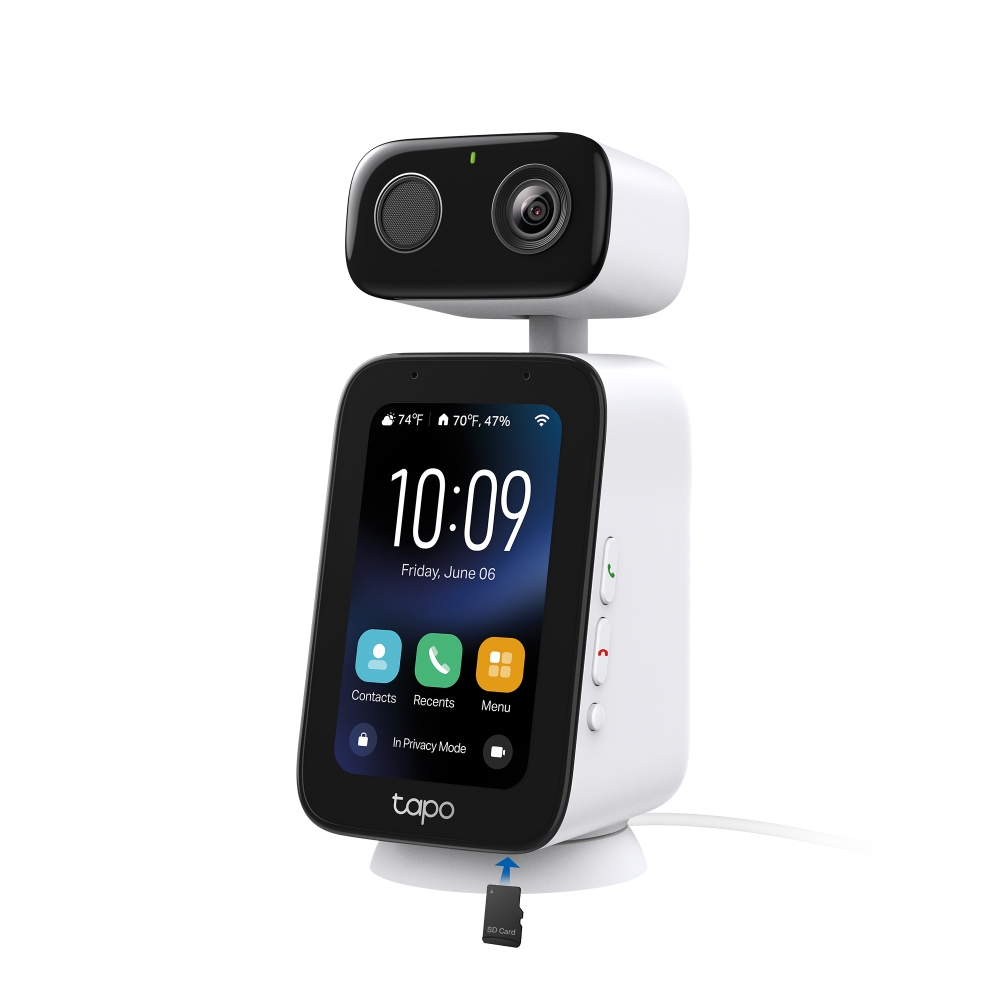
More Than Just a Camera When you're not using the camera, the touchscreen display blends seamlessly into your home, showing the time, weather, and your favorite photo as a personalized wallpaper.
Highlights Smart features. Simple to use.
One-Tap Video Calling Call family with just one tap. No apps, no fumbling.
360° Coverage Automatically follows motion for hands-free calling.
Touchscreen Answer calls and navigate settings right from the camera.
2K Live View See their smiles in perfect clarity.
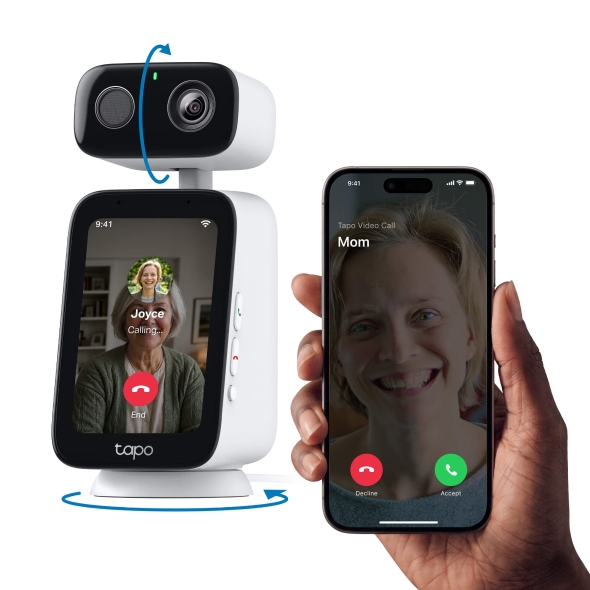
HOW IT WORKS Go beyond watching. Start connecting. Unlike traditional indoor cameras that only let you watch, Tapo C825 lets you be part of the conversation. Start a video call from the Tapo app or let loved ones reach you at the press of a button.
Getting started is easy.
1
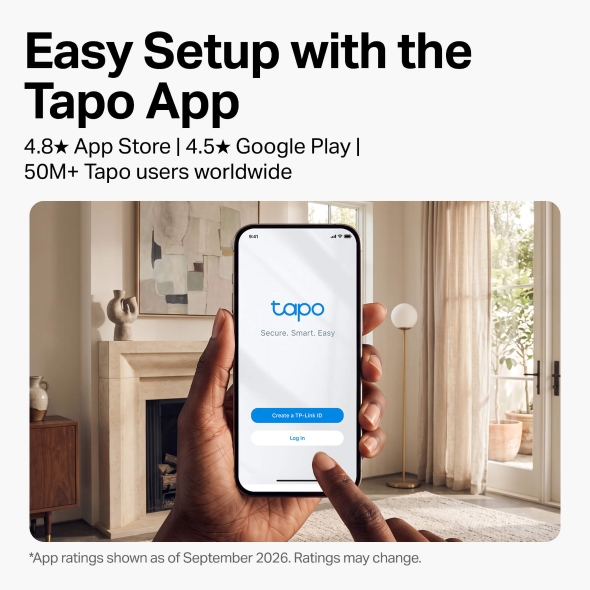
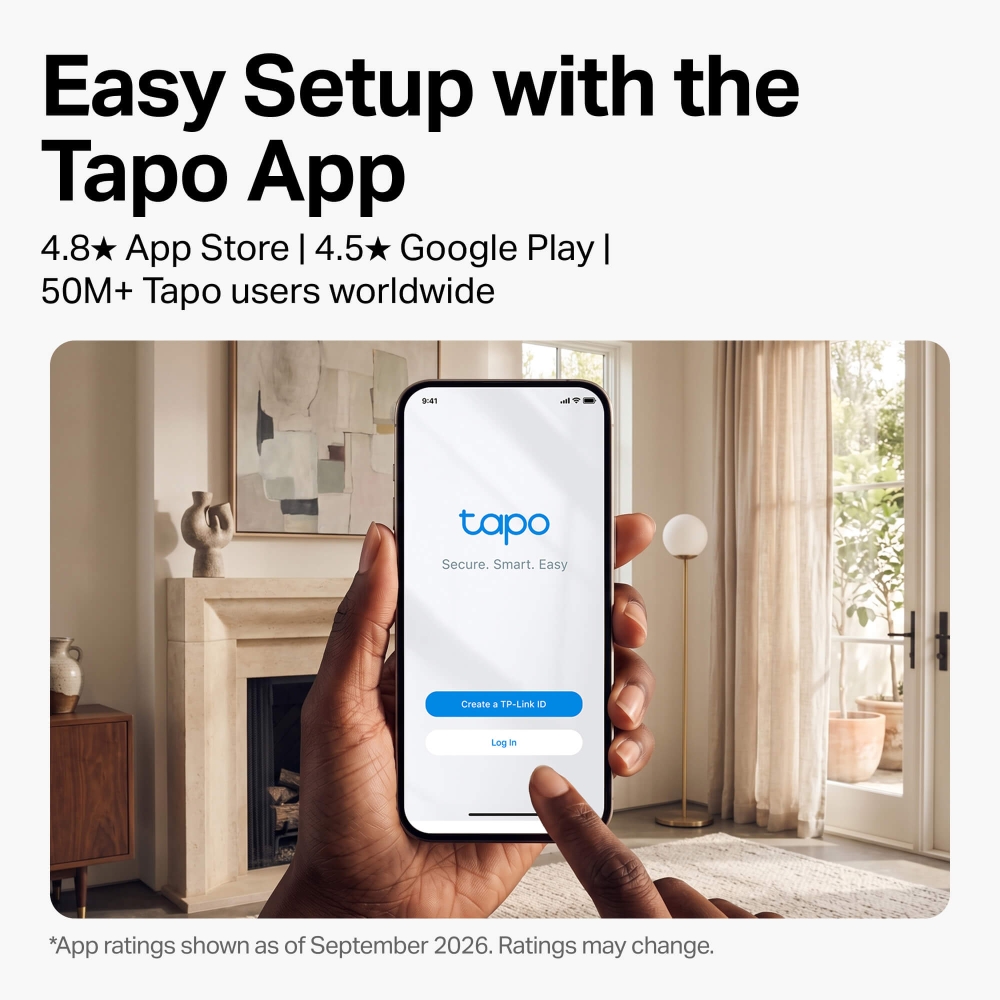
Get the Tapo app Download the app and sign in or create a free Tapo ID.
2
Get the Tapo app Follow the in-app instructions to connect your camera.
3
Start calling Connect with family at the press of a button.
CONNECT Keep loved ones close, wherever they are.
Keeps Up with Every Conversation Whether you're helping with homework or chatting while making dinner, smart motion tracking keeps the conversation centered without you needing to manually adjust.
Connect the Way That Works Best Call directly from the Tapo app when you're away or connect between compatible Tapo C825 cameras for even more ways to stay in touch.
Auto-Answer for Instant Check-Ins Trusted contacts can automatically connect when auto-answer is enabled, making quick wellness checks and check-ins easier than ever.
Filters Out Background Noise Hear and be heard without distractions. Enjoy uninterrupted conversations with your family, even when the house gets noisy.
EVERYDAY CONVENIENCE Thoughtfully designed for everyday life.
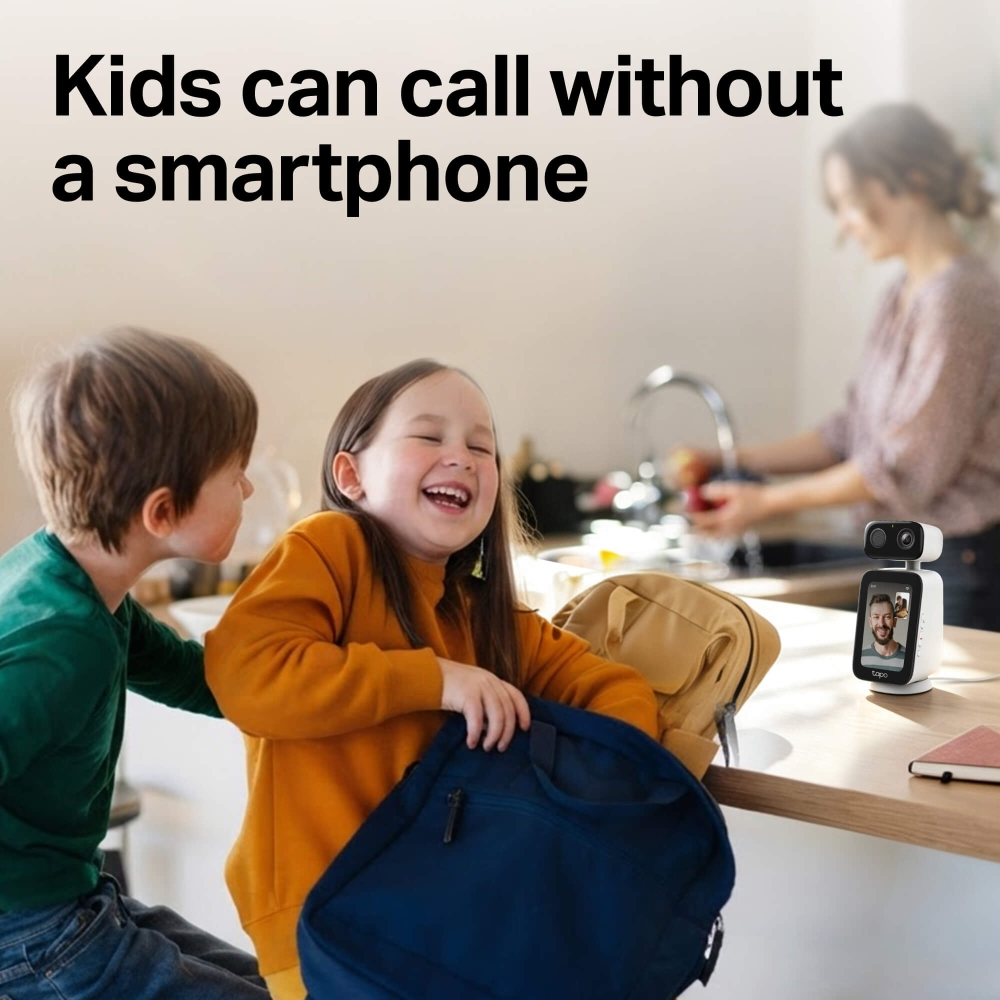
4-inch Touchscreen A bright, easy-to-use screen that even grandparents and kids can navigate confidently.
Add Family Contacts Build a custom speed-dial list in the Tapo app. Your family can launch an instant video call to you or other approved contacts who have a Tapo ID.
Create Tailored Reminders Easily schedule personalized reminders in the Tapo app to gently remind your loved one when it's time to take medication, stretch, or follow their daily routine.
MONITOR Monitor your home with confidence.
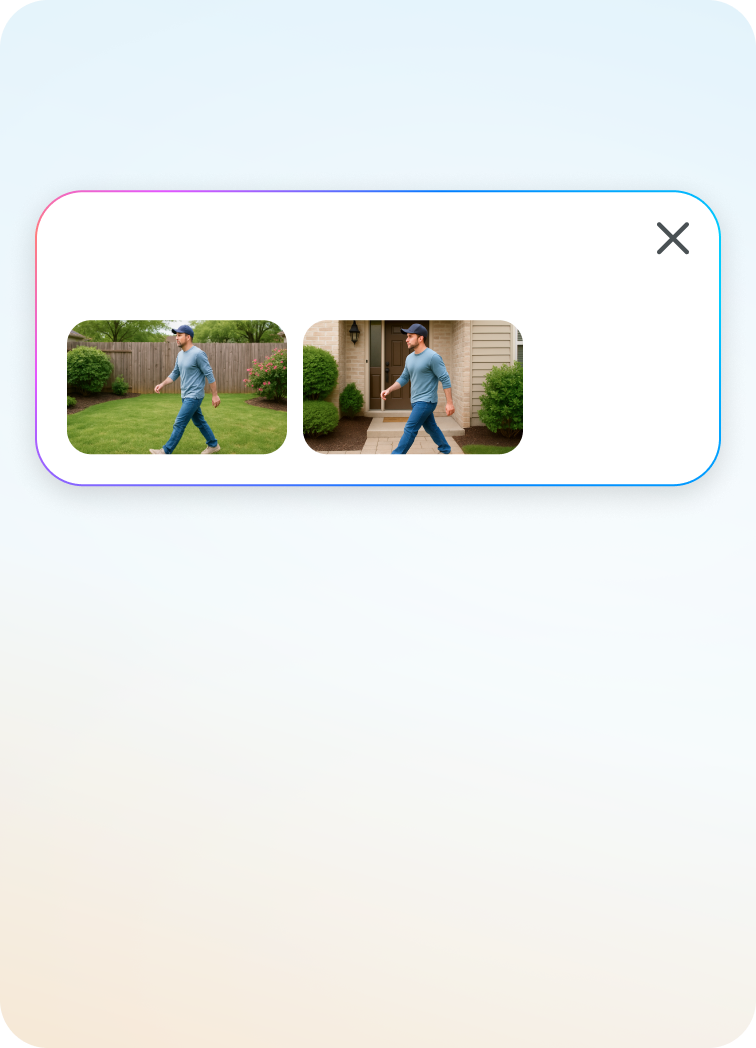
Person & Pet Detection Know the moment your child gets home, or if your pet is up to something. AI-powered alerts notify you instantly, no guesswork needed.
Capture Every Smile Keep a clear view of everyday moments with smooth monitoring designed for family connection and peace of mind.
See Every Smile in 2K 2K video means you can see every expression, every laugh, every moment - just like being in the room.
PRIVACY FEATURES Respect privacy while staying connected.
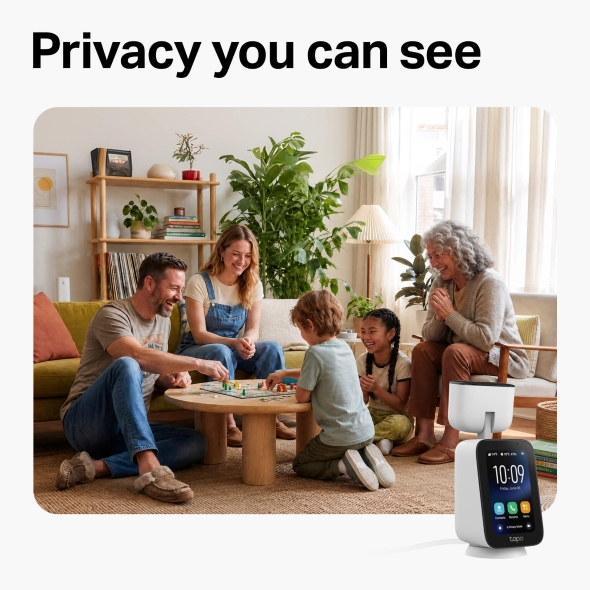
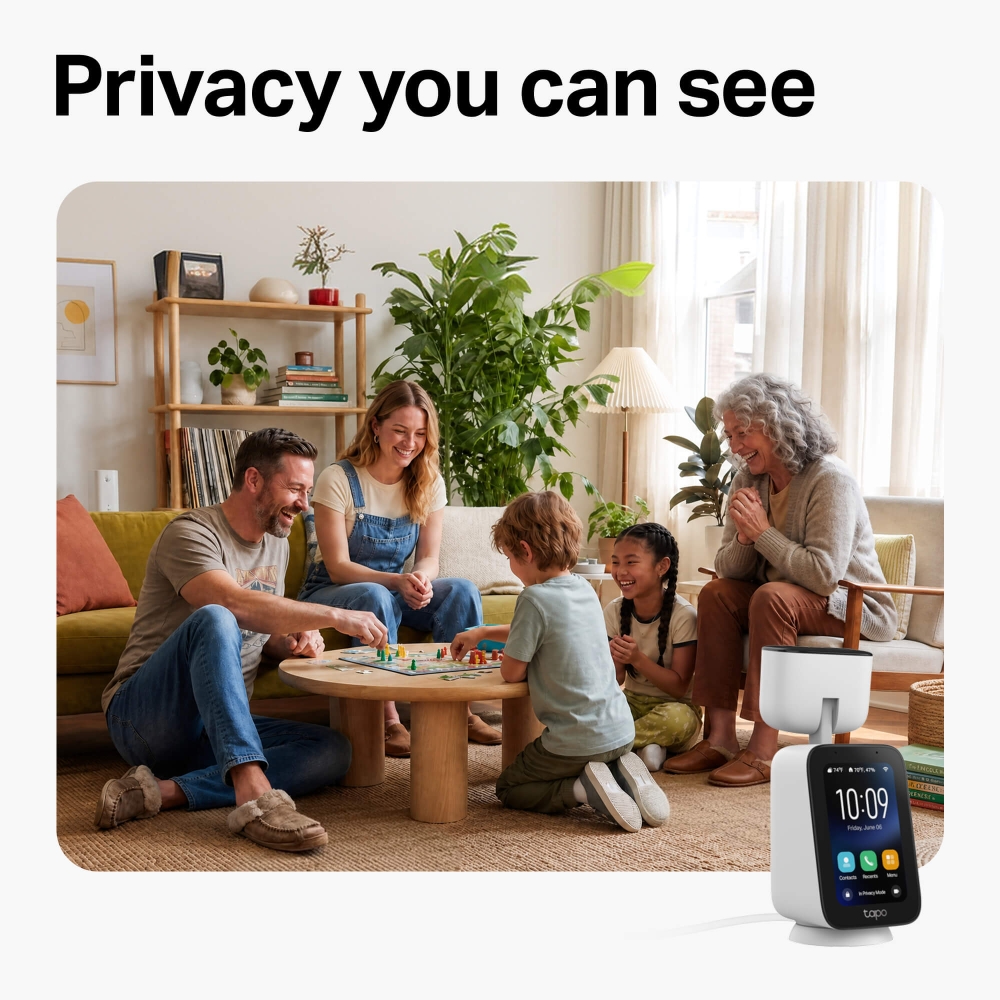
Stay connected on their terms. Built-privacy features let your loved ones control what's seen and when.
Custom Privacy Zones Completely block sensitive areas from recording and monitoring.
Privacy Mode Activate to have the lens physically rotate upwards and stop all recording for guaranteed peace of mind.
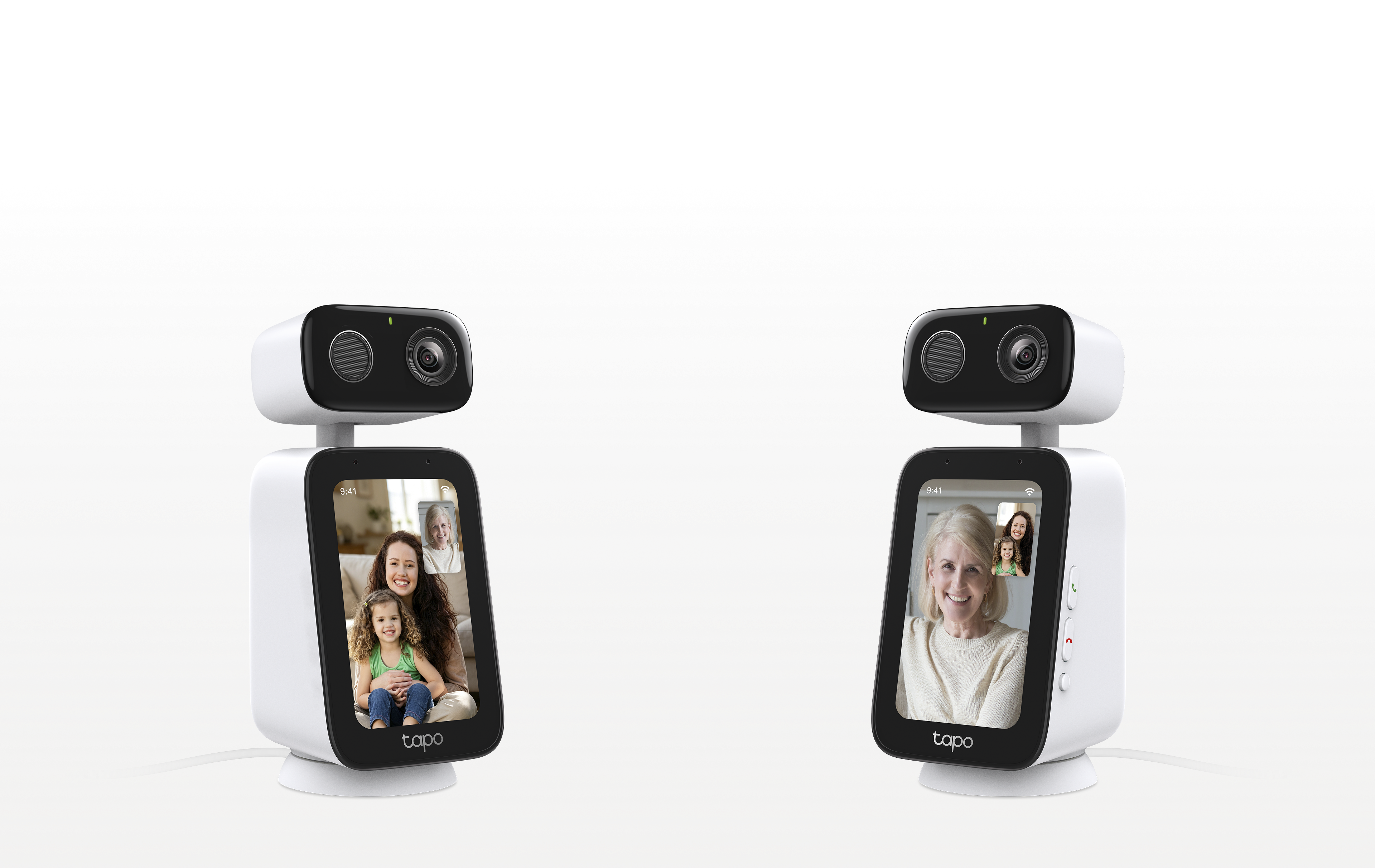
BETTER TOGETHER Camera-to-camera calling
Instantly video call family from one Tapo C825 to another.
One for you.
One for someone you love.
Hi Grandma!
Hi Hannah!
TOUCHSCREEN FEATURES Your display, your way.
Adjustable Text & App Size Customize text size for a more clear and comfortable viewing experience tailored to every generation.
Personalized Clock & Wallpaper Themes Designed to feel at home on a shelf or tabletop, not like a traditional security device. Select one of three default clock interfaces or use your favorite photo as the background.
Real-Time Weather Updates Stay informed with helpful weather and humidity updates available at a glance throughout the day.
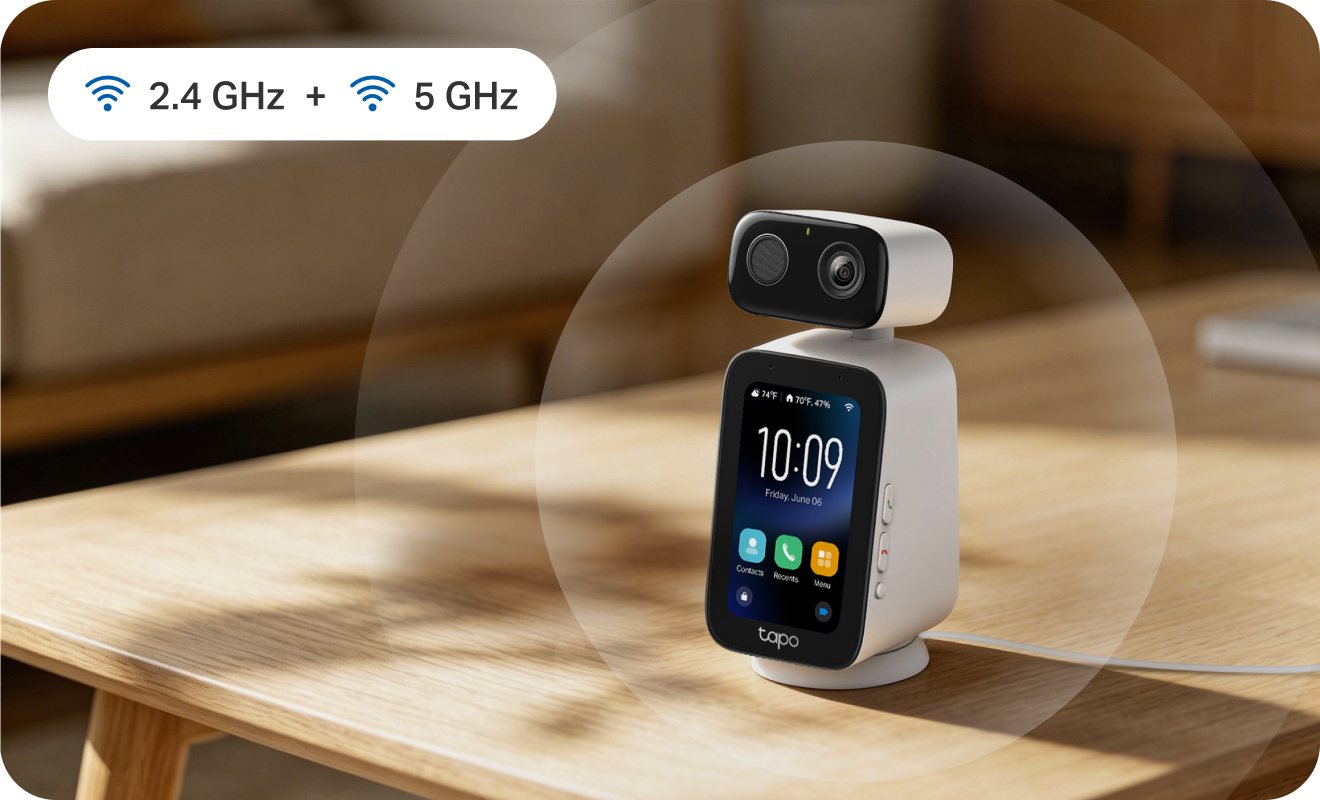
The speed you need for stable video calls. Bad Wi-Fi shouldn't come between you and the people you love. Dual-band connectivity keeps every call smooth, stable and stress-free.
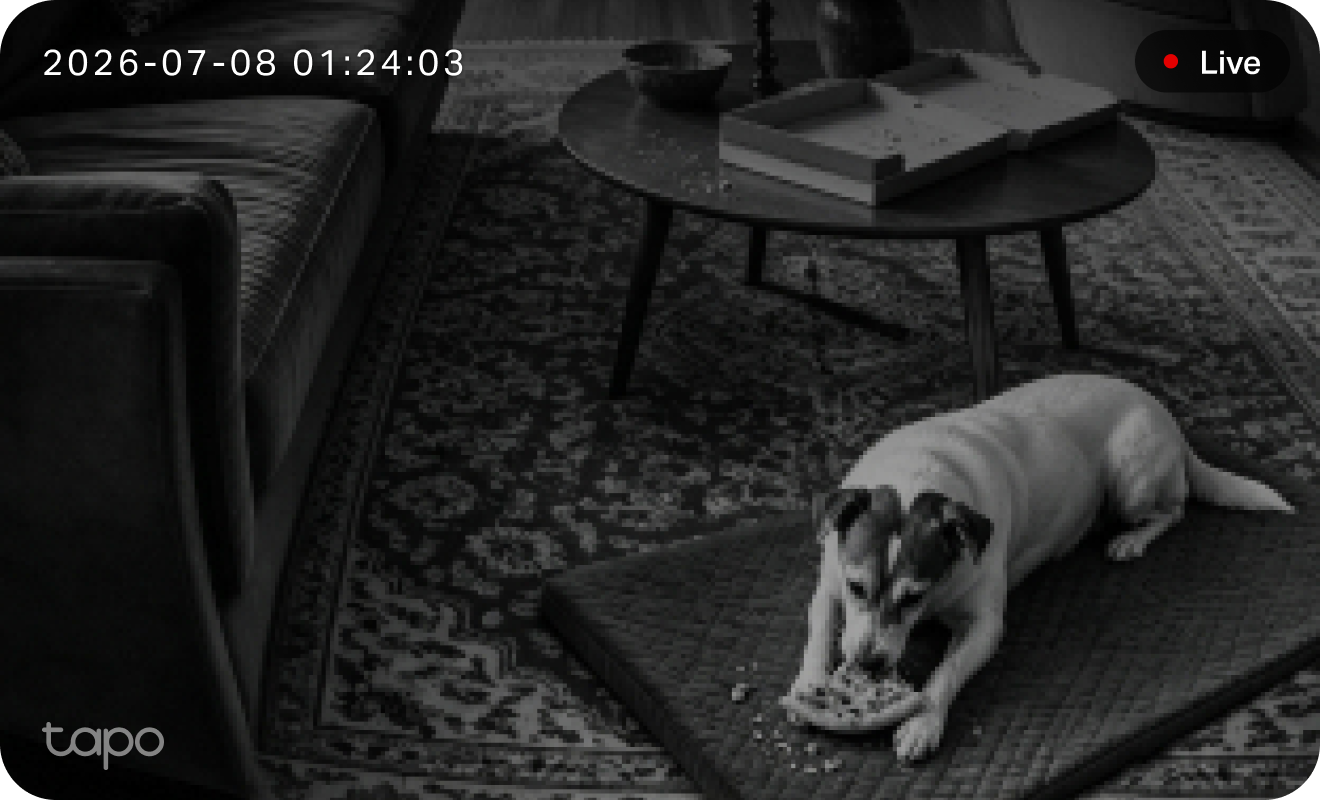
Clear visibility around the clock. Even at 2am, see exactly what your pet is up to. IR night vision keeps everything clear while the house sleeps.
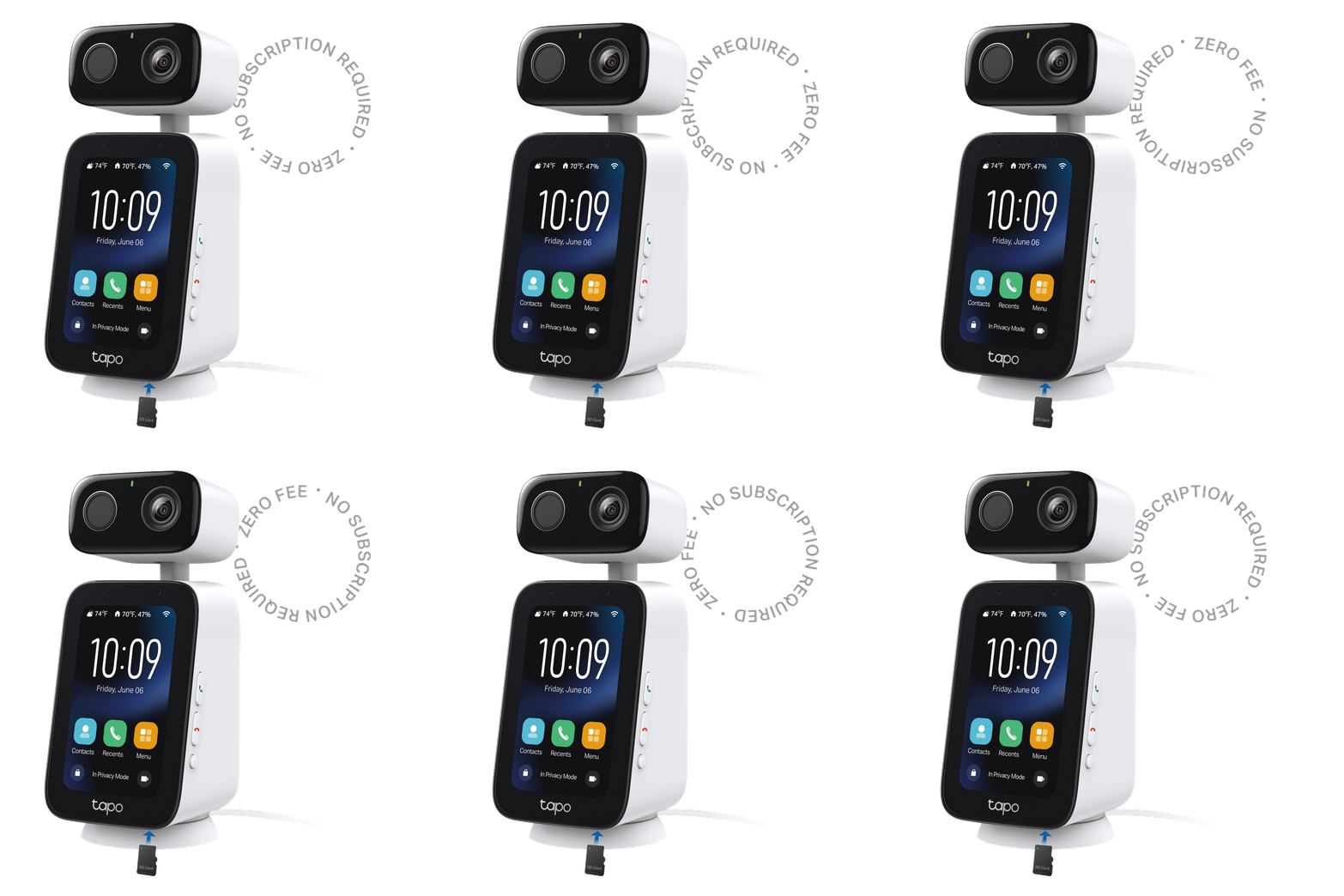
Your footage. Your rules. No subscription required.
Local Storage Private by design. Up to 512GB. No cloud. No subscription. No one else has access.
Free On-Device AI Smarter alerts. Zero fees. Detects motion, faces and pets directly on the camera. All the intelligence, none of the monthly bill.
*microSD card sold separately.
TapoCare Get more advanced features for a smarter home Subscribe to Tapo Care with Aireal to turn recordings into clear insights, smarter alerts, and secure cloud video history you can rely on. Learn more

Summarize today's detection activities

Turn on all lights

Tell me more about Tapo products

Aireal AI
Chat

Built-in AI assistant that lets you ask any questions and get quick answers.

Motion

4 Videos

70:31
08:12:41 Front Door

Description about video goes here, truncate if longer..

See more

Intelligent Video
Summary

Generate short text summaries to easily understand what happened in each clip.

1 stranger was detected repeatedly in the recent week.

Intelligent Descriptive
Notification

Get detailed alerts that describe specific activity instead of generic motion notifications.

Smart Notification
Filtering

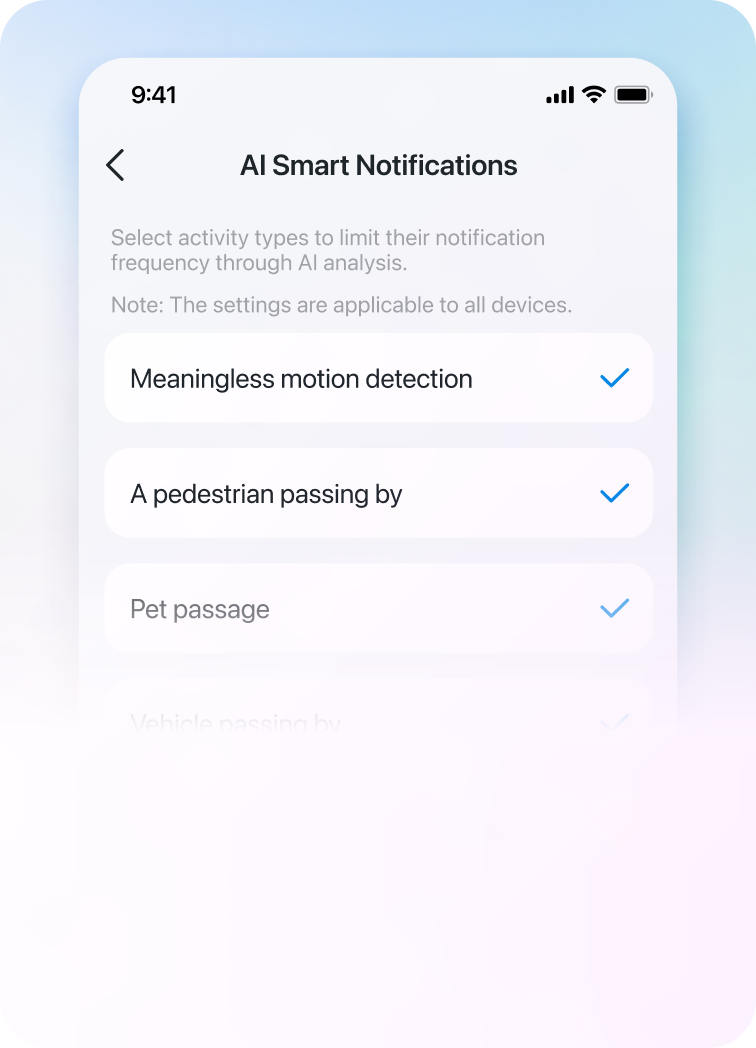
Filter and merge alerts to remove repeats and sort events by detection type.

Cloud Video
History

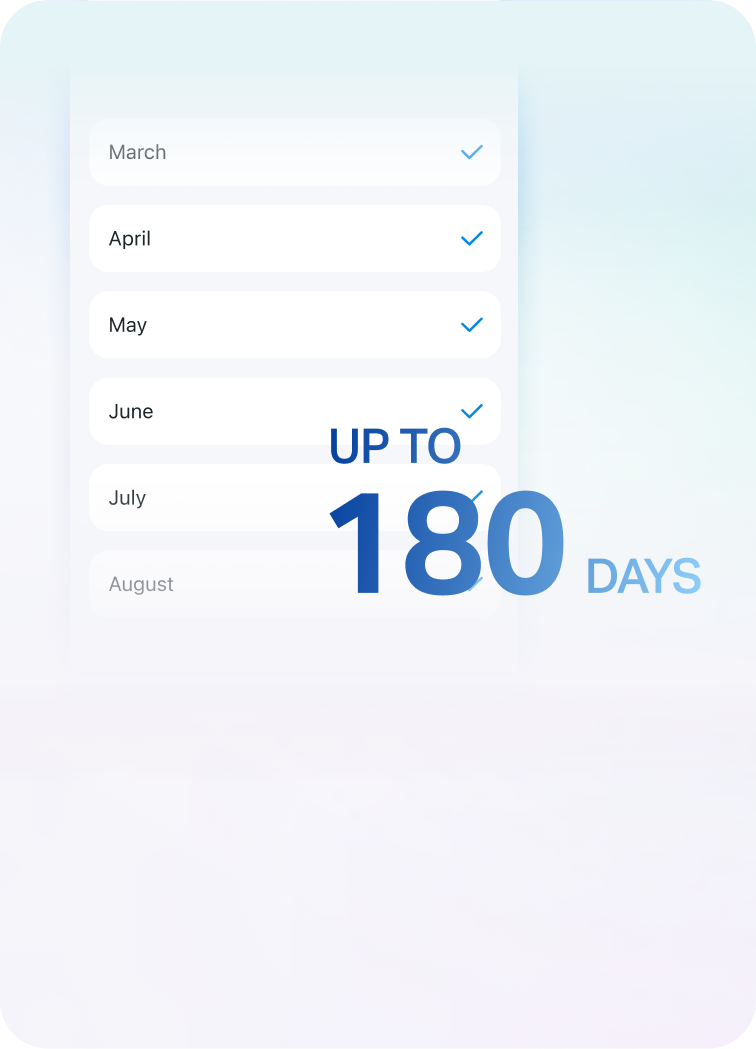
Stores motion events in the cloud so you can review or download clips.

Person

Visitor’s Face Detected

“Tapo Camera” visitor was detected at 11:30, /01/01/2025

now

Facial
Recognition

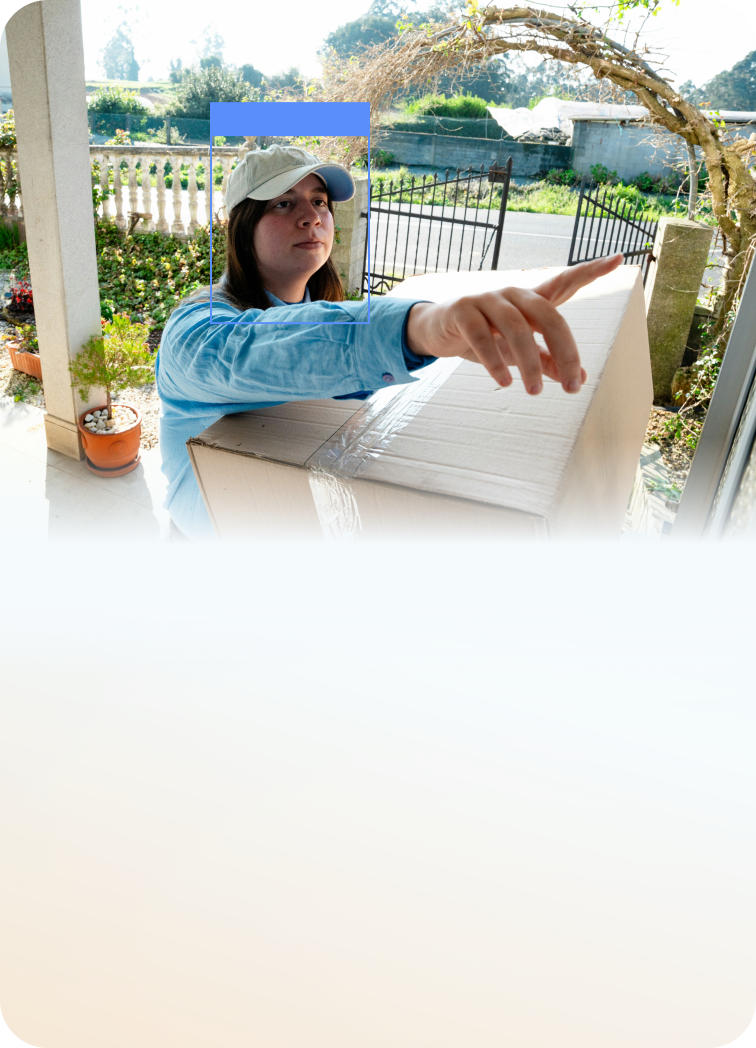
Recognize familiar faces and receive alerts for unknown visitors at your door.

Simple setup for everyone. A seamless setup from the very beginning.
Step 1 Connect the Camera Plug in Tapo C825 and follow the guided in-app instructions to set up.
Step 2 Personalize the Experience Add trusted contacts, customize reminders, adjust text size, and configure privacy settings.
Step 3 Start Connecting Launch one-tap video calls, enable smart alerts, and remotely manage the camera anytime.
Effortless for loved ones at home Once setup is complete, the person at home can use Tapo C825 without managing apps, accounts, or complicated settings.
No smartphone required for daily use
One-touch calling at the press of the call button.
Large, easy-to-read interface
Designed for seniors and non-technical users
Tapo C825 Indoor Video Call Camera See, talk to, and check in on loved ones and pets anytime with a camera built to keep families connected.
Designed with your privacy in mind
Easily check on loved ones
Automatically follows and tracks movement
Zero monthly fees required
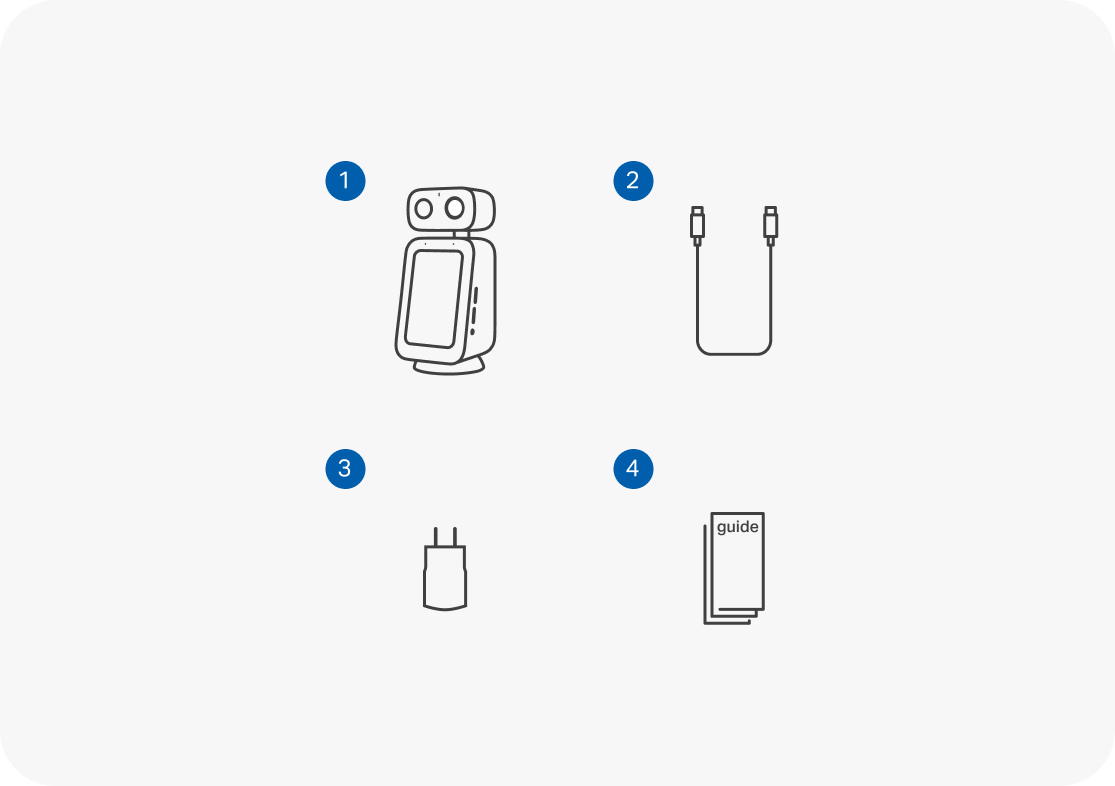
PACKAGE CONTENTS What's included in the box?
1 Tapo C825 Camera x1
2 9.8-ft. USB-C Cable x1
3 Power Adapter x1
4 Quick Start Guide
Frequently asked questions
What makes Tapo C825 different from other indoor cameras?
Tapo C825 is designed for connection, not just monitoring. In addition to smart indoor camera features like pan/tilt tracking, smart detection, and 2K live view, it includes built-in video calling capabilities and an integrated touch screen that make it easier to stay connected with family members and pets. The experience is designed to be especially approachable for seniors and non-technical users.
Does it require a subscription?
No. Tapo C825 supports local storage via microSD card (up to 512GB), allowing you to store recordings without a subscription. Optional cloud storage and additional features are available through Tapo Care.
Is this camera battery-powered or does it need to be plugged in?
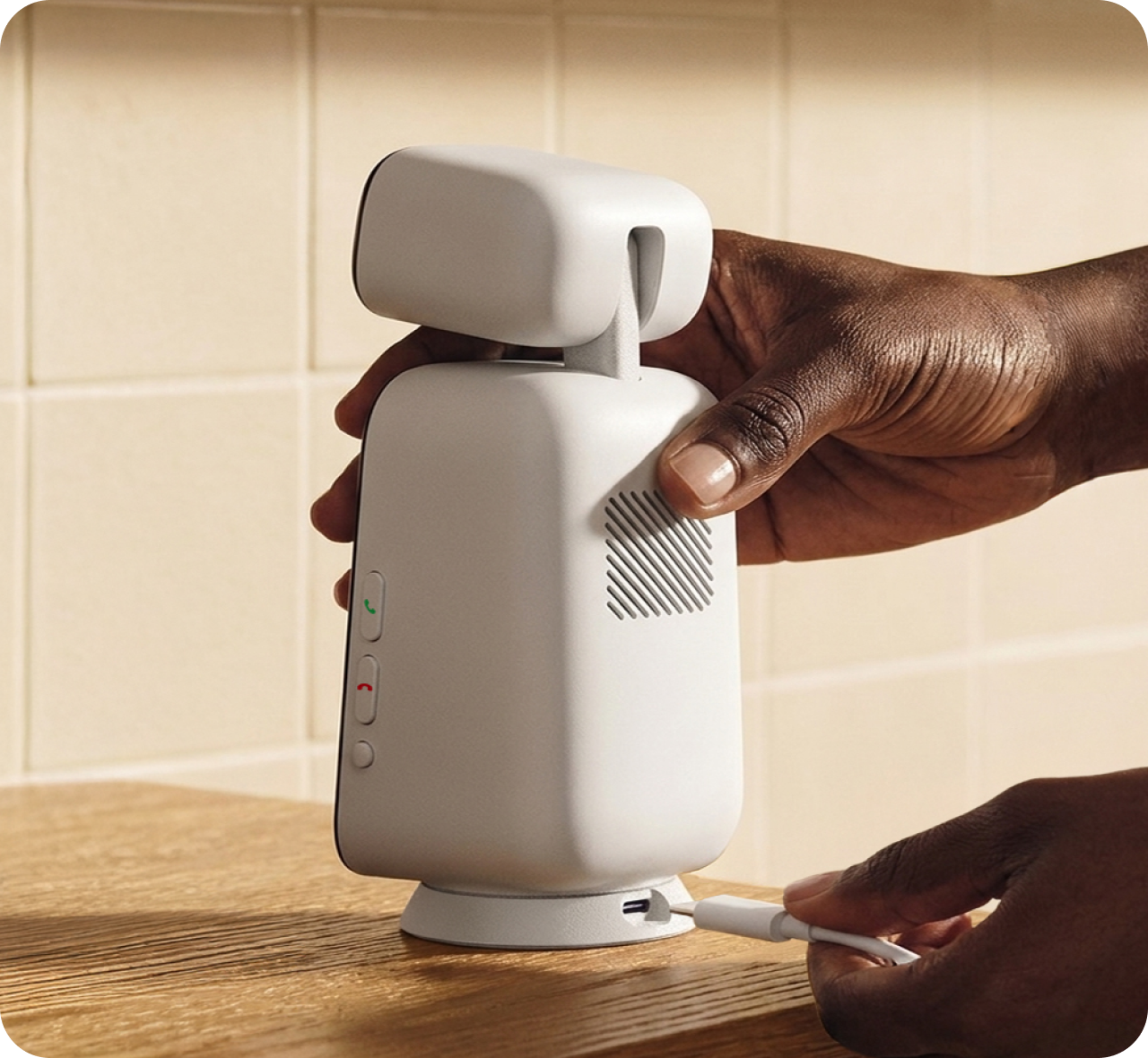
Tapo C825 is a plug-in indoor camera and requires continuous power for video calling, live viewing, recording, and smart detection features.
How smart is the detection system?
Tapo C825 can intelligently identify and notify you about important activity, including people, pets, and motion events. Smart alerts help reduce unnecessary notifications so you can focus on activity that matters most. Detection capabilities may vary based on settings, environment, and lighting conditions.
Do you offer support for configuration and setup?
Yes. Tapo C825 can be set up through the Tapo app with step-by-step guidance. If you need additional assistance, TP-Link provides support resources, setup guides, and customer support to help you get started.
Do I need a Wi-Fi connection to make incoming and outgoing calls?
Yes. A stable Wi-Fi connection is required for video calling and remote communication features. Both the camera and the Tapo app user must be connected to the internet for video calls to function properly.
How do I start a video call?
You can make calls between your phone and camera, or use the intercom feature between two cameras. Once paired, just select an approved contact from the Tapo app or the device itself and tap to connect instantly.
Can I turn off the screen when I'm not calling?
Yes. The display can be customized based on your preferences. When not actively being used for communication, the screen can display useful information such as a clock and other interface options. Please refer to the product settings for available display customization features.
Why does this camera have dual-band Wi-Fi (2.4GHz & 5GHz)?
Never have to worry about which band to use or whether you need a separate 2.4GHz network—the camera works with both. It connects on whichever band suits its location, giving you an easier setup and a stable connection wherever you place it.
Does the Tapo C825 work with any smart assistants? Is third-party calling supported?
Tapo C825 supports integration with with Amazon Alexa and Google Assistant. Video calling functionality is designed to operate within the Tapo ecosystem. Third-party video calling is not currently supported.
Can I reject a video call coming from the camera if I'm busy?
Yes. If you receive a call through the Tapo app, you can choose whether to answer or decline the call.
What happens to the camera if my home internet goes down?
If the internet connection is interrupted, remote access and video calling features will be unavailable until connectivity is restored. Local recording functionality may continue to operate if configured with a microSD card and the camera remains powered.
Can multiple family members connect to the same camera?
Each Tapo C825 camera can have only one primary owner (TP ID). To grant access to other family members or users, the owner must share the device through the app, enabling multi-user management.

​​​​​◇ Incoming and outgoing calls require a Wi-Fi connection.