
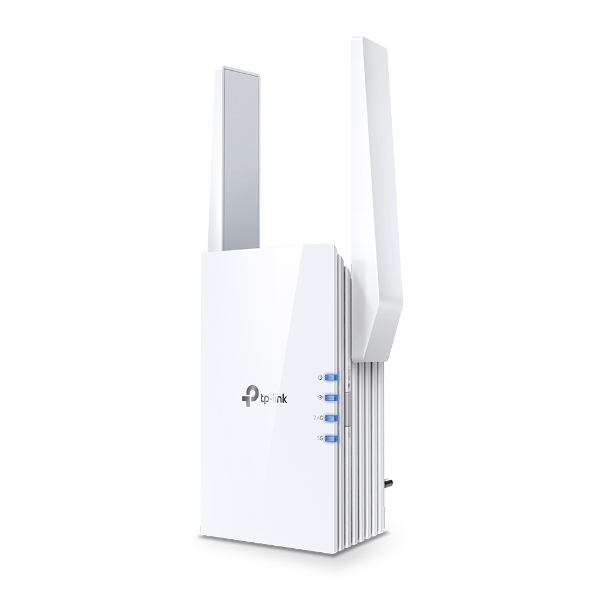
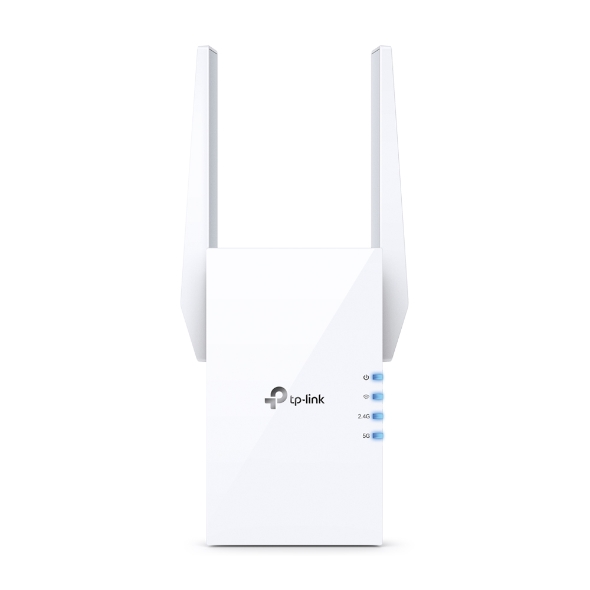





AX1800 Wi-Fi Range Extender
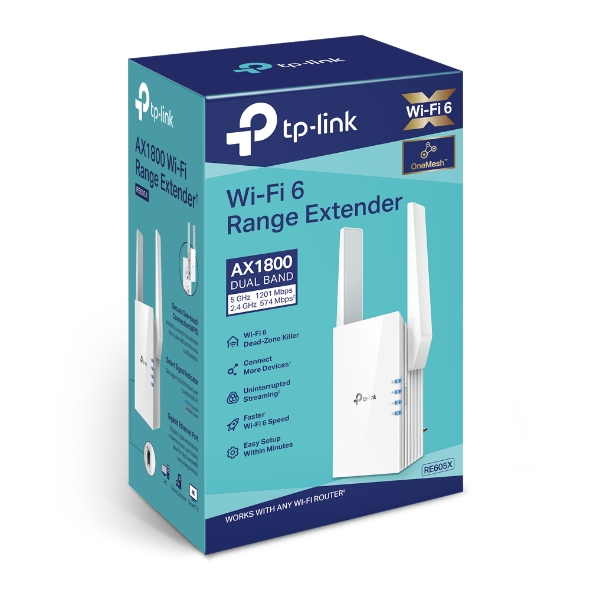
- Up to 1.8 Gbps Dual Band Wi-Fi: Separates 5 GHz (1201 Mbps) and 2.4 GHz (574 Mbps) Wi-Fi bands for faster speeds and greater capacity with the Wi-Fi 6 technology.†
- Smart Roaming: Walk from room to room and stay connected with the fastest possible speeds.§
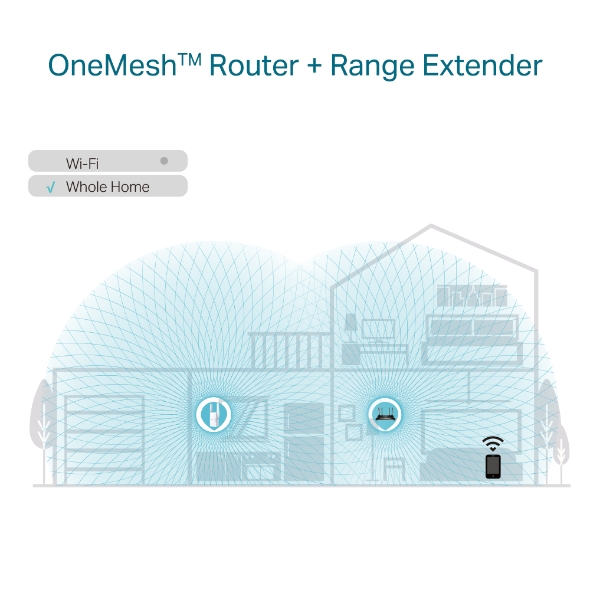
- OneMesh for Whole Home Wi-Fi: Flexibly create a Mesh network by connecting to a TP-Link OneMesh™ router for seamless whole-home coverage.
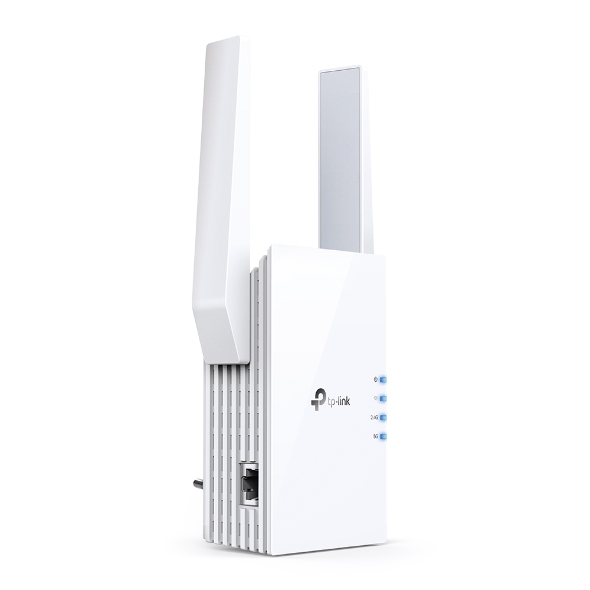
- Gigabit Ethernet Port: Provides faster wired connections to smart TVs, computers and gaming consoles.
- AP Mode: Create a new Wi-Fi access point through the Gigabit Ethernet port to enhance your wired network with Wi-Fi capability.
- Easy Setup: Plug in and then easily set up via a press of the WPS button or via the Tether App.
- Ultimate Compatibility: Extends the range of any Wi-Fi router or wireless access point.*z

Expand Your Ultimate WiFi Experience
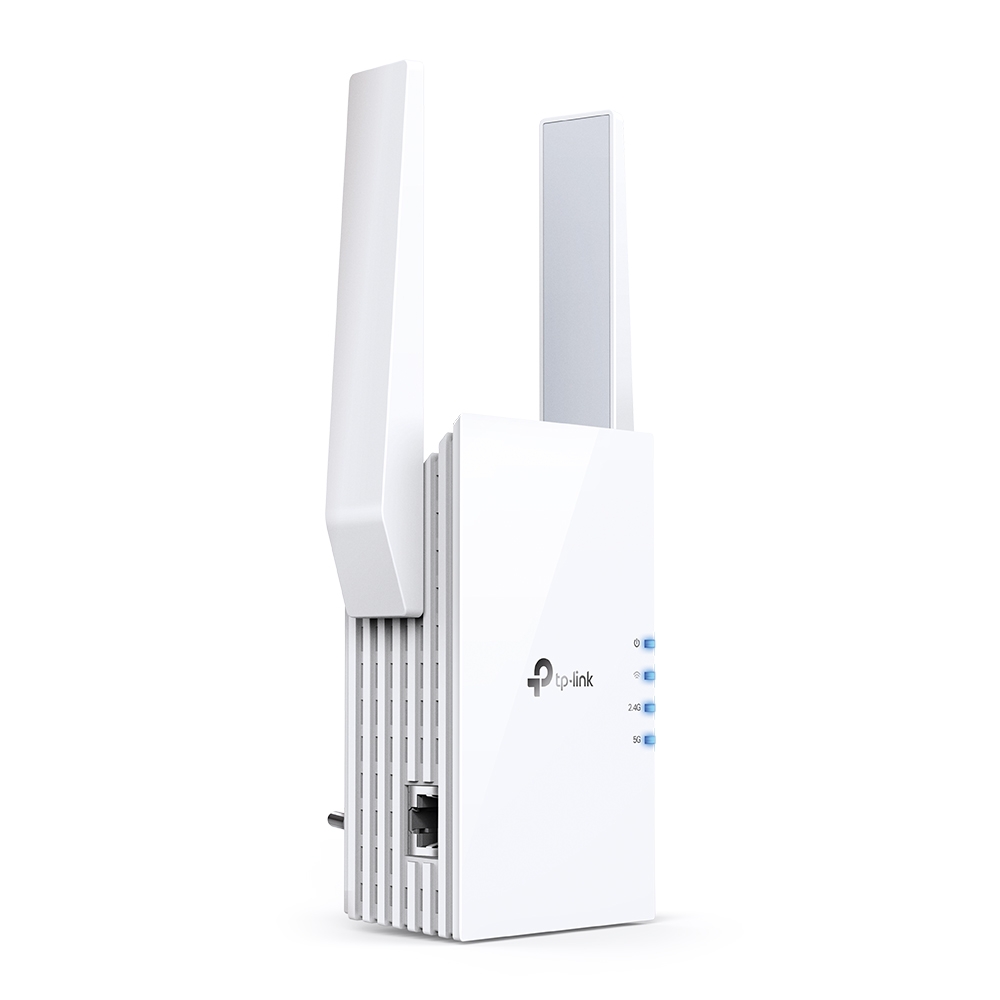
AX1800 WiFi 6 Range Extender
RE605X
Get More Range with Your Existing Router
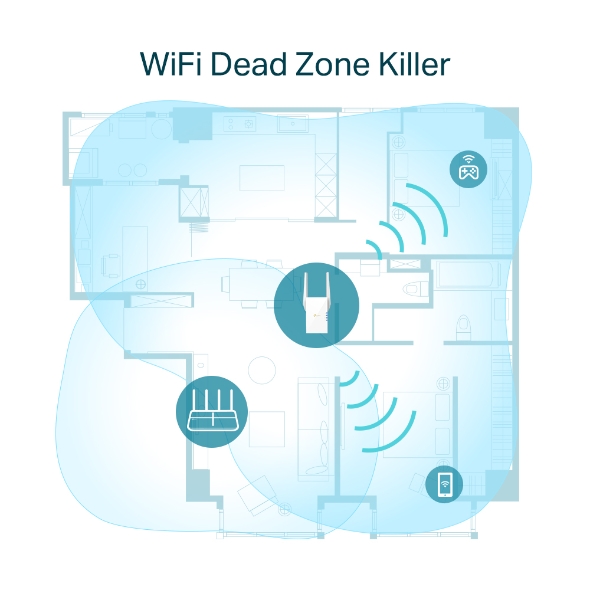
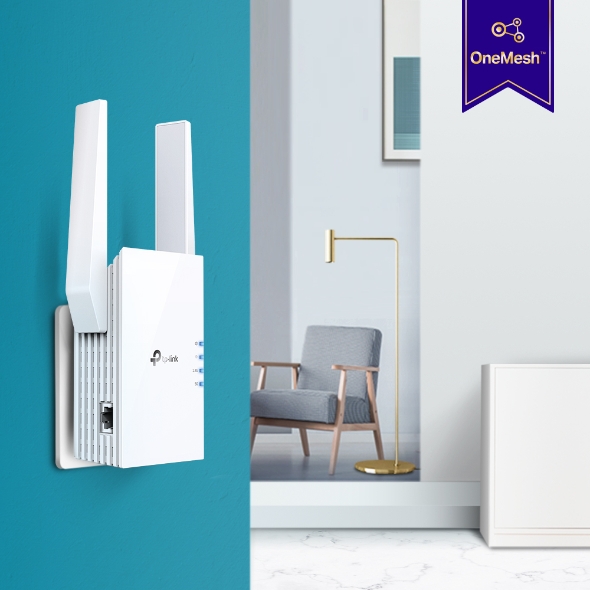
A single router has limited WiFi coverage and always causes WiFi dead zones. RE605X wirelessly connects to your existing router and boosts more WiFi signals throughout your home, allowing you to enjoy smooth WiFi 6 network experiences everywhere with great speed, capacity, and coverage.
WiFi 6: More Connections with Better Performance
The latest Wi-Fi 6 technology is built for today’s devices, eliminating lag, endless loading, and dead spots. It fully satisfies your network needs especially for bandwidth-intensive tasks like cloud gaming or 4K UHD video.
-
Higher Speed
-
Larger Capacity
-
Ultra-Low Latency


AX1800 Dual Band WiFi
Meeting All Your Different Networking Needs
TP-Link OneMesh:
Optimise for Smoothest WiFi Experience
OneMesh™ is a simple way to form a Mesh network with a single WiFi name for seamless whole-home coverage. Just connect an OneMesh™ range extender to an OneMesh™ router. They are no more searching around for a stable connection.
-
Smart RoamingUninterrupted streaming when moving around your home
-
One Wi-Fi NameNo more switching Wi-Fi network names
-
Easy CreationOneMesh™ Router and OneMesh™ Range Extenders pair instantly
-
Unified ManagementManage the entire network all from the TP-Link Tether app
-
Traditional Router with Extender
-
OneMesh™ Router + Range Extender
Enjoy an AX Mesh Network with Your Existing Router
Want a Mesh network? Hesitating about whether you should replace your current router with a new Mesh set?
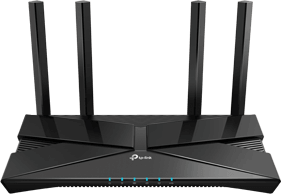

Built-In Access Point Mode
RE605X is more than a wireless range extender. Simply plug an Ethernet cable into its Ethernet port, and easily turn your wired internet connection into a 2×2 MU-MIMO dual-band wireless access point.
-
4K HDTV
-
Game
-
PC
-
Printer
Control at Your Fingertips
Set up and manage your Wi-Fi through the TP-Link Tether app from your smartphone (Android, iOS), including TP-Link routers and range extenders.




| Working Modes | Range Extender, Access Point |
|---|---|
| Interface | 1 Gigabit Ethernet Port |
|---|---|
| Button | WPS Button, Reset Button |
| Input Power | 100-240V~50/60Hz |
| Max. Power Consumption | 10W |
| Dimensions ( W x D x H ) | 2.9×1.8×4.9 in. (74.0×46×124.8 mm) |
| Antenna | 2 External Antennas |
| Wireless Standards | IEEE 802.11a/n/ac/ax 5GHz, IEEE 802.11b/g/n/ax 2.4GHz |
|---|---|
| Frequency | 2.4GHz and 5GHz |
| Signal Rate | 574 Mbps at 2.4GHz, 1201 Mbps at 5GHz |
| Working Modes | Range Extender/Access Point |
| Reception Sensitivity | 5GHz:11a 6Mbps:-97dBm11a 54Mbps:-78dBm11ax HE20 MCS0: -97dBm11ax HE20 MCS11: -66dBm11ax HE40 MCS0: -94dBm11ax HE40 MCS11: -62dBm11ax HE80 MCS0: -91dBm11ax HE80 MCS11: -61dBm2.4GHz:11g 6Mbps:-96dBm11g 54Mbps:-78dBm11ax HE20 MCS0: -95dBm11ax HE20 MCS11: -66dBm11ax HE40 MCS0: -93dBm11ax HE40 MCS11: -62dBm |
| Wireless Functions | Enable/Disable Wireless RadioDFS (the latest firmware and hardware version is required)Access ControlLED ControlPower ScheduleWi-Fi Coverage |
| Wireless Security | 64/128-bit WEP, WPA/WPA2-PSK encryptions, WPA3 |
| Transmission Power | FCC: 2.4G<30dBm, 5G<30dBm |
| Mesh Technology | EasyMesh-Compatible |
| Network Services Enabled by Default | Web Server Manage and configure device through web (HTTP/HTTPS) • Port: 80/443 Protocol: TCP DHCP Server IP address assignment (DHCP) • Port: 67 Protocol: UDP App management Manage and configure device through app • Port: 20001 Protocol: TCP • Port: 20002 Protocol: UDP |
|---|---|
| Certification | CE, RoHS |
|---|---|
| Package Content | Wi-Fi Range Extender RE605X Quick Installation Guide |
| System Requirements | Microsoft Windows 98SE, NT, 2000, XP, Vista™ or Windows 7, 8, 8.1, 10, MAC OS, NetWare, UNIX or Linux Internet Explorer 11, Firefox 12.0, Chrome 20.0, Safari 4.0, or other Java-enabled browser |
| Environment | Operating Temperature: 0℃~40℃ (32℉ ~104℉)Storage Temperature: -40℃~70℃ (-40℉ ~158℉)Operating Humidity: 10%~90% non-condensingStorage Humidity: 5%~90% non-condensing |