


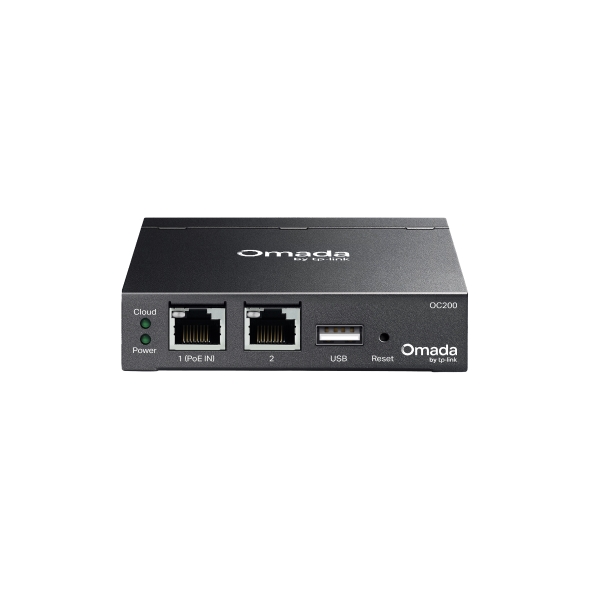
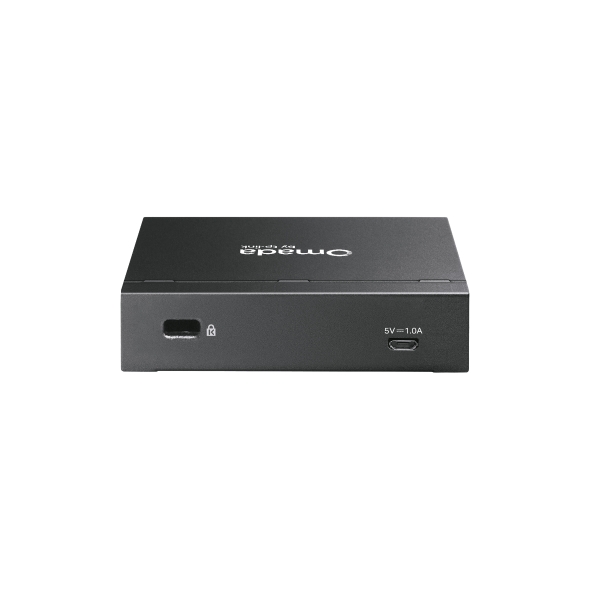
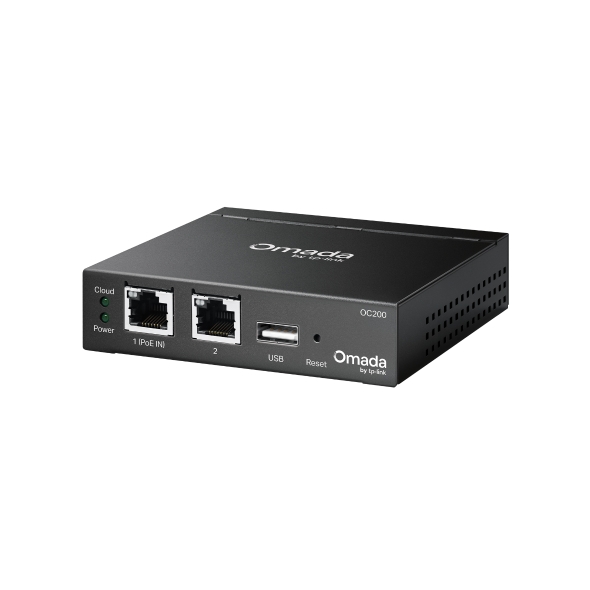
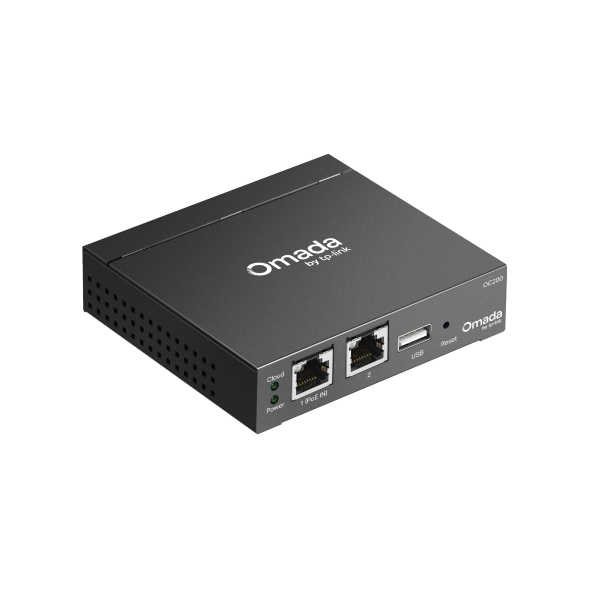
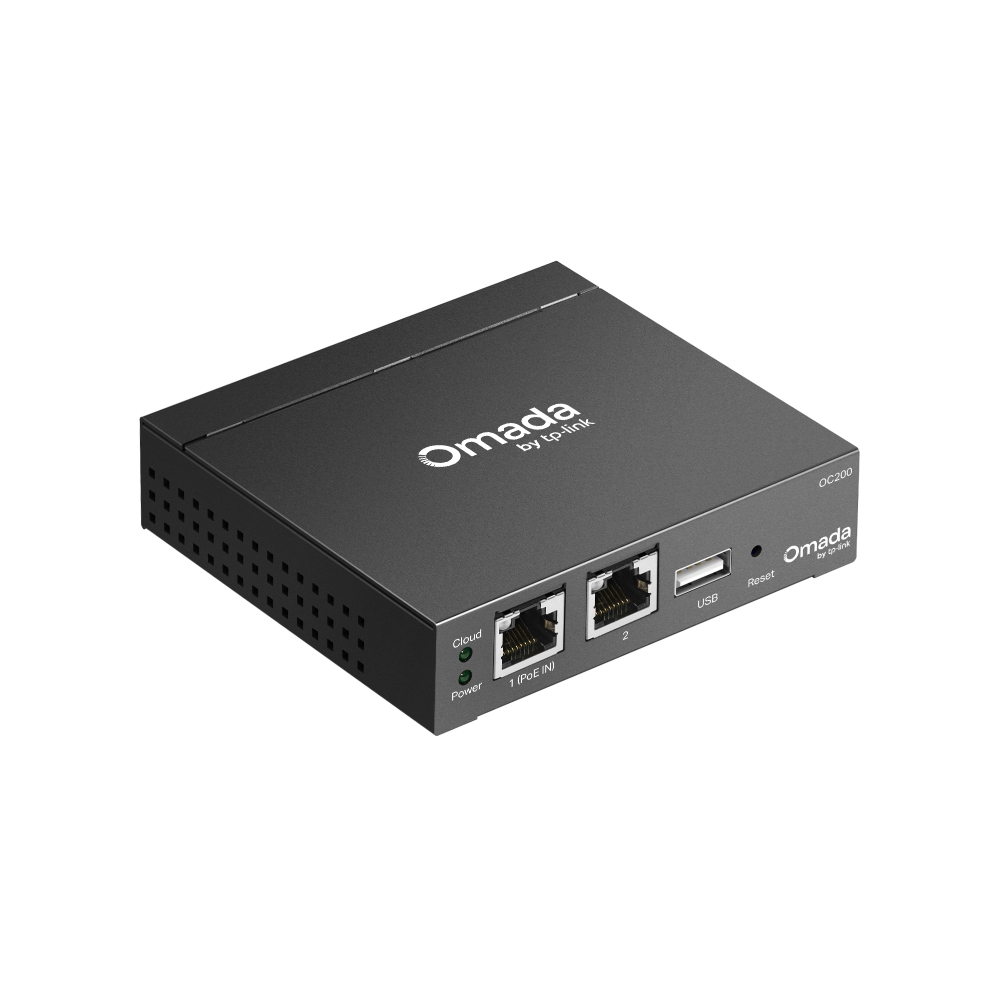
Omada Hardware Controller
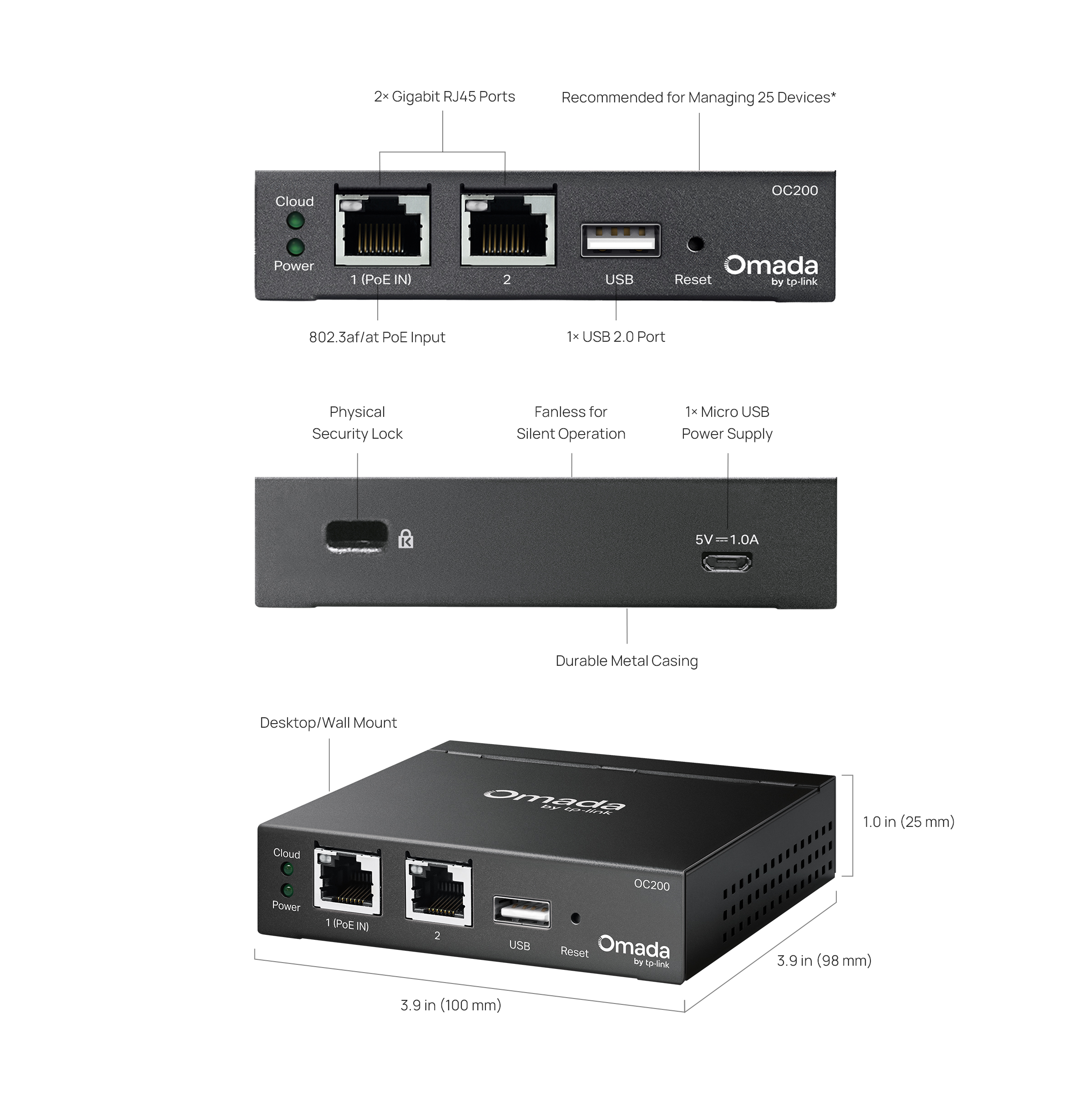
- Centralised Management: Recommended for managing 25 devices.*
- Free Cloud Access: Manage and monitor with the Omada app or Web UI from anywhere, anytime.
- On-Premises Management: Locally monitor and manage devices with the ultimate security and stability.
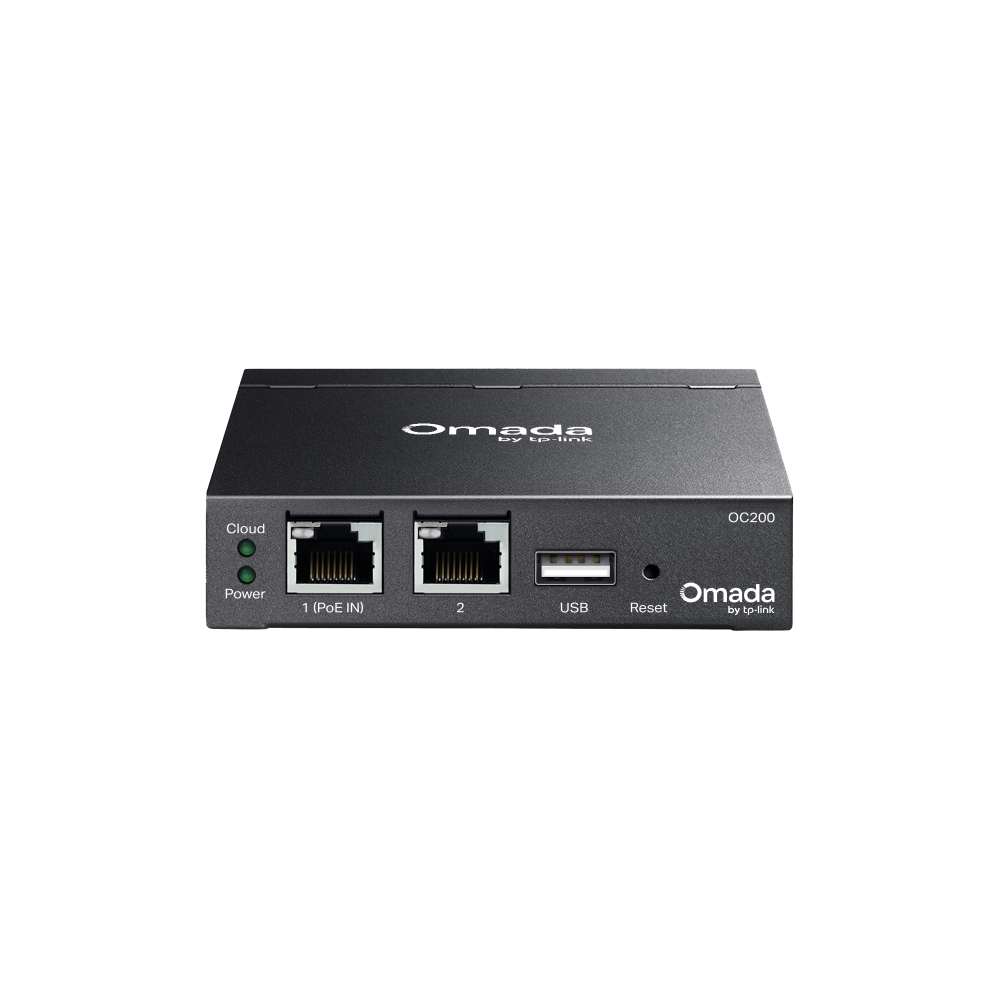
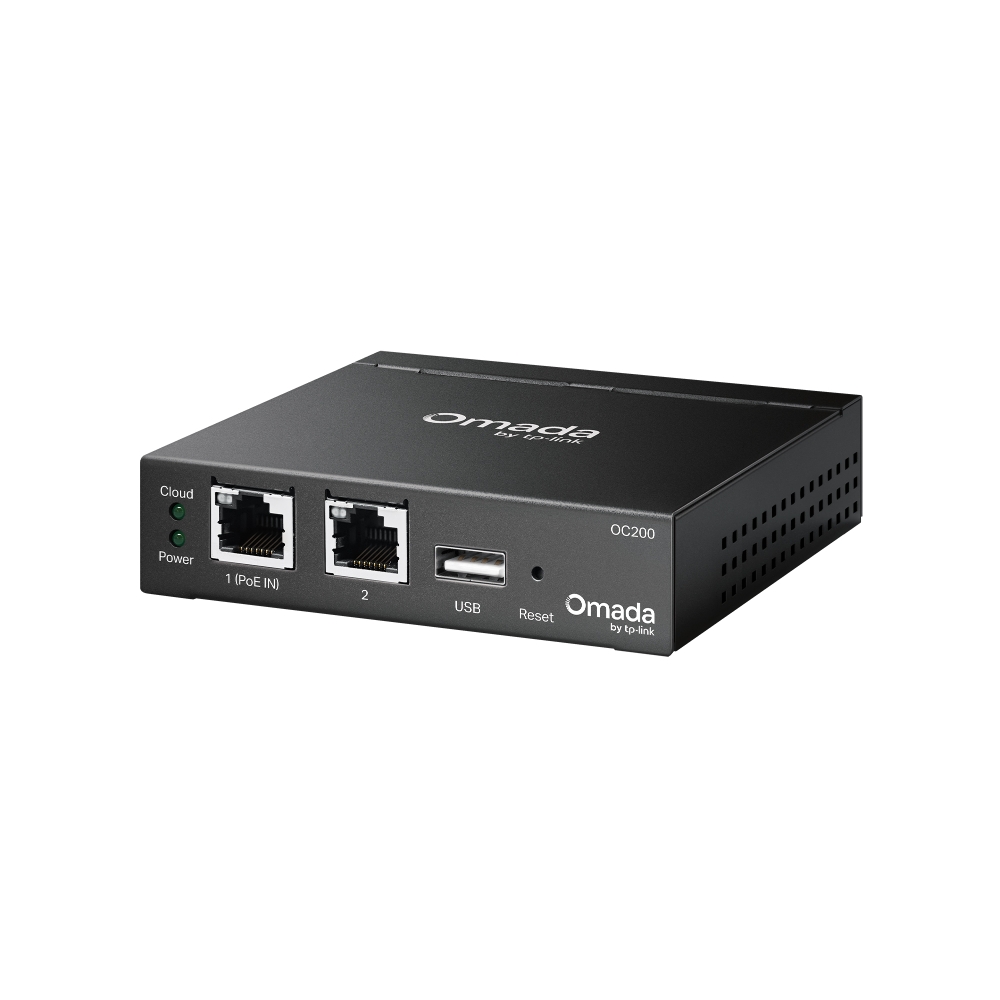
- Industry-Leading Hardware Design: A powerful chipset, durable metal casing, USB 2.0 port for auto backup, and two gigabit ports.
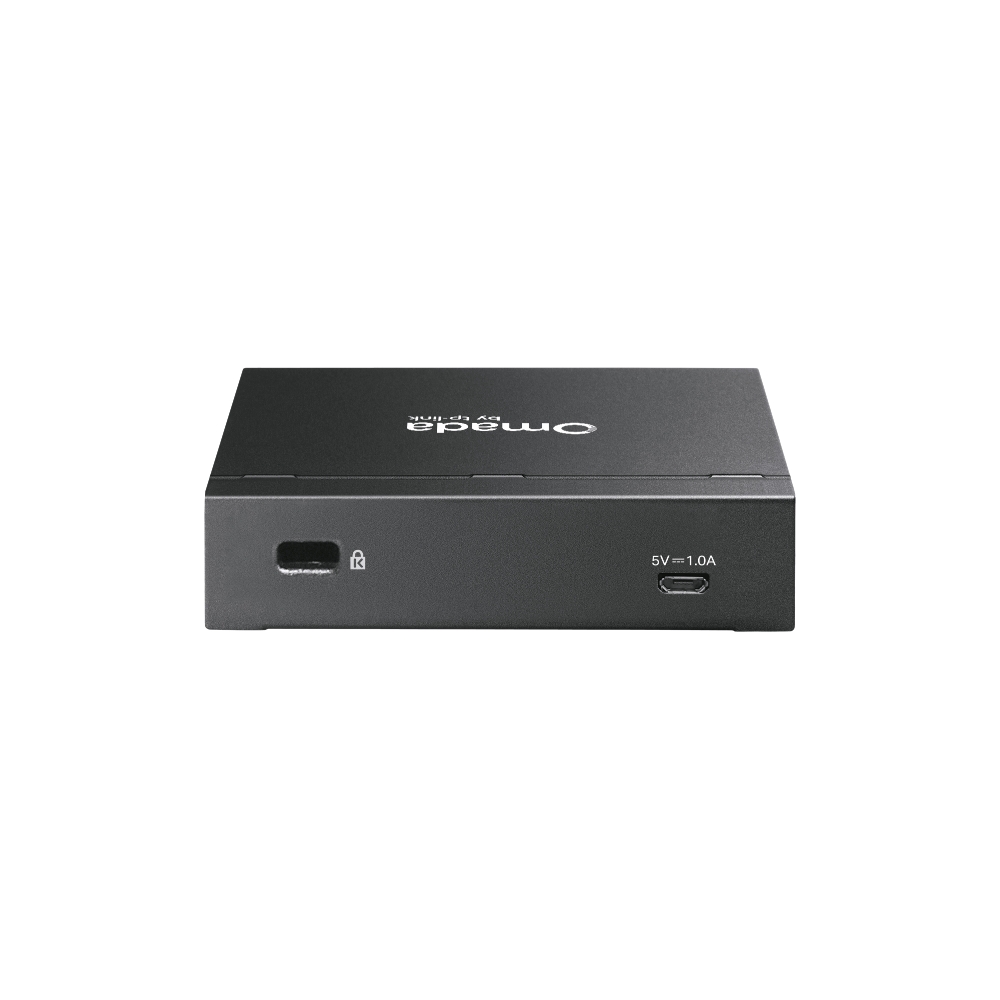
- Flexible Power Supply: 802.3af/at PoE or Micro USB (DC 5V/Minimum 1A) for flexible installation.
- Easy and Intelligent Network Monitoring: The easy-to-use dashboard makes it simple to see the real-time network status and traffic distribution.
- Real-Time Network Topology: Helps IT admins quickly see and troubleshoot connections at a glance.
- Easier Network Maintenance: Wi-Fi heatmap simulator, visualisable network report, and batch & multi-site management benefit network maintenance.
-
Recommended for Managing 25 Devices*
-
No Need for a Running PC/Server
-
Optional Cloud with No License Fees
-
Manage via Omada App
-
Flexible 802.3af/at PoE or Micro USB Power Supply
-
Durable Metal Casing
-
Fanless for Silent Operation
-
USB 2.0 Port
for Auto-Backup


Hybrid Cloud Management for Maximum Convenience
Centrally manage a recommended 25 Omada devices via the Omada app or Web UI for
a consistently stable and responsive experience.*
VPN Gateway
PoE Switch
Access Points
Hardware Controller
OC200
Industry-Leading Hardware Design
Equipped with an advanced design and the latest chipset, the Omada OC200 delivers more than enough processing
power to support massive network management—while its enterprise-grade reliability ensures uninterrupted, 24/7
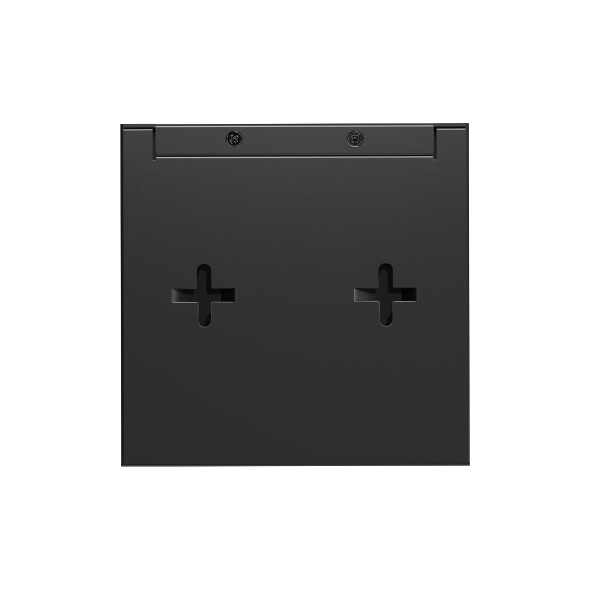
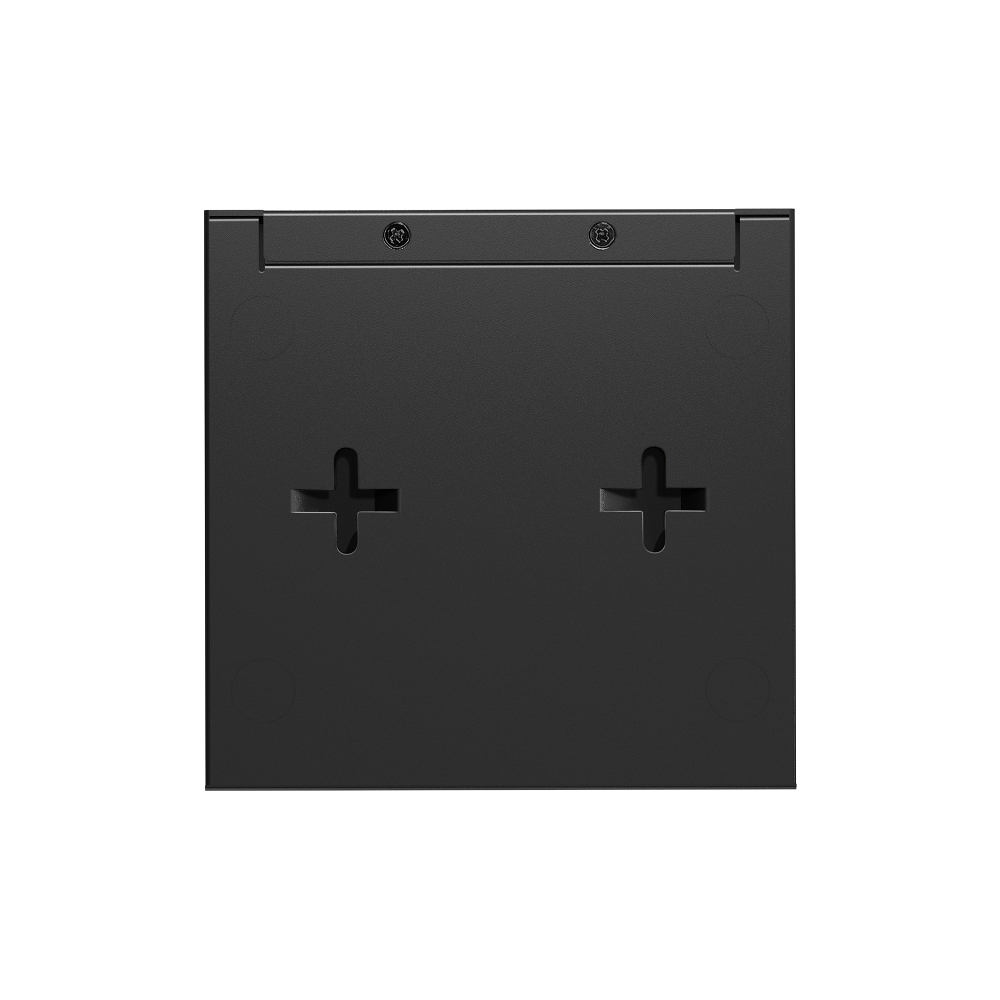
operation under heavy loads. Rackmount/desktop design benefits easier and flexible installation.
2× Gigabit
RJ45 Ports
1× USB 2.0 Port
Auto-Backup
PoE or Micro USB
Powered
Fanless Design
for Silent Operation
Greater Convenience
with the Omada App
Remotely access and configure your whole network with a tap of your phone from anywhere in the world.








| HARDWARE FEATURES | |
|---|---|
| Interface | • 2× 10/100/1000 Mbps Ethernet Port• 1× USB 2.0 Port• 1× Micro USB Port (only for power supply) |
| Power Supply | 802.3af/at PoE or Micro USB(DC 5 V/Minimum 1 A) |
| Dimensions ( W x D x H ) | 3.9 × 3.9 × 1.0 in (100 × 98 × 25 mm) |
| Management Features | |
|---|---|
| Omada App | Yes |
| Centralized Management | Recommended for managing 25 Omada devices*Please refer to www.tp-link.com/en/business-networking/all-omada/ to find all the Omada device models supported by OC200 |
| Cloud Access | Yes |
| L3 Management | Yes |
| Multi-site Management | Yes |
| Management Features | • Automatic Device Discovery • Batch Configuration• Batch Firmware Upgrading • Intelligent Network Monitoring• Abnormal Event Warnings• Unified Configuration• Reboot Schedule• Captive Portal Configuration |
| OTHERS | |
|---|---|
| Certification | CE, FCC |
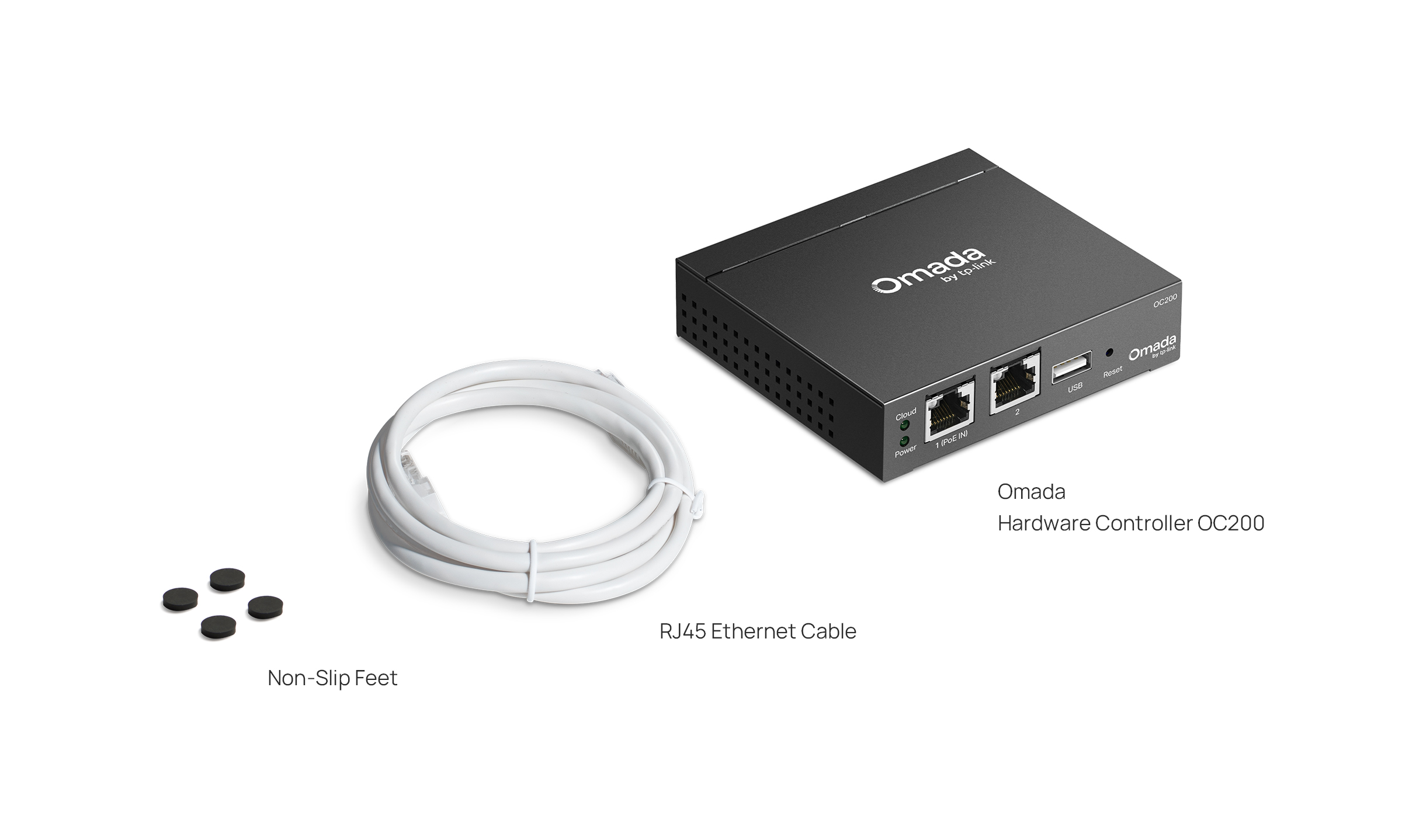
| Package Content | • Omada Hardware Controller OC200• Quick Installation Guide • Ethernet Cable |
| System Requirements | Microsoft® Windows®10, 8, 7,Vista™, XP or MAC® OS, NetWare®, UNIX® or Linux |
| Environment | • Operating Temperature: -5–50℃ (23–122℉)• Storage Temperature: -40–70℃ (-40–158℉)• Operating Humidity: 10–90% RH non-condensing• Storage Humidity: 5–90% RH non-condensing |
*The stated management capacity is based on laboratory testing. Actual management capacity and performance may vary depending on deployment and network conditions. Learn more about recommended and maximum device limits here.
ErP Information:
1) Power consumption in networked standby: 3.3 W
2) Power consumption in networked standby when all wired network ports are connected and all wireless network ports are activated: 3.8 W
3) The default period of time after which the power management function switches the equipment automatically into a condition providing networked standby: 20 minutes
4) Recommended power supply: A209-050200U-EU1