


Outdoor Access Points
for Business Networks
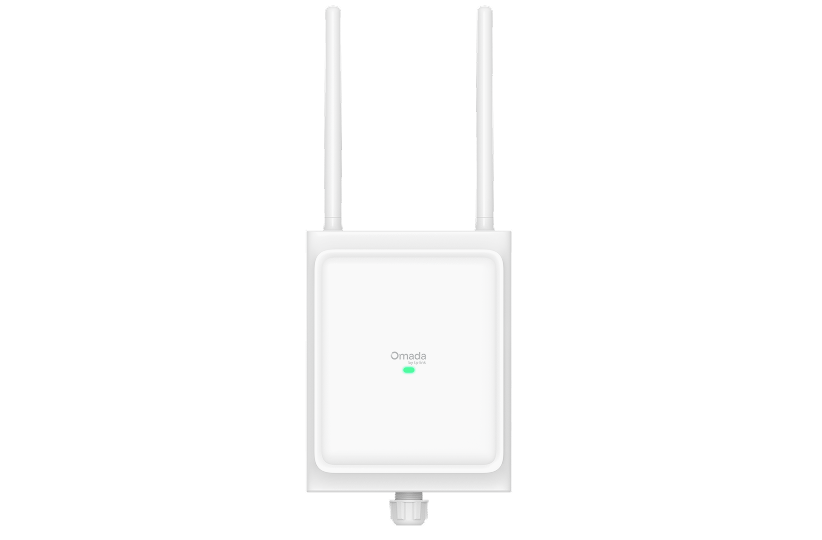
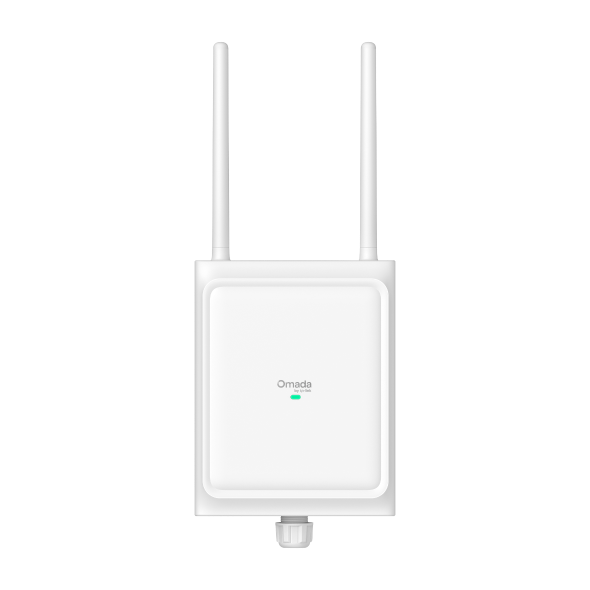
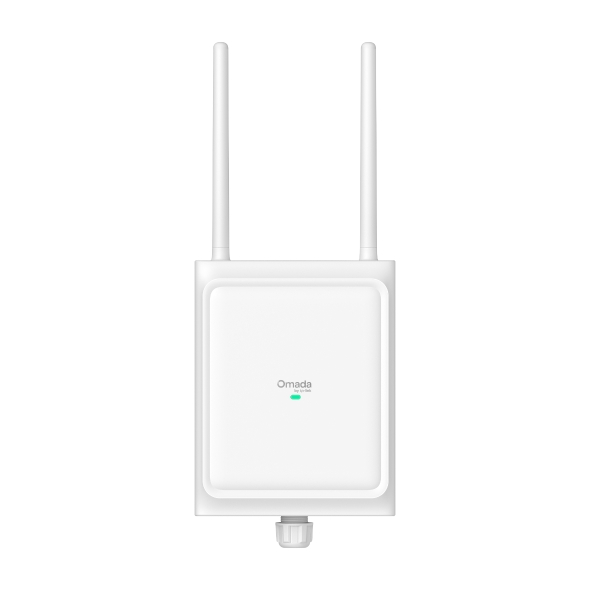
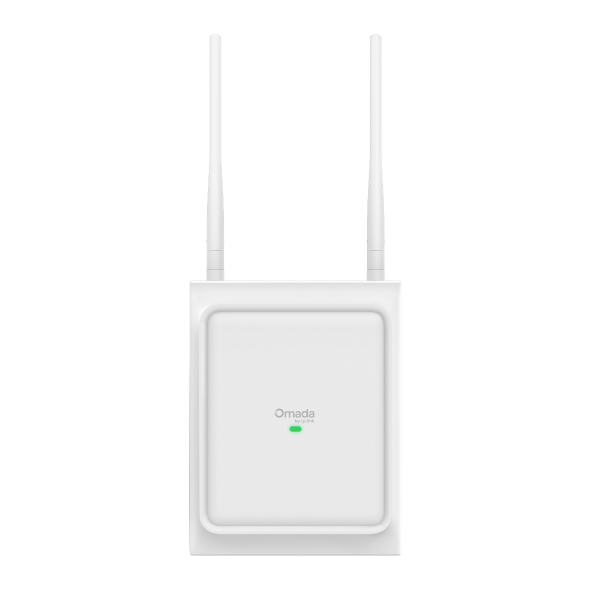
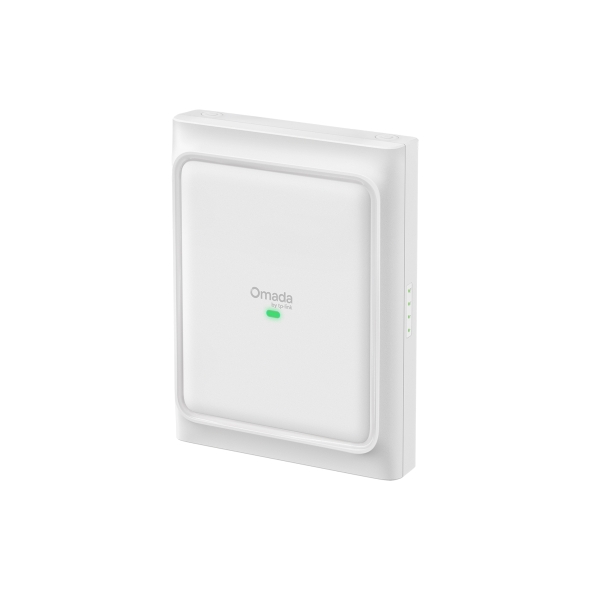
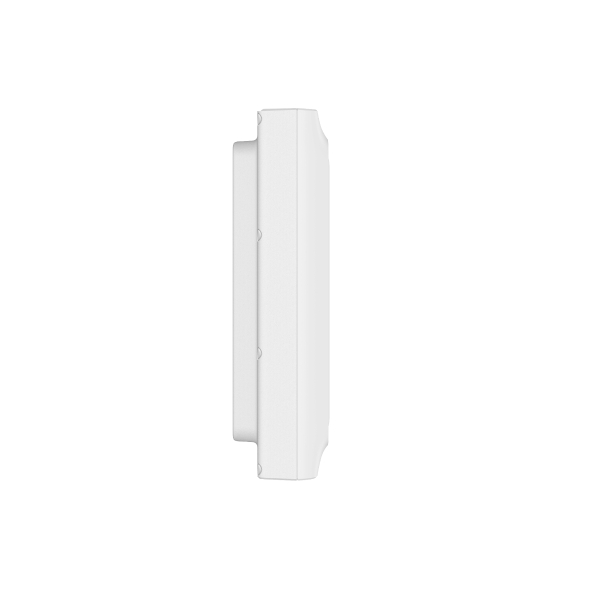
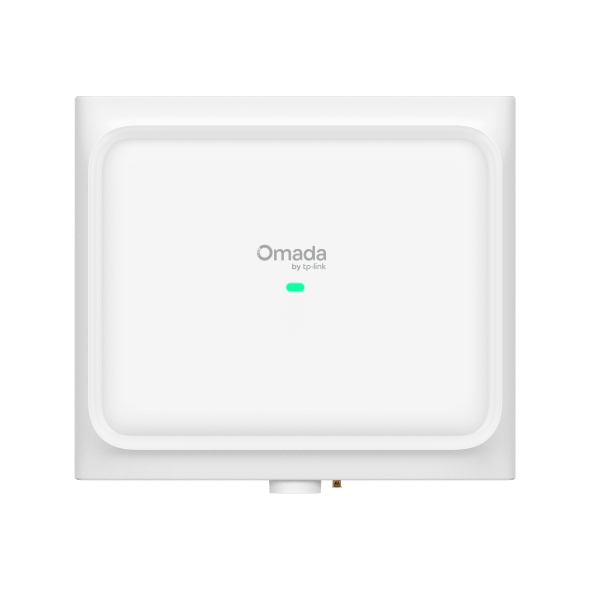
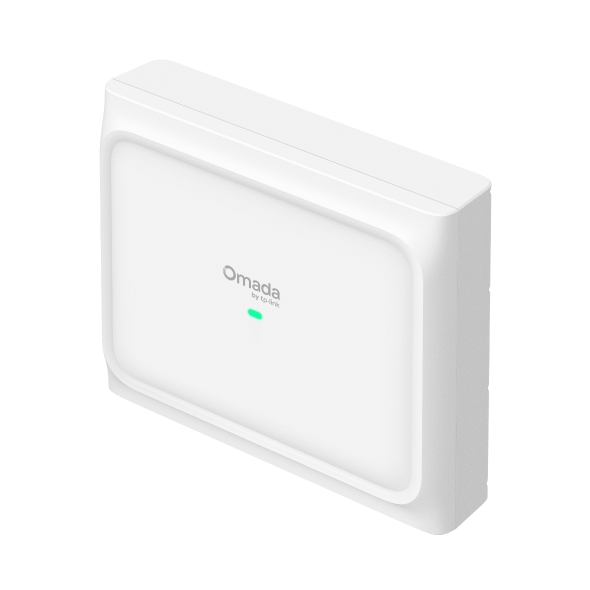
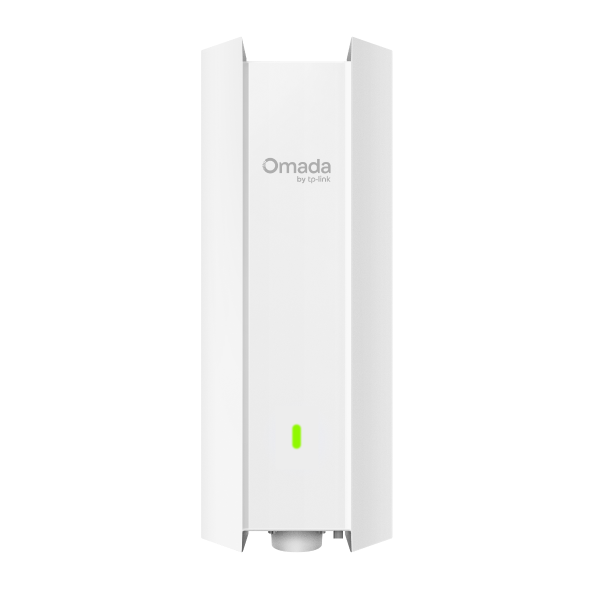
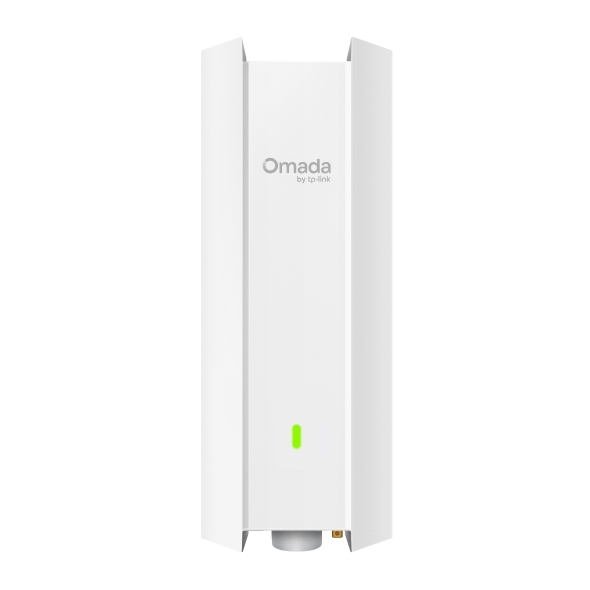
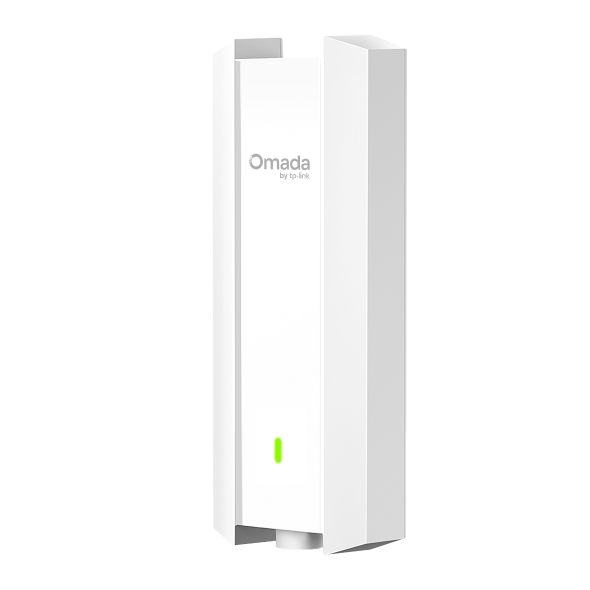
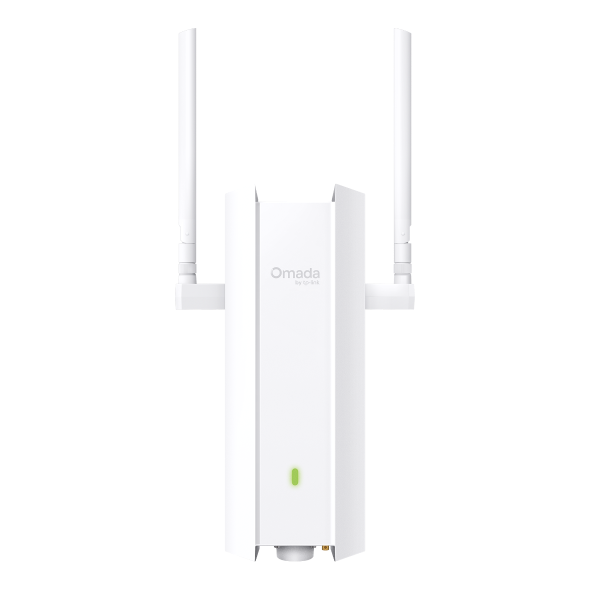
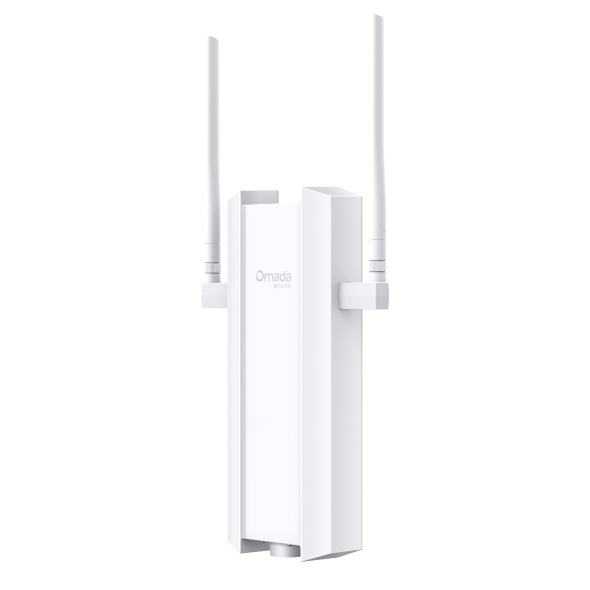
Omada outdoor access points extend business-grade wireless connectivity to parking areas, courtyards, building exteriors, campuses, and large outdoor venues. Built for year-round deployment in demanding environments, Omada outdoor APs range from Wi-Fi 6 models for cost-effective coverage to Wi-Fi 7 tri-band units for high-density outdoor environments, all managed centrally alongside your indoor network.










1.0_02_normal_1511141673569o.jpg)
1.0_03_normal_1511225748511w.jpg)

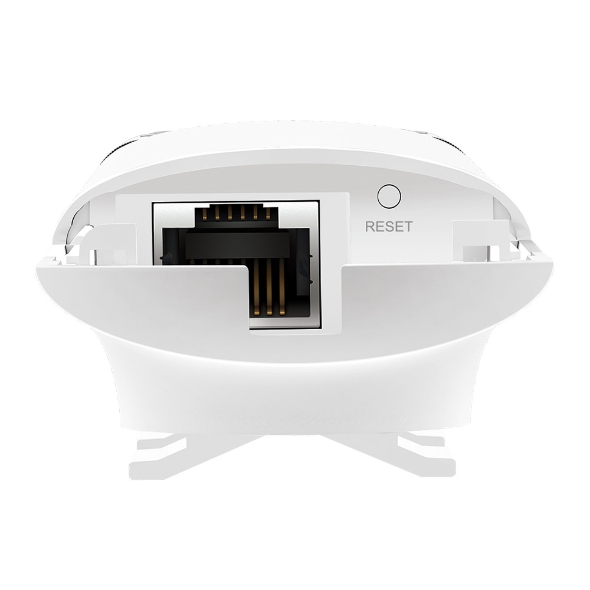
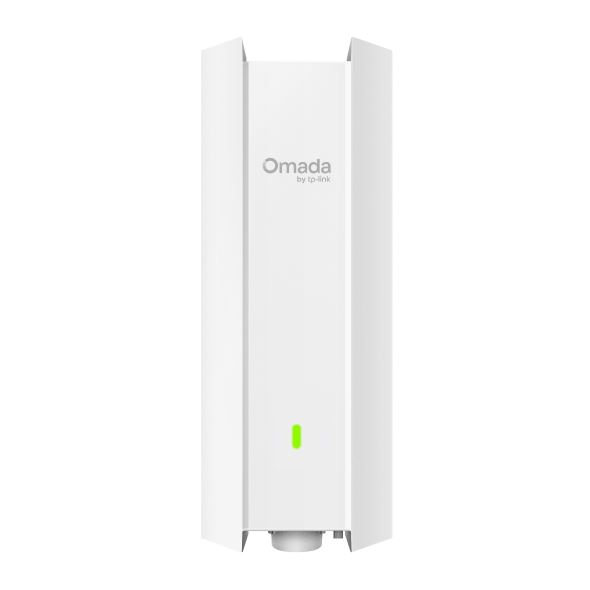
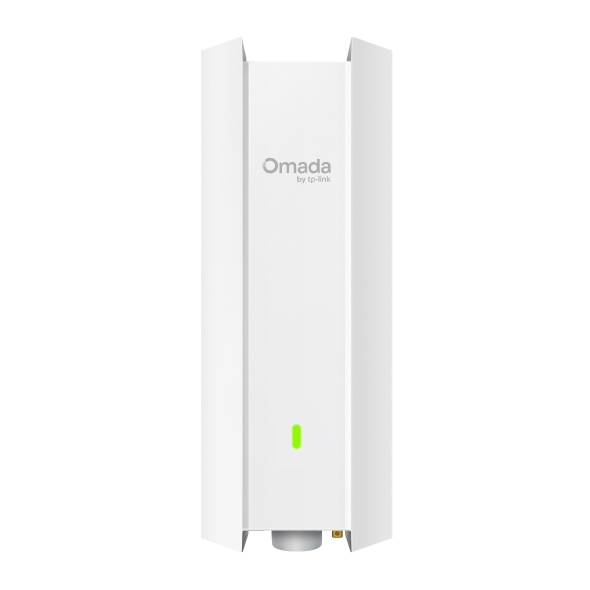
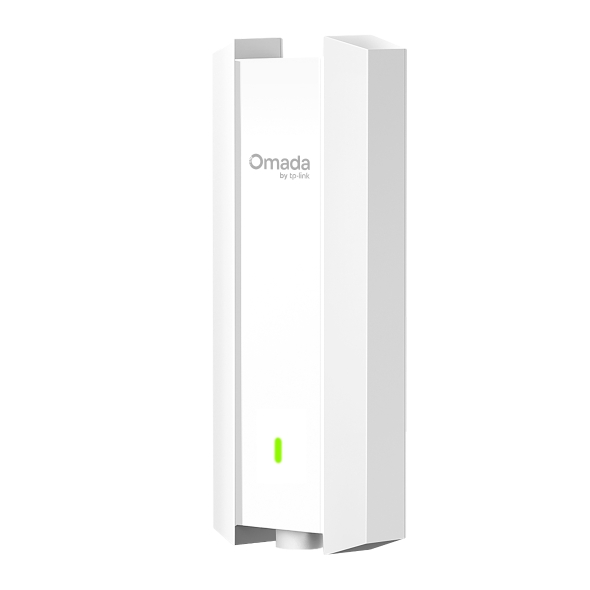
Business Benefits

Weather-Ready Durability
Outdoor enclosures are built for year-round deployment in exposed environments, withstanding rain, dust, humidity, and temperature extremes that would compromise standard indoor access points.

Wi-Fi 5, Wi-Fi 6, and Wi-Fi 7 Performance
Outdoor APs support the latest wireless standards, delivering strong throughput for outdoor areas with multiple connected devices, from employee handhelds to guest devices and IoT sensors.

Flexible Coverage Patterns
Choose between omnidirectional models for broad area coverage and directional antenna models for focused, long-range links, covering parking lots, outdoor seating, building-to-building connections, and wide open spaces.

Versatile Mounting Options
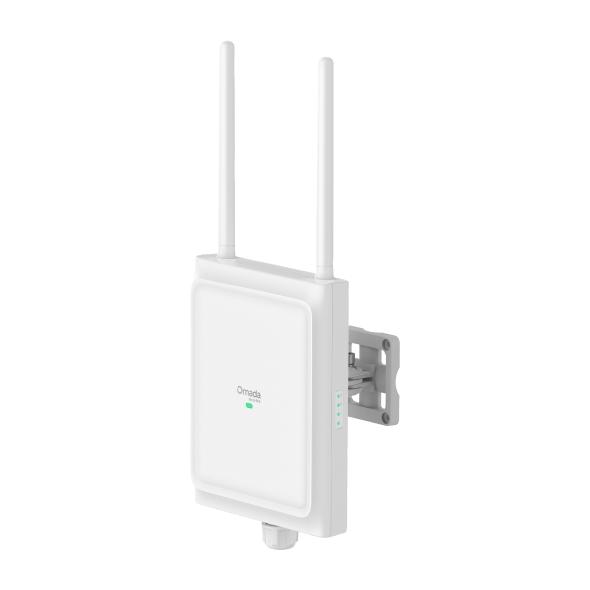
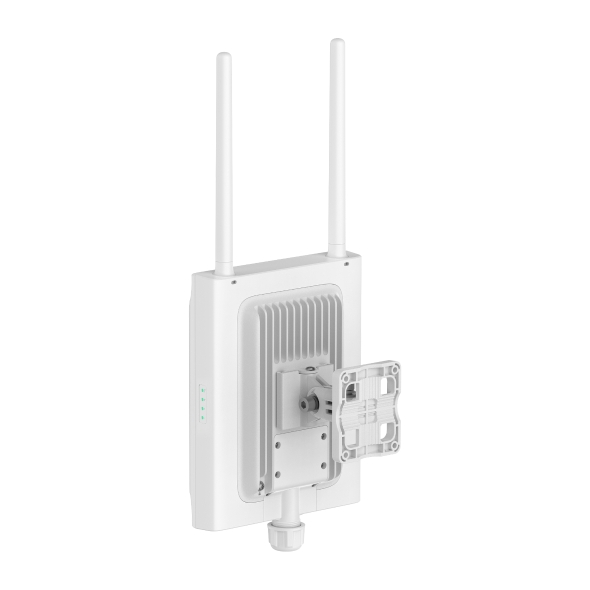
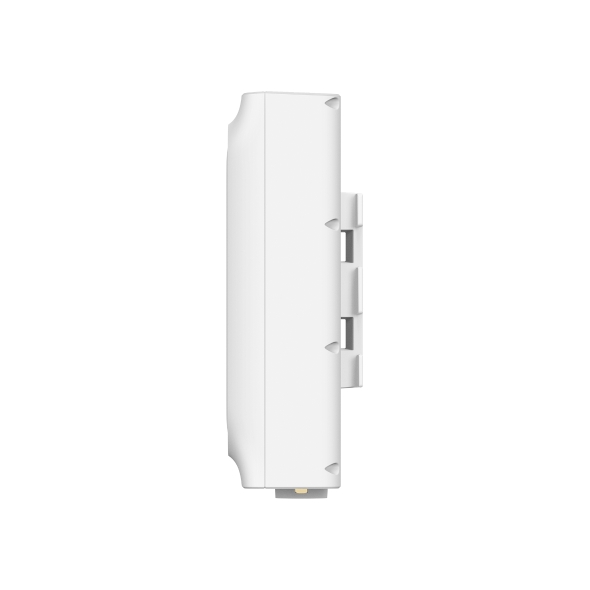
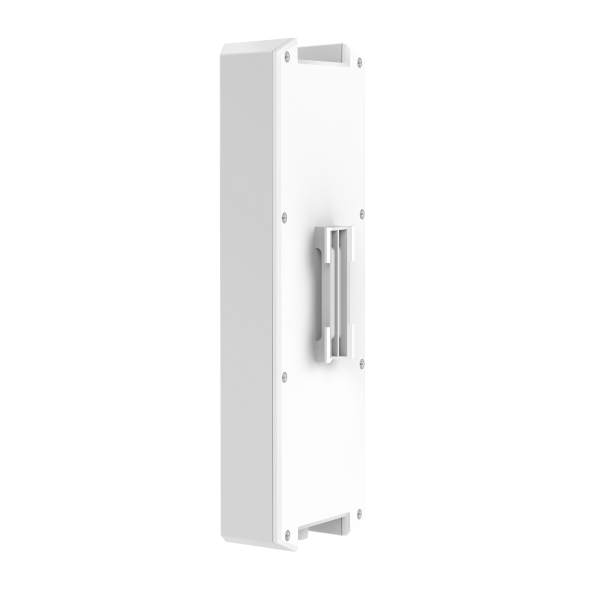
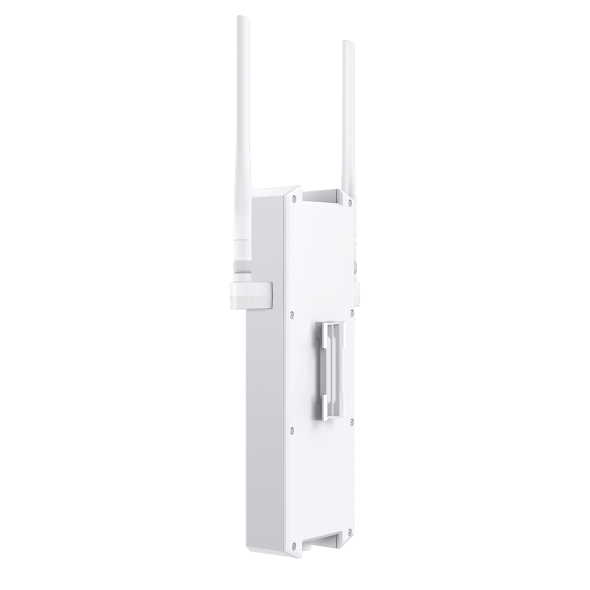
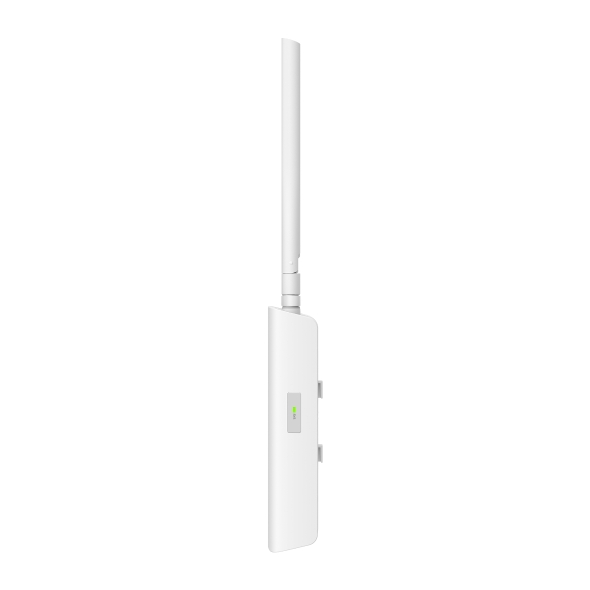
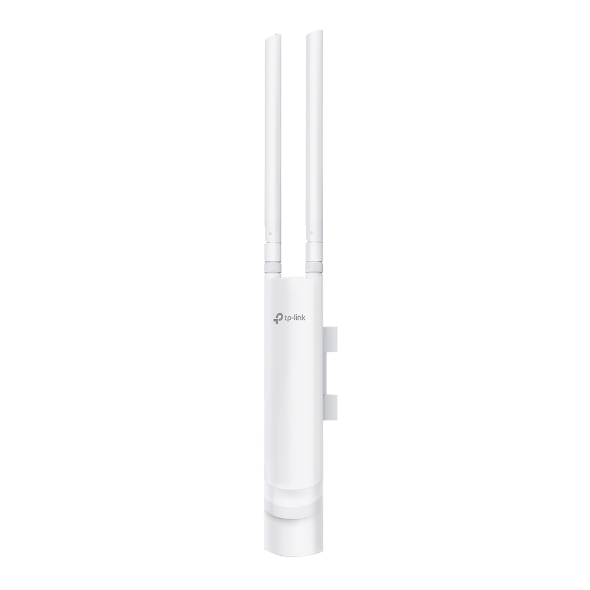
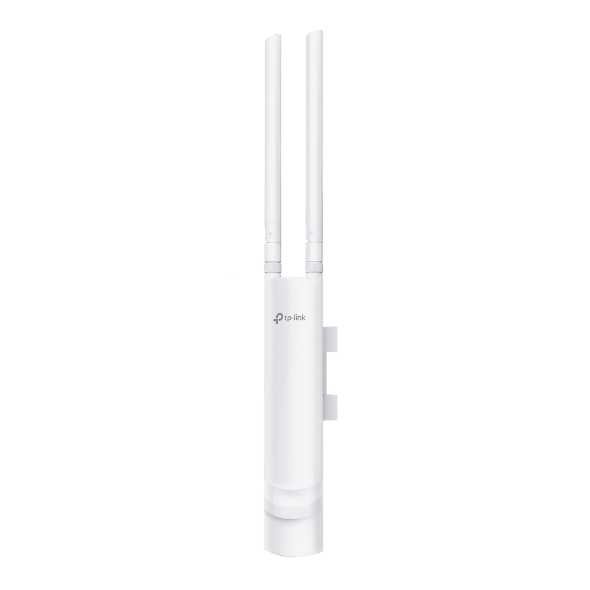
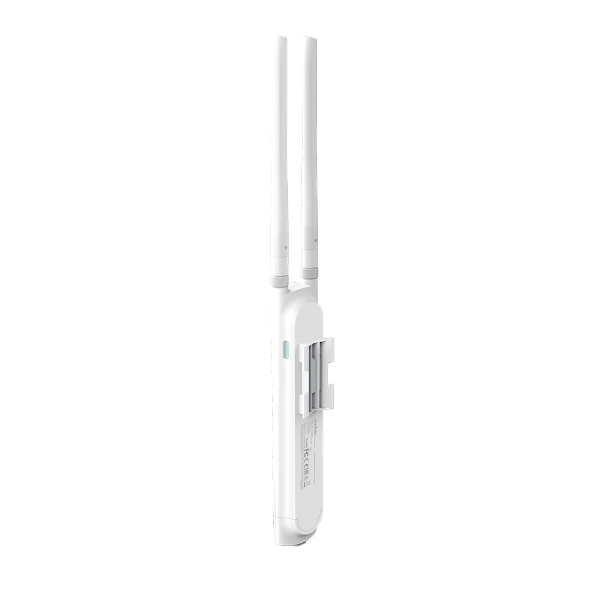
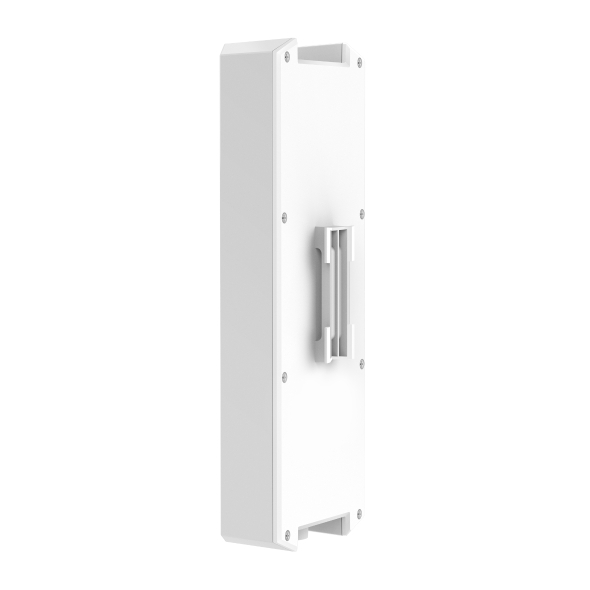
Omada outdoor APs support flexible deployment with pole and wall mounting options, including hose clamps and mounting brackets, making it easier to install access points securely across a variety of outdoor environments.

PoE-Powered Installation
All Omada outdoor APs are powered over Ethernet, eliminating the need for local power outlets and simplifying installation on poles, walls, and building exteriors. See PoE solutions for compatible switch options.

Centralized Management
Outdoor APs integrate into the same Omada Controller used for your indoor network, giving administrators unified visibility and control across all Wi-Fi access points from a single interface, whether managing one site or multiple locations.

Complete Ecosystem Integration
Outdoor APs work alongside Omada switches, gateways, and indoor access points as part of a unified Omada by TP-Link network, with consistent policy enforcement, VLAN segmentation, and zero-touch provisioning across your entire deployment.
Solving Connectivity Challenges
Omada outdoor access points provide reliable wireless connectivity beyond the building perimeter.

Pool areas, outdoor dining, courtyards, and recreational spaces require reliable guest Wi-Fi without dead zones. Outdoor APs with omnidirectional antennas extend coverage across common areas while captive portal support manages guest access.

Shopping centers, outdoor markets, and parking areas use outdoor APs to support employee mobile devices, customer Wi-Fi, and digital signage across large exterior footprints.

Schools and universities deploy outdoor APs across courtyards, athletic facilities, and walkways to extend network access for students and staff moving between buildings.

Facilities with outdoor staging areas, loading docks, and yard operations use weatherproof APs to keep handheld scanners, forklifts, and mobile workstations connected without Wi-Fi gaps.

Property managers use outdoor APs to provide shared Wi-Fi across common areas, parking structures, and outdoor amenity spaces, with VLAN segmentation separating tenant and guest traffic.

Job sites and temporary operations use outdoor APs to provide reliable connectivity for project management tools, security cameras, and communication systems in environments where infrastructure is minimal.
FAQs
What is an outdoor Wi-Fi access point? 
An outdoor Wi-Fi access point is a network device designed to provide wireless connectivity in open-air or exposed environments. Unlike indoor models, outdoor access points use weatherproof enclosures with IP-rated ingress protection to withstand rain, dust, humidity, and temperature extremes. They are mounted on walls, poles, or building exteriors to extend Wi-Fi coverage to parking areas, courtyards, campuses, and other outdoor spaces.
How are outdoor access points different from indoor access points?
Outdoor access points are built with ruggedized, weather-rated enclosures that protect internal components from moisture, dust, and temperature extremes. They often include directional or high-gain antenna options for longer-range coverage and are engineered for operating temperatures that exceed indoor AP specifications. Indoor access points are designed for climate-controlled environments and lack the environmental protection required for exposed outdoor deployment.
Are Omada outdoor access points weatherproof and suitable for year-round deployment?
Yes. Omada outdoor access points are made for permanent outdoor installation. They support extended operating temperature ranges suitable for year-round use in both hot and cold climates. Specific IP ratings and temperature specifications vary by model, so be sure to reference individual product datasheets for verified environmental ratings before selecting a model for your deployment environment.
How far can an outdoor Wi-Fi access point provide wireless coverage?
Coverage range depends on the model, antenna configuration, and environment. Omada outdoor APs with omnidirectional antennas typically cover broad areas suitable for courtyards, patios, and parking lots, while directional antenna models are designed for focused, longer-range links between buildings or across large open spaces. Obstructions, interference, and client device capabilities all affect real-world range. For specific coverage performance, refer to the individual product datasheets for each model.
Can Omada outdoor access points be powered using PoE?
Yes. Omada outdoor access points are powered over Ethernet (PoE), receiving both data and power through a single network cable from a compatible PoE switch or PoE injector. This eliminates the need for a separate power outlet at the installation point, simplifying mounting on poles, walls, and exterior surfaces. Confirm your switch's PoE budget against the access point's power requirements before deployment.