


Unmanaged Switches
for Business Networks
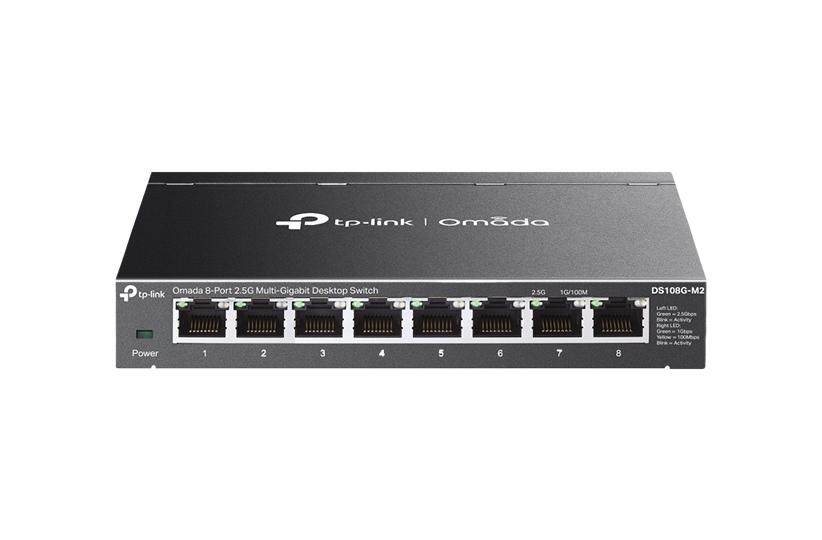
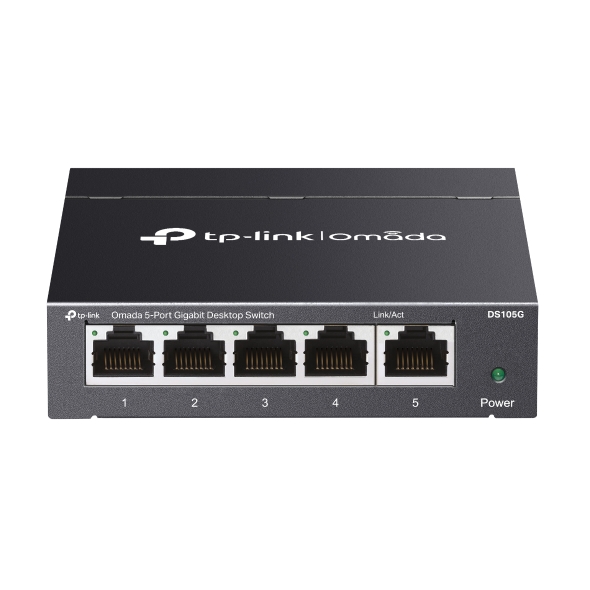
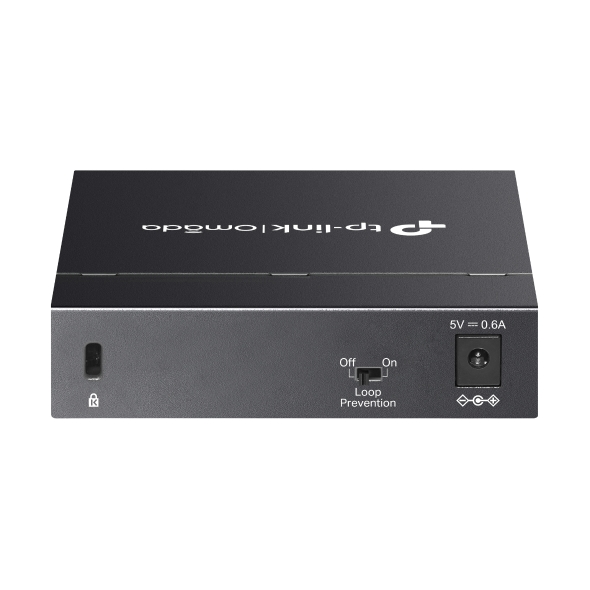
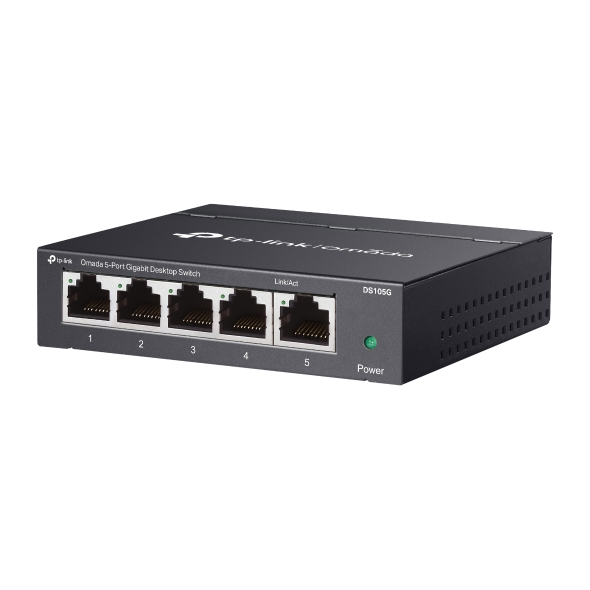
Omada unmanaged switches deliver instant network connectivity without configuration or management overhead. Available in desktop and rackmount formats with Gigabit, 2.5G, and 10G options, these switches provide simple connections for small offices, surveillance systems, and workgroups where ease is what’s most important. Select models include PoE support to power access points, IP cameras, and VoIP phones through network cables.

 |
 |
 |
 |
 |
 |
 |
 |
 |
 |
 |
|
|---|---|---|---|---|---|---|---|---|---|---|---|
|
|
|||||||||||

Total Port Count |
24 |
18 |
16 |
10 |
8 |
8 |
6 |
5 |
5 |
11 |
6 |

Downlink Port |
(24) GbE Ports |
(16) GbE PoE+ Ports |
(16) GbE Ports |
(8) GbE PoE+ Ports |
(8) GbE PoE+ Ports |
(8) GbE Ports |
(1) GbE PoE++ Ports |
(4) GbE PoE+ Ports |
(5) GbE Ports |
(8) 10/100Mbps PoE+ Ports |
(4) 10/100Mbps PoE+ Ports |

Uplink Port |
- |
(2) 1G RJ45/SFP Combo Ports |
- |
(1) 1G RJ45/SFP Combo Port |
- |
- |
(2) GbE Ports |
(1) GbE Port |
- |
(2) GbE Ports |
(2) 10/100Mbps Ports |

PoE Budget |
- |
250W |
- |
123W |
65W |
- |
64W |
65W |
- |
65W |
67W |

Fan |
Fanless |
√ |
Fanless |
Fanless |
Fanless |
Fanless |
Fanless |
Fanless |
Fanless |
Fanless |
Fanless |

Power Method |
AC Power |
AC Power |
AC Power |
Adapter |
Adapter |
Adapter |
Adapter |
Adapter |
Adapter |
Adapter |
Adapter |

Mounting |
Rackmount |
Rackmount |
Rackmount |
Desktop, Wall Mount |
Desktop, Wall Mount |
Desktop, Wall Mount |
Desktop, Wall Mount |
Desktop, Wall Mount |
Desktop, Wall Mount |
Desktop, Wall Mount |
Desktop, Wall Mount |
1.0__normal_20231201055217f.png)
1.0__normal_20231201055228a.jpg)
1.0_normal_20231201055128q.png)
1.0_normal_20231201055142a.jpg)
1.0-1_normal_20250425025332x.png)
1.0_01_normal_20231124015330r.jpg)
1.0_02_normal_20231124015453u.jpg)
1.0_normal_20231124085346c.png)
1.0_01_normal_20231124013935e.jpg)
1.0_02_normal_20231124014032v.jpg)









Business Benefits

Connect and Run Immediately
Plug devices into any port and the network starts working. No login screens, no software installation, no configuration steps. This makes deployment faster and eliminates the learning curve for basic connectivity needs.

Power Devices Through Network Cables
PoE models deliver both data and power through a single cable to access points, security cameras, and phones, simplifying installation and removing the cost of running electrical wiring to each device location.

Fits Your Space
Desktop models fit on desks or mount to walls for small workgroups, while rackmount options provide higher port density for equipment closets. Fanless models keep noise levels minimal in office environments.

Multiple Speed Options
Choose Gigabit speeds for standard office connectivity, 2.5G for bandwidth-intensive applications, or 10G for direct connections between high-performance equipment.

Reliable Performance for Surveillance
Physical DIP switches on select models allow one-click configuration adjustments for surveillance deployments, optimizing performance for IP camera traffic without requiring computer-based setup tools.
Solving Connectivity Challenges
Small businesses choose unmanaged switches when they need basic connectivity without IT overhead.

Connect computers, printers, and phones in offices where basic network access is all that's needed. Desktop switches provide 5-8 ports for individual workspaces, while rackmount models support larger groups.
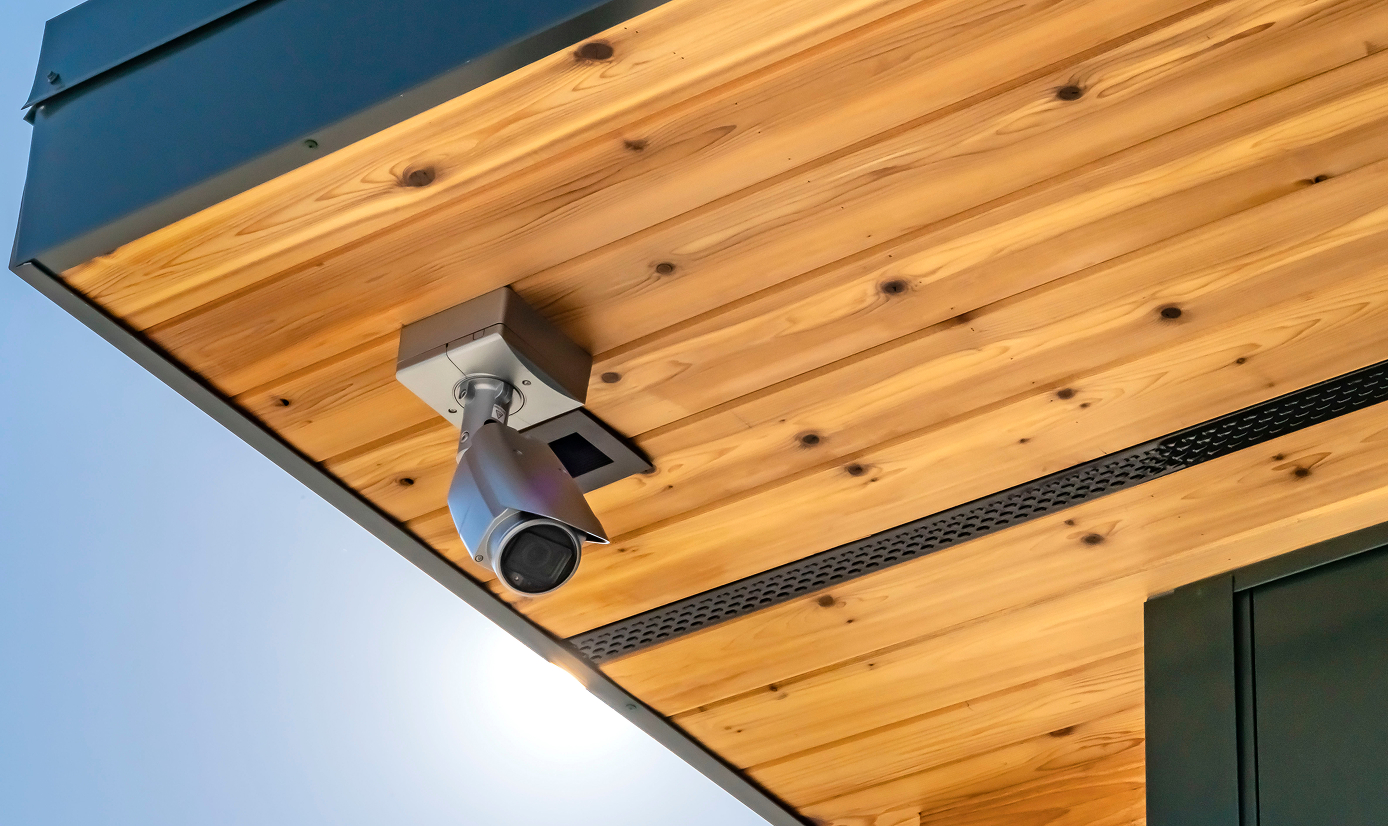
Surveillance installations benefit from PoE-enabled switches that power cameras and transmit video through single cables. Physical DIP toggles optimize settings for video traffic without computer-based configuration.

Retail kiosks, event spaces, and temporary offices deploy quickly with unmanaged switches that require no setup time or technical knowledge to operate.

Add ports to existing networks when you need more connections but don't require VLAN segmentation or advanced features that managed switches provide.

Organizations operating on limited budgets get reliable connectivity without paying for management features that aren’t required for their needs.
FAQs
What is an unmanaged network switch? 
An unmanaged network switch provides basic network connectivity through plug-and-play operation. Unlike managed switches, unmanaged models require no configuration, user interface, or login credentials. Devices connected to any port can communicate with devices on other ports automatically, making them suitable for small networks where advanced features like VLANs or traffic prioritization aren't required.
When should I choose an unmanaged switch instead of a managed switch?
Choose an unmanaged switch when you need basic connectivity without network segmentation, remote management, or traffic control features. They work well for small offices, surveillance systems, and workgroups where simplicity and immediate operation matter more than configuration flexibility. Consider managed switches when you need VLANs, bandwidth controls, or centralized management across multiple locations.
Do unmanaged switches support VLANs or network configuration?
Unmanaged switches do not support VLANs, QoS settings, port configuration, or other advanced networking features. All ports operate on a single network segment with identical settings. This simplicity makes them reliable for basic connectivity but limits their use in environments requiring traffic separation or prioritization between different device types or user groups.
Can unmanaged switches power devices like access points or IP cameras?
Select Omada unmanaged switch models include PoE support, delivering power through network cables to compatible devices. Check individual model specifications for total PoE budget and per-port power availability.
Are unmanaged switches suitable for business networks?
Unmanaged switches serve small business networks effectively when advanced features aren't required. They provide reliable connectivity for small offices, surveillance deployments, and workgroups needing simplified network access. Larger businesses typically combine unmanaged switches for basic connections with managed switches where traffic control and segmentation are necessary.
Do unmanaged switches require any setup or configuration?
Unmanaged switches operate immediately after connecting power and network cables. No software installation, web interface access, or configuration steps are necessary. Select models include physical DIP switches for basic adjustments like surveillance mode or port speed settings, but these toggles are optional and switches function without changing any settings from factory defaults.